

PDF page extractor
A PDF containing selected pages in your order. Parse 1-based page numbers and ranges, then copy the selected pages into a new PDF.
Open toolCombine multiple PDF files into a single `merged.pdf` in your browser—100% free, no sign-up, no watermark, and zero file uploads. Inspect each file's page count and size, reorder with `↑` / `↓` buttons or drag-and-drop, and download your combined PDF with original text and image quality preserved.
Enter the inputs, then select Merge PDFs.
Result will appear here
The file queue above maps directly to your final document—no hidden dialogs or server queues.
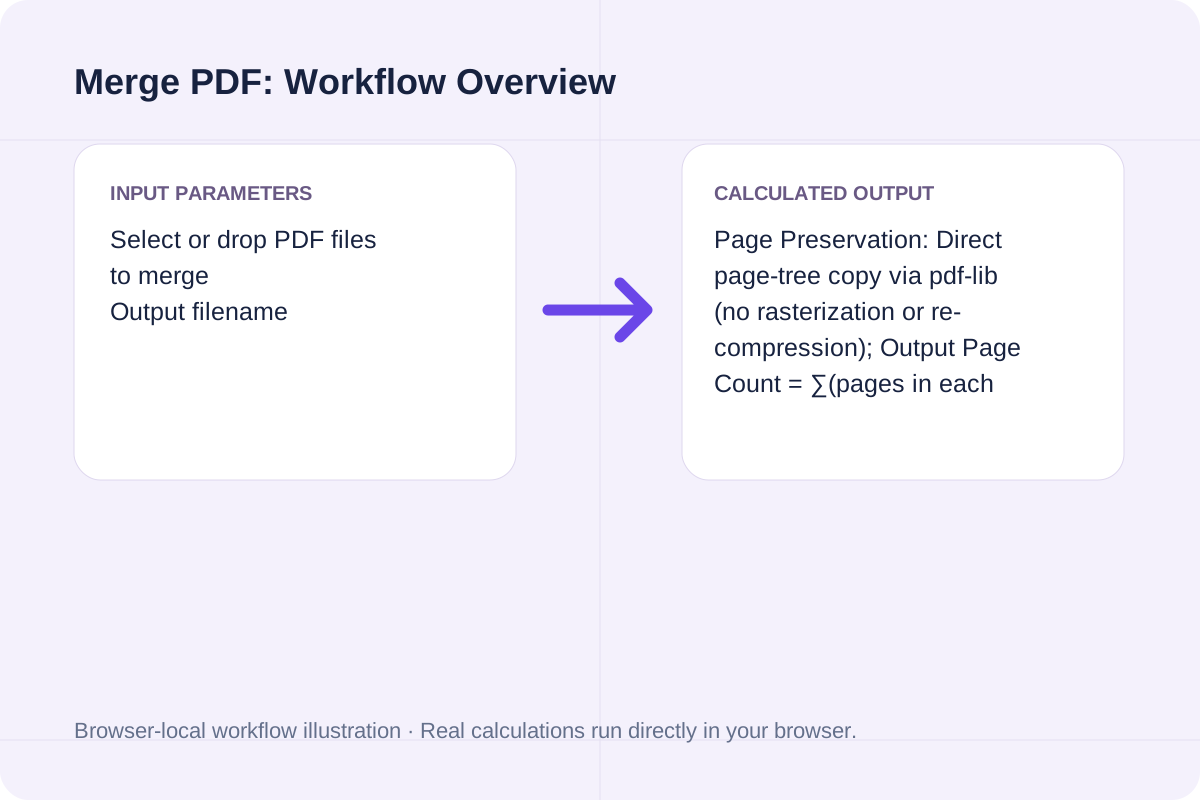
Page Preservation: Direct page-tree copy via pdf-lib (no rasterization or re-compression); Output Page Count = ∑(pages in each queued PDF); Output File Size ≈ ∑(input PDF byte sizes); Upload Traffic = 0 bytes (100% local browser memory execution).
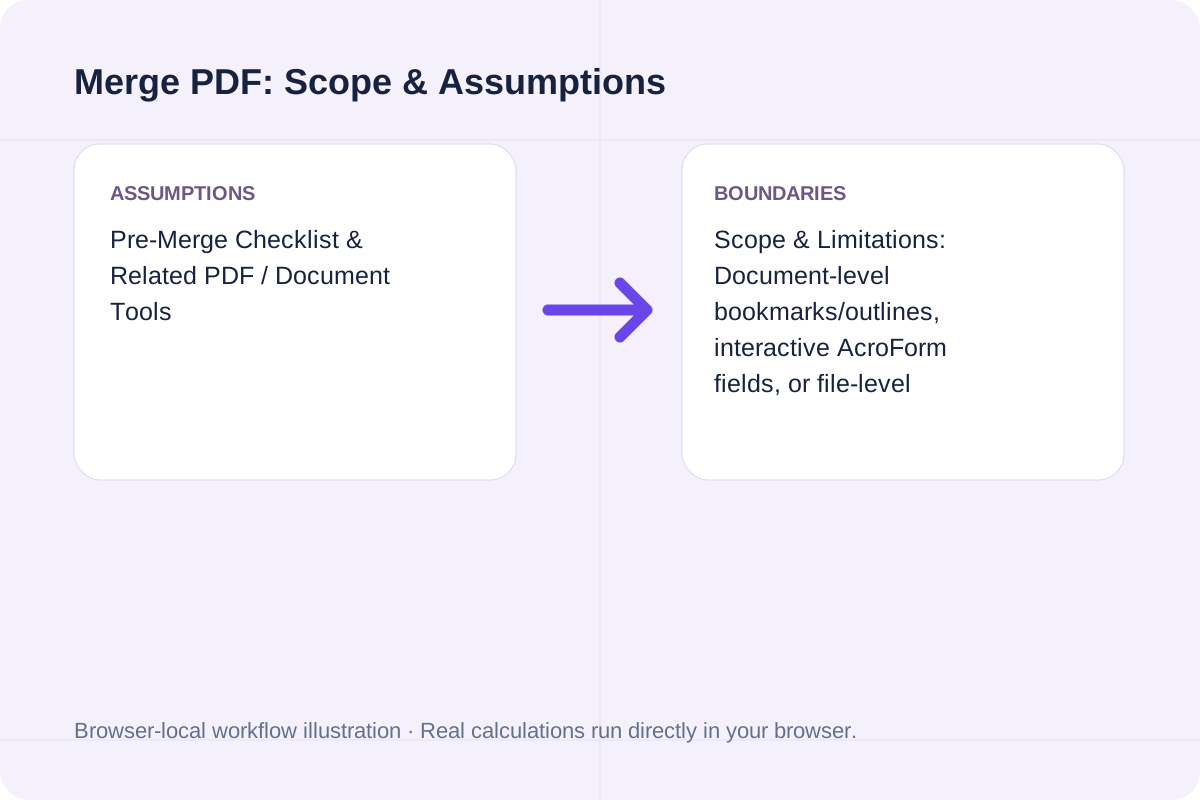
Scope & Limitations: Document-level bookmarks/outlines, interactive AcroForm fields, or file-level embedded attachments may not carry over across merged documents. Encrypted (password-protected) PDFs must be unlocked before merging. This tool only merges PDF files—it does not run OCR, crack passwords, or convert PDF to Word.
Exact technical behavior, privacy guarantees, and supported PDF inputs when combining files in your browser.
| Question / Dimension | How This Merge PDF Tool Works | How to Verify / Practical Boundary |
|---|---|---|
| Cost, Sign-Up & Watermarks | **100% Free**, no account required, zero watermarks added | Downloaded `merged.pdf` contains only your original pages |
| Privacy & Server Upload | **0 bytes uploaded** — processed locally in browser memory via on-demand `pdf-lib` | Open browser DevTools (`F12`) -> **Network** tab while merging to confirm no PDF upload |
| Page & Image Quality | **Lossless page copy** (not rasterized or re-rendered) | Vector text, embedded fonts, and images keep original resolution; output size ≈ sum of inputs |
| Reordering & Mobile Support | **Row `↑` / `↓` buttons**, single-file `✕` delete, and desktop drag-and-drop | Works in mobile Safari & Chrome with no app install; list order = final page order |
| File Count & Size Limit | **No server cap**; bounded only by device browser RAM | Large multi-hundred-MB batches run best on desktop; mobile tabs have tighter RAM limits |
| Encrypted & Scanned PDFs | **Scanned PDFs merge normally**; encrypted PDFs are flagged by filename | Unlock password-protected PDFs before merging; scanned text searchability depends on prior OCR |
| Out-of-Scope Features | Bookmarks/outlines & file attachments may not carry over; no OCR or PDF-to-Word | Use `/tools/pdfpageextractoronline` to split/extract or `/tools/pdfpageremoveronline` to delete pages |
Enter the values for your scenario, verify the units, and run the calculation.
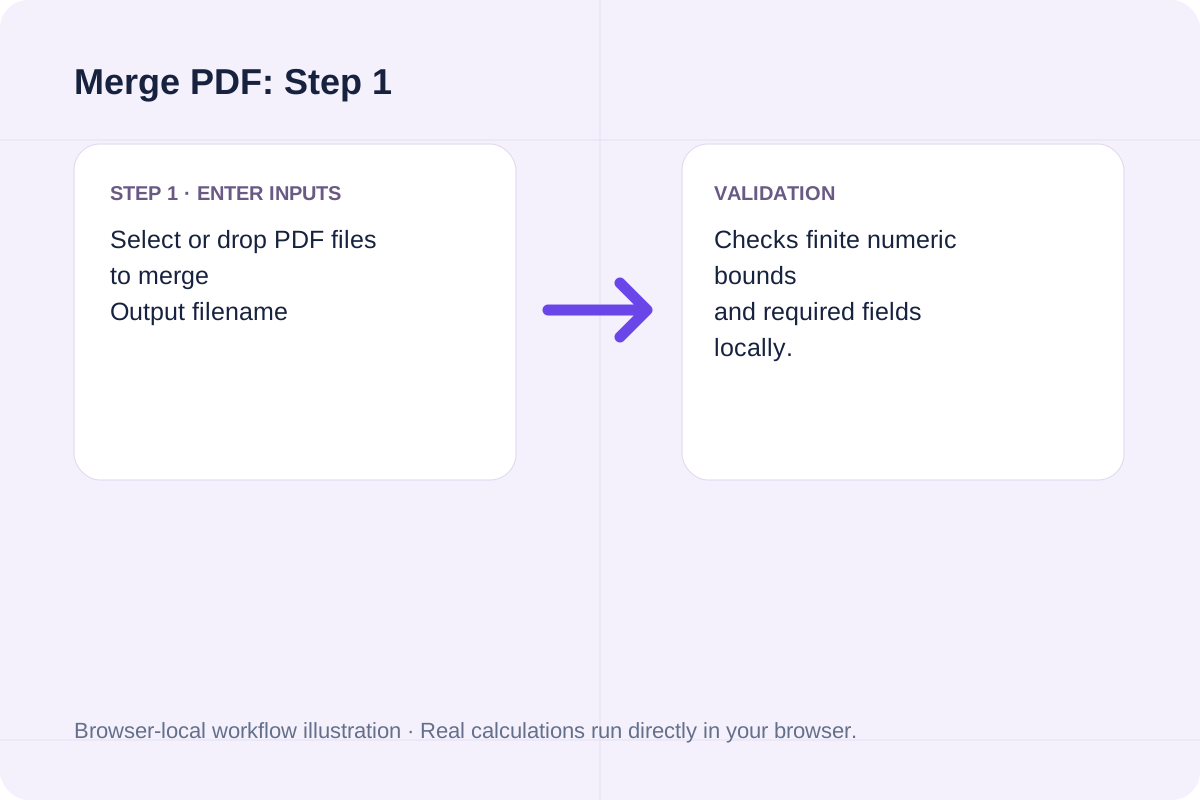
Match each value to the unit or format shown next to the input box before running the calculation.
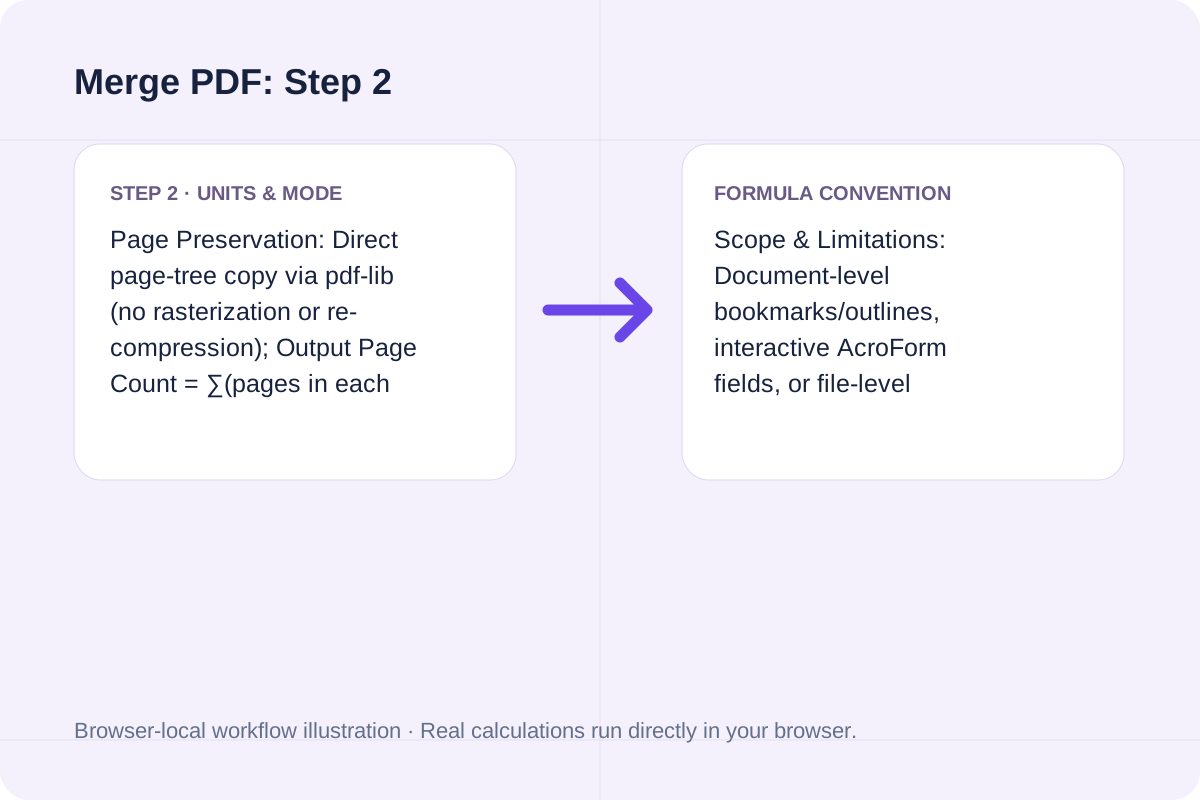
Select Merge PDFs, inspect the primary metric and breakdown cards, then use Copy result or Download result.txt.
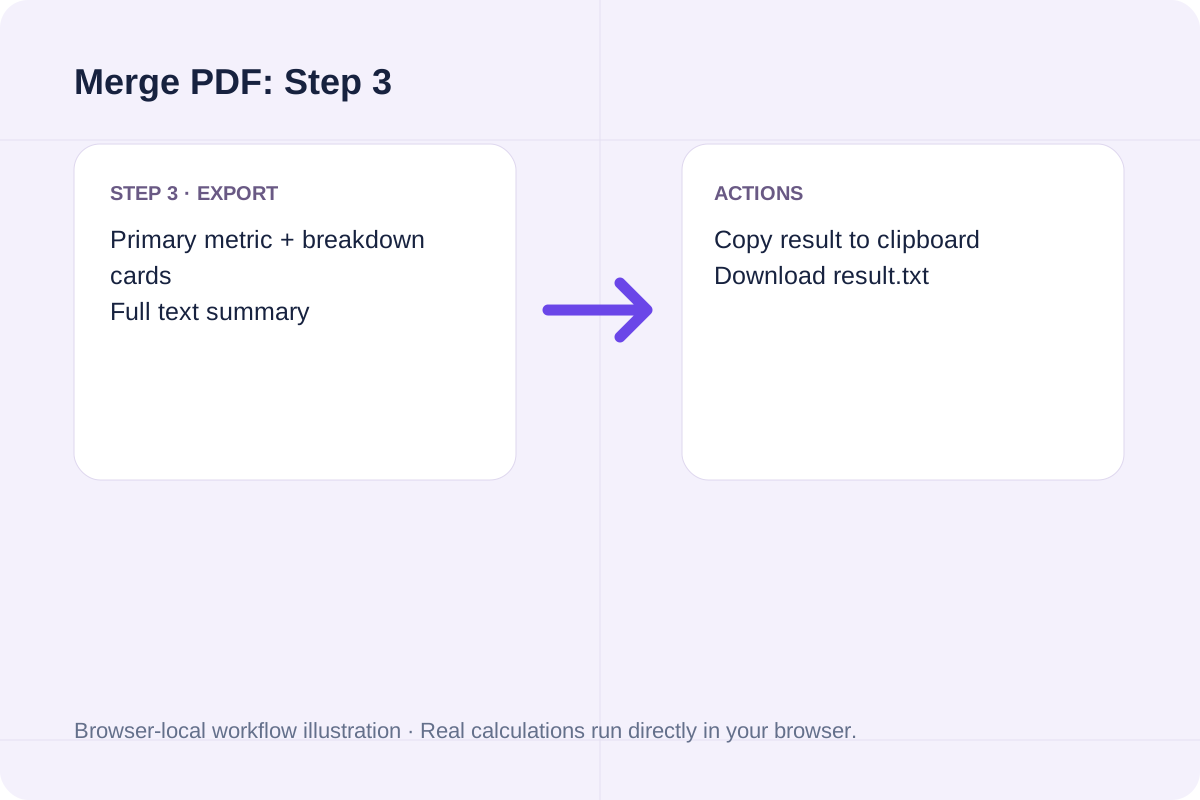
Compare baseline and alternative runs for Merge PDF before exporting the result.
Merge multiple PDF files into one document in your browser. Free, no sign-up, no watermark, and no file upload — reorder files with ↑/↓ or drag and drop and download merged.pdf.
Page Preservation: Direct page-tree copy via pdf-lib (no rasterization or re-compression); Output Page Count = ∑(pages in each queued PDF); Output File Size ≈ ∑(input PDF byte sizes); Upload Traffic = 0 bytes (100% local browser memory execution).
Scope & Limitations: Document-level bookmarks/outlines, interactive AcroForm fields, or file-level embedded attachments may not carry over across merged documents. Encrypted (password-protected) PDFs must be unlocked before merging. This tool only merges PDF files—it does not run OCR, crack passwords, or convert PDF to Word.
Review the calculated output alongside your entered parameters and unit conventions.
Scope & Limitations: Document-level bookmarks/outlines, interactive AcroForm fields, or file-level embedded attachments may not carry over across merged documents. Encrypted (password-protected) PDFs must be unlocked before merging. This tool only merges PDF files—it does not run OCR, crack passwords, or convert PDF to Word.
Quick checks to avoid common PDF merging issues.
Page Preservation: Direct page-tree copy via pdf-lib (no rasterization or re-compression); Output Page Count = ∑(pages in each queued PDF); Output File Size ≈ ∑(input PDF byte sizes); Upload Traffic = 0 bytes (100% local browser memory execution). Scope & Limitations: Document-level bookmarks/outlines, interactive AcroForm fields, or file-level embedded attachments may not carry over across merged documents. Encrypted (password-protected) PDFs must be unlocked before merging. This tool only merges PDF files—it does not run OCR, crack passwords, or convert PDF to Word.
A PDF containing selected pages in your order. Parse 1-based page numbers and ranges, then copy the selected pages into a new PDF.
Open tool
A PDF retaining the unselected pages. Validate 1-based page ranges and copy the remaining pages into a new PDF.
Open tool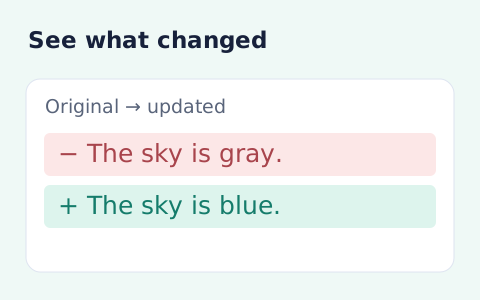
See inserted and removed words or lines between two texts.
Open toolChoose another tool for your next calculation, conversion, or text task.

Prepare a basic MLA-style website or book citation from details you enter. Review source facts, punctuation and missing fields before using the draft.
Open tool
An EPUB with extracted legacy MOBI text. Read Palm database records, decode uncompressed or PalmDOC-compressed MOBI6 text and package a reflowable EPUB.
Open tool
Build a plain, one-column resume from your contact details and work history. Review the document, download HTML or use your browser’s Print dialog to save a PDF.
Open tool
Detect a recognized leading BOM and download the remaining bytes without decoding or rewriting the file.
Open toolAnswers about using Merge PDF and understanding its results.
Yes. You can merge PDF files for free with no account registration, no email prompt, no trial limit, and no watermark added to your pages. Your downloaded merged.pdf contains only your original PDF pages in the exact order you arranged them.
No. All PDF parsing and page merging happen locally inside your browser using on-demand pdf-lib scripts. Your files never leave your computer or phone. You can verify this yourself: open your browser's Developer Tools (F12 or Inspect), switch to the Network tab, and click Merge PDFs—you will see zero file upload requests containing your PDF data.
The file list order shown in the queue is the exact page order of your final merged.pdf. Every file row has dedicated Move Up (↑) and Move Down (↓) buttons as well as a Remove (✕) button, so you can easily change the order on a mobile touchscreen or keyboard without relying on drag-and-drop.
No. Merging copies the existing PDF page objects directly into a new document container instead of re-rendering or re-compressing pages as images. Selectable text, embedded fonts, vector diagrams, and photos keep their original resolution, and the output file size is approximately the sum of the input files.
There is no artificial server cap or file-count paywall, because nothing is uploaded. The practical limit depends on your device's available browser memory (RAM). Desktop browsers typically handle dozens of PDFs totaling hundreds of megabytes smoothly, while very large files on mobile phones may process more slowly or hit browser tab memory limits.
Yes. The tool runs directly in mobile Safari on iOS and Chrome on Android with no app download required. Tap the upload box to pick PDFs from your Files app or downloads folder, tap ↑ and ↓ to set the order, and tap Merge PDFs to save merged.pdf.
Password-protected PDFs cannot be merged while locked—the tool will identify the exact encrypted filename and ask you to unlock or save an unencrypted copy first. Scanned PDFs merge normally like any other PDF; whether the text inside a scanned PDF is searchable after merging depends on whether OCR was already performed on that scan beforehand.
To keep page content intact and fast in the browser, document-level bookmarks (outlines), file-level attachments, and certain cross-document interactive form scripts may not be preserved in the combined output. This page focuses strictly on combining PDFs—for extracting specific pages use PDF Page Extractor Online (/tools/pdfpageextractoronline), for deleting pages use PDF Page Remover Online (/tools/pdfpageremoveronline), and for comparing document text use Text Compare (/tools/textcompare).
Choose another tool for your next calculation, conversion, or text task.