

EPUB to TXT Converter
Extract chapter text from an unencrypted EPUB in its recorded reading order. Download the text without images, page layout or navigation files.
Open toolRemove only the recognized leading byte signature. Provide Input text or binary file to compute results directly in your browser. Supports leading UTF-8, UTF-16LE/BE and UTF-32LE/BE signatures, checked longest first. A BOM does not identify every possible encoding. Interior BOM bytes and every remaining byte are preserved. Maximum input 5 MiB; empty files are valid.
Enter the inputs, then select Process input.
Result will appear here
The Byte Order Mark Remover evaluates Input text or binary file in client-side JavaScript using the deterministic rule below and updates the output panel immediately without uploading data to a server.
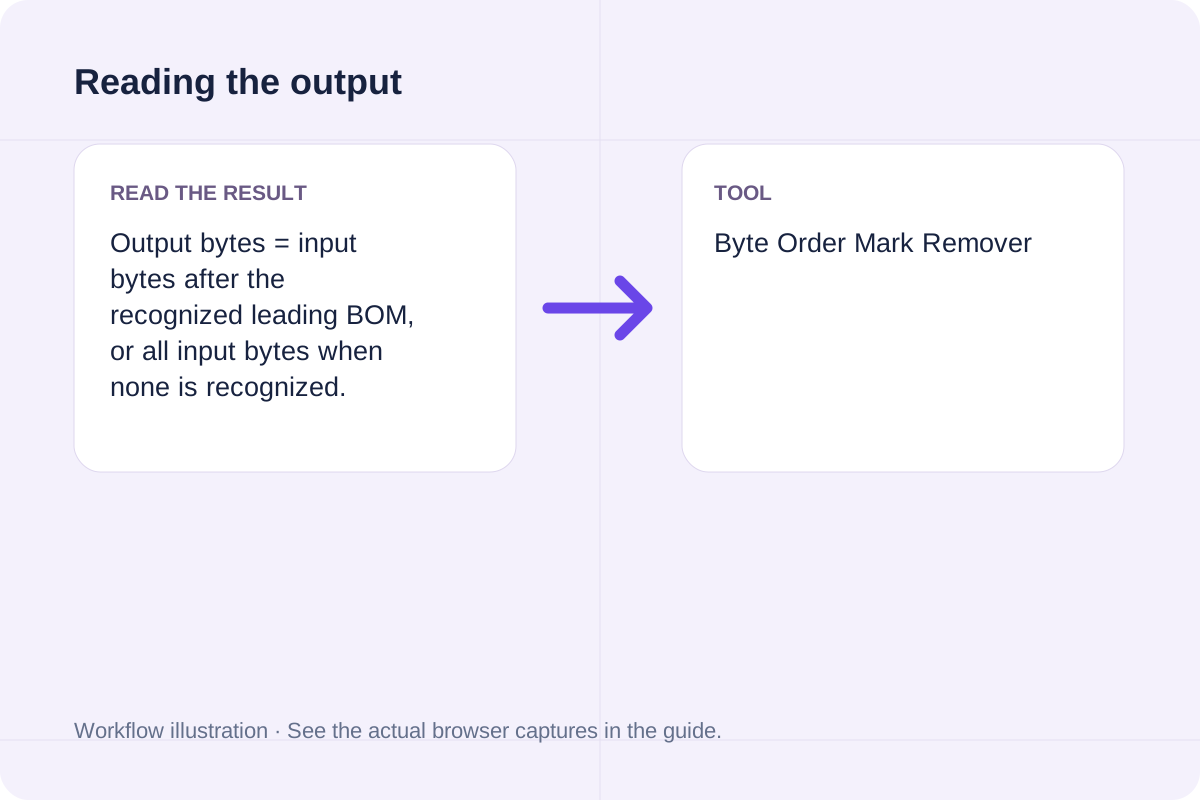
Output bytes = input bytes after the recognized leading BOM, or all input bytes when none is recognized.
Supports leading UTF-8, UTF-16LE/BE and UTF-32LE/BE signatures, checked longest first. A BOM does not identify every possible encoding. Interior BOM bytes and every remaining byte are preserved. Maximum input 5 MiB; empty files are valid.
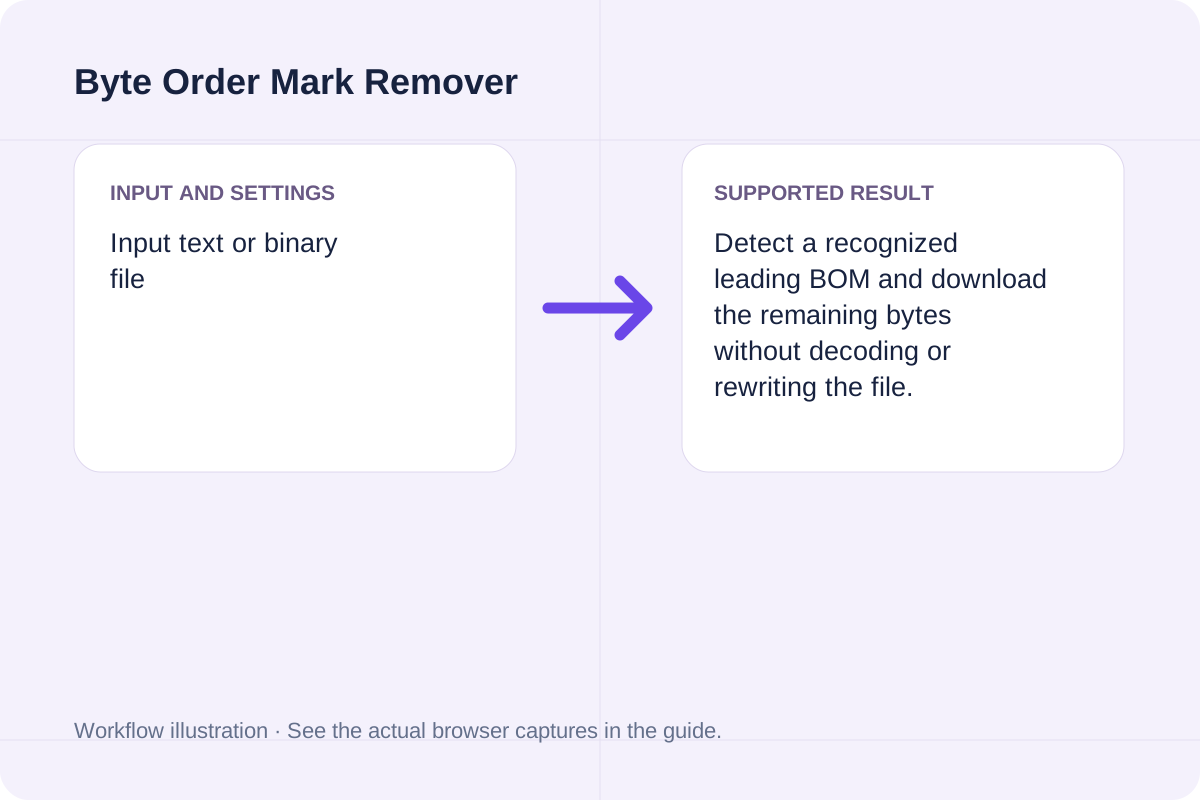
Review the input parameters, allowed value ranges, and worked reference cases for the Byte Order Mark Remover below before running your calculation.
| Parameter / Scenario | Default / Sample Value | Rule or Allowed Range | Output / Usage Note |
|---|---|---|---|
| Input: Input text or binary file | (User supplied) | Input type: file | Required workspace parameter |
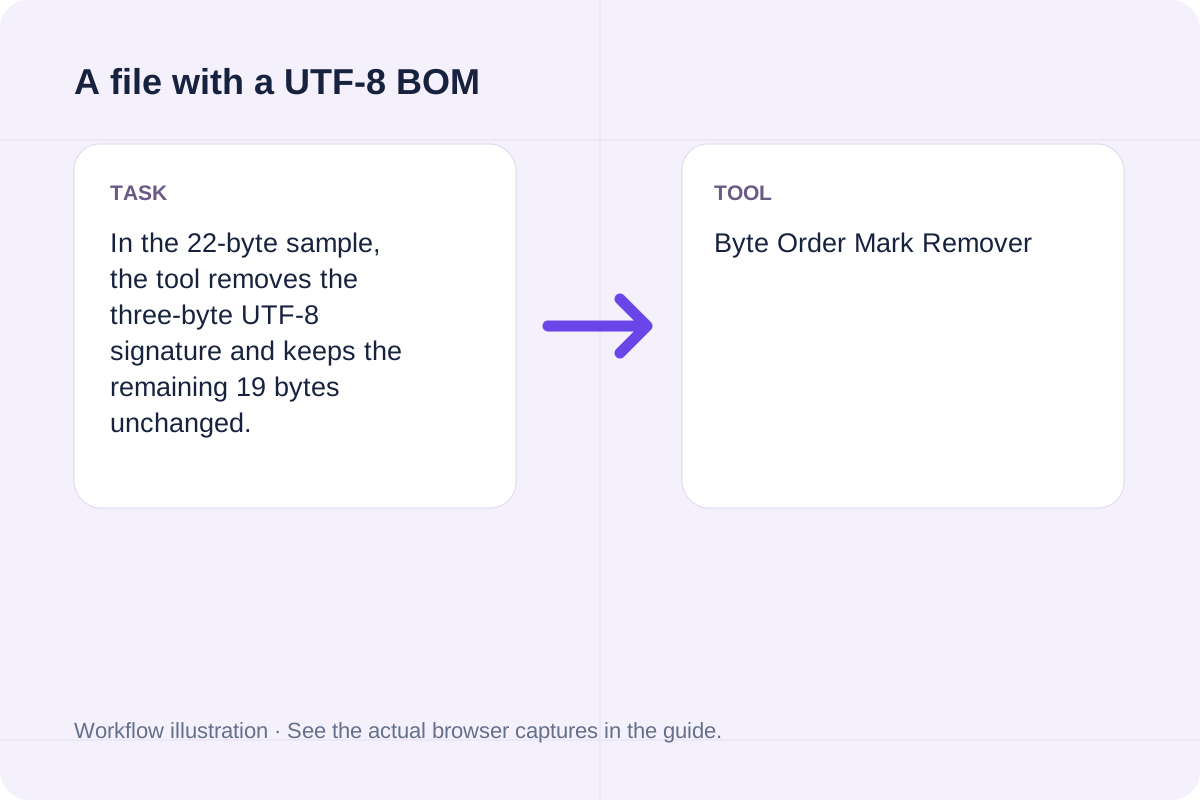
| Worked Case 1: A file with a UTF-8 BOM | Preloaded / test values | Output bytes = input bytes after the recognized leading BOM, or all input bytes when none is recognized | In the 22-byte sample, the tool removes the three-byte UTF-8 signature and keeps the remaining 19 bytes unchanged. |
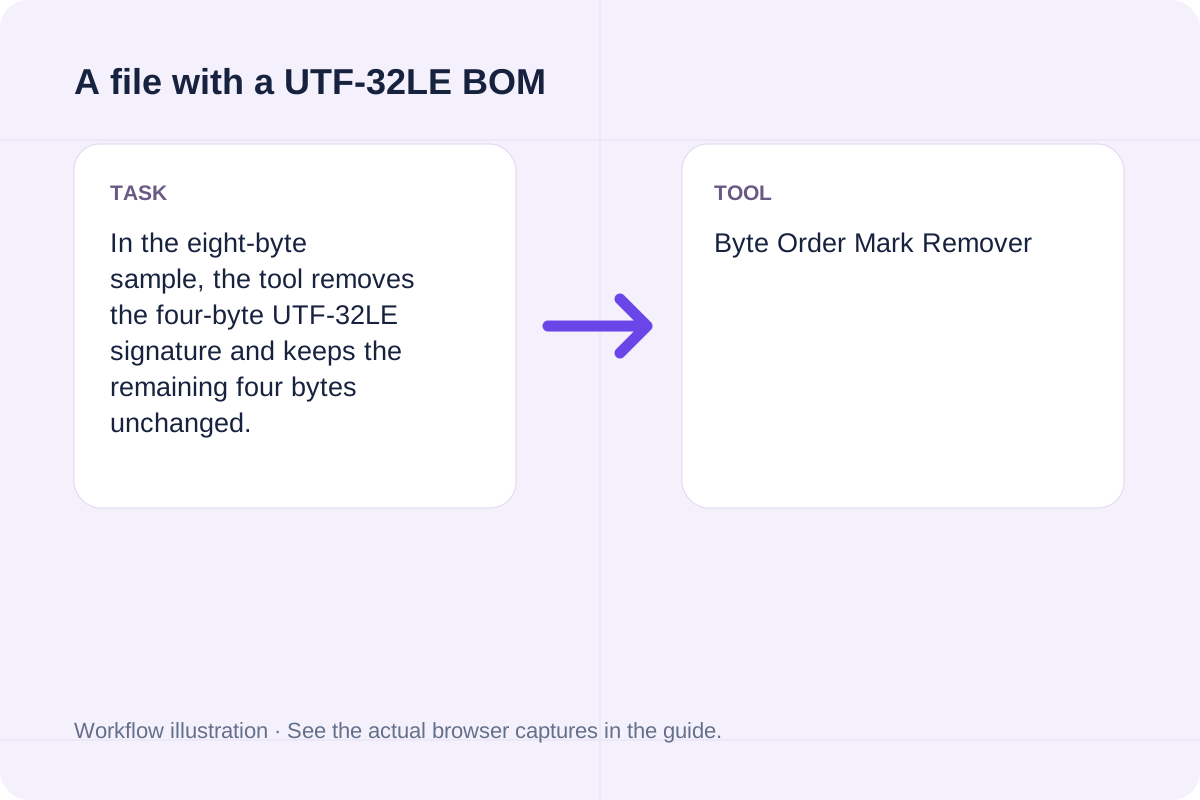
| Worked Case 2: A file with a UTF-32LE BOM | Preloaded / test values | Output bytes = input bytes after the recognized leading BOM, or all input bytes when none is recognized | In the eight-byte sample, the tool removes the four-byte UTF-32LE signature and keeps the remaining four bytes unchanged. |
Follow these three steps to configure Input text or binary file, verify unit and boundary rules, and export your Byte Order Mark Remover output.
Input text or binary file: follow the field labels and supported format.
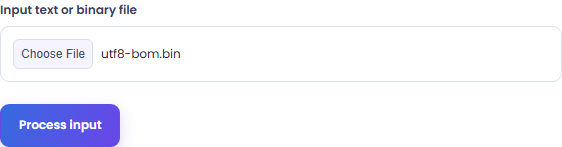
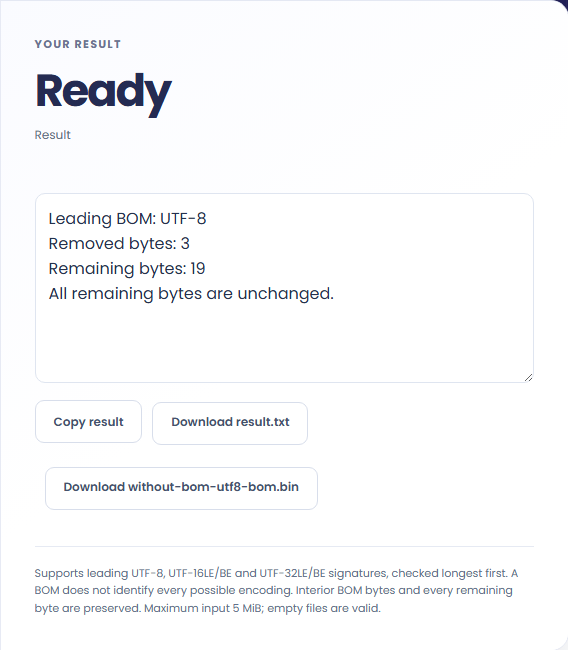
Read the result, then copy the text or save TXT. Use the separate format-download button for the actual file.
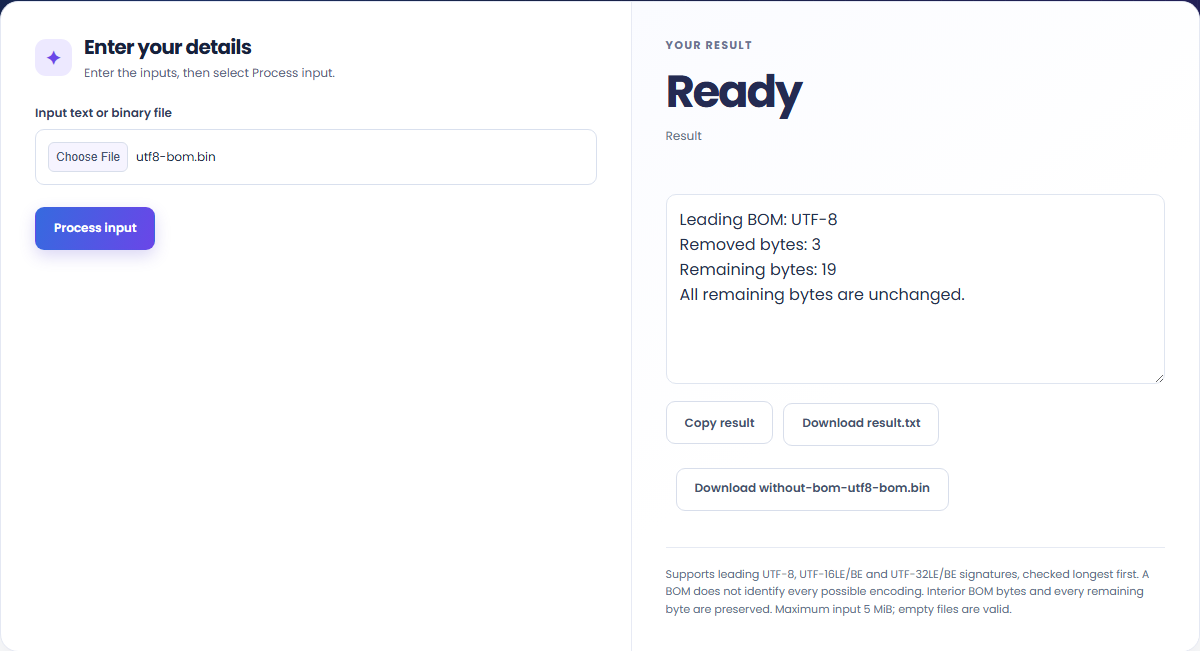
These concrete scenarios illustrate how the Byte Order Mark Remover processes baseline inputs, comparison checks, and boundary constraints.
In the 22-byte sample, the tool removes the three-byte UTF-8 signature and keeps the remaining 19 bytes unchanged.
In the eight-byte sample, the tool removes the four-byte UTF-32LE signature and keeps the remaining four bytes unchanged.
When solving for 'byte order mark remover', verify that Input text or binary file use consistent units and stay within the documented scope: Supports leading UTF-8, UTF-16LE/BE and UTF-32LE/BE signatures, checked longest first. A BOM does not identify every possible encoding. Interior BOM bytes and every remaining byte are preserved. Maximum input 5 MiB; empty files are valid.
The output panel reports the exact result derived from Input text or binary file alongside any unit or formatting notes.
Every calculation follows the rule: Output bytes = input bytes after the recognized leading BOM, or all input bytes when none is recognized. Because JavaScript uses IEEE 754 double-precision floating-point arithmetic, numeric outputs display up to 12 significant digits where applicable.
Always cross-check the displayed result against the scope note (Supports leading UTF-8, UTF-16LE/BE and UTF-32LE/BE signatures, checked longest first. A BOM does not identify every possible encoding. Interior BOM bytes and every remaining byte are preserved. Maximum input 5 MiB; empty files are valid) before applying the value to production specifications, financial models, or lab records.
Review these boundary constraints and validation rules before relying on the Byte Order Mark Remover output.
Operational scope: Supports leading UTF-8, UTF-16LE/BE and UTF-32LE/BE signatures, checked longest first. A BOM does not identify every possible encoding. Interior BOM bytes and every remaining byte are preserved. Maximum input 5 MiB; empty files are valid. Inputs that violate minimum/maximum bounds or required format rules are rejected with a clear diagnostic prompt.
Need an adjacent calculation in Text Tools? Use the related tools linked below to chain your workflow without leaving your browser.
Extract chapter text from an unencrypted EPUB in its recorded reading order. Download the text without images, page layout or navigation files.
Open tool
One self-contained HTML file in EPUB spine order. Read an unencrypted EPUB package, sanitize chapter markup and join its reading-order content.
Open tool
Merge multiple PDF files into one document in your browser. Free, no sign-up, no watermark, and no file upload — reorder files with ↑/↓ or drag and drop and download merged.pdf.
Open toolChoose another tool for your next calculation, conversion, or text task.

Decrypt or encrypt Caesar shift ciphers with a chosen key (1 to 25) or inspect all 25 brute-force rotations ranked by English letter frequency.
Open tool
Convert separated ASCII words to lower camel case.
Open tool
A PDF retaining the unselected pages. Validate 1-based page ranges and copy the remaining pages into a new PDF.
Open tool
Extract plain text from pasted RTF source. Read paragraphs, tabs, escaped ANSI bytes and Unicode text without retaining document formatting or embedded objects.
Open toolAnswers about using Byte Order Mark Remover and understanding its results.
The Byte Order Mark Remover applies the rule: Output bytes = input bytes after the recognized leading BOM, or all input bytes when none is recognized. Enter Input text or binary file into the workspace and the tool computes the exact output in your browser.
Yes. Provide Input text or binary file using the documented units and format shown in the quick reference table above. Preloaded default values let you test the workflow immediately.
Supports leading UTF-8, UTF-16LE/BE and UTF-32LE/BE signatures, checked longest first. A BOM does not identify every possible encoding. Interior BOM bytes and every remaining byte are preserved. Maximum input 5 MiB; empty files are valid. Confirm that your inputs fall within the allowed ranges before exporting the result.
Yes. All calculations for the Byte Order Mark Remover execute 100% locally in your browser's JavaScript runtime. No inputs or results are uploaded to any external server.
Choose another tool for your next calculation, conversion, or text task.