
EPUB to TXT Converter
Extract chapter text from an unencrypted EPUB in its recorded reading order. Download the text without images, page layout or navigation files.
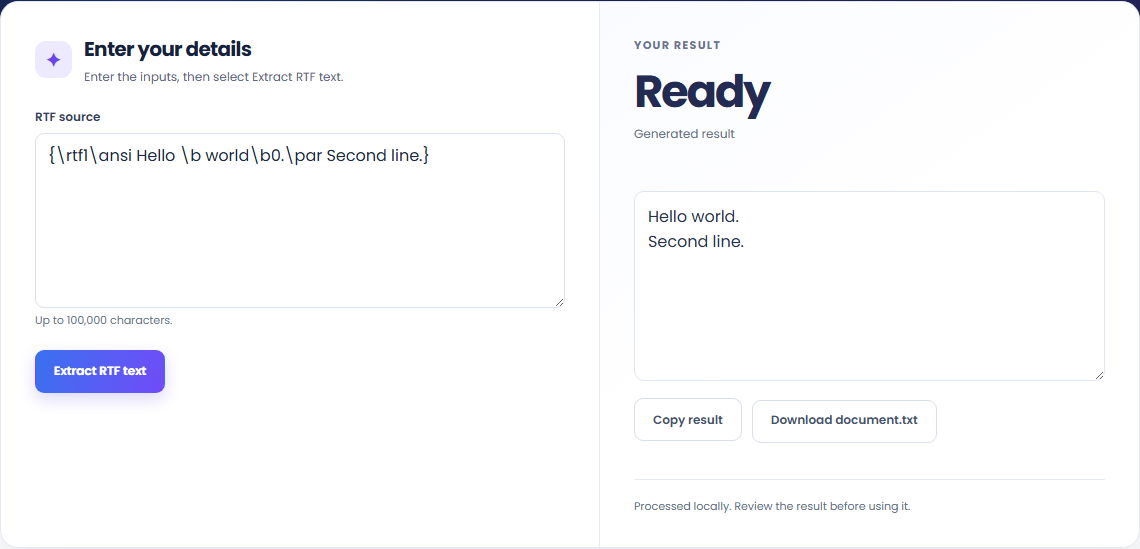
Open toolExtract plain text from pasted RTF source. Read paragraphs, tabs, escaped ANSI bytes and Unicode text without retaining document formatting or embedded objects.
Enter the inputs, then select Extract RTF text.
Result will appear here
Read RTF groups, escaped bytes, Unicode controls, paragraphs and tabs; omit formatting destinations.
Processing uses bundled libraries in this browser. The download contains the generated source or document, rather than a link to a conversion service.
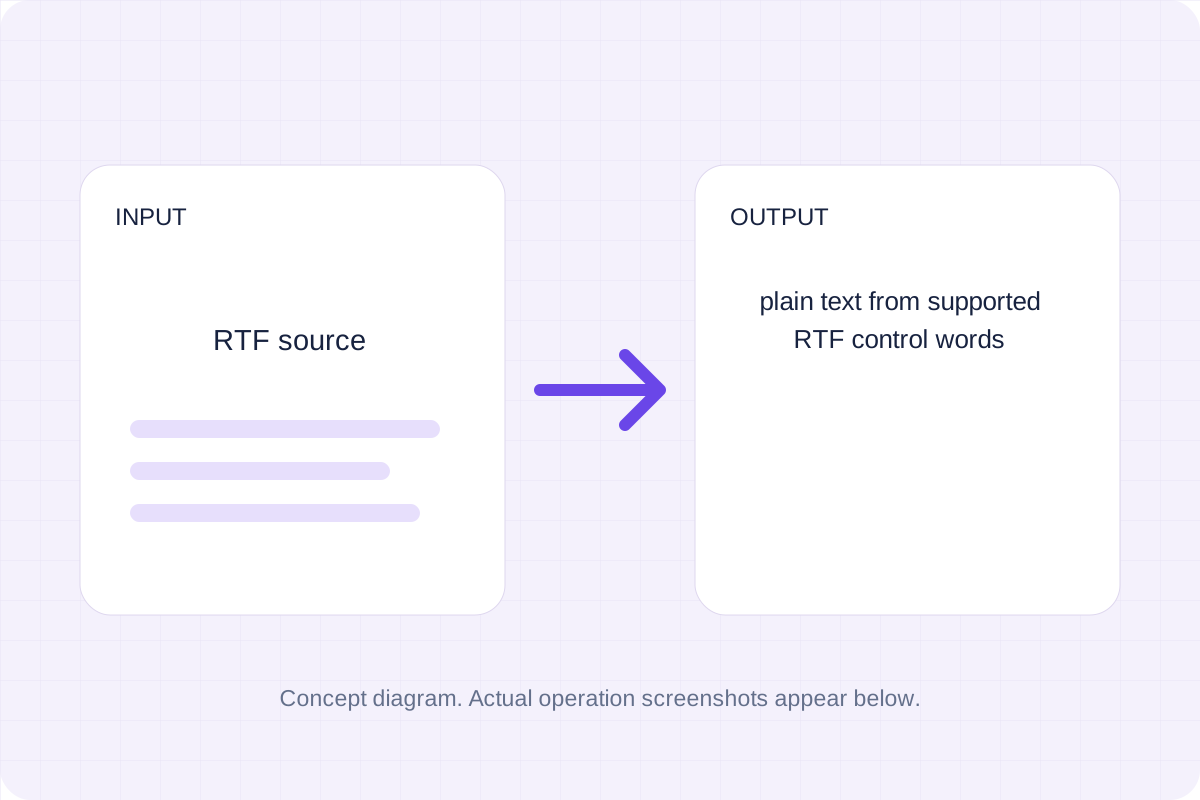
Start with the supported input, then check the generated result.
Use RTF source. The form starts with an example you can replace.
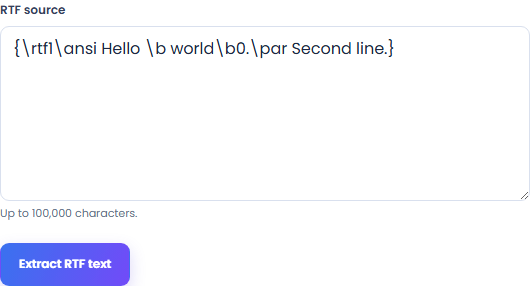
Read the supported input format and size limits before submitting.
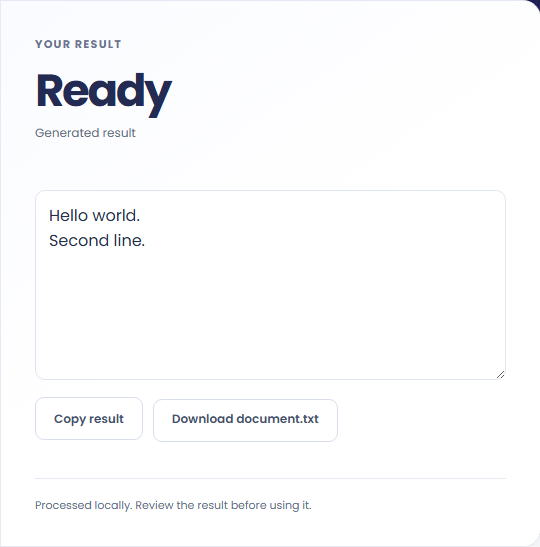
Review plain text from supported RTF control words. Download the generated file and check it in the application where you plan to use it.
These workflows use the formats and behavior supported by this implementation.
Recover readable prose from an RTF source snippet that contains control words and formatting groups.

Create text for a search, note or comparison workflow. Font settings, colors, pictures and objects are not part of the output.

Unicode controls and escaped Windows-1252 bytes become text characters. Check names and symbols if the original uses another legacy encoding.

Keep the output format and conversion policy in view.
Plain text from supported RTF control words. Read RTF groups, escaped bytes, Unicode controls, paragraphs and tabs; omit formatting destinations.
Compare the result with the original before replacing a source file. Conversion limits are listed below.

Check these conditions before relying on the result.
Accepts pasted RTF source, not a Word document. Uses Windows-1252 for ANSI bytes, honors Unicode controls, and omits pictures, objects, hidden destinations and formatting.
Input and results are not stored after leaving or reloading. Keep the original and download any output you need.

Extract chapter text from an unencrypted EPUB in its recorded reading order. Download the text without images, page layout or navigation files.
Open tool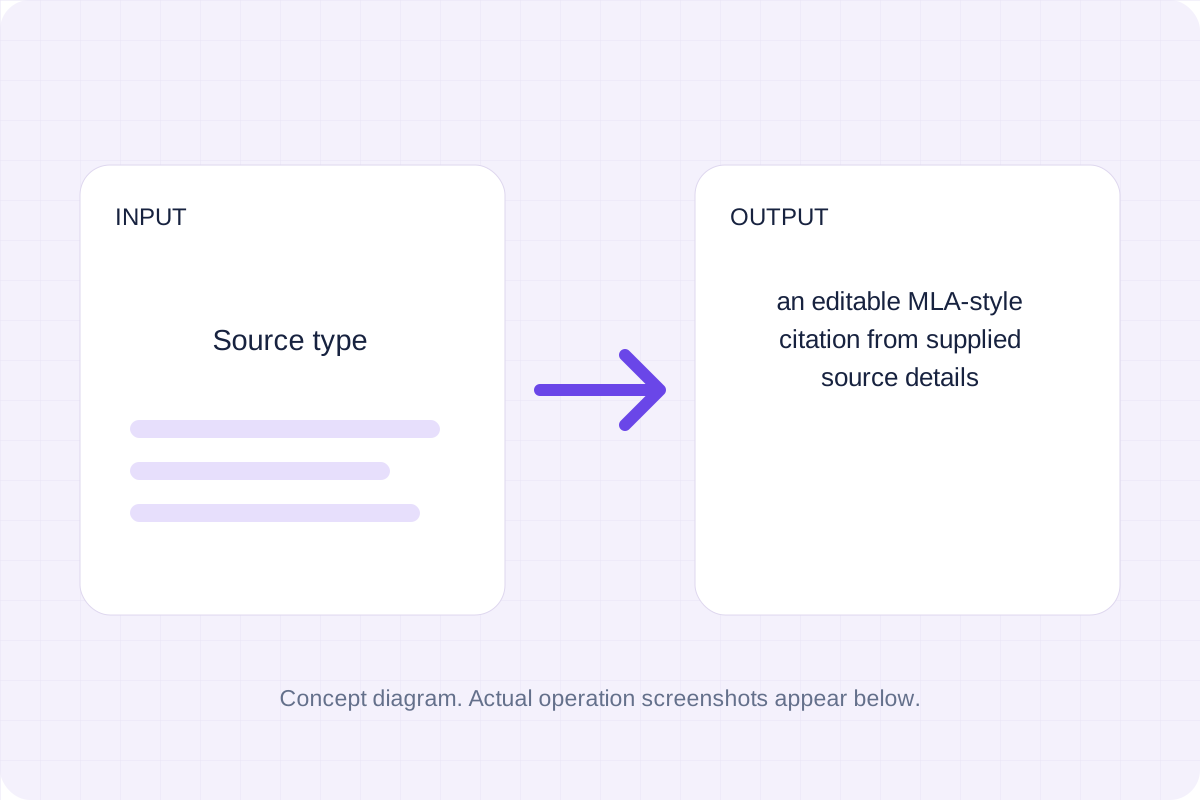
Prepare a basic MLA-style website or book citation from details you enter. Review source facts, punctuation and missing fields before using the draft.
Open tool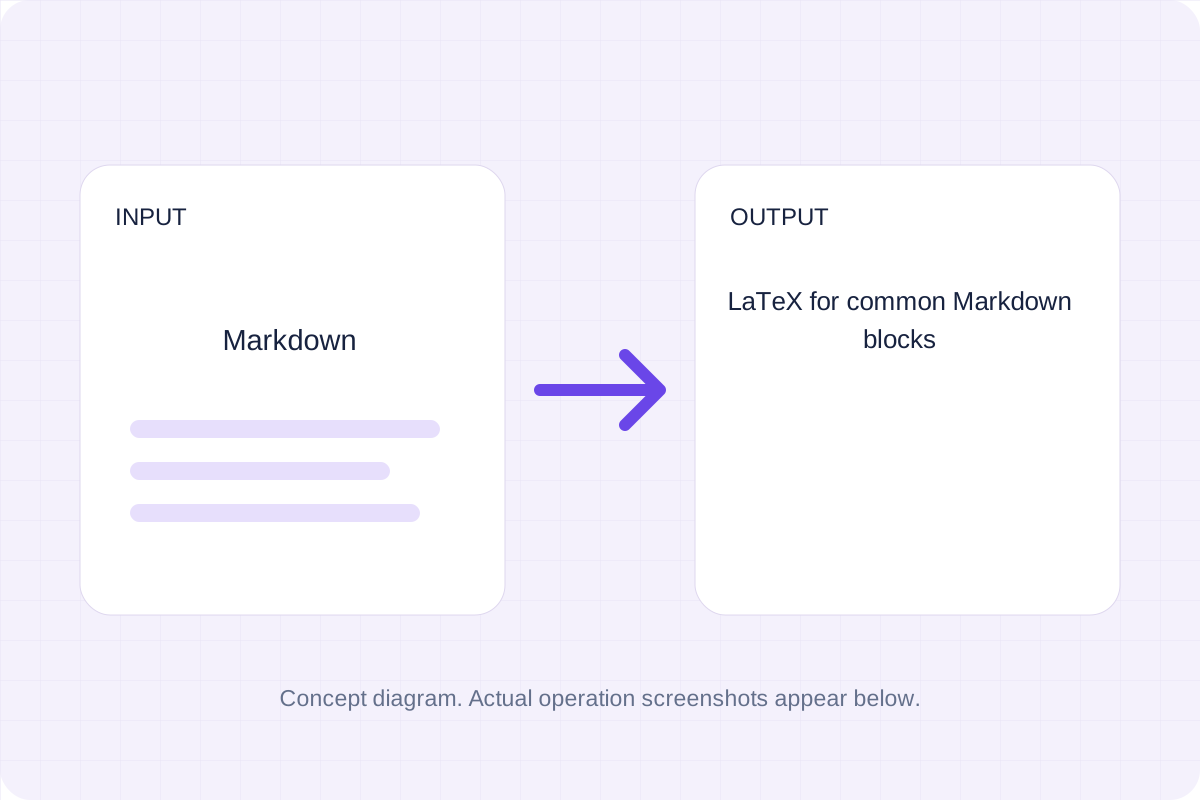
Convert common Markdown headings, lists, links, emphasis and tables to LaTeX source. Download an editable fragment for your TeX project; this page does not compile a PDF.
Open toolChoose another tool for your next calculation, conversion, or text task.
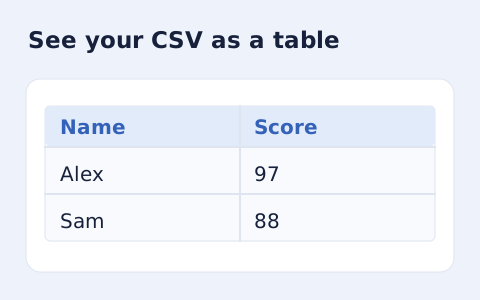
Inspect quoted CSV cells in a readable table without uploading your data.
Open tool
Check CSV quoting and consistent column counts, then review the record count and selected delimiter.
Open tool
Compare two JSON values by structure. See changed paths without treating object key order as a difference.
Open tool
Validate JSON against a draft-07 or 2020-12 schema. Review error paths without sending the documents to a server.
Open toolGenerate the supported output, review it, and save a copy for your next step.
Answers about using RTF to TXT Converter and understanding its results.
It produces plain text from supported RTF control words. Accepts pasted RTF source, not a Word document. Uses Windows-1252 for ANSI bytes, honors Unicode controls, and omits pictures, objects, hidden destinations and formatting.
Processing runs in this browser with local bundled libraries. No input is sent to a conversion server. Download your result before leaving the page.