

Citation generator
A website or book citation in the chosen style. Apply basic APA, MLA or Chicago bibliography patterns to manually supplied source details.
Open toolSelect Decode, Encode, or Brute-force mode, set your alphabet shift key (1 to 25), and paste your text in the Caesar Cipher Decoder below to transform messages or inspect all 25 rotations at once.
Enter the inputs, then select Run Caesar cipher.
Result will appear here
The Caesar Cipher Decoder rotates uppercase (A–Z) and lowercase (a–z) ASCII letters modulo 26 while leaving spaces, numbers, and punctuation untouched.
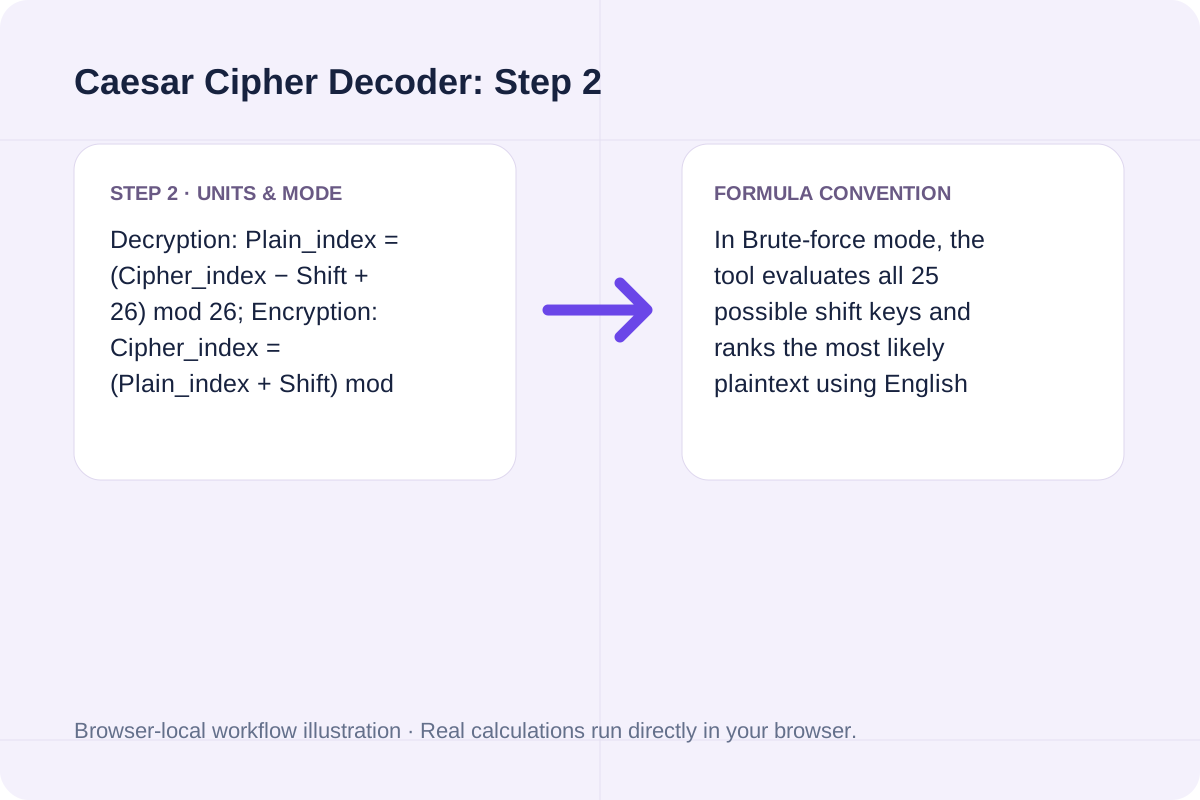
Decryption: Plain_index = (Cipher_index − Shift + 26) mod 26; Encryption: Cipher_index = (Plain_index + Shift) mod 26.
In Brute-force mode, the tool evaluates all 25 possible shift keys and ranks the most likely plaintext using English vowel and high-frequency consonant weights.
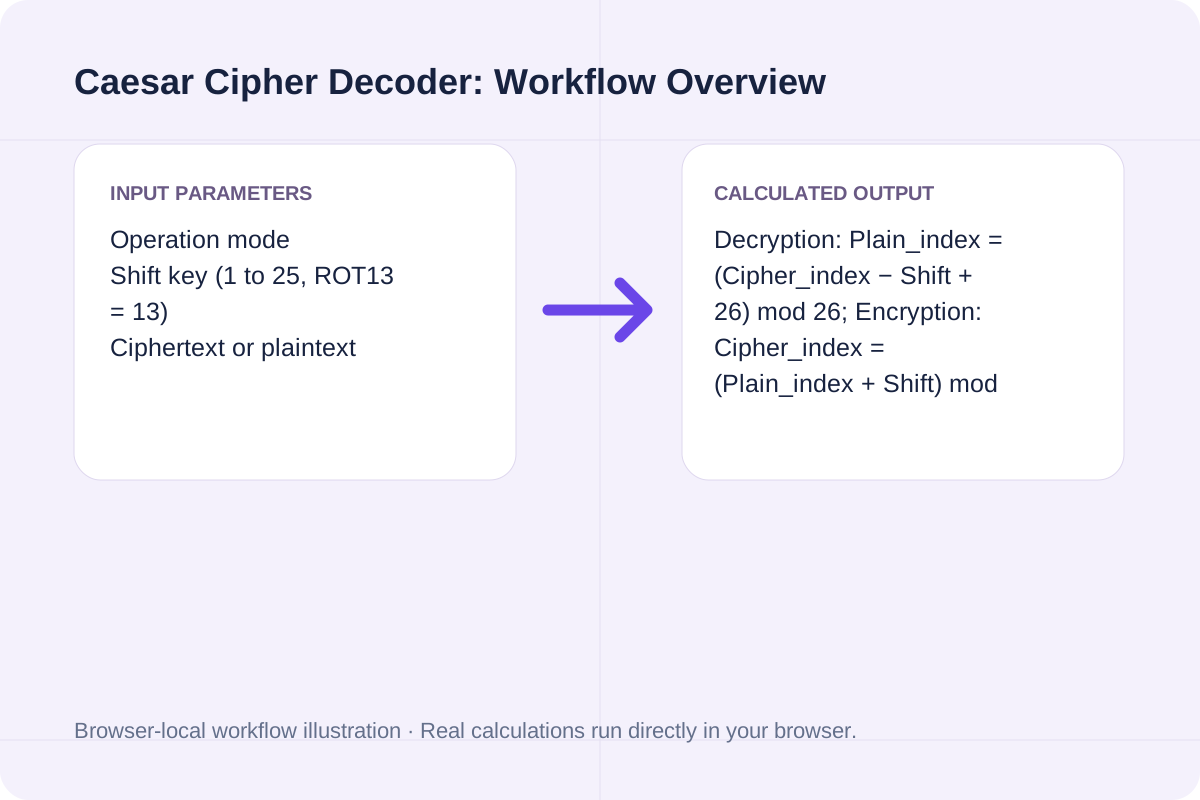
Review the input parameters, allowed value ranges, and worked reference cases for the Caesar Cipher Decoder below before running your calculation.
| Parameter / Scenario | Default / Sample Value | Rule or Allowed Range | Output / Usage Note |
|---|---|---|---|
| Input: Operation mode | decode | Options: Decode (shift letters backward by key), Encode (shift letters forward by key), Brute-force all 25 shifts (auto-rank best English match) | Required workspace parameter |
| Input: Shift key (1 to 25, ROT13 = 13) | 3 | Range: 1 to 25 | Required workspace parameter |
| Input: Ciphertext or plaintext | Khoor, Zruog! Wklv lv d Fdhvdu fl... | ASCII letters A-Z and a-z are shifted; spaces, digits, and punctuation remain unchanged. | Required workspace parameter |
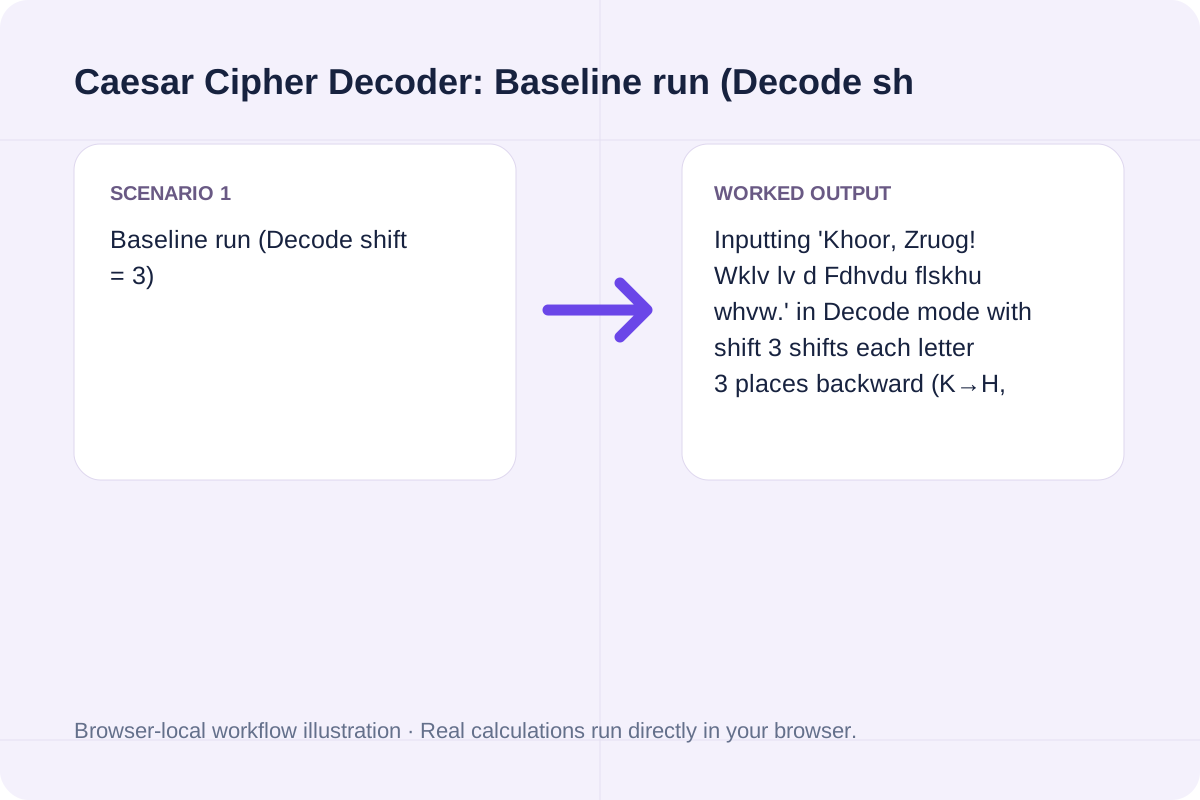
| Worked Case 1: Baseline run (Decode shift = 3) | Preloaded / test values | Decode: P = (C − k) mod 26; Encode: C = (P + k) mod 26 (applied independently to A-Z and a-z) | Inputting 'Khoor, Zruog! Wklv lv d Fdhvdu flskhu whvw.' in Decode mode with shift 3 shifts each letter 3 places backward (K→H, h→e, o→l) to reveal 'Hello, World! This is a Caesar cipher test.' across 34 alphabetic characters. |
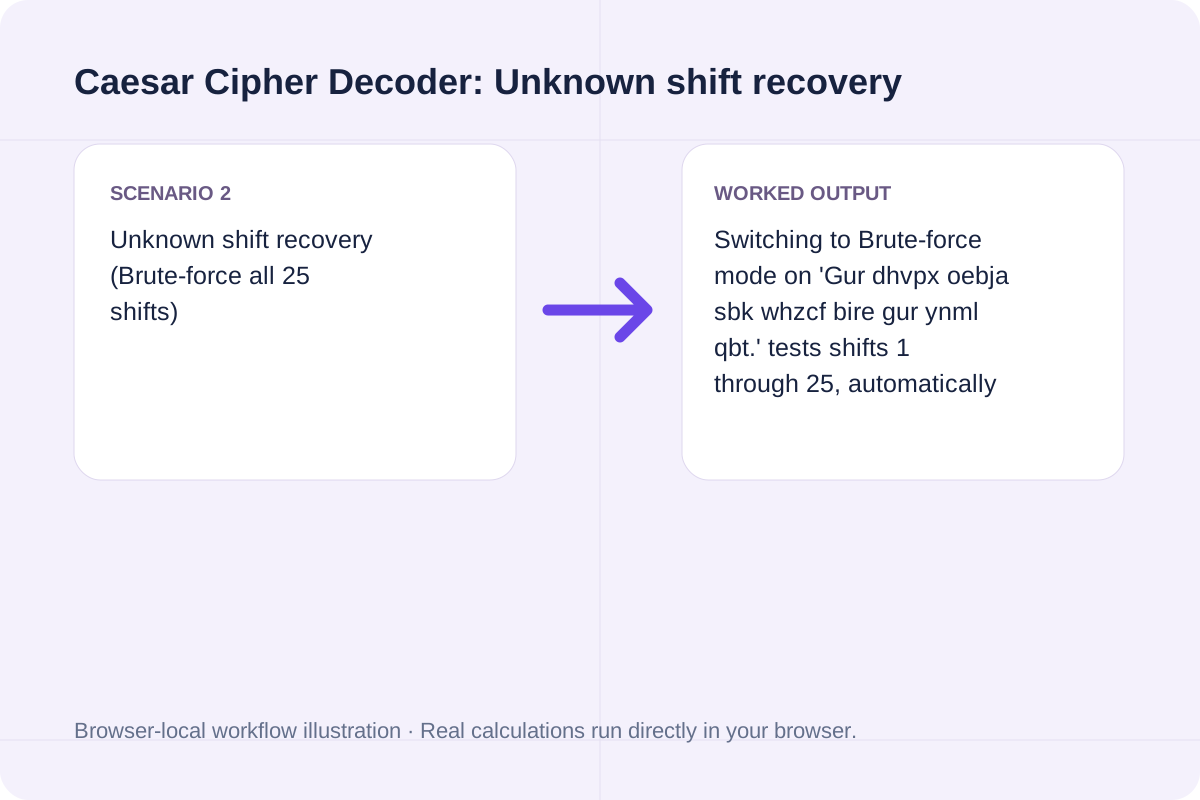
| Worked Case 2: Unknown shift recovery (Brute-force all 25 shifts) | Preloaded / test values | Decode: P = (C − k) mod 26; Encode: C = (P + k) mod 26 (applied independently to A-Z and a-z) | Switching to Brute-force mode on 'Gur dhvpx oebja sbk whzcf bire gur ynml qbt.' tests shifts 1 through 25, automatically identifies shift -13 (ROT13) as the top English match, and outputs 'The quick brown fox jumps over the lazy dog.' plus the full 25-line table. |
Choose your operation mode, set the shift key (or select Brute-force), and run the decoder.
Select Decode when you know the shift key used to create the ciphertext, Encode to create a shifted message, or Brute-force when the shift key is unknown.
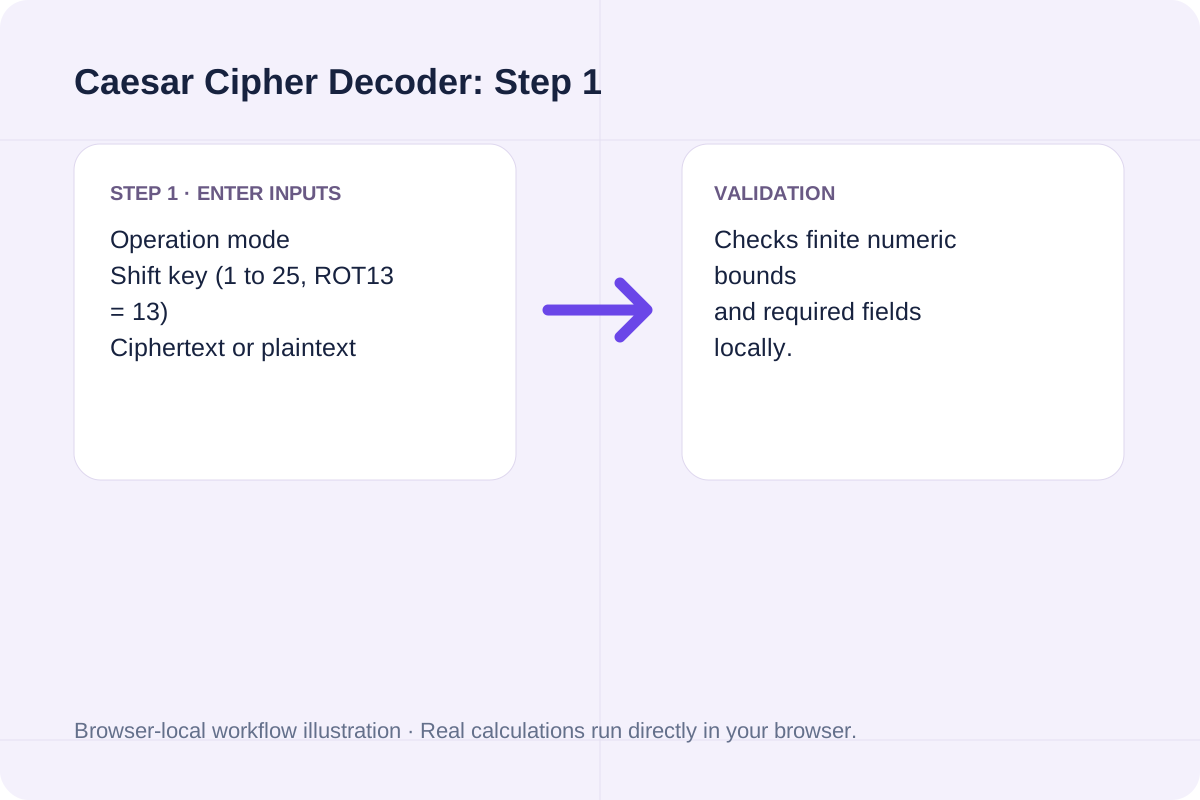
Enter a whole number between 1 and 25 for the alphabet offset (classical Caesar shift is 3; ROT13 is 13).
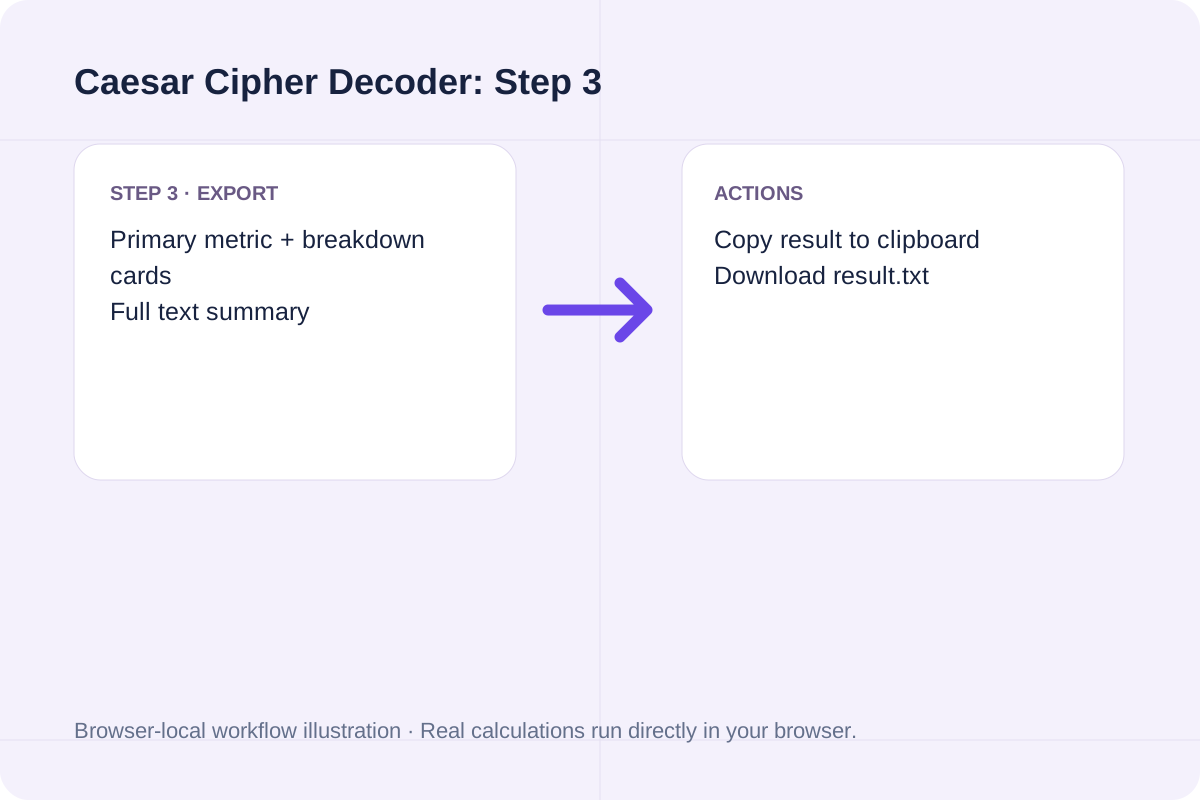
Paste your text into the box, click Run Caesar cipher, and use Copy result or Download result.txt to save the output.
Test a classical right-shift-3 ciphertext and a ROT13 puzzle.
Inputting 'Khoor, Zruog! Wklv lv d Fdhvdu flskhu whvw.' in Decode mode with shift 3 shifts each letter 3 places backward (K→H, h→e, o→l) to reveal 'Hello, World! This is a Caesar cipher test.' across 34 alphabetic characters.
Switching to Brute-force mode on 'Gur dhvpx oebja sbk whzcf bire gur ynml qbt.' tests shifts 1 through 25, automatically identifies shift -13 (ROT13) as the top English match, and outputs 'The quick brown fox jumps over the lazy dog.' plus the full 25-line table.
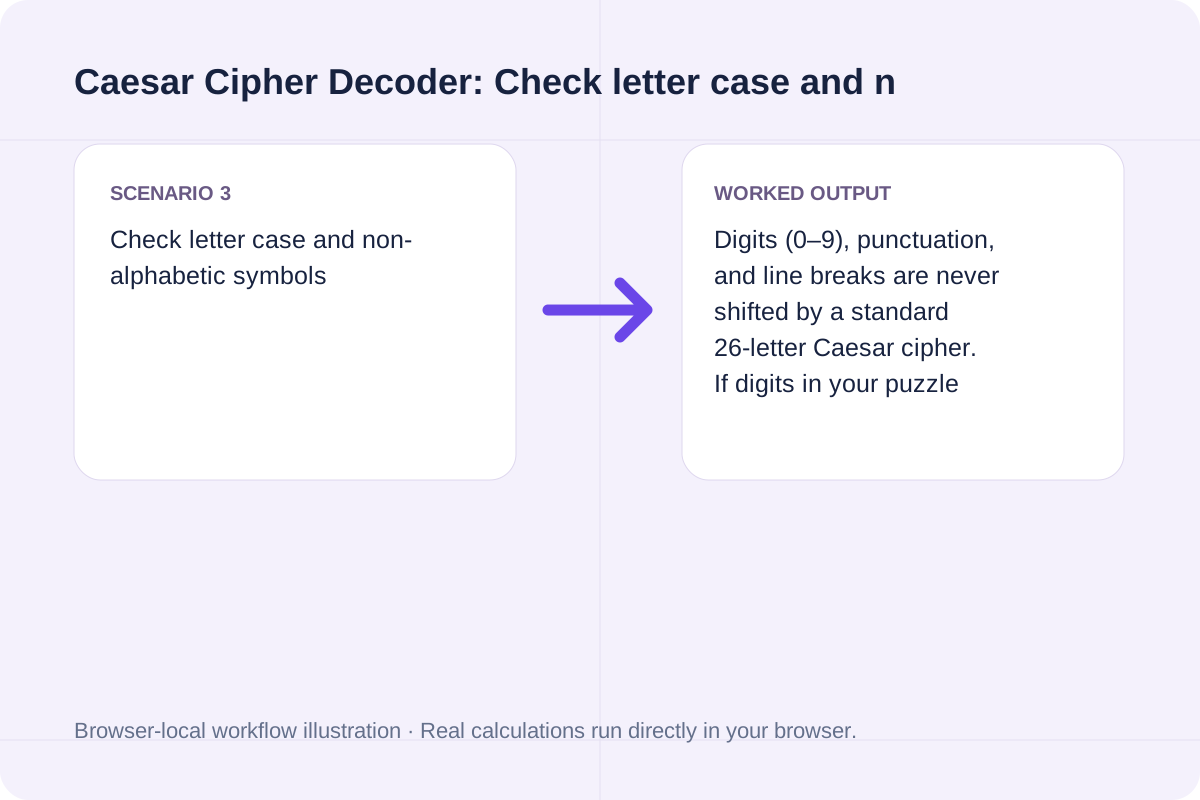
Digits (0–9), punctuation, and line breaks are never shifted by a standard 26-letter Caesar cipher. If digits in your puzzle are also shifted, decode the letters first and shift the digits modulo 10 separately.
Review the primary decoded string, character counts, and brute-force candidate table.
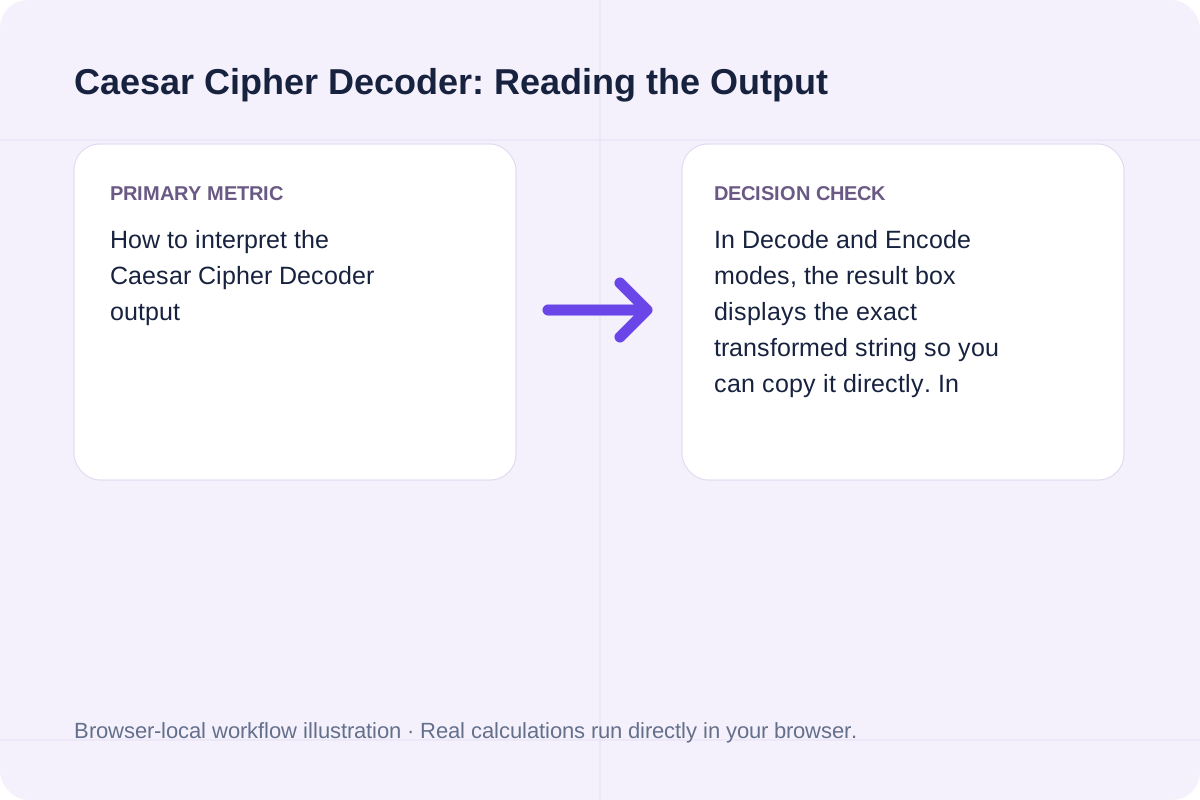
In Decode and Encode modes, the result box displays the exact transformed string so you can copy it directly. In Brute-force mode, the headline shows the best-scoring plaintext candidate, while the downloadable text box lists all 25 shifts side by side so you can spot non-English words or short acronyms.
Understand the scope of monoalphabetic shift ciphers before analyzing unknown ciphertext.
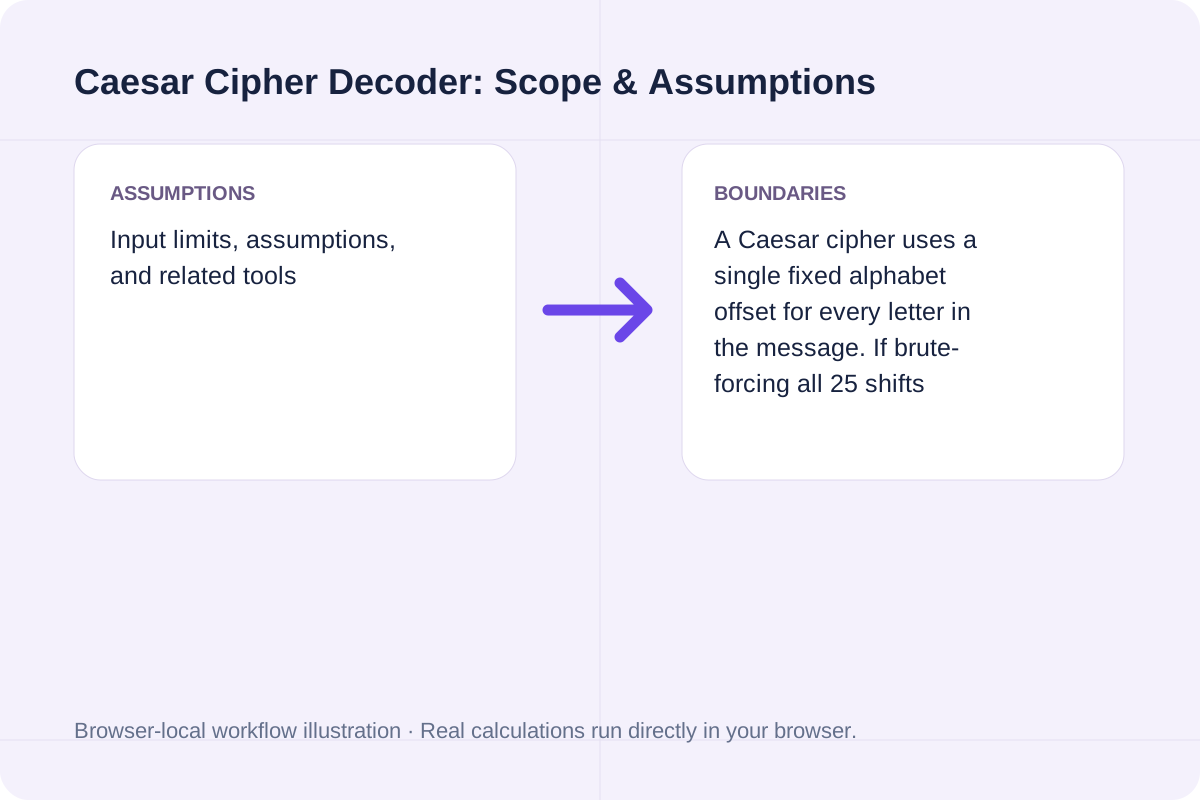
A Caesar cipher uses a single fixed alphabet offset for every letter in the message. If brute-forcing all 25 shifts produces gibberish on every line, the ciphertext likely uses a polyalphabetic cipher (such as Vigenere) or a keyed substitution alphabet.
A website or book citation in the chosen style. Apply basic APA, MLA or Chicago bibliography patterns to manually supplied source details.
Open tool
A PDF with flattened form fields or rasterized pages. Use pdf-lib form flattening or render all page appearances into an image-only PDF.
Open tool
Count Unicode letter-and-number words and return the most frequent eligible words as hashtags.
Open toolChoose another tool for your next calculation, conversion, or text task.

Convert separated ASCII words to lower camel case.
Open tool
Inspect a UTF-8 or UTF-16 file for LF, CRLF and CR endings, their line locations and mixed styles.
Open tool
Spell English letters using the NATO phonetic alphabet and digits individually.
Open tool
Inspect words, characters, sentences, lines, and paragraphs.
Open toolAnswers about using Caesar Cipher Decoder and understanding its results.
A Caesar cipher shifts each letter of the alphabet forward by a fixed key k during encryption. Decoding reverses the process by shifting each ciphertext letter backward by k positions around the 26-letter alphabet (wrapping A back to Z).
Switch the Operation mode to 'Brute-force all 25 shifts'. Because the English alphabet has only 25 non-trivial shifts, the tool generates all 25 candidate plaintexts at once and highlights the shift with the highest English letter-frequency score.
Yes. ROT13 is a Caesar cipher with a shift key of 13. Because 13 is exactly half of the 26-letter alphabet, encoding and decoding with shift 13 produce the exact same result.
Yes. All character shifting and brute-force analysis run locally in your browser with no server requests. Use Copy result or Download result.txt to save the output.
Choose another tool for your next calculation, conversion, or text task.