

CSV to ICS Converter
Build an iCalendar file from a CSV event list. Use UTC timestamps or all-day dates, review each event and import the downloaded file into your calendar.
Open toolConvert raw Excel serial numbers (such as `46318.625`) into ISO-8601 dates, `HH:MM:SS` clock times, and Unix timestamps—or convert calendar dates back into 1900 and 1904 Excel serials.
Enter the inputs, then select Convert Excel Serial Date.
Result will appear here
Excel stores every date-time as a floating-point number: the integer part counts days from the workbook epoch (`1900-01-00` in the 1900 system, adjusted for the Serial 60 leap-year slot), and the fractional part represents `Seconds / 86400`.
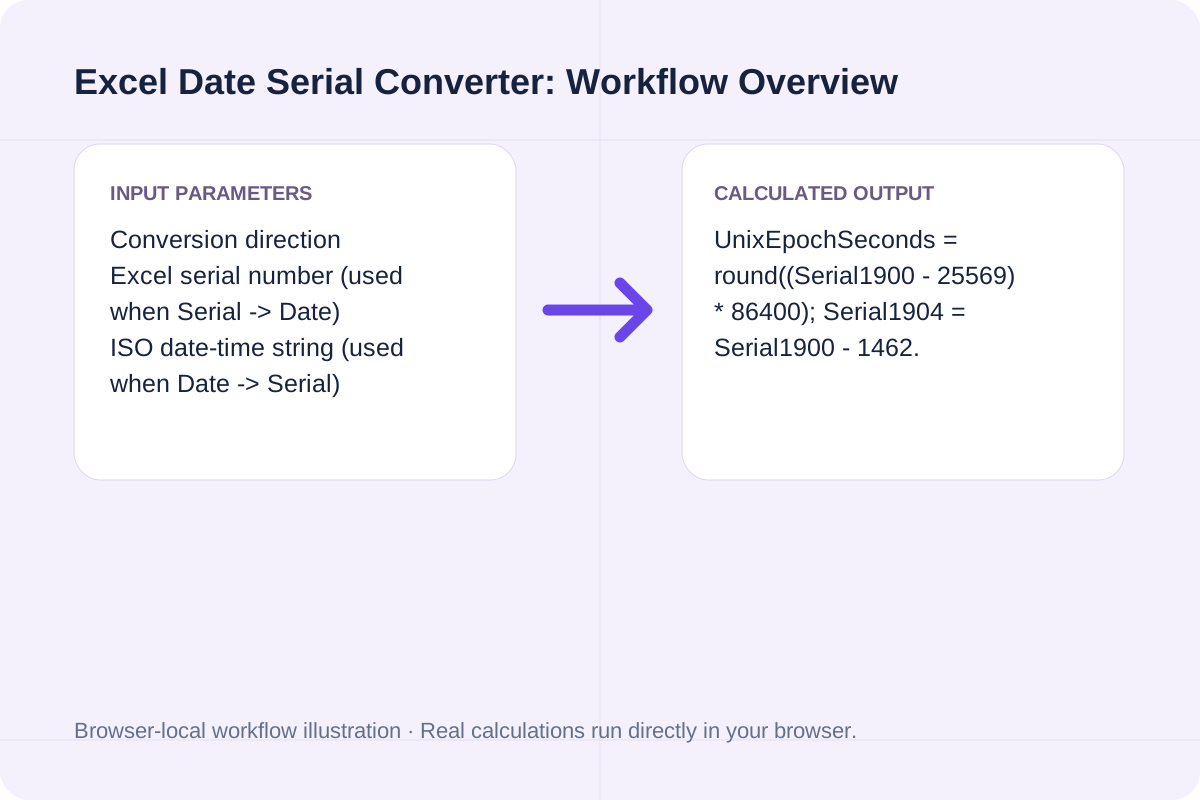
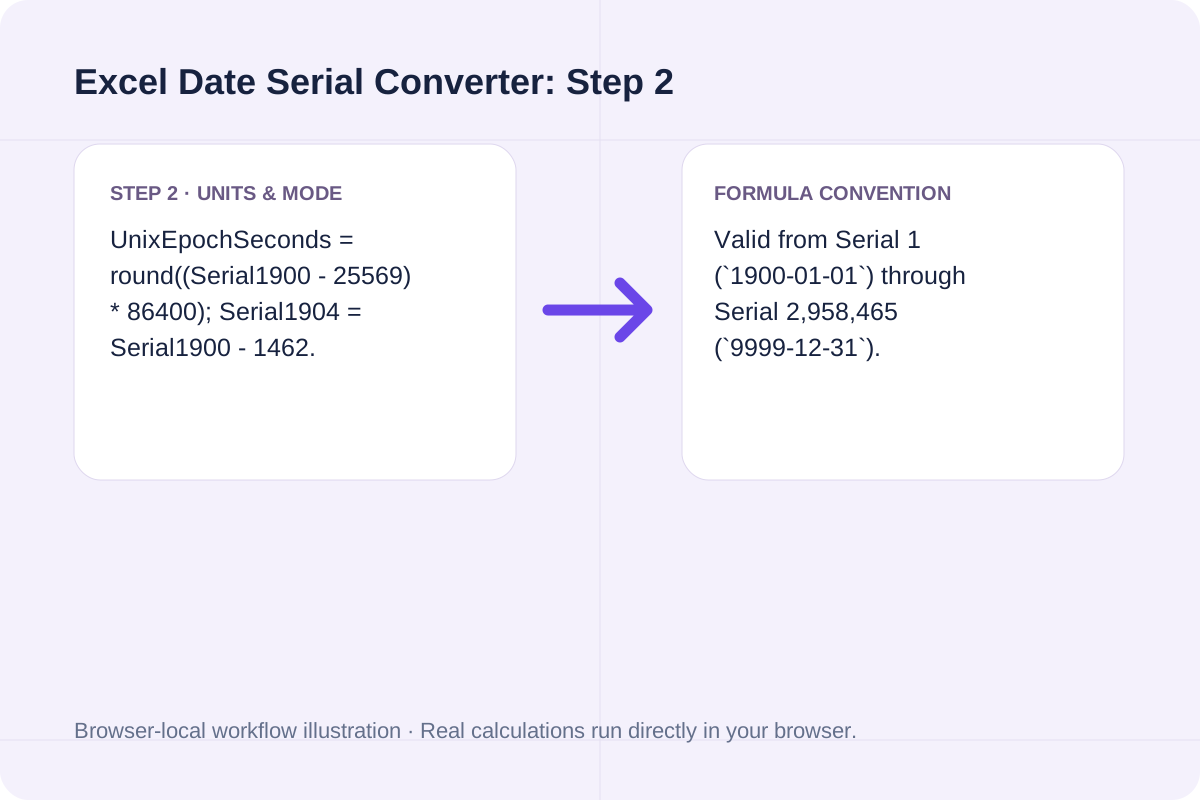
UnixEpochSeconds = round((Serial1900 - 25569) * 86400); Serial1904 = Serial1900 - 1462.
Valid from Serial 1 (`1900-01-01`) through Serial 2,958,465 (`9999-12-31`).
Key milestone Excel serial numbers (1900 date system) and common decimal time-of-day fractions.
| Excel Serial (1900) | Calendar Date / Time (UTC) | Unix Timestamp (s) | Notes |
|---|---|---|---|
| `1.0` | `1900-01-01 00:00:00` | `-2208988800` | First valid day in the Excel 1900 date system. |
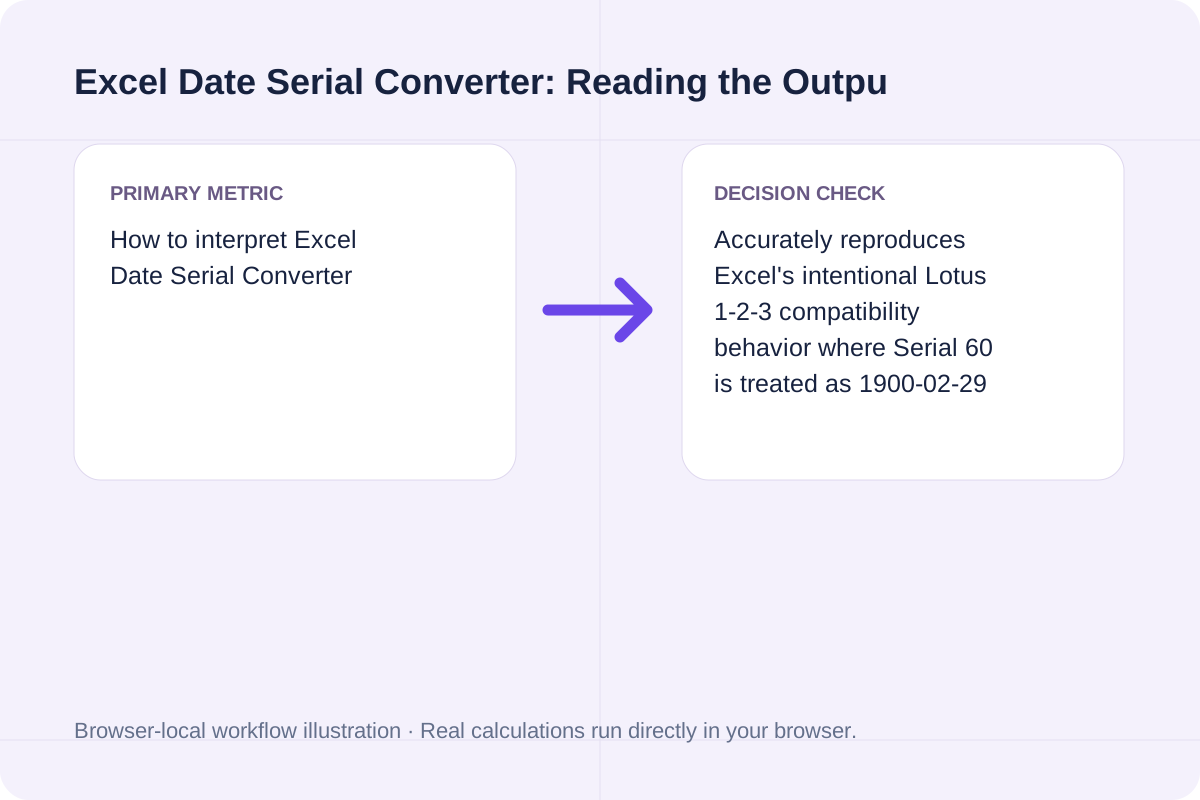
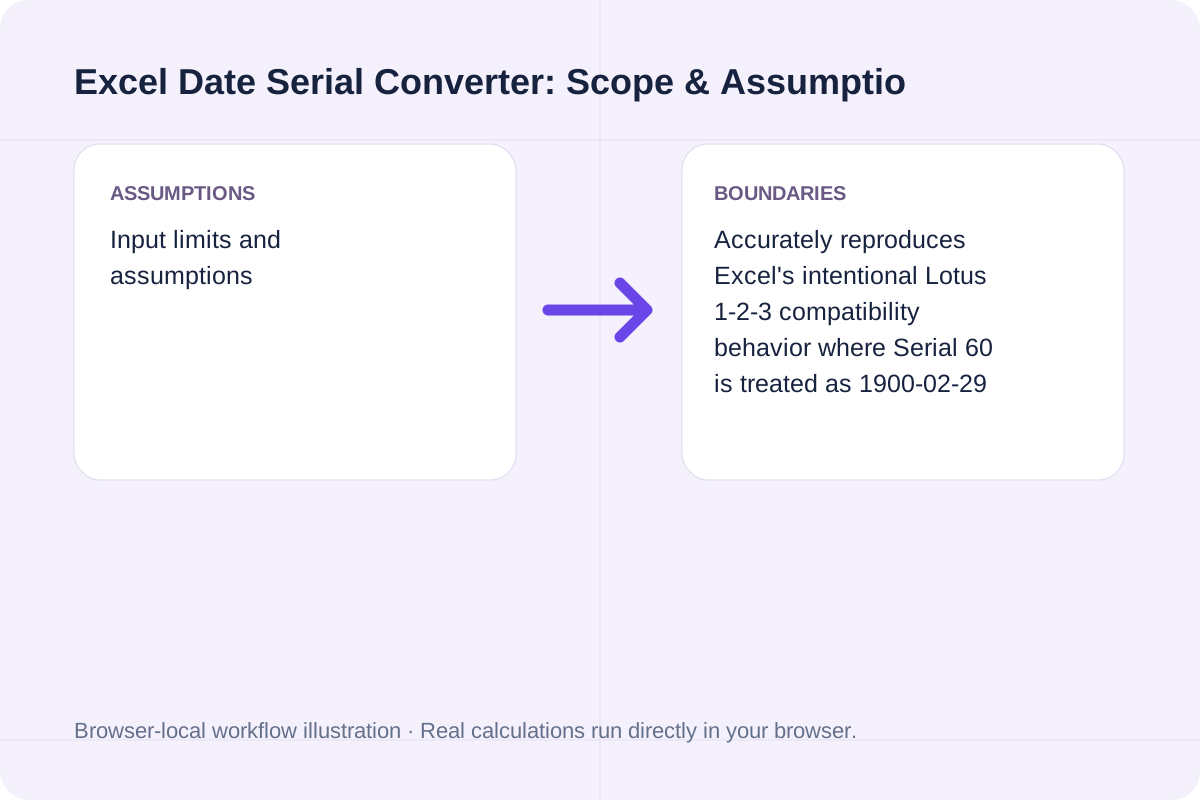
| `60.0` | `1900-02-29` (Lotus bug) | N/A (synthetic day) | Excel's intentional 1900 leap-year compatibility slot. |
| `25569.0` | `1970-01-01 00:00:00` | `0` | Unix Epoch anchor (`Serial - 25569 = Unix Days`). |
| `45658.0` | `2025-01-01 00:00:00` | `1735689600` | Start of calendar year 2025. |
| `46023.5` | `2026-01-01 12:00:00` | `1767268800` | `.5` fraction equals exact 12:00:00 PM noon. |
| `46318.625` | `2026-10-23 15:00:00` | `1792767600` | `.625` fraction equals 15/24 of a day (3:00:00 PM). |
Decode numeric date columns from CSV/XLSX imports in three steps.
Choose whether you are decoding a numeric Excel value like `46318.625` or computing the serial for a target date.
Include any decimal fraction (such as `.25` for 06:00 AM or `.75` for 06:00 PM) to resolve exact hours, minutes, and seconds.
Click Convert Excel Serial Date to inspect both 1900 and 1904 equivalents, Unix epoch seconds/milliseconds, and SQL/Python/JS conversion snippets.
Compare baseline and alternative runs for Excel Date Serial Converter before exporting the result.
Convert Excel date serial numbers to calendar dates, HH:MM:SS times, and Unix timestamps (or vice versa) with Lotus 1-2-3 1900 leap-year bug handling.
UnixEpochSeconds = round((Serial1900 - 25569) * 86400); Serial1904 = Serial1900 - 1462.
Valid from Serial 1 (`1900-01-01`) through Serial 2,958,465 (`9999-12-31`).
Review the calculated output alongside your entered parameters and unit conventions.
Valid from Serial 1 (`1900-01-01`) through Serial 2,958,465 (`9999-12-31`).
Check the model scope and boundary conditions before applying the numbers to a real project.
UnixEpochSeconds = round((Serial1900 - 25569) * 86400); Serial1904 = Serial1900 - 1462. Valid from Serial 1 (`1900-01-01`) through Serial 2,958,465 (`9999-12-31`).
Build an iCalendar file from a CSV event list. Use UTC timestamps or all-day dates, review each event and import the downloaded file into your calendar.
Open tool
Apply the year and month offset together, clamp to the destination month, then add UTC calendar days.
Open tool
Generate random dates within an inclusive calendar range with weekend and repeat rules.
Open toolChoose another tool for your next calculation, conversion, or text task.

Export iCalendar events as CSV rows. Review recorded dates, time-zone identifiers, descriptions and recurrence rules without expanding repeating events.
Open tool
Time an activity with start, pause, resume, lap and stop buttons, then export lap, cumulative and best times.
Open tool
Calculate remaining school days, total calendar days, weekend days, and instructional weeks between start and end dates minus holidays.
Open tool
Compute exact calendar dates to sow seeds indoors, begin hardening off seedlings, transplant outdoors, and expect first harvest based on your last spring frost date.
Open toolAnswers about using Excel Date Serial Converter and understanding its results.
Excel stores dates internally as sequential serial numbers where the integer portion counts days since January 1, 1900 (Serial 1) and the fractional decimal portion represents the fraction of a 24-hour day. When a cell's format is reset to 'General' or exported to CSV/JSON, the raw serial number appears.
The year 1900 was not a leap year (century years are only leap years if divisible by 400). However, Lotus 1-2-3 mistakenly treated 1900 as a leap year, and Excel intentionally replicated that behavior for backward compatibility. As a result, Serial 59 is 1900-02-28, Serial 60 is the non-existent '1900-02-29', and Serial 61 is 1900-03-01.
For any date on or after March 1, 1900 (Serial >= 61) in the 1900 date system, subtract 25569 (the Excel serial for 1970-01-01) and multiply by 86,400 seconds per day: UnixSeconds = (ExcelSerial - 25569) * 86400.
One workbook is using the 1900 date system and the other has 'Use 1904 date system' enabled. The 1904 system starts Serial 0 at January 1, 1904, creating an exact 1,462-day difference for dates after March 1, 1900.
Choose another tool for your next calculation, conversion, or text task.