
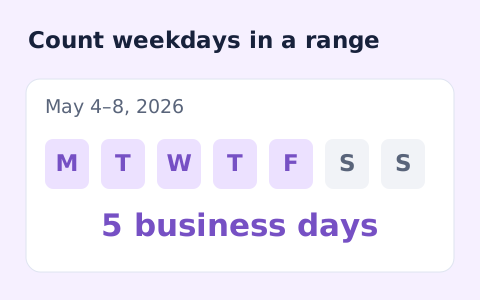
Business Days Calculator
Count Monday–Friday dates in an inclusive range.
Open toolChoose whether dates may repeat and whether weekends are eligible. Provide Start date, End date, Number of dates to compute results directly in your browser. Dates must be real YYYY-MM-DD values from 1900 through 2100. Up to 1,000 results. Weekend exclusion uses Saturday and Sunday, without holiday calendars. Unique requests cannot exceed the eligible date count. Browser cryptographic random values drive rejection sampling.
Enter the inputs, then select Generate result.
Result will appear here
The Random Date Generator evaluates Start date, End date, Number of dates in client-side JavaScript using the deterministic rule below and updates the output panel immediately without uploading data to a server.
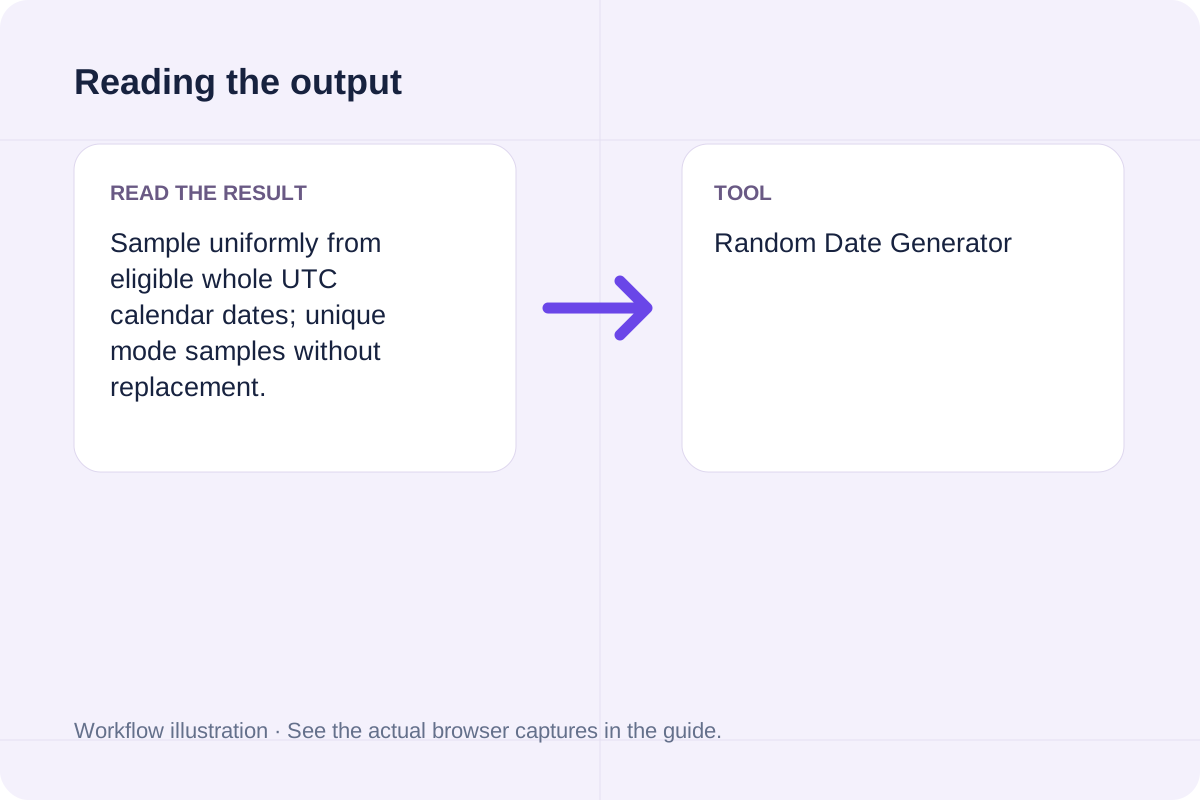
Sample uniformly from eligible whole UTC calendar dates; unique mode samples without replacement.
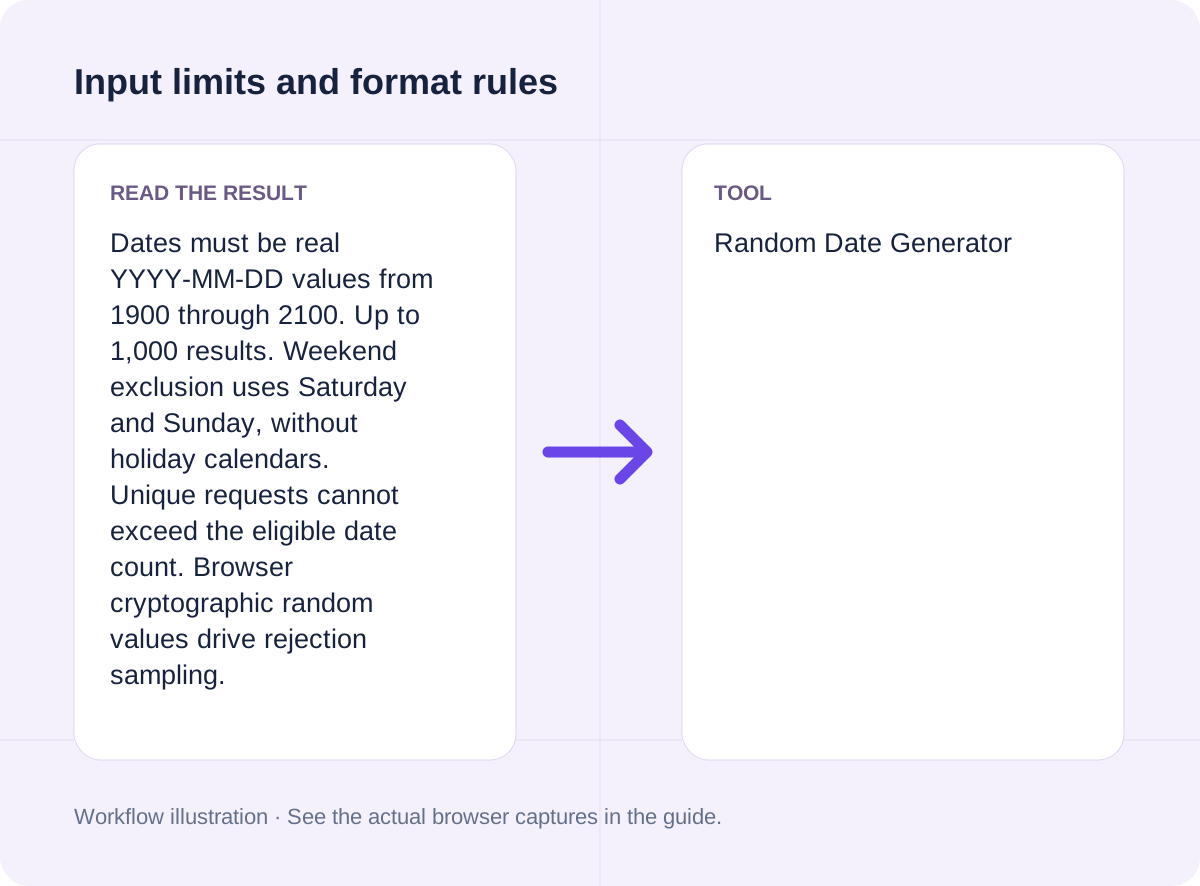
Dates must be real YYYY-MM-DD values from 1900 through 2100. Up to 1,000 results. Weekend exclusion uses Saturday and Sunday, without holiday calendars. Unique requests cannot exceed the eligible date count. Browser cryptographic random values drive rejection sampling.
Review the input parameters, allowed value ranges, and worked reference cases for the Random Date Generator below before running your calculation.
| Parameter / Scenario | Default / Sample Value | Rule or Allowed Range | Output / Usage Note |
|---|---|---|---|
| Input: Start date | 2026-10-01 | Input type: date | Required workspace parameter |
| Input: End date | 2026-10-08 | Input type: date | Required workspace parameter |
| Input: Number of dates | 3 | Range: 1 to 1000 | Required workspace parameter |
| Input: Weekend rule | (User supplied) | Options: Include weekends, Exclude weekends | Required workspace parameter |
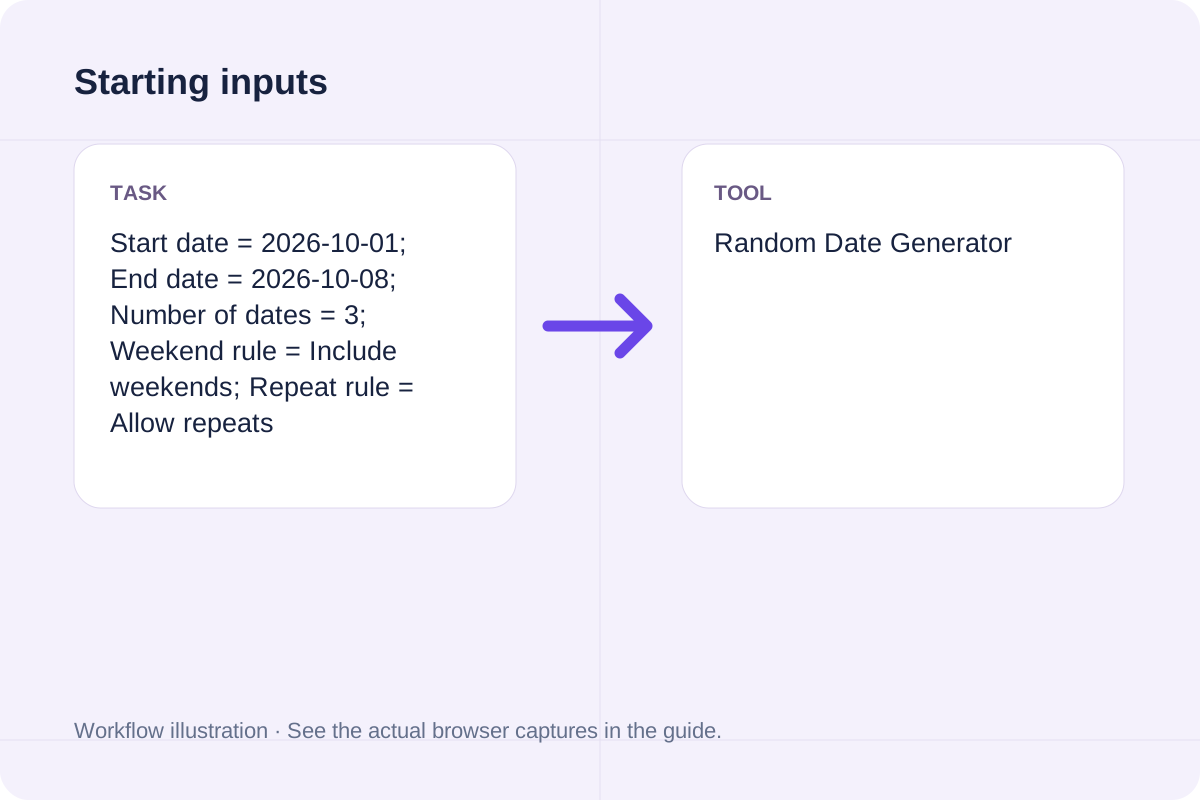
| Worked Case 1: Starting inputs | Preloaded / test values | Sample uniformly from eligible whole UTC calendar dates; unique mode samples without replacement | Start date = 2026-10-01; End date = 2026-10-08; Number of dates = 3; Weekend rule = Include weekends; Repeat rule = Allow repeats |
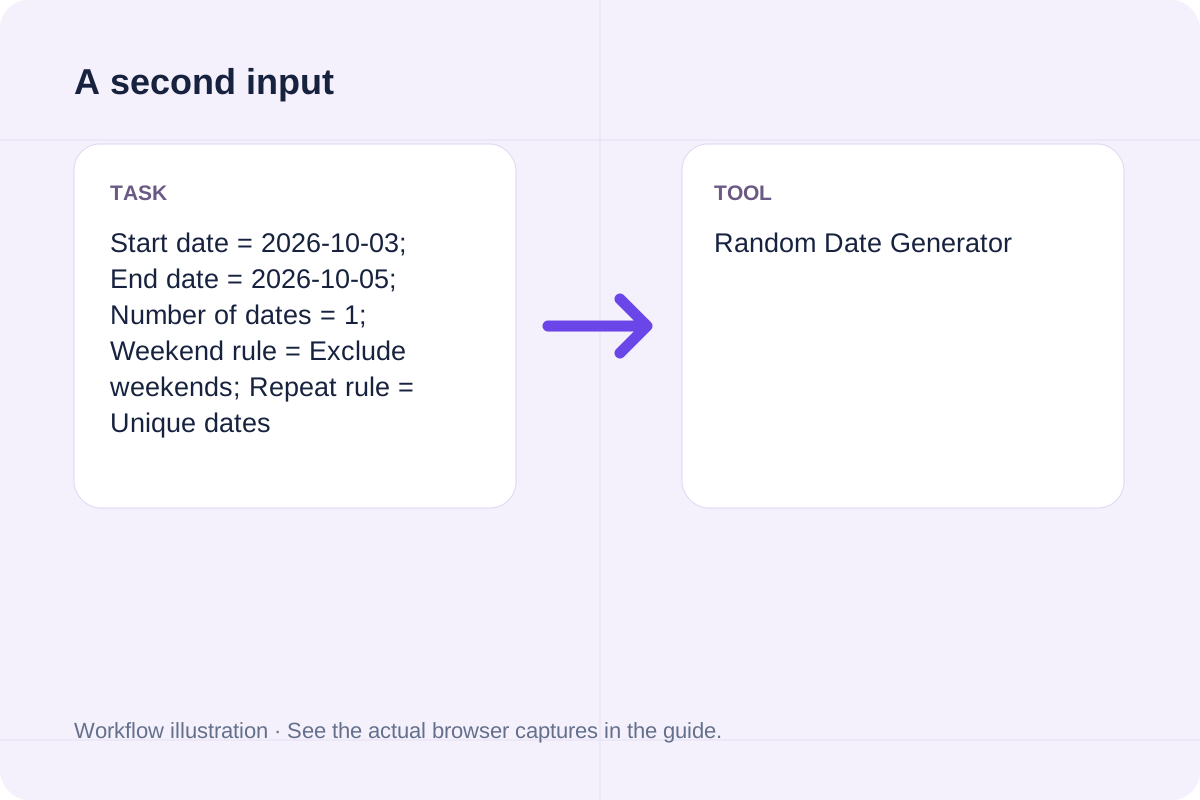
| Worked Case 2: Comparison scenario (random date generator yyyy-mm-dd) | Preloaded / test values | Sample uniformly from eligible whole UTC calendar dates; unique mode samples without replacement | Start date = 2026-10-03; End date = 2026-10-05; Number of dates = 1; Weekend rule = Exclude weekends; Repeat rule = Unique dates |
Follow these three steps to configure Start date, End date, Number of dates, verify unit and boundary rules, and export your Random Date Generator output.
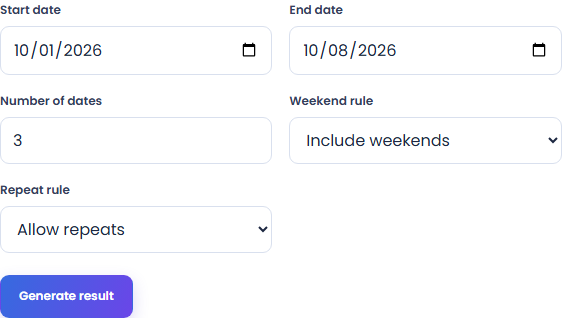
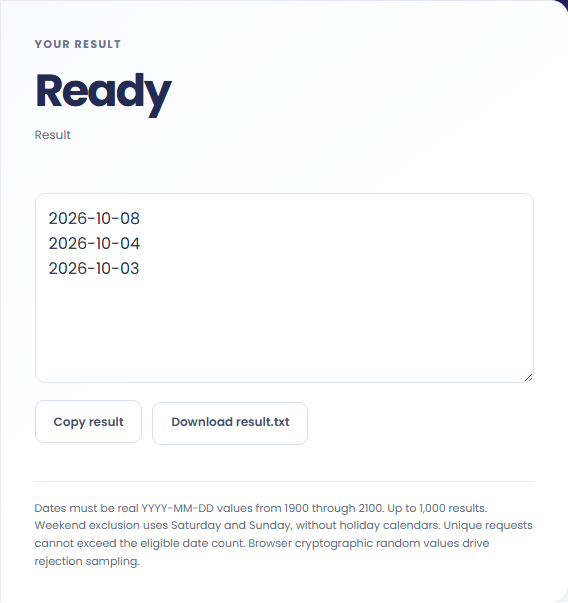
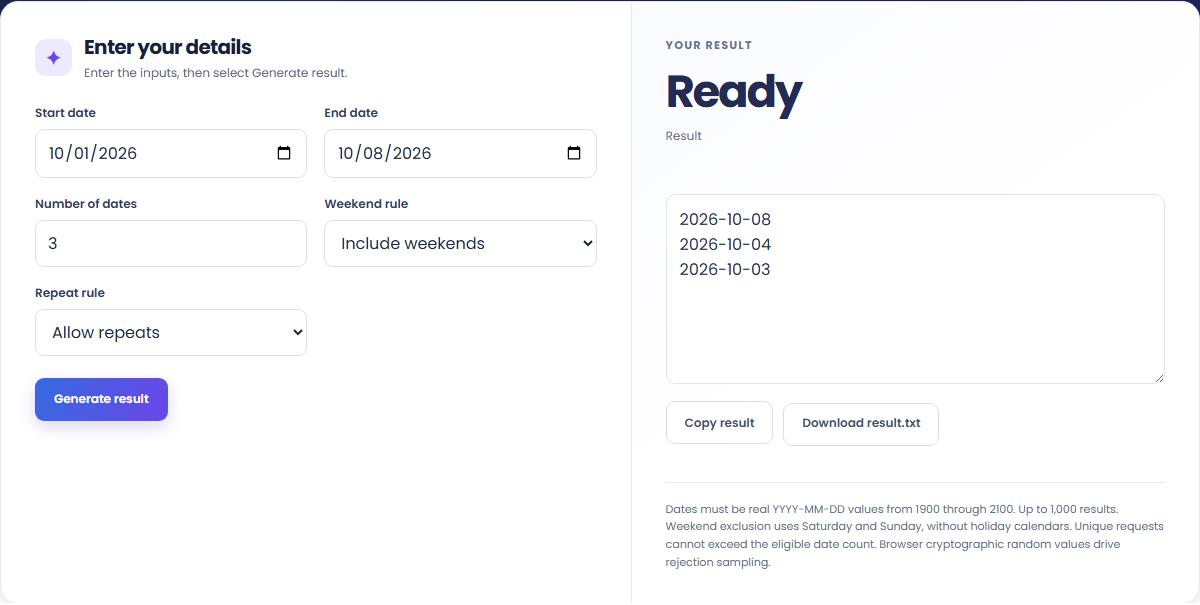
These concrete scenarios illustrate how the Random Date Generator processes baseline inputs, comparison checks, and boundary constraints.
Start date = 2026-10-01; End date = 2026-10-08; Number of dates = 3; Weekend rule = Include weekends; Repeat rule = Allow repeats
Start date = 2026-10-03; End date = 2026-10-05; Number of dates = 1; Weekend rule = Exclude weekends; Repeat rule = Unique dates
When solving for 'random date generator', verify that Start date, End date, Number of dates use consistent units and stay within the documented scope: Dates must be real YYYY-MM-DD values from 1900 through 2100. Up to 1,000 results. Weekend exclusion uses Saturday and Sunday, without holiday calendars. Unique requests cannot exceed the eligible date count. Browser cryptographic random values drive rejection sampling.
The output panel reports the exact result derived from Start date, End date, Number of dates alongside any unit or formatting notes.
Every calculation follows the rule: Sample uniformly from eligible whole UTC calendar dates; unique mode samples without replacement. Because JavaScript uses IEEE 754 double-precision floating-point arithmetic, numeric outputs display up to 12 significant digits where applicable.
Always cross-check the displayed result against the scope note (Dates must be real YYYY-MM-DD values from 1900 through 2100. Up to 1,000 results. Weekend exclusion uses Saturday and Sunday, without holiday calendars. Unique requests cannot exceed the eligible date count. Browser cryptographic random values drive rejection sampling) before applying the value to production specifications, financial models, or lab records.
Review these boundary constraints and validation rules before relying on the Random Date Generator output.
Operational scope: Dates must be real YYYY-MM-DD values from 1900 through 2100. Up to 1,000 results. Weekend exclusion uses Saturday and Sunday, without holiday calendars. Unique requests cannot exceed the eligible date count. Browser cryptographic random values drive rejection sampling. Inputs that violate minimum/maximum bounds or required format rules are rejected with a clear diagnostic prompt.
Need an adjacent calculation in Date & Time? Use the related tools linked below to chain your workflow without leaving your browser.
Count Monday–Friday dates in an inclusive range.
Open tool
Calculate remaining school days, total calendar days, weekend days, and instructional weeks between start and end dates minus holidays.
Open tool
Build an iCalendar file from a CSV event list. Use UTC timestamps or all-day dates, review each event and import the downloaded file into your calendar.
Open toolChoose another tool for your next calculation, conversion, or text task.

Track and analyze daily or multi-day screen time by app and category: calculate total hours, daily budget surplus/overage, productive focus share, and pickup interval.
Open tool
Convert Excel date serial numbers to calendar dates, HH:MM:SS times, and Unix timestamps (or vice versa) with Lotus 1-2-3 1900 leap-year bug handling.
Open tool
Export iCalendar events as CSV rows. Review recorded dates, time-zone identifiers, descriptions and recurrence rules without expanding repeating events.
Open tool
Compute exact calendar dates to sow seeds indoors, begin hardening off seedlings, transplant outdoors, and expect first harvest based on your last spring frost date.
Open toolAnswers about using Random Date Generator and understanding its results.
The Random Date Generator applies the rule: Sample uniformly from eligible whole UTC calendar dates; unique mode samples without replacement. Enter Start date, End date, Number of dates into the workspace and the tool computes the exact output in your browser.
Yes. Provide Start date, End date, Number of dates using the documented units and format shown in the quick reference table above. Preloaded default values let you test the workflow immediately.
Dates must be real YYYY-MM-DD values from 1900 through 2100. Up to 1,000 results. Weekend exclusion uses Saturday and Sunday, without holiday calendars. Unique requests cannot exceed the eligible date count. Browser cryptographic random values drive rejection sampling. Confirm that your inputs fall within the allowed ranges before exporting the result.
Yes. All calculations for the Random Date Generator execute 100% locally in your browser's JavaScript runtime. No inputs or results are uploaded to any external server.
Choose another tool for your next calculation, conversion, or text task.