
Paint Calculator
Estimate gallons of wall paint from room dimensions, openings, coats, and coverage.
Open toolEstimate concrete volume for a rectangular slab from length, width, and thickness. Add an allowance and review cubic yards, feet, and metres.
Update the inputs to see your result.
Result will appear here
Slab dimensions produce a base volume, then the allowance increases it.
Thickness in inches is divided by twelve before multiplying by length and width in feet. The base cubic-foot volume is increased by the entered allowance, then converted into cubic yards and cubic metres.
A simple rectangular slab estimate. Account separately for footings, uneven ground, forms, and supplier minimums.
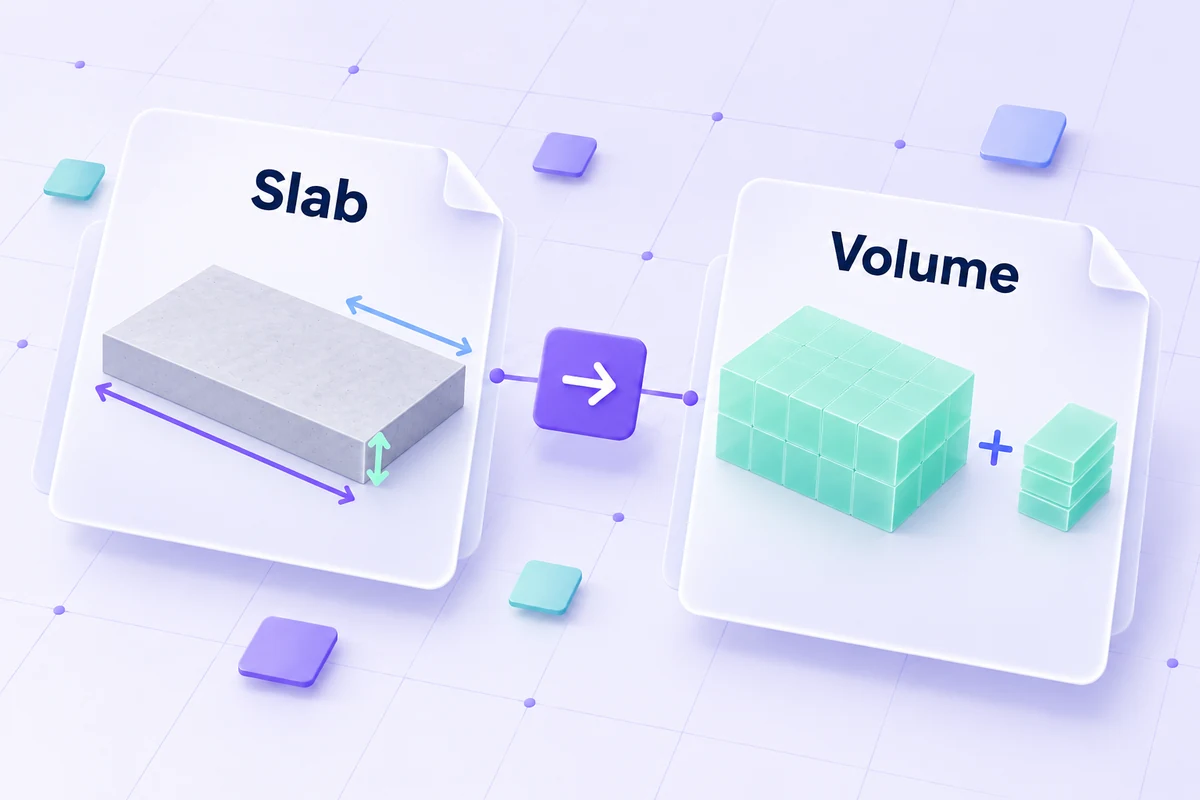
The slab dimensions use feet for length and width, but inches for depth.
Enter length and width in feet, thickness in inches, and the extra allowance percentage. Measure a rectangular slab and keep the units distinct. A thickness copied in feet without conversion would use the wrong scale in this form.
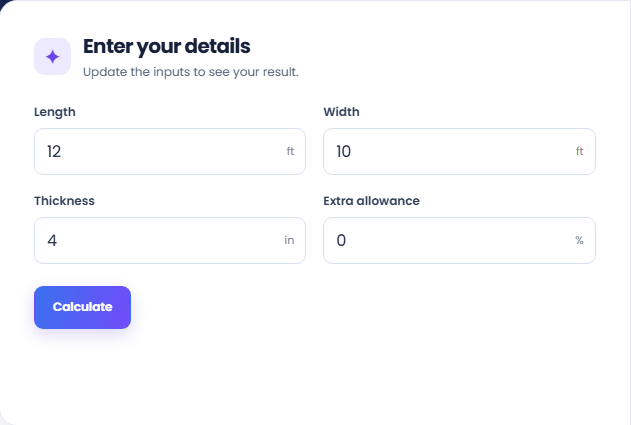
Select Calculate and read Concrete to order with allowance in cubic yards. The thickness is converted to feet before the slab volume is calculated. The allowance increases that base volume rather than representing a separately measured part of the slab.
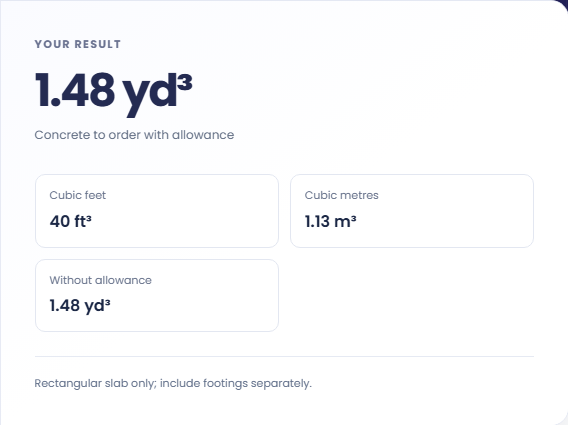
Check Cubic feet, Cubic metres, and Without allowance beside the main estimate. The first two use the adjusted volume; Without allowance shows the base slab quantity. Footings, uneven ground, forms, and supplier minimums need separate consideration.
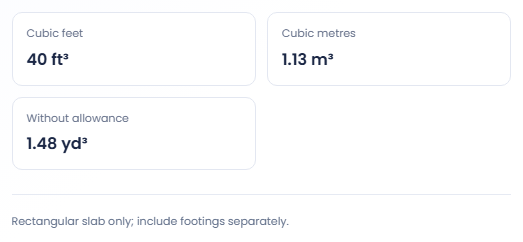
The result is most useful when the shape and thickness can be represented by one rectangle.
Use a hypothetical rectangular pad to calculate one slab volume from its dimensions and thickness. Check whether thickened edges or footings are included elsewhere in the project. The page cannot infer them from the rectangle entered.
Keep length, width and allowance unchanged while comparing depth values. This isolates the volume effect of the thickness input. The result is a material quantity calculation and does not determine what thickness a structure should use.
Run the dimensions with zero allowance, then with the allowance you intend to model. The base volume stays visible beside the adjusted amount. This helps distinguish the measured rectangle from the extra quantity assumed in the order estimate.
Compare adjusted volume, base volume, and the supporting unit conversions.
The main answer is cubic yards with the entered allowance. Cubic feet and cubic metres refer to the same adjusted volume. Without allowance refers to the original rectangle, so it represents a different quantity basis.
Displayed volumes are rounded. The page does not select supplier delivery increments, minimum orders or bag counts. Compare the estimated quantity with supplier arrangements separately before deciding how to order the material.

Confirm dimension units and account separately for excluded shapes.
The most common input mismatch is using feet in the depth field or inches in the length fields. Match each value to its printed unit. Keep a dimension sketch with the estimate so the entered rectangle remains clear.
Uneven ground, footings and nonrectangular sections need separate treatment. This calculator does not assess structural requirements or site conditions. Its output is a simple volume estimate for the geometry and allowance supplied.

Estimate gallons of wall paint from room dimensions, openings, coats, and coverage.
Open tool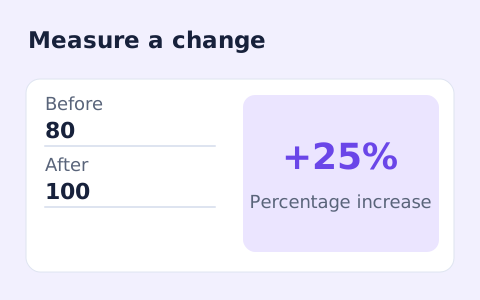
Calculate percentage change and absolute difference between a positive starting value and a new value.
Open tool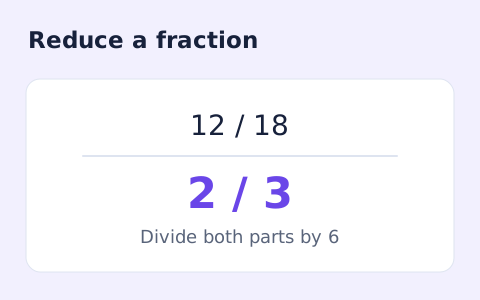
Simplify signed integer fractions exactly and see the greatest common divisor and mixed-number form.
Open toolChoose another tool for your next calculation, conversion, or text task.
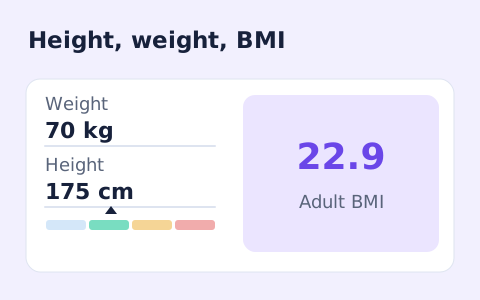
A free adult BMI calculator with metric inputs, a clear BMI category, and the calculation shown.
Open tool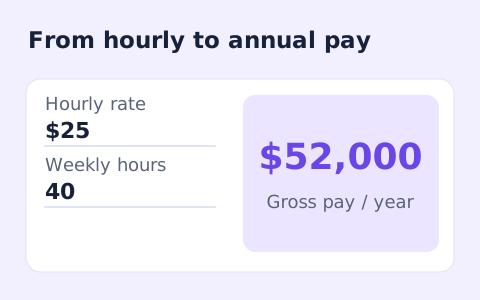
Convert hourly pay to gross annual, monthly, and weekly salary using your own working hours and weeks.
Open tool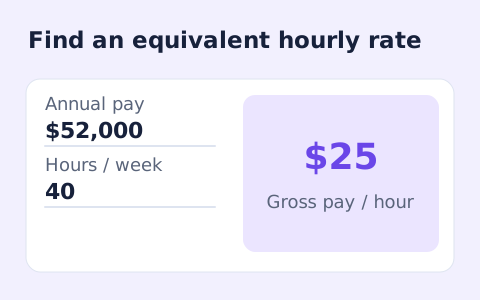
Convert annual gross salary into an hourly rate from your hours per week and paid weeks per year.
Open tool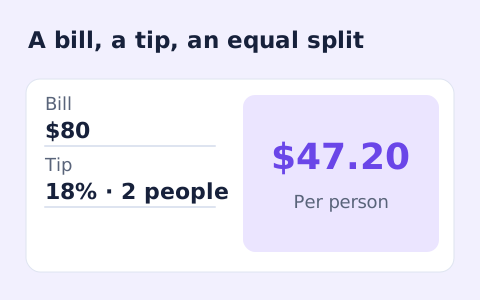
Quickly split a bill with a percentage tip. See the tip amount, total, and per-person amount.
Open toolEstimate concrete volume for a rectangular slab from length, width, and thickness.
Answers about using Concrete Calculator and understanding its results.
An extra allowance helps cover uneven surfaces and handling loss.
No. Calculate footings separately and add their volume.
The main cubic-yard result and supporting cubic feet and metres include the extra allowance. Without allowance shows the unadjusted slab volume.
This form models one rectangular slab. Calculate separate rectangular sections or irregular volumes outside this tool and check their dimensions before ordering.