

UART Baud Rate Calculator
Calculate UART / USART baud rate register divisors, fractional BRR hex values, actual baud rate, percentage clock error, and maximum error tolerance for STM32, AVR, PIC, and 16550 UARTs.
Open toolValidate CNCF CloudEvents `v1.0` and `v0.3` messages in either Structured JSON mode (`application/cloudevents+json`) or HTTP Binary mode (`ce-*` headers), audit RFC 3339 timestamps, URI-references, and extension attribute naming rules, and convert seamlessly between both transport bindings.
Enter the inputs, then select Validate CloudEvent.
Result will appear here
Paste either a Structured JSON payload or a block of HTTP `ce-*` headers to run a full CNCF specification compliance check.
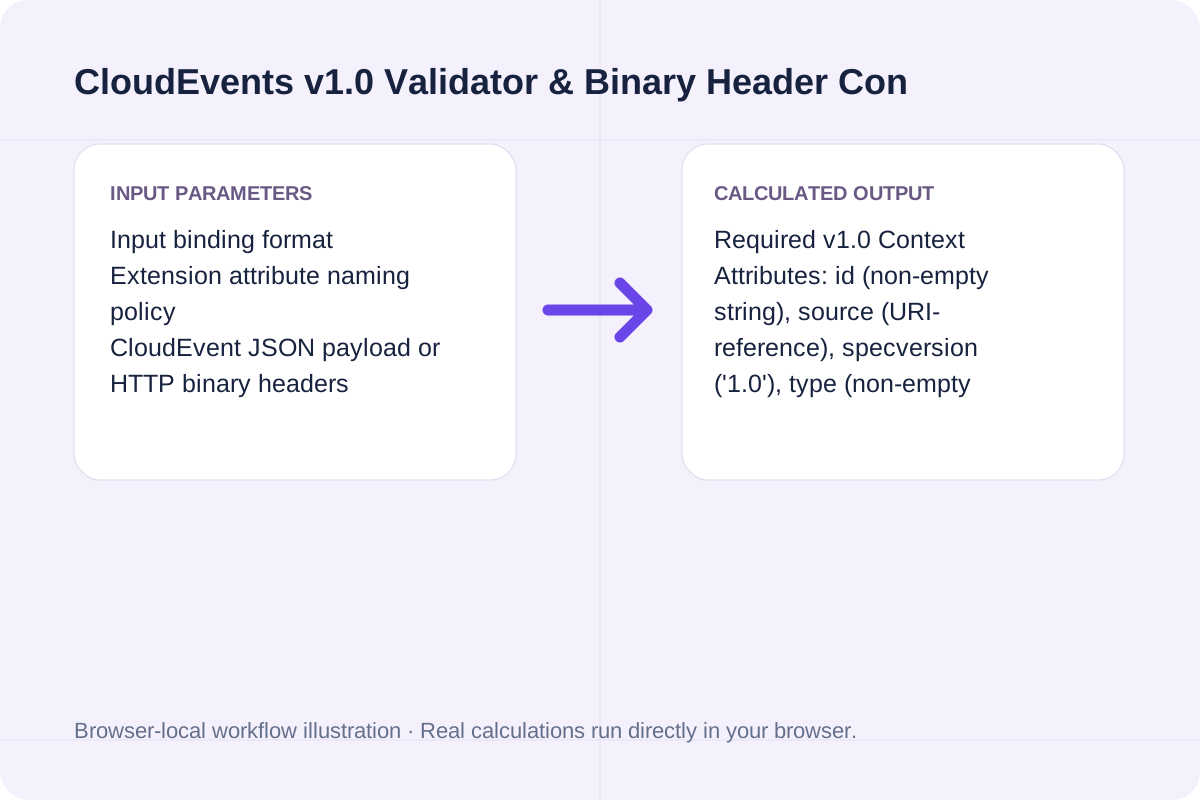
Required v1.0 Context Attributes: id (non-empty string), source (URI-reference), specversion ('1.0'), type (non-empty string); Attribute Name Rule: ^[a-z0-9]+$ (no hyphens or uppercase in JSON keys).
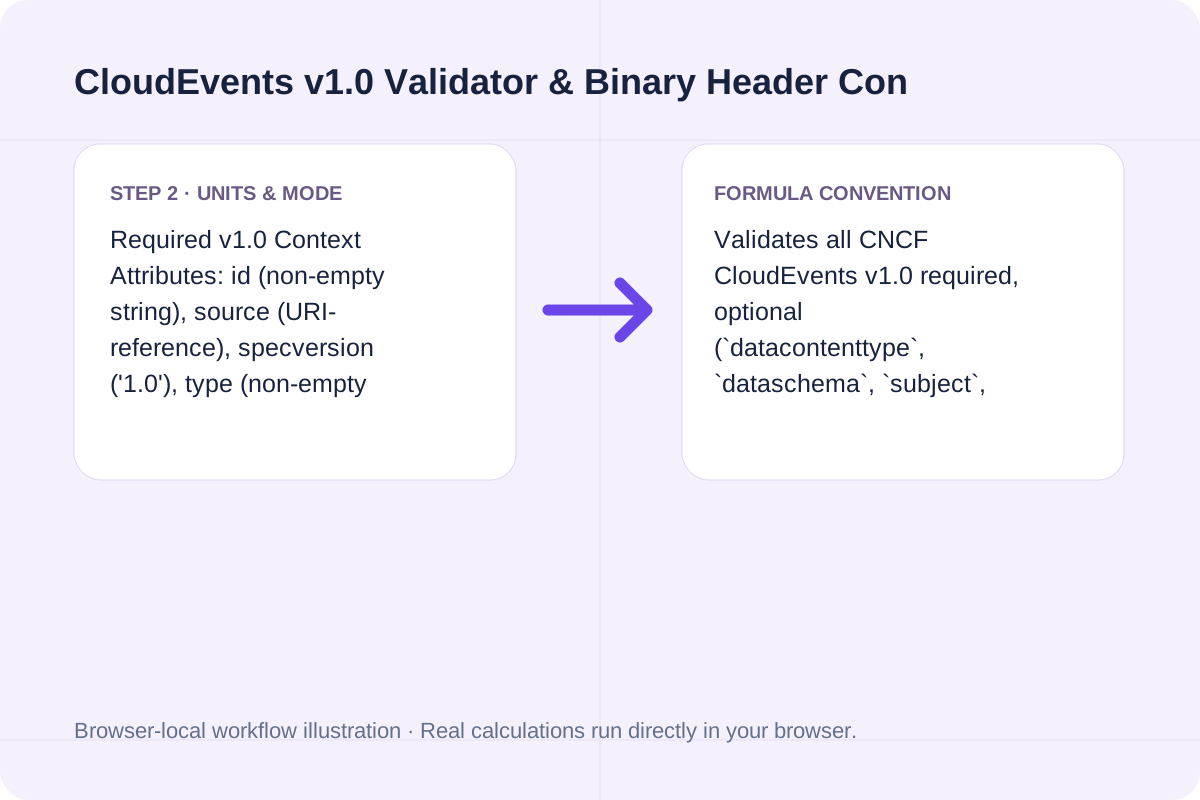
Validates all CNCF CloudEvents v1.0 required, optional (`datacontenttype`, `dataschema`, `subject`, `time`), and extension attributes, and automatically translates between Structured Mode (`application/cloudevents+json`) and HTTP Binary Mode (`ce-*` headers).
Complete specification of required and optional CloudEvents v1.0 attributes across Structured JSON and HTTP Binary modes.
| Attribute Name | HTTP Binary Header | Requirement | Type / Format Constraint | Example Value |
|---|---|---|---|---|
| `specversion` | `ce-specversion` | **REQUIRED** | String (`"1.0"`) | `"1.0"` |
| `id` | `ce-id` | **REQUIRED** | Non-empty String (unique per `source`) | `"evt-2026-10-25-9f81c2"` |
| `source` | `ce-source` | **REQUIRED** | URI-reference (RFC 3986) | `"https://api.example.com/orders"` |
| `type` | `ce-type` | **REQUIRED** | Non-empty String (reverse-DNS recommended) | `"com.example.order.fulfilled"` |
| `datacontenttype` | `Content-Type` | Optional | RFC 2046 Media Type | `"application/json"` |
| `dataschema` | `ce-dataschema` | Optional | Absolute URI (RFC 3986) | `"https://schema.example.com/order.json"` |
| `subject` | `ce-subject` | Optional | Non-empty String | `"ORD-1001"` |
| `time` | `ce-time` | Optional | RFC 3339 Timestamp | `"2026-10-25T14:30:00Z"` |
Enter the values for your scenario, verify the units, and run the calculation.
Start by entering the required fields in the CloudEvents v1.0 Validator & Binary Header Converter form above.
Match each value to the unit or format shown next to the input box before running the calculation.
Select Validate CloudEvent, inspect the primary metric and breakdown cards, then use Copy result or Download result.txt.
Compare baseline and alternative runs for CloudEvents v1.0 Validator & Binary Header Converter before exporting the result.
Validate CNCF CloudEvents v1.0 and v0.3 structured JSON payloads or HTTP binary headers (ce-*). Check required attributes, RFC 3339 timestamps, URI-references, and extension naming.
Required v1.0 Context Attributes: id (non-empty string), source (URI-reference), specversion ('1.0'), type (non-empty string); Attribute Name Rule: ^[a-z0-9]+$ (no hyphens or uppercase in JSON keys).
Validates all CNCF CloudEvents v1.0 required, optional (`datacontenttype`, `dataschema`, `subject`, `time`), and extension attributes, and automatically translates between Structured Mode (`application/cloudevents+json`) and HTTP Binary Mode (`ce-*` headers).
Review the calculated output alongside your entered parameters and unit conventions.
Validates all CNCF CloudEvents v1.0 required, optional (`datacontenttype`, `dataschema`, `subject`, `time`), and extension attributes, and automatically translates between Structured Mode (`application/cloudevents+json`) and HTTP Binary Mode (`ce-*` headers).
Confirm these three rules across your event producers.
Required v1.0 Context Attributes: id (non-empty string), source (URI-reference), specversion ('1.0'), type (non-empty string); Attribute Name Rule: ^[a-z0-9]+$ (no hyphens or uppercase in JSON keys). Validates all CNCF CloudEvents v1.0 required, optional (`datacontenttype`, `dataschema`, `subject`, `time`), and extension attributes, and automatically translates between Structured Mode (`application/cloudevents+json`) and HTTP Binary Mode (`ce-*` headers).
Calculate UART / USART baud rate register divisors, fractional BRR hex values, actual baud rate, percentage clock error, and maximum error tolerance for STM32, AVR, PIC, and 16550 UARTs.
Open tool
Validate and decode single or bulk UUIDs (v1-v8, Nil, Max). Extract embedded UUIDv7 UTC timestamps, verify RFC 9562 variant bits, and check batch duplicates and sorting.
Open tool
Validate systemd .service and .timer unit files online: check section headers, ExecStart absolute paths, Type/BusName rules, and sandboxing directives.
Open toolChoose another tool for your next calculation, conversion, or text task.

Generate Linux and macOS find commands with -name/-iname globs, file type (-type f/d), size, modification time (-mtime), -maxdepth, and -exec actions.
Open tool
Generate TypeScript definitions from a local JSON Schema. Structural types and internal definitions become source code; runtime validation rules still need a validator.
Open tool
Validate JSON against a draft-07 or 2020-12 schema. Review error paths without sending the documents to a server.
Open tool
Check a local Swagger 2.0, OpenAPI 3.0 or OpenAPI 3.1 document for schema errors and broken internal references. Read the reported paths without querying your API.
Open toolAnswers about using CloudEvents v1.0 Validator & Binary Header Converter and understanding its results.
Every valid CloudEvents v1.0 event must include four non-empty String context attributes: "specversion" (must be "1.0"), "id" (unique within the scope of the producer/source), "source" (a valid URI-reference identifying the event producer, such as "https://example.com/orders" or "/sensors/temp-1"), and "type" (reverse-DNS event type string such as "com.example.order.created").
In Structured Mode, the HTTP Content-Type is "application/cloudevents+json" and both metadata attributes and payload live inside a single JSON envelope (under "data" or "data_base64"). In Binary Mode, the HTTP body contains only the raw event "data" (with normal Content-Type like "application/json"), while all CloudEvents context attributes are passed as HTTP headers prefixed with "ce-" (such as "ce-specversion: 1.0", "ce-id: ...", "ce-source: ...", "ce-type: ...").
So that attributes map cleanly across HTTP headers, AMQP, Kafka, MQTT, and JSON without case-sensitivity collisions, the CloudEvents v1.0 specification mandates that all attribute names use only lowercase ASCII letters ('a'–'z') and digits ('0'–'9')—no uppercase characters, underscores ('_'), or hyphens ('-').
In Structured JSON mode (`application/cloudevents+json`), if the event payload is binary (such as Protobuf, Avro, or Gzip) rather than JSON or text, store the Base64-encoded bytes in `data_base64` instead of `data`. A single CloudEvent must never contain both `data` and `data_base64` simultaneously.
Choose another tool for your next calculation, conversion, or text task.