
OpenAPI Validator
Check a local Swagger 2.0, OpenAPI 3.0 or OpenAPI 3.1 document for schema errors and broken internal references. Read the reported paths without querying your API.
Open toolGenerate TypeScript definitions from a local JSON Schema. Structural types and internal definitions become source code; runtime validation rules still need a validator.
Enter the inputs, then select Generate TypeScript.
Result will appear here
Read structural schema types, properties, unions and internal definitions with quicktype.
Processing uses bundled libraries in this browser. The download contains the generated source or document, rather than a link to a conversion service.
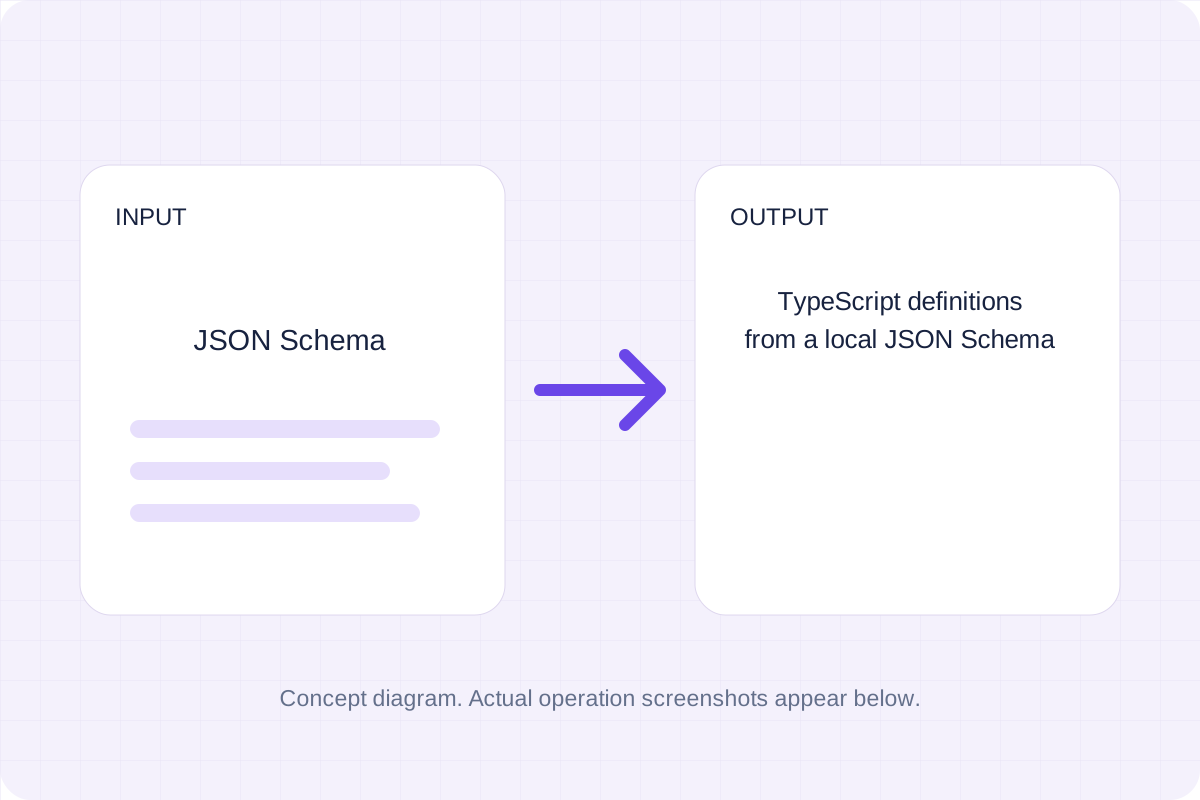
Start with the supported input, then check the generated result.
Use JSON Schema, Root type name. The form starts with an example you can replace.
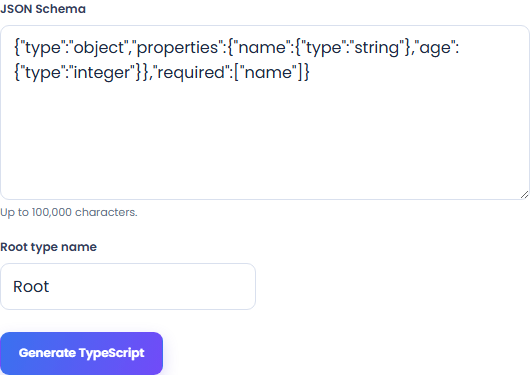
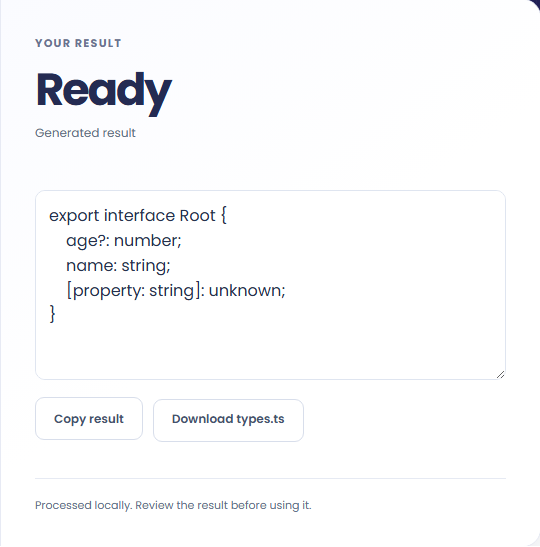
Review TypeScript definitions from a local JSON Schema. Download the generated file and check it in the application where you plan to use it.
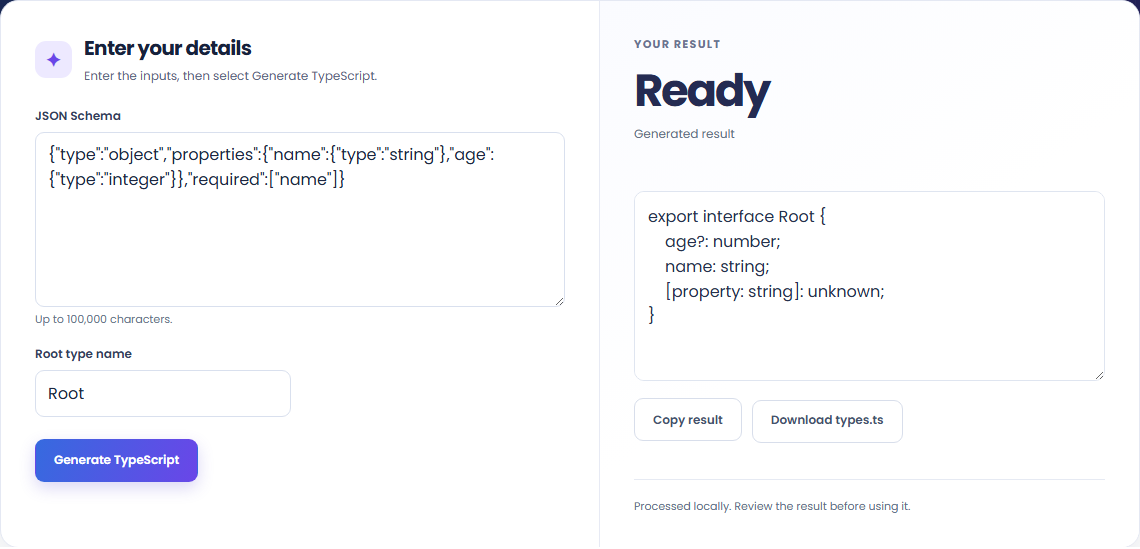
These workflows use the formats and behavior supported by this implementation.
Reuse a local schema’s property and structural type information as a starting point for TypeScript definitions.

Internal definitions can be referenced within the supplied schema. Remote references are rejected instead of being fetched.

TypeScript types do not check patterns, numeric ranges or string formats at runtime. Keep a schema validator where those rules matter.

Keep the output format and conversion policy in view.
TypeScript definitions from a local JSON Schema. Read structural schema types, properties, unions and internal definitions with quicktype.
Compare the result with the original before replacing a source file. Conversion limits are listed below.

Check these conditions before relying on the result.
Remote references are rejected. TypeScript definitions do not enforce runtime constraints such as string patterns, ranges or formats. Review unsupported schema constructs and compile in your project.
Input and results are not stored after leaving or reloading. Keep the original and download any output you need.

Check a local Swagger 2.0, OpenAPI 3.0 or OpenAPI 3.1 document for schema errors and broken internal references. Read the reported paths without querying your API.
Open tool
Generate plain Java model classes from a JSON object or object array. Download a ZIP with separate class files, then review inferred types and add your serializer mapping.
Open tool
Convert a supported WOFF font to a TrueType container while keeping its table content. Use a font you have permission to convert and review the downloaded TTF.
Open toolChoose another tool for your next calculation, conversion, or text task.

Inspect quoted CSV cells in a readable table without uploading your data.
Open tool
Check CSV quoting and consistent column counts, then review the record count and selected delimiter.
Open tool
Compare two JSON values by structure. See changed paths without treating object key order as a difference.
Open tool
Validate JSON against a draft-07 or 2020-12 schema. Review error paths without sending the documents to a server.
Open toolGenerate the supported output, review it, and save a copy for your next step.
Answers about using JSON Schema to TypeScript Converter and understanding its results.
It produces TypeScript definitions from a local JSON Schema. Remote references are rejected. TypeScript definitions do not enforce runtime constraints such as string patterns, ranges or formats. Review unsupported schema constructs and compile in your project.
Processing runs in this browser with local bundled libraries. No input is sent to a conversion server. Download your result before leaving the page.