ROI Calculator
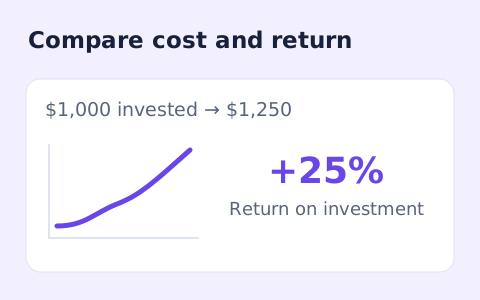
Measure gain or loss against your initial investment.
Open toolEstimate whether an AI subscription or API workflow pays for itself: compare monthly seat and token costs against net hours saved, hourly labor value, 12-month ROI%, and upfront setup payback months.
Enter the inputs, then select Calculate AI ROI & Payback.
Result will appear here
Every figure in the result card is computed directly in your browser using deterministic 12-month cost, labor-value, and payback equations.
monthly_cost = monthly_subscription + monthly_api_token_cost + other_monthly_cost; monthly_benefit = (hours_saved_per_month × hourly_rate) + extra_monthly_revenue; monthly_net = monthly_benefit − monthly_cost; roi_percent = ((monthly_net × 12) ÷ (monthly_cost × 12 + one_time_setup_cost)) × 100; first_year_net_after_setup = (monthly_net × 12) − one_time_setup_cost; payback_months = one_time_setup_cost ÷ monthly_net (when monthly_net > 0, or “Does not pay back under these assumptions” when monthly_net ≤ 0).
Estimates only. Ignores taxes, ramp-up time, quality risk, and switching costs. Not financial advice. “AI payoff” in public debate often means firm-level profit impact; this tool estimates team-level tool payback under your assumptions.
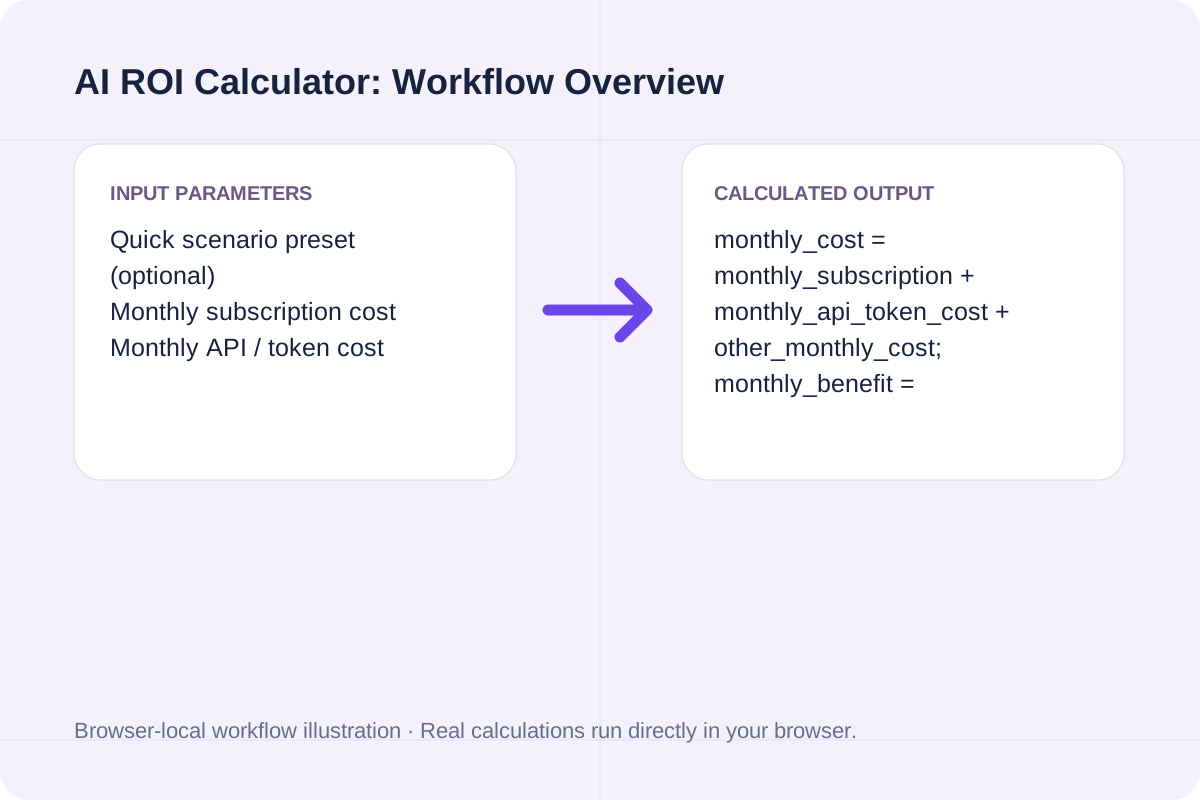
How this AI tool payback calculator differs from our general financial ROI Calculator (/tools/roicalculator), plus default parameters and preset benchmarks.
| Dimension / Scenario | General ROI Calculator (/tools/roicalculator) | AI ROI Calculator (This Page) | Formula / Output Rule |
|---|---|---|---|
| Primary Use Case | Any capital or asset investment (stocks, real estate, equipment) | AI software subscriptions, API token spend & team productivity | Use general ROI for asset gain; use this page for AI tool payback |
| Core Inputs | Initial investment, Final value, Additional income/costs | Monthly subscription, API tokens, Other monthly cost, Hours saved, Hourly rate, Extra revenue, One-time setup | All inputs >= 0; 12-month total cost denominator must be > $0 |
| Primary Outputs | Simple non-annualized ROI % and net gain/loss | 12-Month ROI %, Monthly Net ($), Annual Net ($), and Setup Payback (months) | roi_percent = (monthly_net × 12) / (monthly_cost × 12 + one_time_setup) × 100 |
| Default Baseline | $10,000 initial -> $12,500 final (25% ROI) | $20/mo subscription, 10 hrs saved @ $50/hr ($0 setup) | Monthly benefit $500, Monthly net $480, 12-Month ROI 2,400%, Immediate payback |
| 5-Seat Dev Team Preset | Not designed for seat + hours-saved workflows | $200/mo ($40×5), 60 hrs/mo @ $75/hr, $500 one-time setup | Monthly benefit $4,500, Monthly net $4,300, 12-Month ROI 1,779.31%, Payback 0.12 months |
Audit your real seat spend, variable API usage, and net time savings after verification before renewing an AI contract.
Enter your fixed monthly subscription fees (such as ChatGPT Plus, Claude Pro, or Cursor seats) alongside variable monthly API/token bills and any supporting plugin or training amortization costs.
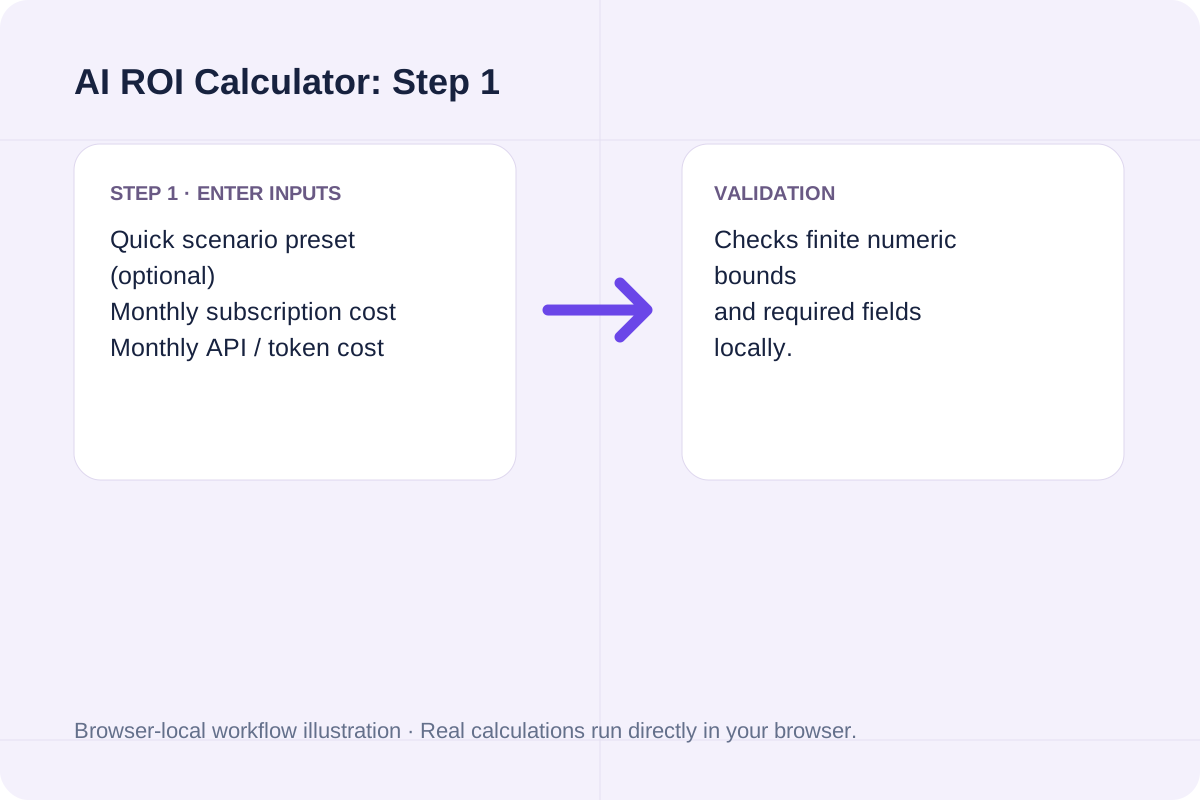
Estimate hours saved per month after subtracting prompt writing, code review, and fact-checking time, then multiply by your team's hourly labor rate. If you need to convert an annual salary to an hourly rate first, use our Hourly to Salary Calculator.
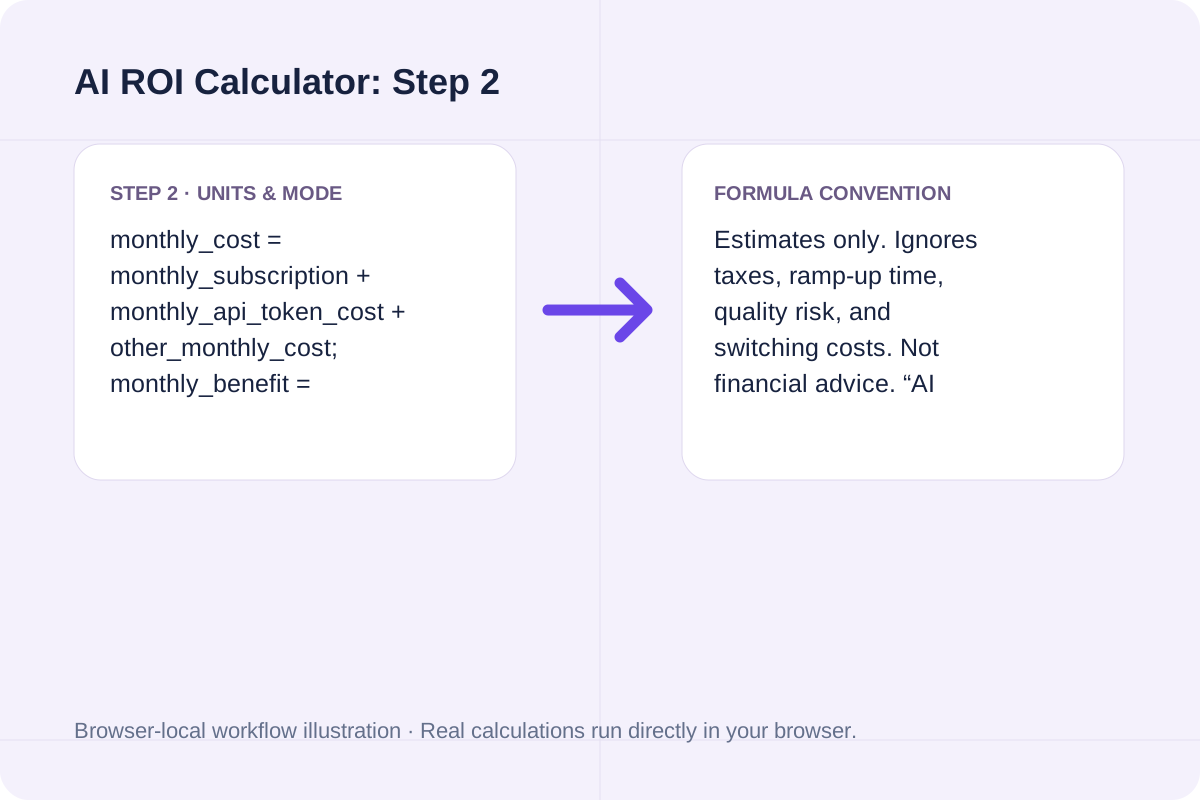
Include any one-time onboarding or integration cost to calculate how many months of positive monthly net savings are required to break even, or switch to the general ROI Calculator or CAGR Calculator for traditional capital investments.
Compare three realistic workflows—from an individual $20/month seat to a 5-developer team rollout and an API-heavy pipeline.
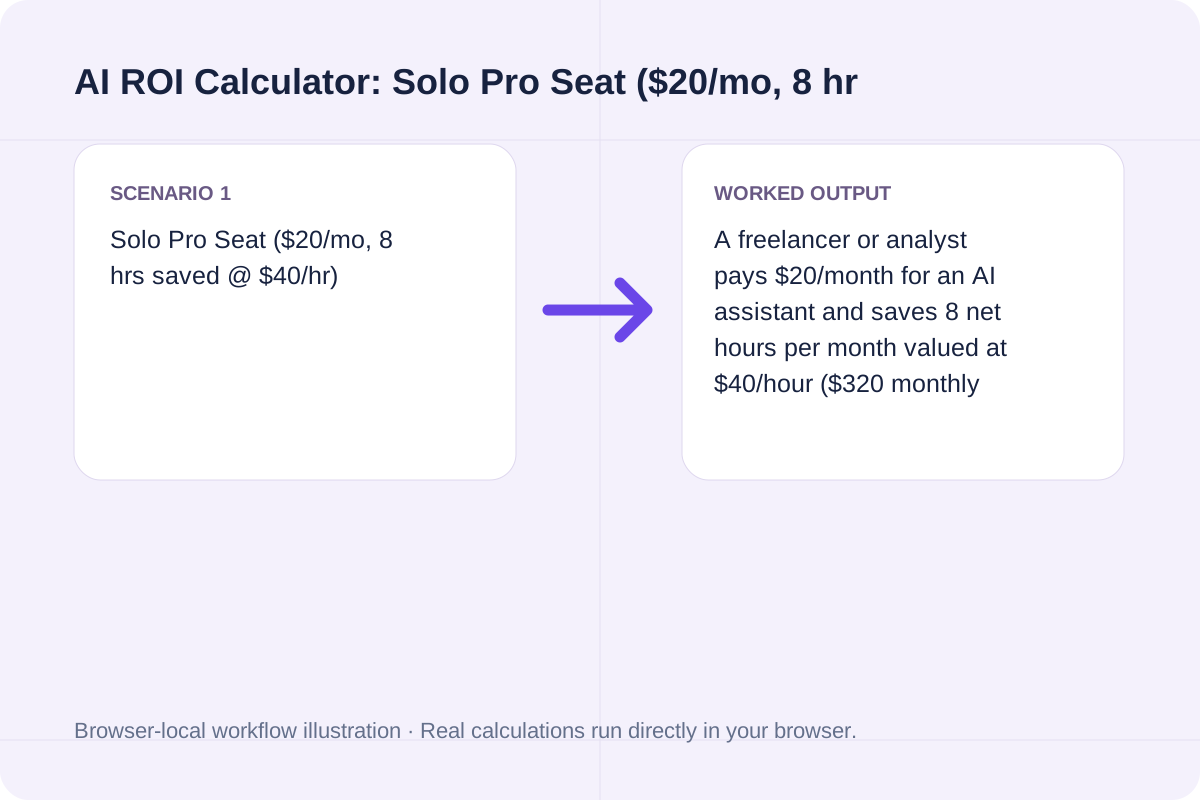
A freelancer or analyst pays $20/month for an AI assistant and saves 8 net hours per month valued at $40/hour ($320 monthly benefit). Monthly net savings equal $300 ($3,600/year on $240/year cost), producing a 1,500% 12-month ROI with 0.0 months payback ($0 setup cost).
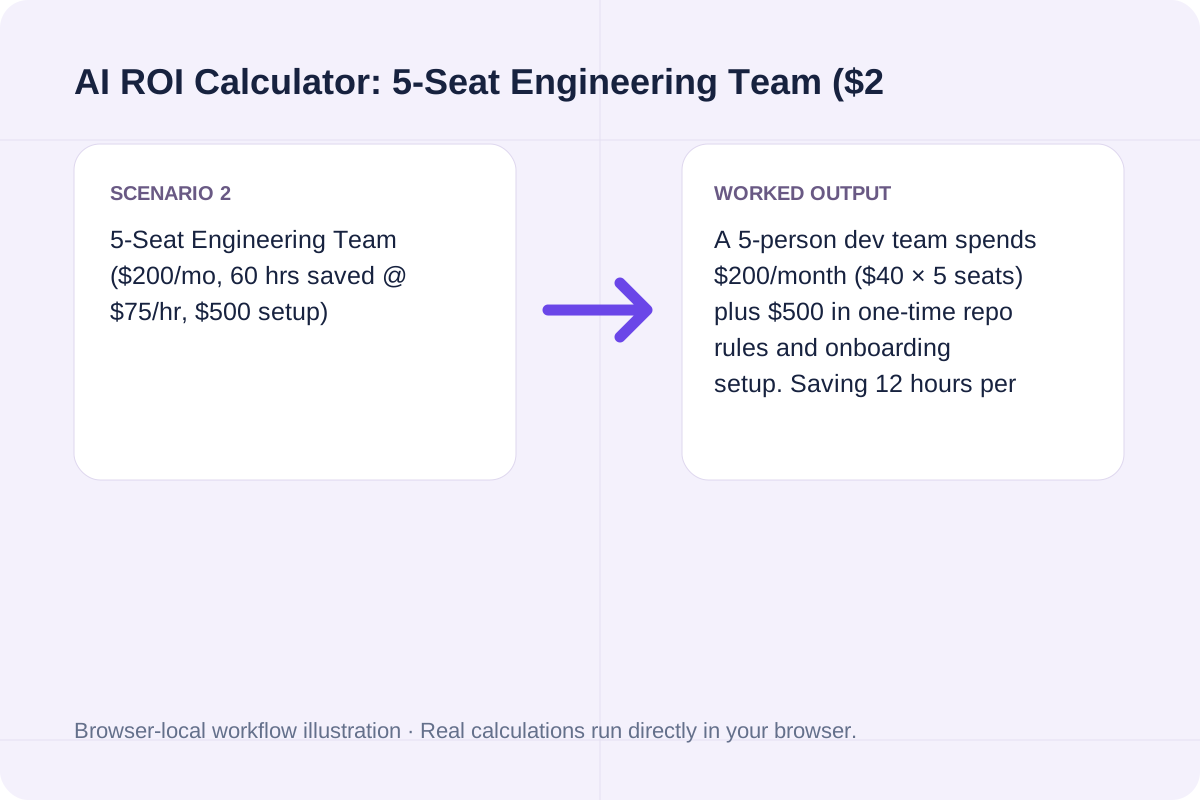
A 5-person dev team spends $200/month ($40 × 5 seats) plus $500 in one-time repo rules and onboarding setup. Saving 12 hours per developer per month (60 hours total at $75/hr = $4,500/month benefit) yields $4,300/month net savings, a 0.12-month (~3.5 days) setup payback, and a 1,779.31% 12-month ROI.
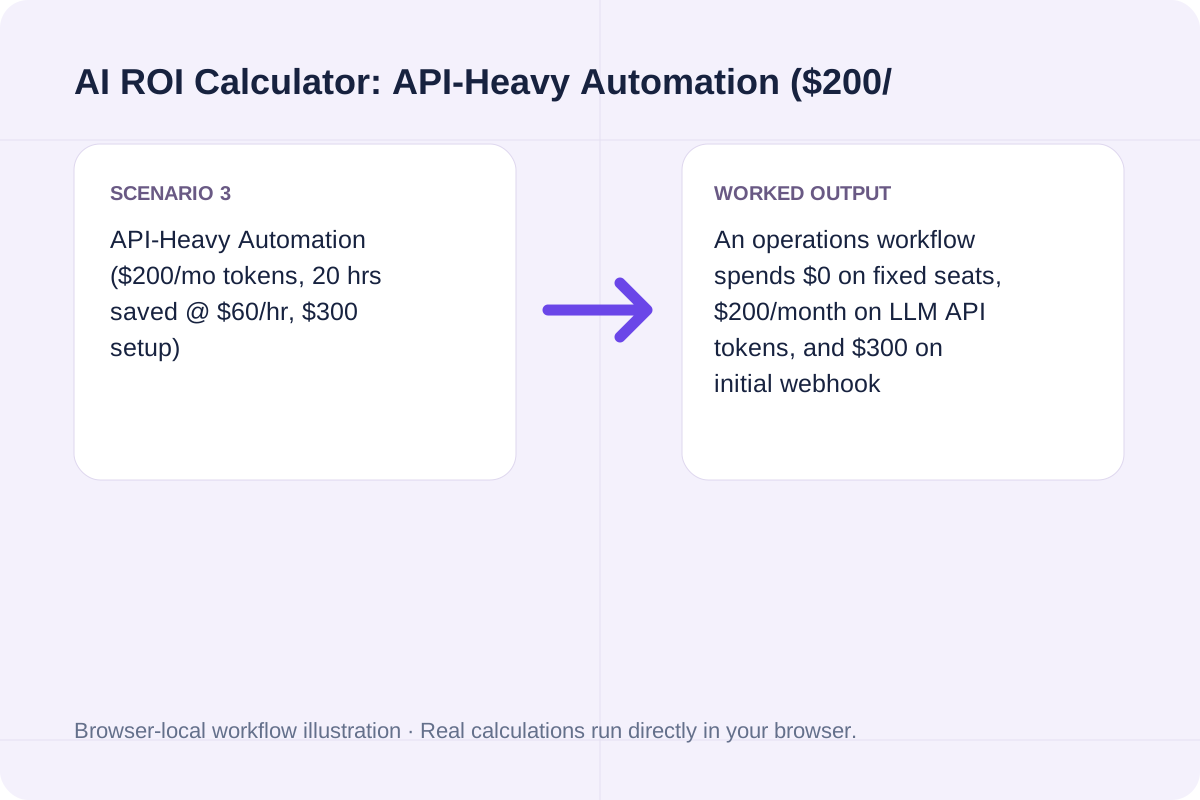
An operations workflow spends $0 on fixed seats, $200/month on LLM API tokens, and $300 on initial webhook integration. Saving 20 hours/month of manual triage at $60/hr ($1,200/month benefit) generates $1,000/month net savings, paying back the $300 setup cost in 0.30 months (~9 days) with a 444.44% 12-month ROI.
Why macroeconomic headlines about economy-wide AI returns differ from bottom-up software payback math.
In late October 2026, the phrase “ai payoff” became a widely debated macro topic after Apollo Chief Economist Torsten Slok published a Daily Spark note titled “No Signs of AI Payoff Outside the Tech Sector” (sparking a major Hacker News discussion on item 50224463). In macroeconomics and public-equity research, “ai payoff” is not the name of a software product or app—it asks whether hundreds of billions of dollars in hyperscaler capex are visibly lifting S&P 500 profit margins and GDP productivity outside semiconductor and cloud vendors.
Macro firm-level payoff and team-level AI tool ROI measure two distinct layers. Even when company-wide financial statements do not show an immediate margin jump, an individual buyer or engineering manager still needs to know whether a $20/month seat or a $200/month API pipeline saves enough verified labor hours to justify its cost.
That is why teams run a bottom-up payback check: by pricing only verified net hours saved (after review and debugging) against actual monthly seat, token, and setup costs, you can see whether a tool pays back in weeks or fails to clear its cost bar. For standard capital investments, compare results in the ROI Calculator or the CAGR Calculator.
Review what this calculator includes—and what it intentionally leaves out—before putting numbers into a procurement memo.
Estimates only. Ignores taxes, ramp-up time, quality risk, and switching costs. Not financial advice. “AI payoff” in public debate often means firm-level profit impact; this tool estimates team-level tool payback under your assumptions.
Saved hours only convert into hard budget savings if your team redirects that time toward billable output, backlog reduction, or avoided contractor spend. If AI output requires heavy rework or introduces production defects, subtract that verification time from Hours saved per month before calculating ROI.
Need a general investment return formula instead of an AI seat and hours-saved model? Open the ROI Calculator for initial-vs-final investment return, the CAGR Calculator for multi-year compound growth, or the Hourly to Salary Calculator to benchmark labor rates.
Choose another tool for your next calculation, conversion, or text task.
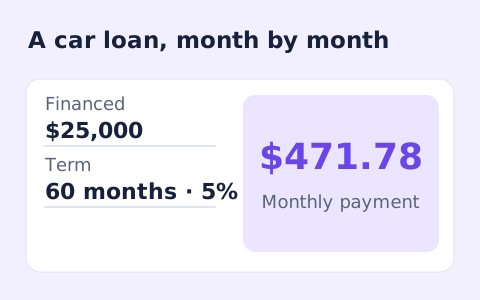
Estimate a vehicle loan payment and total borrowing cost.
Open tool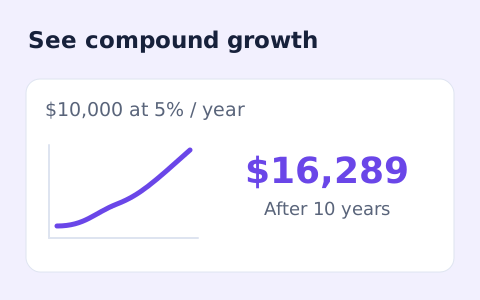
Estimate the future value of savings and monthly deposits.
Open tool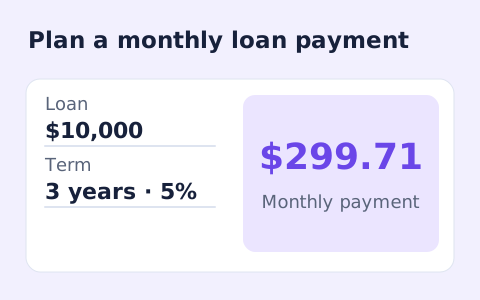
Estimate a fixed monthly loan payment and total interest.
Open tool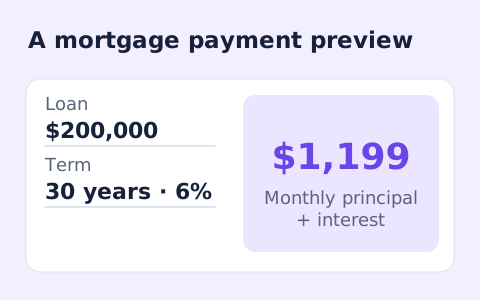
Estimate principal, interest, tax, insurance, and HOA per month.
Open toolAnswers about using AI ROI Calculator and understanding its results.
No. The general ROI Calculator (/tools/roicalculator) computes simple, non-annualized return from an initial capital investment, a final asset value, and optional income or expenses. This AI ROI Calculator is built specifically for recurring AI software subscriptions, variable API/token spend, monthly labor hours saved at a given hourly rate, and one-time setup payback months. For multi-year compound returns, use the CAGR Calculator (/tools/cagrcalculator).
In public finance and tech discussions—such as the October 2026 debate around Apollo Chief Economist Torsten Slok’s Daily Spark note “No Signs of AI Payoff Outside the Tech Sector” (and the ensuing Hacker News thread)—“ai payoff” refers to measurable financial or productivity returns from AI spending, not a specific software app or brand. While macro economists debate economy-wide profit impact, individual teams use an AI ROI calculator to check whether a specific tool subscription saves enough hours to pay for itself.
Yes. Because AI subscriptions, API tokens, and hours saved are entered as monthly run-rate figures, the primary ROI % scales monthly net savings and monthly costs to a 12-month (1-year) horizon and includes any one-time setup cost in the 12-month cost denominator: roi_percent = ((monthly_net × 12) ÷ (monthly_cost × 12 + one_time_setup_cost)) × 100. The breakdown card also shows First-Year Net ROI % after deducting the one-time setup cost from the numerator.
Use net hours saved after subtracting prompt drafting, output review, debugging, and verification time. A practical way to measure this is to time 5 to 10 recurring tasks with and without the AI tool over two weeks, take the conservative median time delta, and multiply by task frequency per month.
Yes. Enter your expected monthly API or token bill in the Monthly API / token cost field. The calculator adds Monthly subscription cost + Monthly API / token cost + Other monthly cost together to form total monthly_cost.
If monthly_cost exceeds monthly_benefit, monthly_net and ROI % are negative, meaning the tool costs more per month than the value of the hours and extra revenue it generates. In that case, a one-time setup cost can never be recovered, and the calculator explicitly displays “Does not pay back under these assumptions.”
No. This calculator models bottom-up team or individual tool payback based on the assumptions you enter. It does not prove company-wide margin expansion, audited GAAP cost savings, or macroeconomic productivity gains, and it ignores taxes, learning-curve ramp-up, quality risk, and vendor switching costs.
Choose another tool for your next calculation, conversion, or text task.