
CSV To XML Converter
Parse quoted CSV and write a rows root containing row and field elements.
Open toolParse a JSON-compatible YAML document and use the same explicit value-tree XML mapping as JSON to XML. No aliases, merge keys, tags, duplicate keys or unsafe integers.
Enter the inputs, then select Convert YAML to XML.
Result will appear here
Parse a JSON-compatible YAML document and use the same explicit value-tree XML mapping as JSON to XML.
No aliases, merge keys, tags, duplicate keys or unsafe integers. Comments and original YAML formatting are not retained.
Start with your own input.
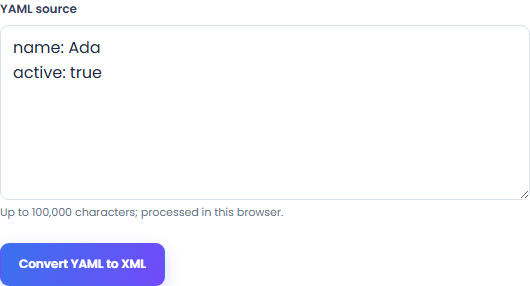
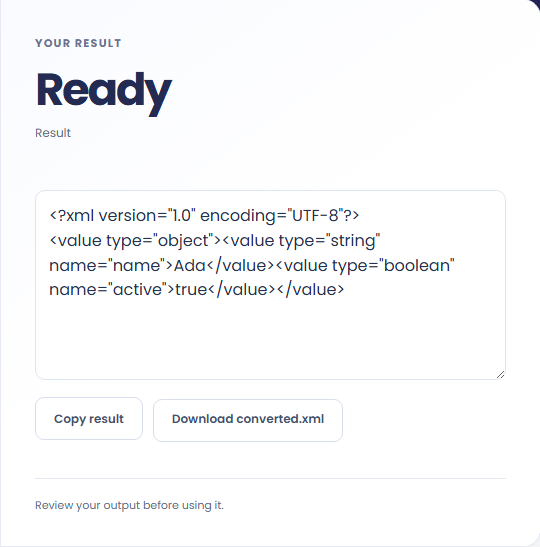
Select Convert YAML to XML. Review typed XML representing supported YAML values, then use Copy result or download the result file.
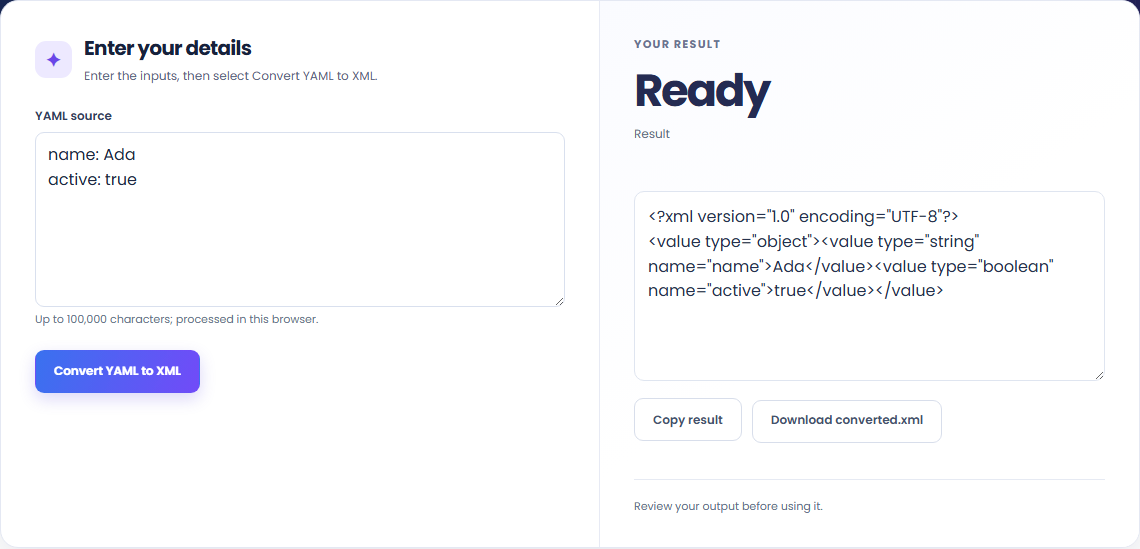
To represent YAML settings in XML, start with yaml source. Parse a JSON-compatible YAML document and use the same explicit value-tree XML mapping as JSON to XML.

To inspect a typed data tree, start with yaml source. No aliases, merge keys, tags, duplicate keys or unsafe integers.

To prepare a local fixture, start with yaml source. Review typed XML representing supported YAML values, then use Copy result or download the result file.

Check what the output means.
Typed XML representing supported YAML values. Parse a JSON-compatible YAML document and use the same explicit value-tree XML mapping as JSON to XML.
No aliases, merge keys, tags, duplicate keys or unsafe integers. Comments and original YAML formatting are not retained.

Check the format before processing.
No aliases, merge keys, tags, duplicate keys or unsafe integers. Comments and original YAML formatting are not retained.
Inputs and results are handled in this browser.

Parse quoted CSV and write a rows root containing row and field elements.
Open tool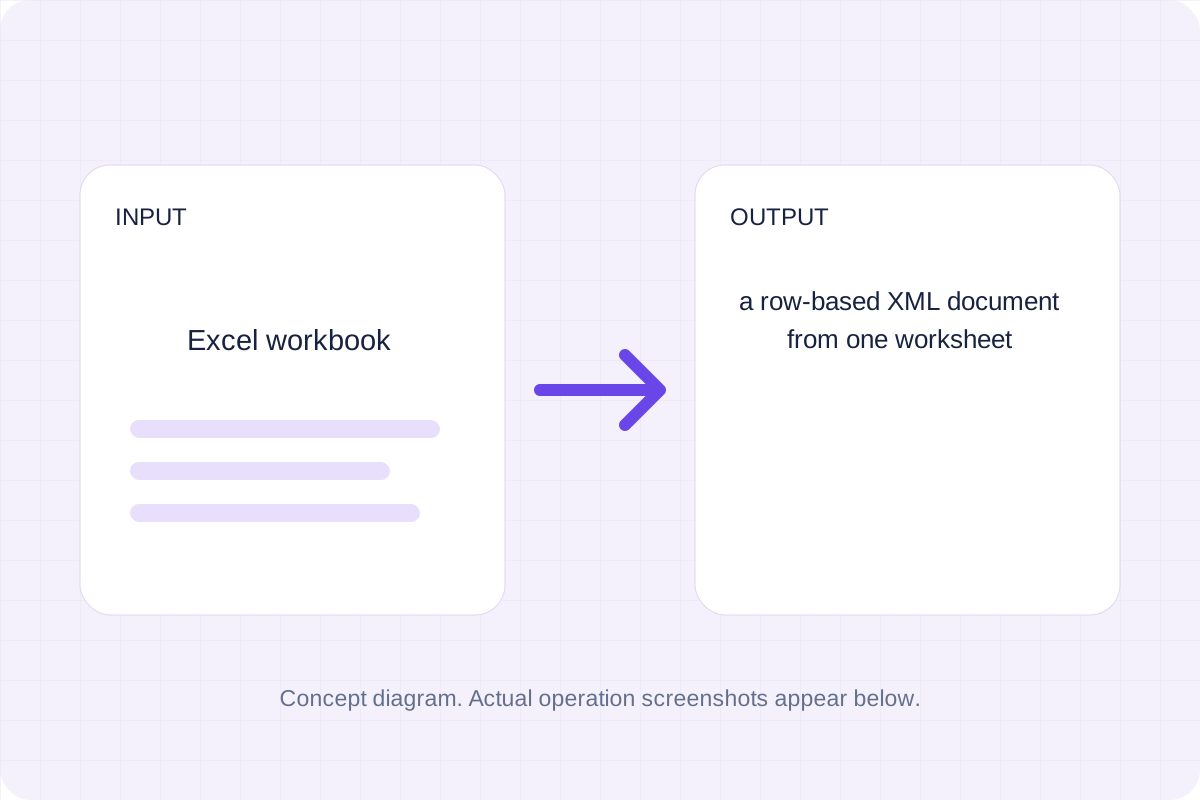
Export one .xlsx worksheet as row-based XML. Header names remain attributes, cell text is escaped, and formula values use the workbook’s cached results.
Open tool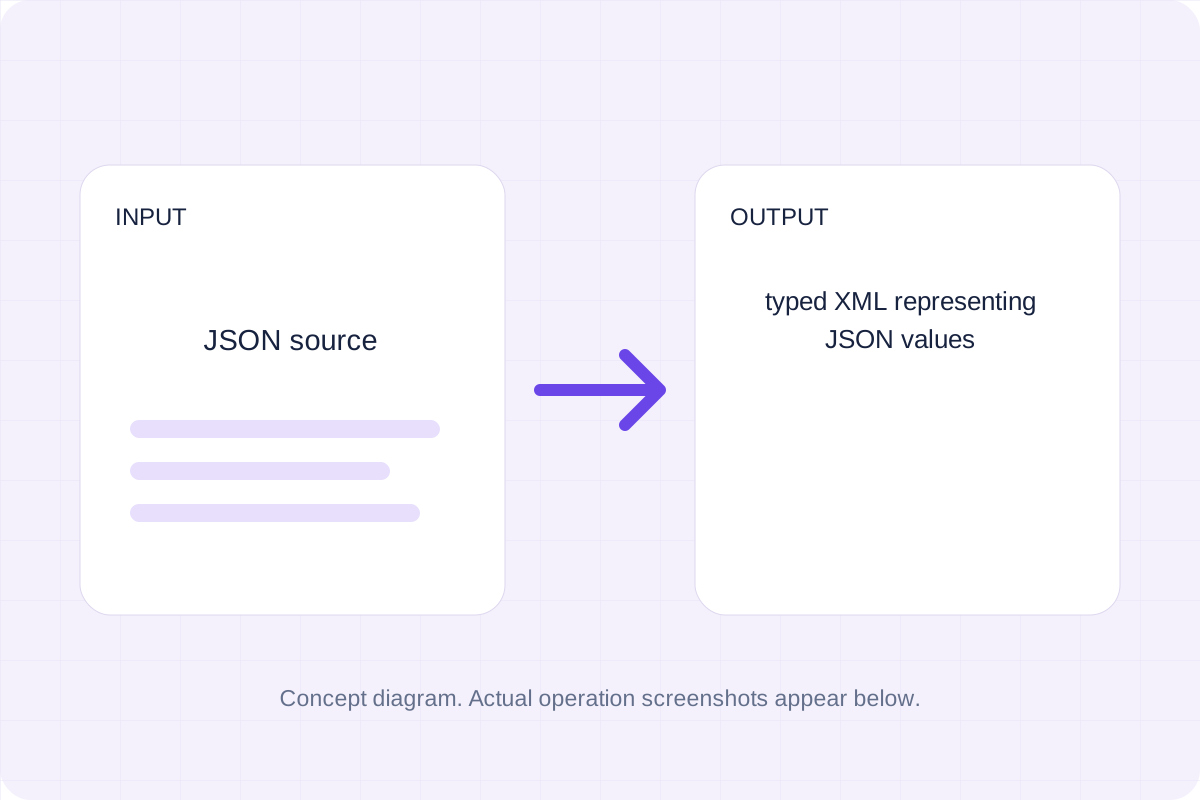
Write a value tree with explicit type attributes and name attributes for object keys.
Open toolChoose another tool for your next calculation, conversion, or text task.
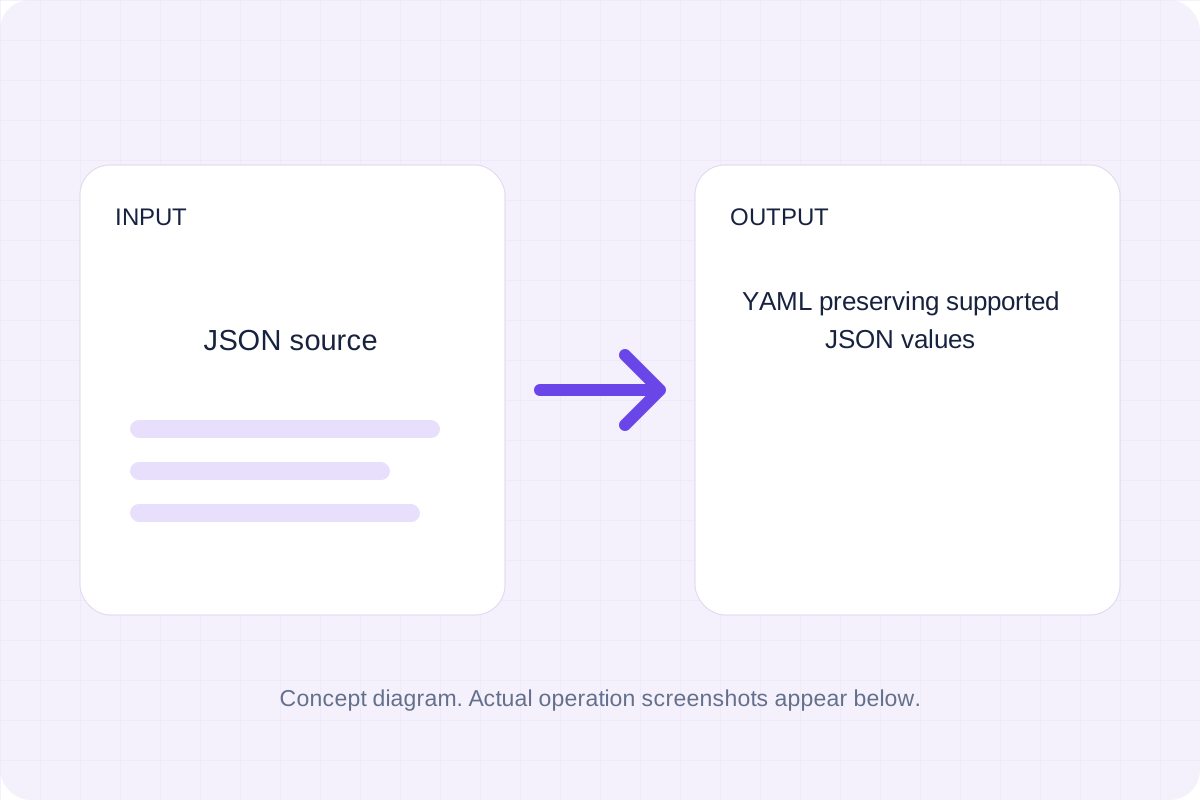
Parse strict JSON and serialize YAML with quoted strings and no executable tags.
Open tool
Turn a repeated XML element into CSV rows. Choose the record tag, then review flattened nested fields and attribute columns before saving the file.
Open tool
Create a real Excel workbook from repeated XML records. Nested fields and attributes become text columns; choose a record tag and review the worksheet before saving.
Open tool
Parse one YAML document and serialize it using the library's two-space block style.
Open toolReview typed XML representing supported YAML values, then use Copy result or download the result file.
Answers about using YAML To XML Converter and understanding its results.
No aliases, merge keys, tags, duplicate keys or unsafe integers. Comments and original YAML formatting are not retained.
Yes. Download the result file after processing. Text results also have Copy result. Processing uses local browser code; no account is required.