
UUID Generator
Create one or more RFC 4122 version 4 UUIDs locally and copy them in one click.
Open toolChoose each character with unbiased browser cryptographic random integers; include at least one character from each selected group. The page does not store passwords.
Enter the inputs, then select Generate password.
Result will appear here
Choose each character with unbiased browser cryptographic random integers; include at least one character from each selected group.
The page does not store passwords. Copy directly to your password manager; clearing or leaving removes the displayed result. No guarantee against account compromise.
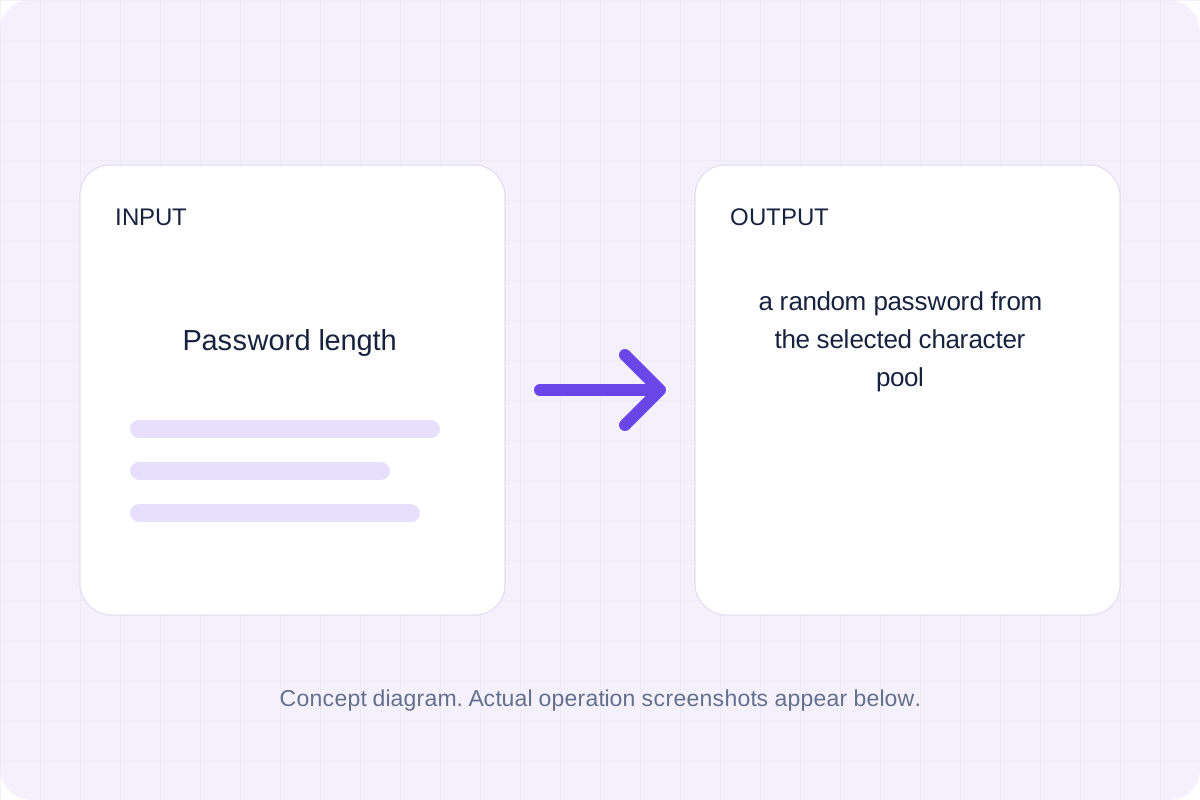
Start with your own input.
Replace the example with the password length you want to process. The page does not store passwords.
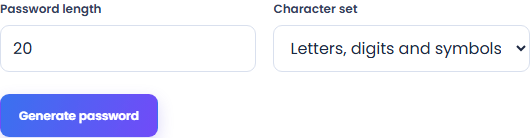
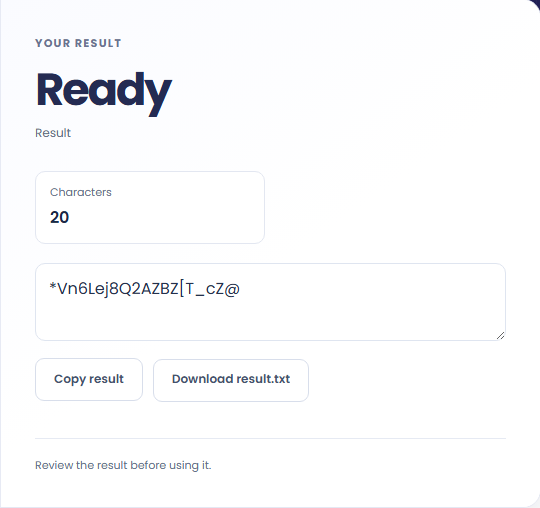
Select Generate password. Review a random password from the selected character pool, then use Copy result or Save result.
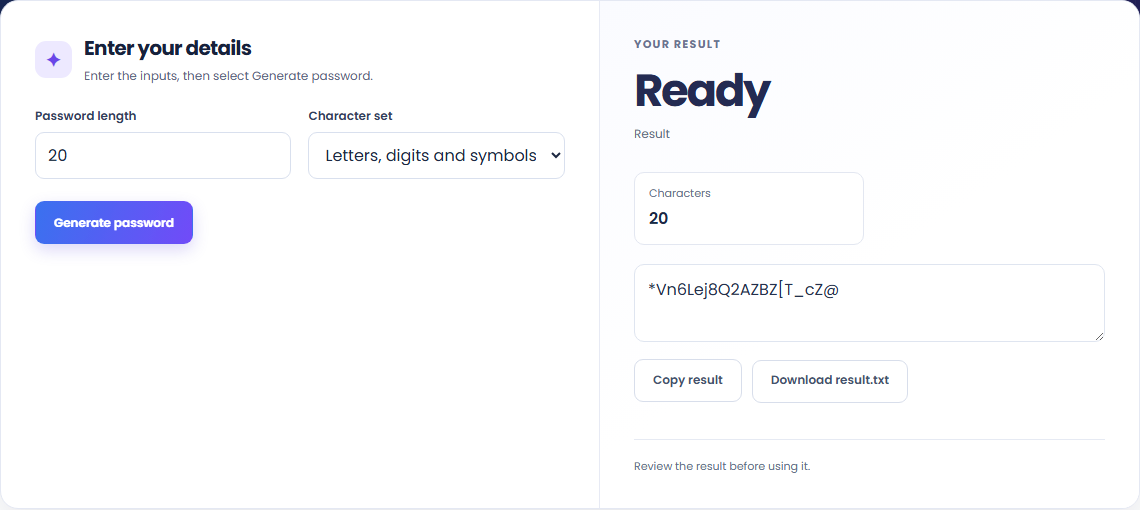
To create a new account password, start with password length. Choose each character with unbiased browser cryptographic random integers; include at least one character from each selected group.

To replace a reused password, start with password length. The page does not store passwords.

To generate a temporary test credential, start with password length. Copy the result into your working document, or save a local file for later review.

Check what the output means.
A random password from the selected character pool. Choose each character with unbiased browser cryptographic random integers; include at least one character from each selected group.
The page does not store passwords. Copy directly to your password manager; clearing or leaving removes the displayed result. No guarantee against account compromise.

Check the format before processing.
The page does not store passwords. Copy directly to your password manager; clearing or leaving removes the displayed result. No guarantee against account compromise.
Inputs and results are processed locally. Keep your source and save the output you need before leaving.

Create one or more RFC 4122 version 4 UUIDs locally and copy them in one click.
Open tool
Convert pixel values to CSS rem units with a configurable root font size and a quick reference table.
Open tool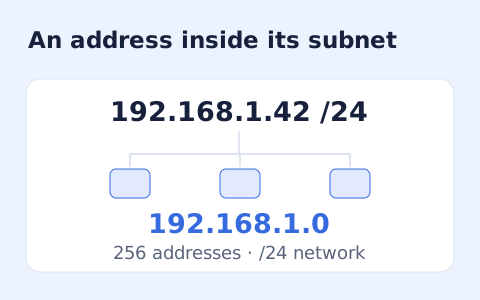
Calculate IPv4 subnet details from an address and CIDR prefix, including /31 and /32 cases.
Open toolChoose another tool for your next calculation, conversion, or text task.
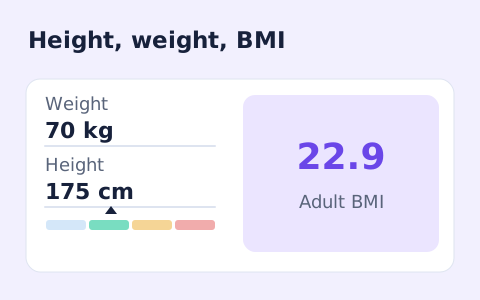
A free adult BMI calculator with metric inputs, a clear BMI category, and the calculation shown.
Open tool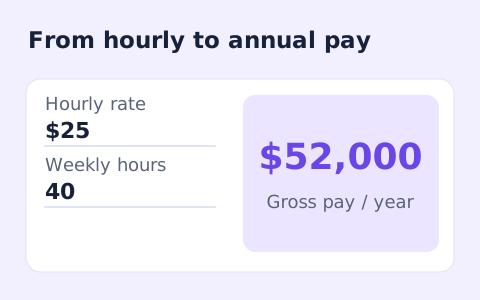
Convert hourly pay to gross annual, monthly, and weekly salary using your own working hours and weeks.
Open tool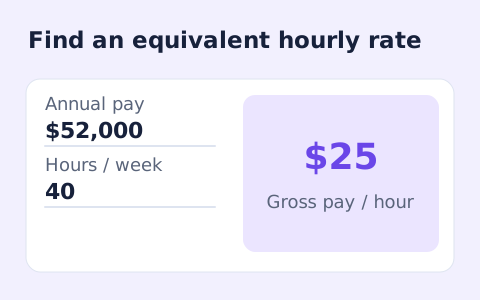
Convert annual gross salary into an hourly rate from your hours per week and paid weeks per year.
Open tool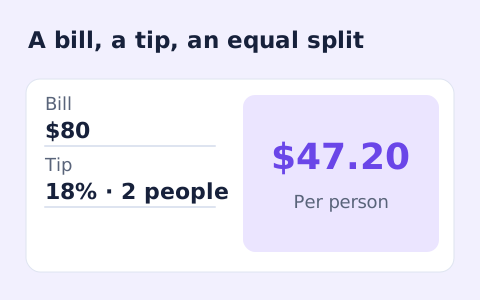
Quickly split a bill with a percentage tip. See the tip amount, total, and per-person amount.
Open toolCheck the result and copy or save the output.
Answers about using Password Generator and understanding its results.
A random password from the selected character pool. The page does not store passwords. Copy directly to your password manager; clearing or leaving removes the displayed result. No guarantee against account compromise.
Yes. Use Copy result or Save result after processing. Inputs and results are handled in this browser; save what you need before leaving.