
Color Contrast Checker
Calculate the WCAG 2 contrast ratio and AA/AAA results for normal and large text.
Open toolWrite og:title, og:description, og:url, og:image and og:type from your inputs. HTTPS URLs without credentials are required.
Enter the inputs, then select Generate Open Graph tags.
Result will appear here
Write og:title, og:description, og:url, og:image and og:type from your inputs.
HTTPS URLs without credentials are required. No URL is fetched, image uploaded or social preview service contacted.
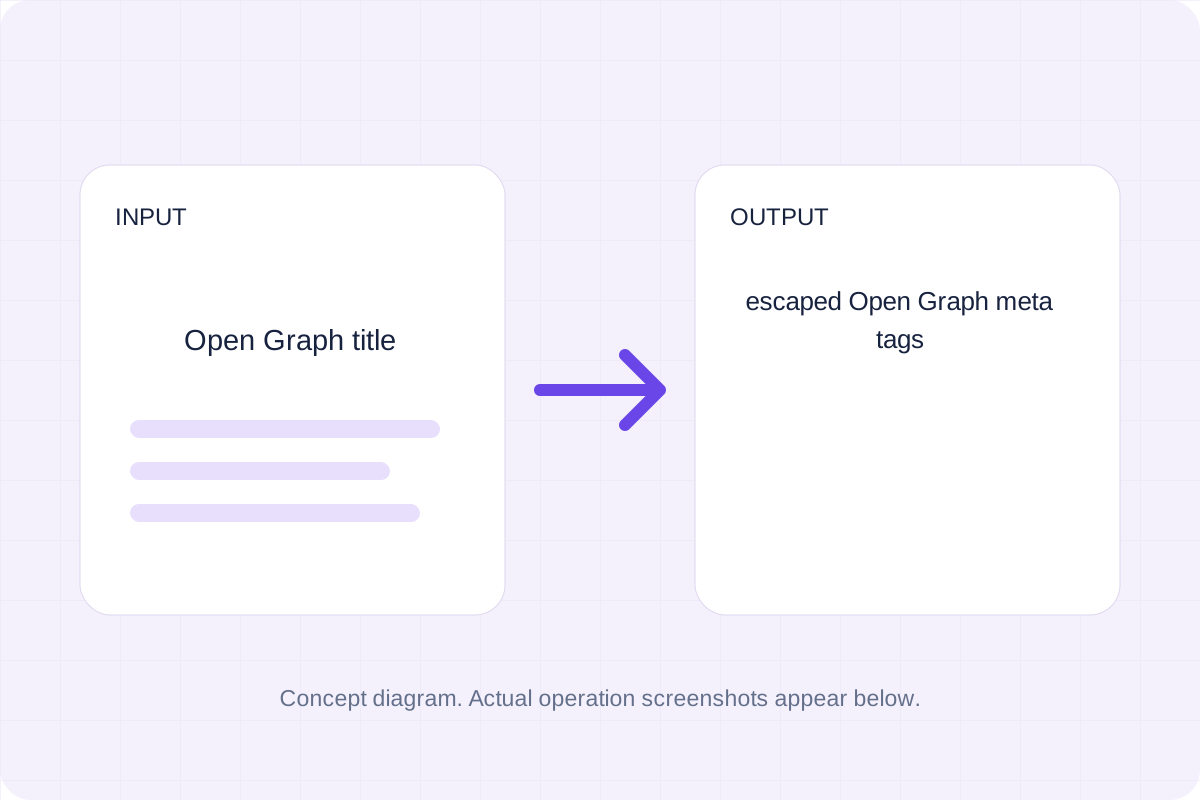
Start with your own input.
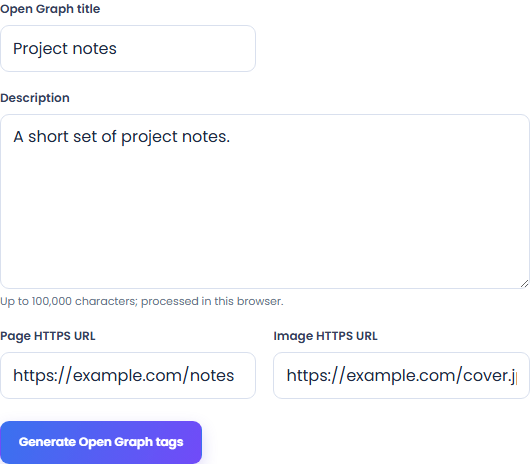
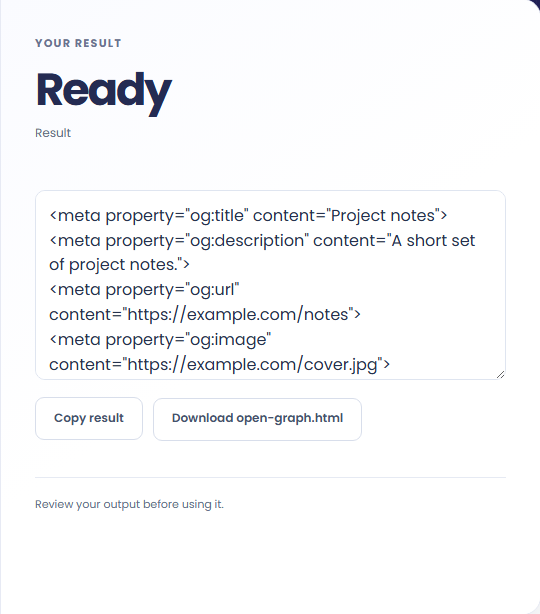
Select Generate Open Graph tags. Review escaped Open Graph meta tags, then use Copy result or download the result file.
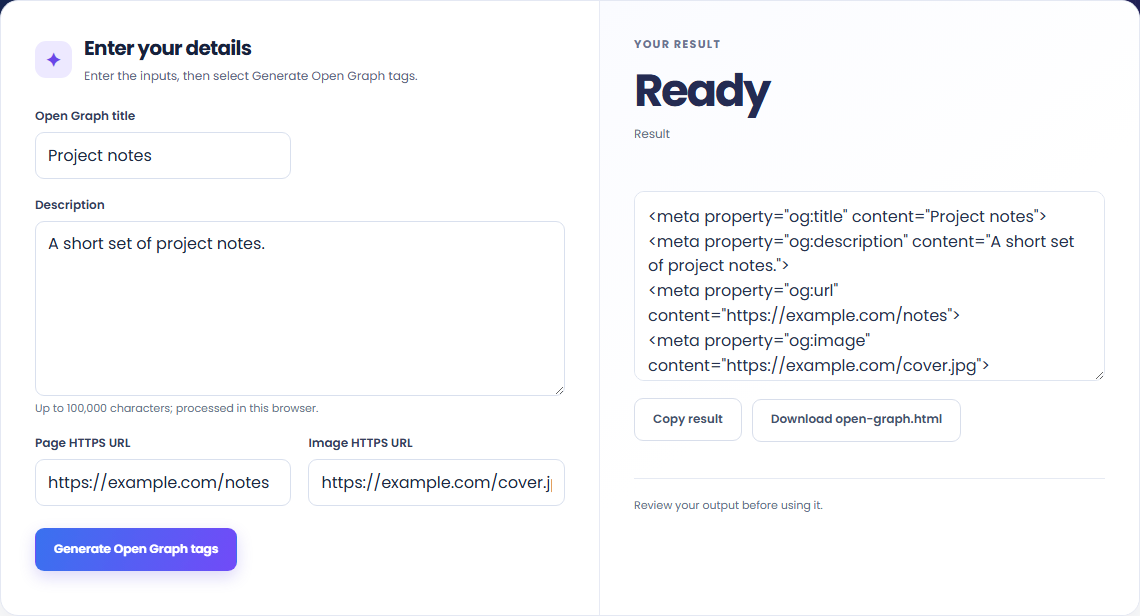
To prepare social-sharing metadata, start with open graph title. Write og:title, og:description, og:url, og:image and og:type from your inputs.

To review tag escaping, start with open graph title. HTTPS URLs without credentials are required.

To add explicit preview URLs, start with open graph title. Review escaped Open Graph meta tags, then use Copy result or download the result file.

Check what the output means.
Escaped Open Graph meta tags. Write og:title, og:description, og:url, og:image and og:type from your inputs.
HTTPS URLs without credentials are required. No URL is fetched, image uploaded or social preview service contacted.

Check the format before processing.
HTTPS URLs without credentials are required. No URL is fetched, image uploaded or social preview service contacted.
Inputs and results are handled in this browser.

Calculate the WCAG 2 contrast ratio and AA/AAA results for normal and large text.
Open tool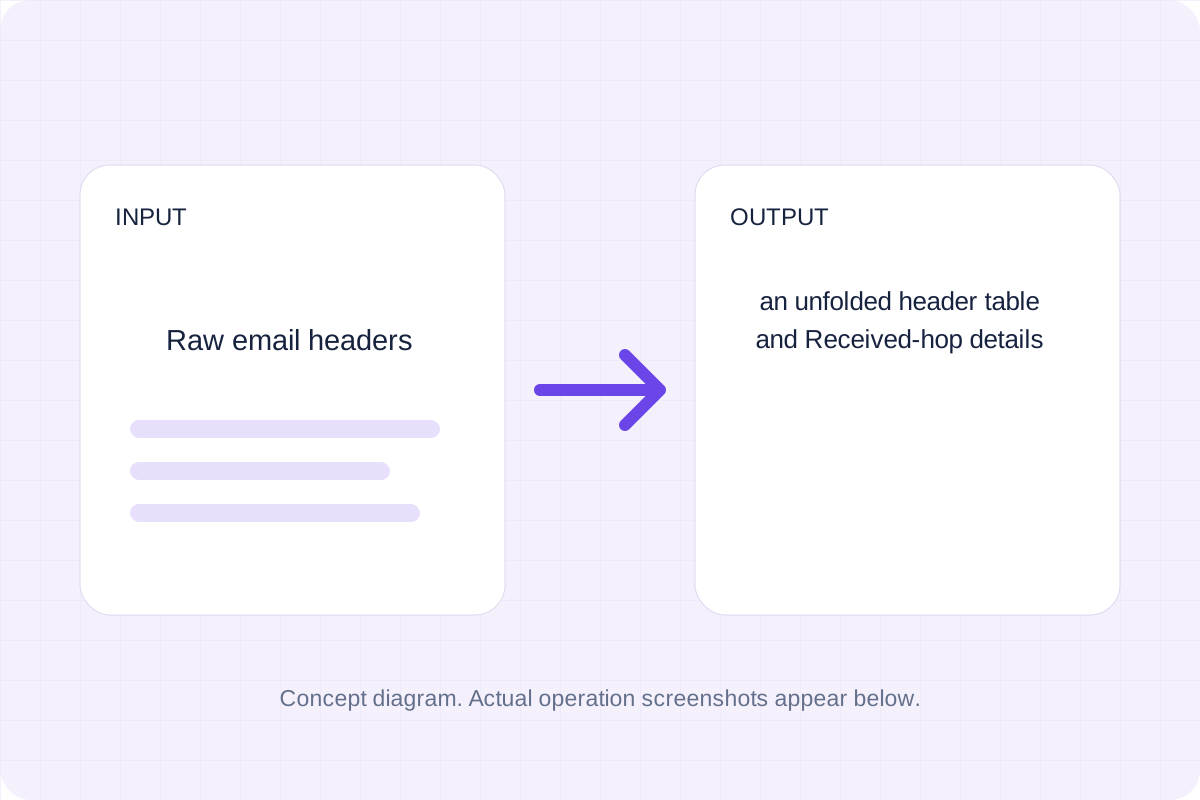
Read unfolded email headers and recorded delivery hops. Inspect authentication claims as pasted text; this page does not independently verify SPF, DKIM or DMARC.
Open tool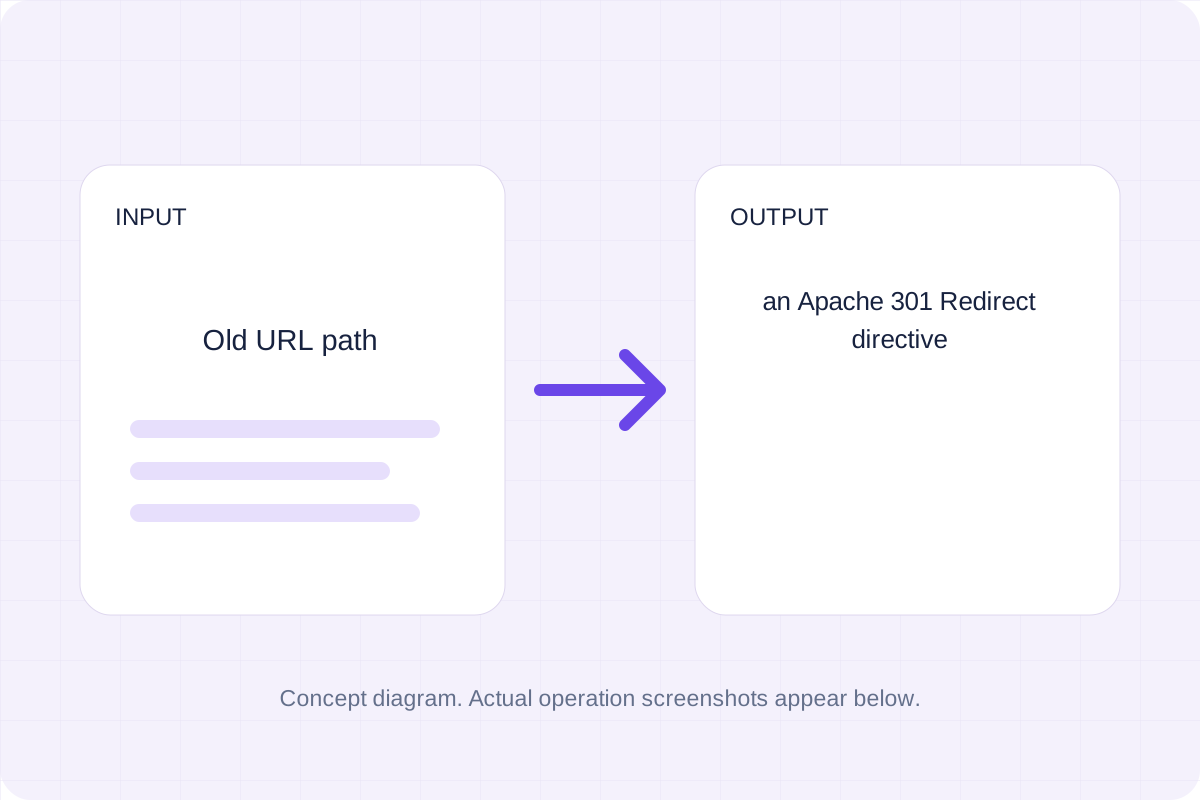
Validate a simple source path and destination, then generate a mod_alias Redirect directive.
Open toolChoose another tool for your next calculation, conversion, or text task.
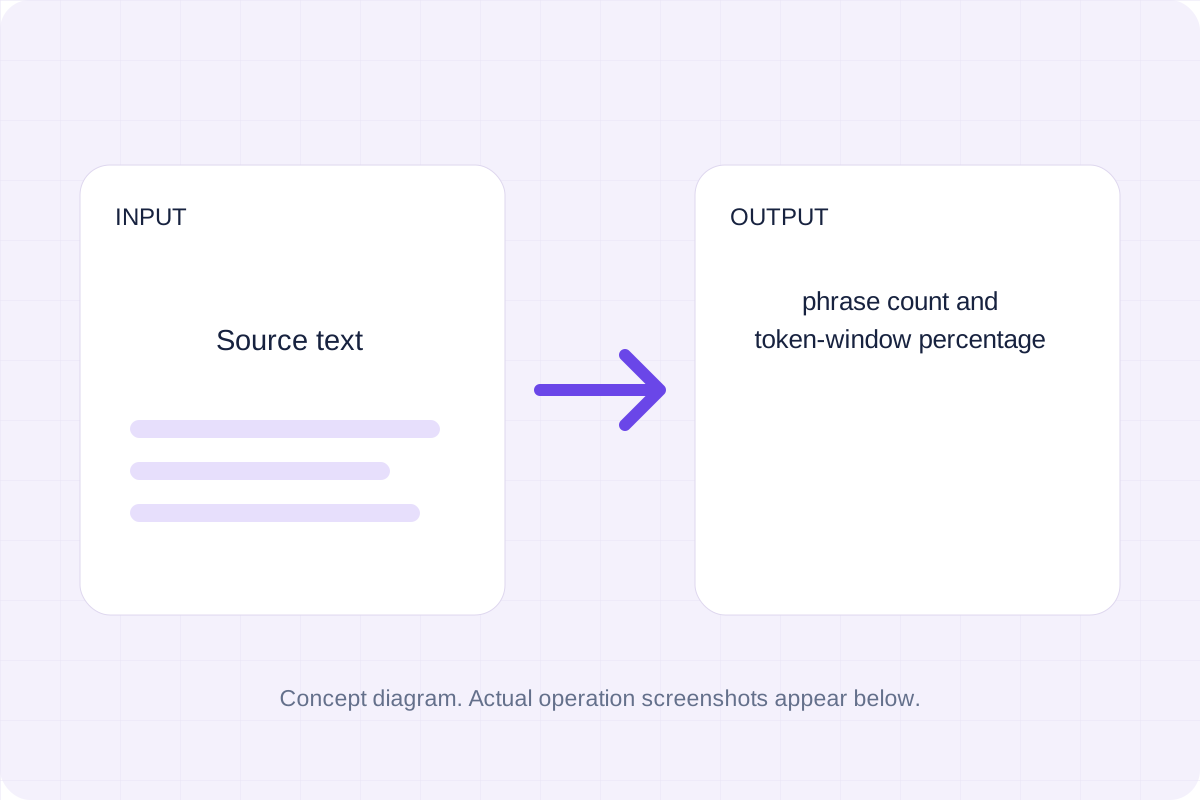
Match the requested Unicode word sequence case-insensitively and divide occurrences by the number of possible token windows.
Open tool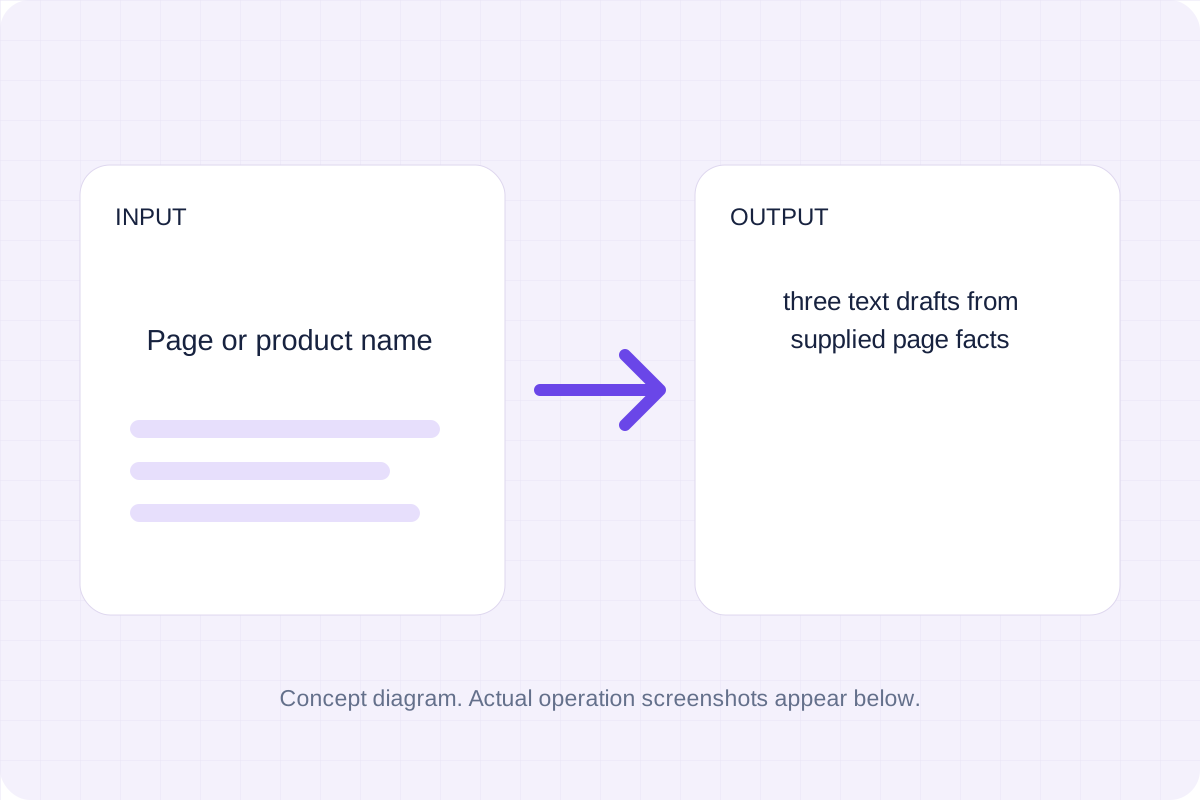
Draft three meta descriptions from your own page facts. Local text rules combine the supplied name, phrase and description within a chosen character limit.
Open tool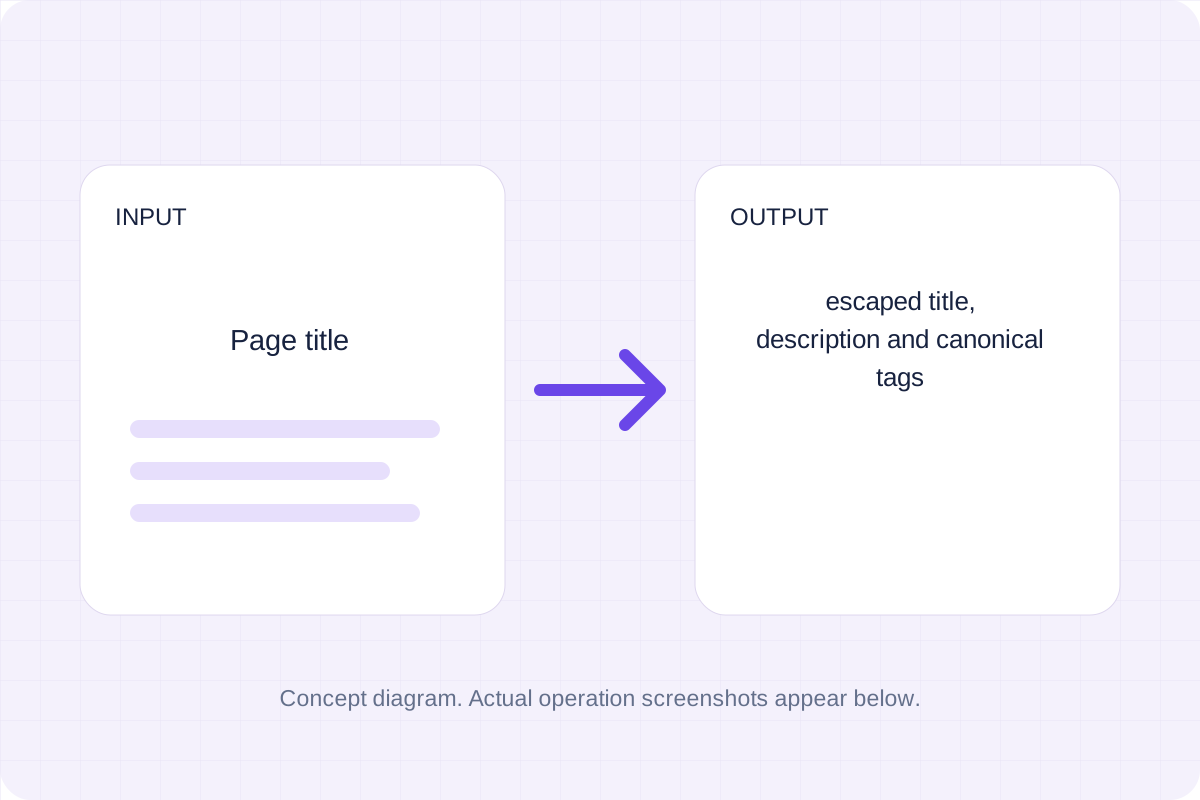
Escape supplied text and write title, description and canonical HTML elements.
Open tool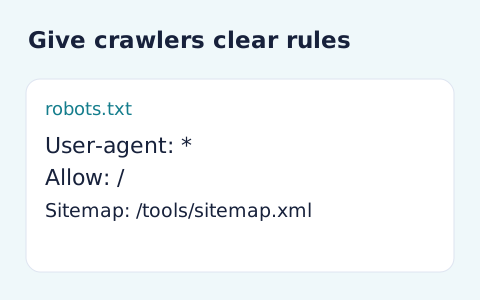
Generate robots.txt from a user-agent token and newline-separated allow and disallow paths.
Open toolReview escaped Open Graph meta tags, then use Copy result or download the result file.
Answers about using Open Graph Generator and understanding its results.
HTTPS URLs without credentials are required. No URL is fetched, image uploaded or social preview service contacted.
Yes. Download the result file after processing. Text results also have Copy result. Processing uses local browser code; no account is required.