
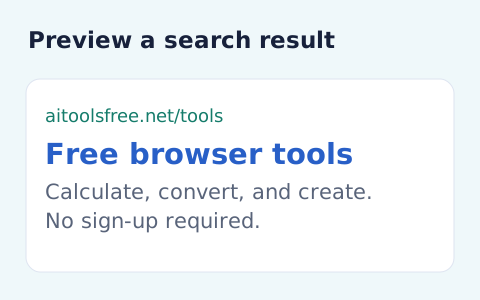
SERP Snippet Preview
Create an approximate search-result snippet and inspect title width and text length.
Open toolEscape supplied text and write title, description and canonical HTML elements. No invented keywords or ranking promises.
Enter the inputs, then select Generate meta tags.
Result will appear here
Escape supplied text and write title, description and canonical HTML elements.
No invented keywords or ranking promises. URL must be absolute HTTPS without credentials; review the destination before adding tags to a page.
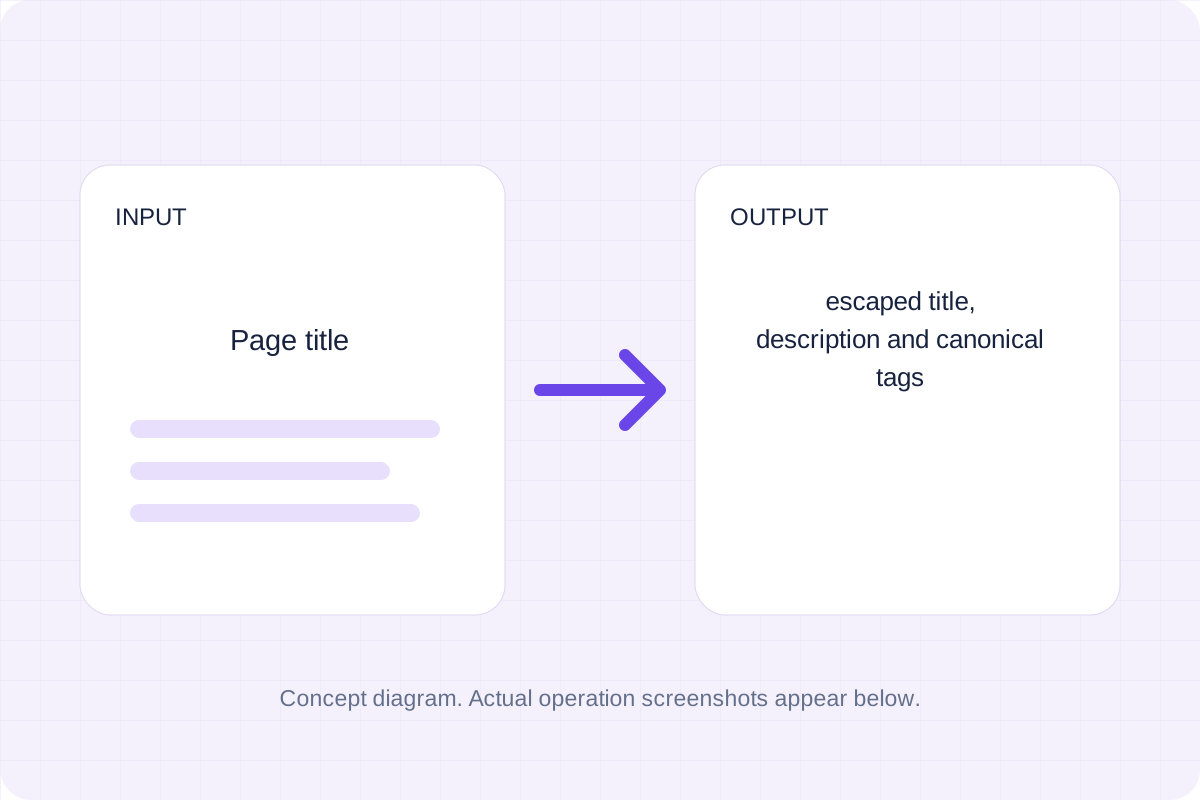
Start with your own input.
Replace the example with the page title you want to process. No invented keywords or ranking promises.

Set meta description, canonical https url. These values determine the result.

Select Generate meta tags. Review escaped title, description and canonical tags, then use Copy result or Save result.

To prepare page head markup, start with page title. Escape supplied text and write title, description and canonical HTML elements.

To check escaping in metadata, start with page title. No invented keywords or ranking promises.

To set a canonical URL for a draft, start with page title. Copy the result into your working document, or save a local file for later review.

Check what the output means.
Escaped title, description and canonical tags. Escape supplied text and write title, description and canonical HTML elements.
No invented keywords or ranking promises. URL must be absolute HTTPS without credentials; review the destination before adding tags to a page.

Check the format before processing.
No invented keywords or ranking promises. URL must be absolute HTTPS without credentials; review the destination before adding tags to a page.
Inputs and results are processed locally. Keep your source and save the output you need before leaving.

Create an approximate search-result snippet and inspect title width and text length.
Open tool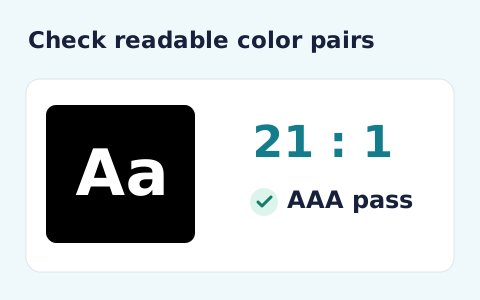
Calculate the WCAG 2 contrast ratio and AA/AAA results for normal and large text.
Open tool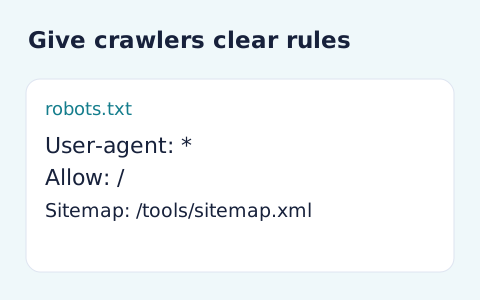
Generate robots.txt from a user-agent token and newline-separated allow and disallow paths.
Open toolChoose another tool for your next calculation, conversion, or text task.
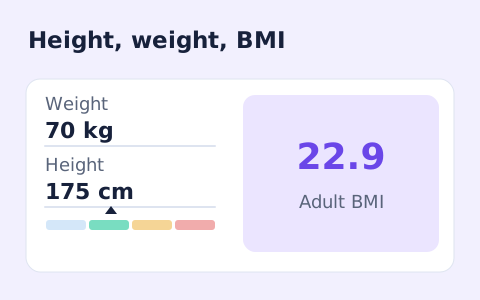
A free adult BMI calculator with metric inputs, a clear BMI category, and the calculation shown.
Open tool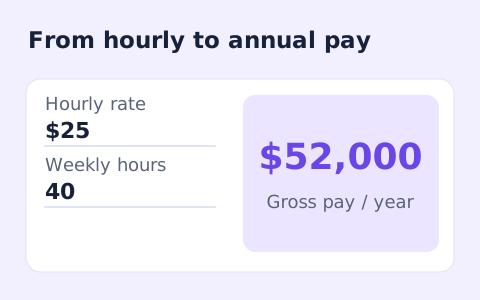
Convert hourly pay to gross annual, monthly, and weekly salary using your own working hours and weeks.
Open tool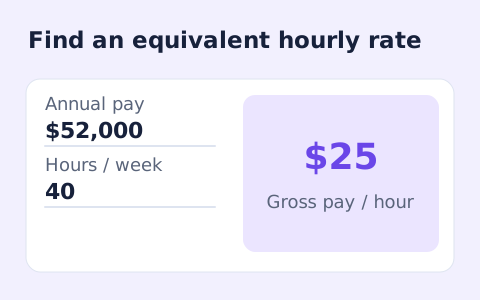
Convert annual gross salary into an hourly rate from your hours per week and paid weeks per year.
Open tool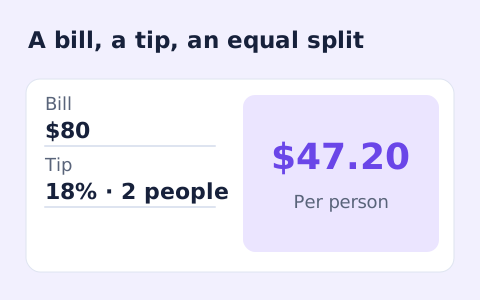
Quickly split a bill with a percentage tip. See the tip amount, total, and per-person amount.
Open toolCheck the result and copy or save the output.
Answers about using Meta Tags Generator and understanding its results.
Escaped title, description and canonical tags. No invented keywords or ranking promises. URL must be absolute HTTPS without credentials; review the destination before adding tags to a page.
Yes. Use Copy result or Save result after processing. Inputs and results are handled in this browser; save what you need before leaving.