
OBJ to STL Converter
A binary STL triangle mesh. Read OBJ vertices and triangular or convex planar faces, calculate normals and write binary STL.
Open toolComposite frames, scale them and quantize each frame into a bounded GIF palette. Lossy palette and dimension changes can affect color and edges.
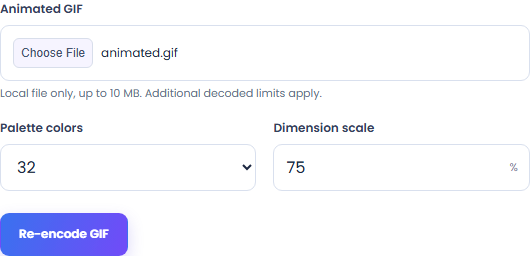
Enter the inputs, then select Re-encode GIF.
Result will appear here
Composite frames, scale them and quantize each frame into a bounded GIF palette.
The tool processes the supplied input with browser APIs and bundled local libraries.
Supply supported input and review the result.
Choose Animated GIF. Processing reads the file in this browser.
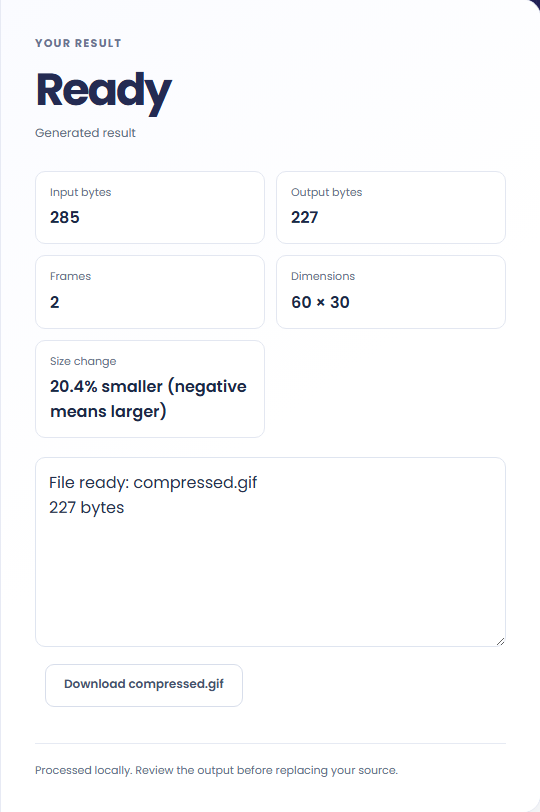
Save a GIF re-encoded with the selected scale and palette. Check the download in its target application before replacing your source.
Choose a smaller scale to reduce the number of output pixels. Inspect fine details after resizing.
Fewer palette colors can reduce size and introduce banding. Compare animated frames against the original.
The result reports input and output bytes. Some GIFs are already efficient and become larger when re-encoded.
Review the format and conversion policy.
A GIF re-encoded with the selected scale and palette. Lossy palette and dimension changes can affect color and edges. Up to 100 frames and 20 million total pixels. A new GIF may be larger than the input; compare the reported sizes. Animation timing and loop count are retained.
Keep the original while checking the saved output. The result reflects the input and settings you supplied.
Check these conditions before converting.
Lossy palette and dimension changes can affect color and edges. Up to 100 frames and 20 million total pixels. A new GIF may be larger than the input; compare the reported sizes. Animation timing and loop count are retained.
The page does not keep inputs or results after leaving. Keep the source and save the output you need.

A binary STL triangle mesh. Read OBJ vertices and triangular or convex planar faces, calculate normals and write binary STL.
Open tool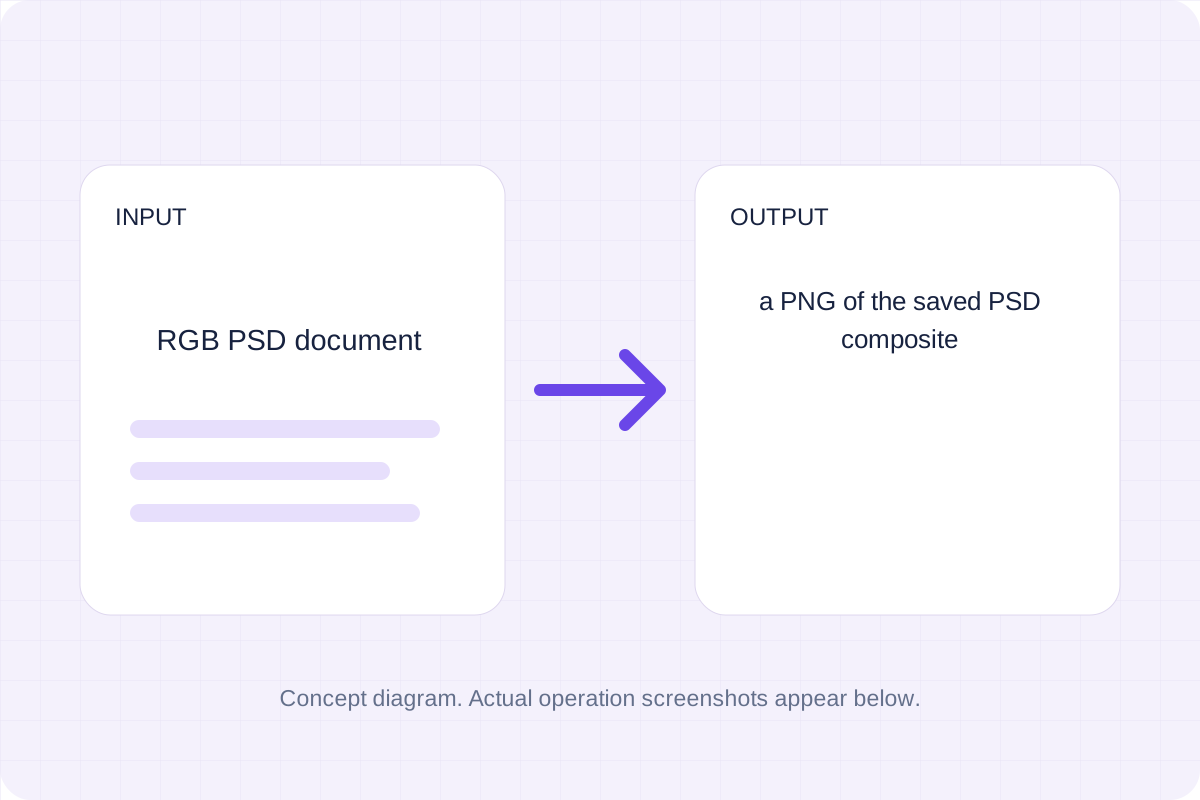
A PNG of the saved PSD composite. Decode the embedded RGB composite of a local PSD and export its pixels.
Open tool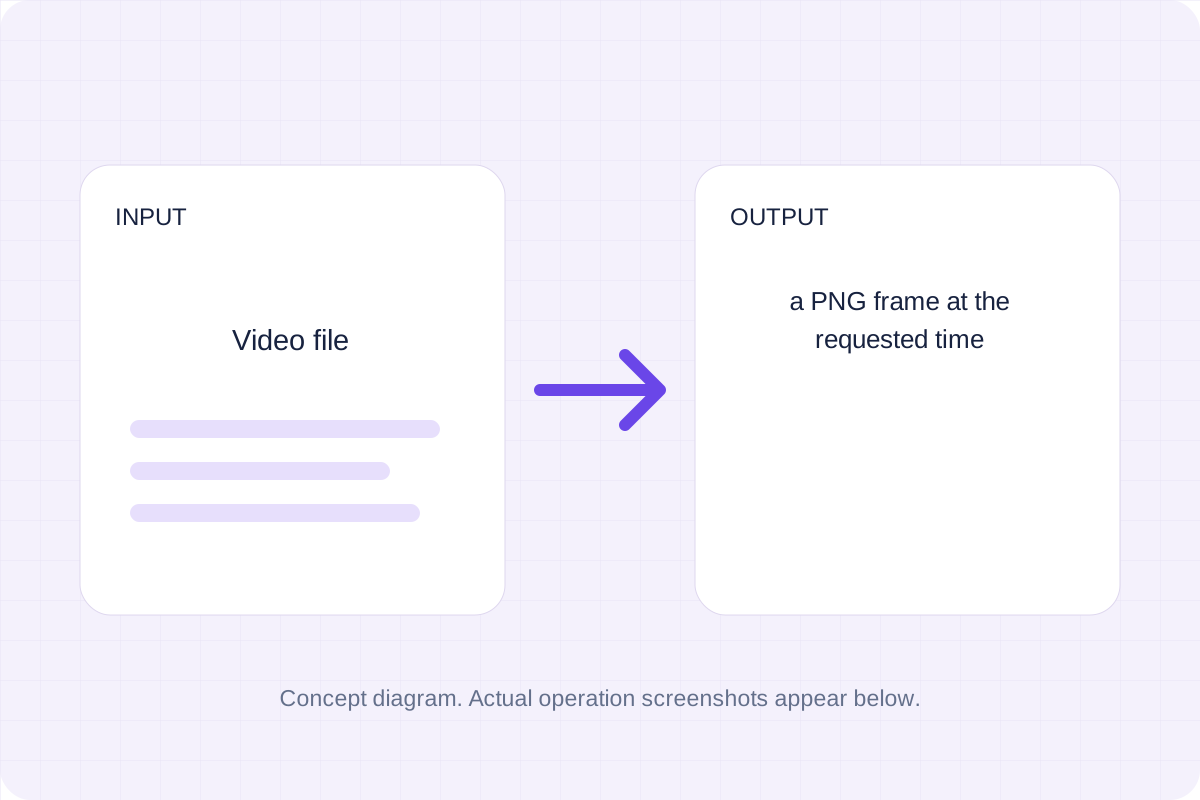
A PNG frame at the requested time. Seek a browser-decodable local video and draw its frame onto a canvas.
Open toolChoose another tool for your next calculation, conversion, or text task.
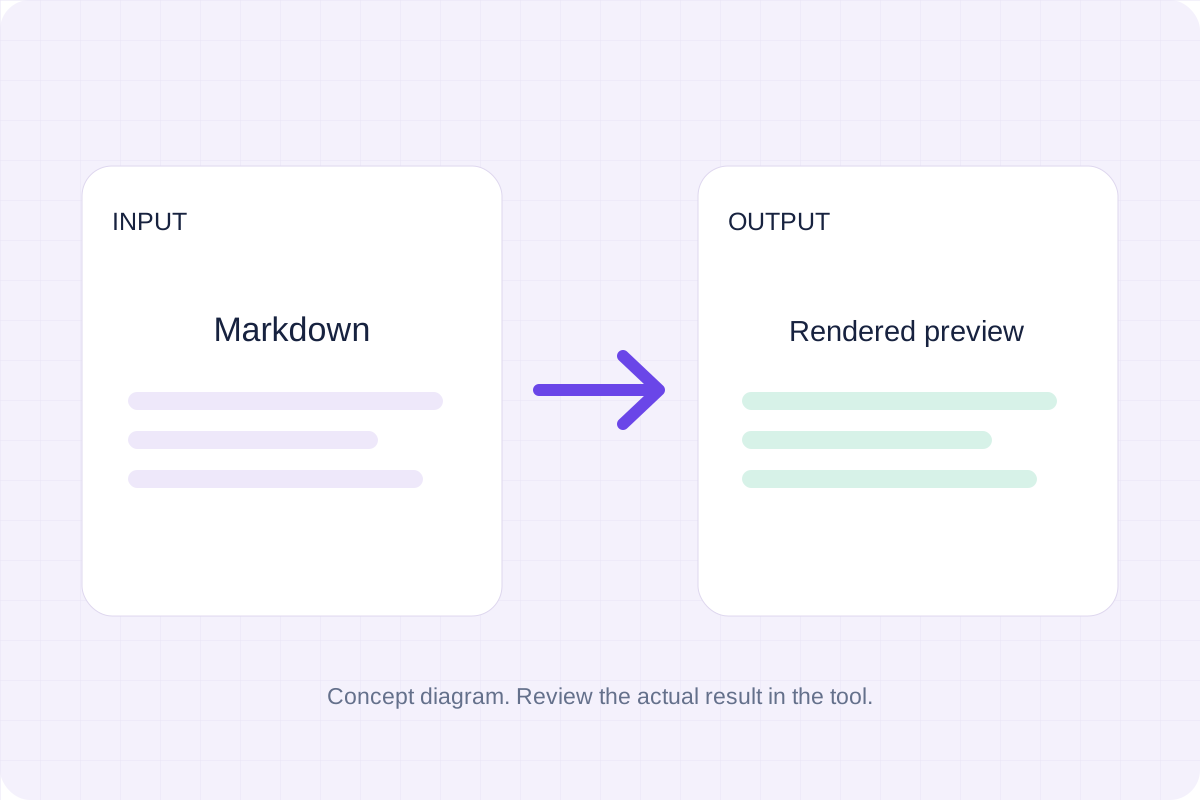
Write Markdown, update the rendered preview and download the Markdown or HTML when it is ready.
Open tool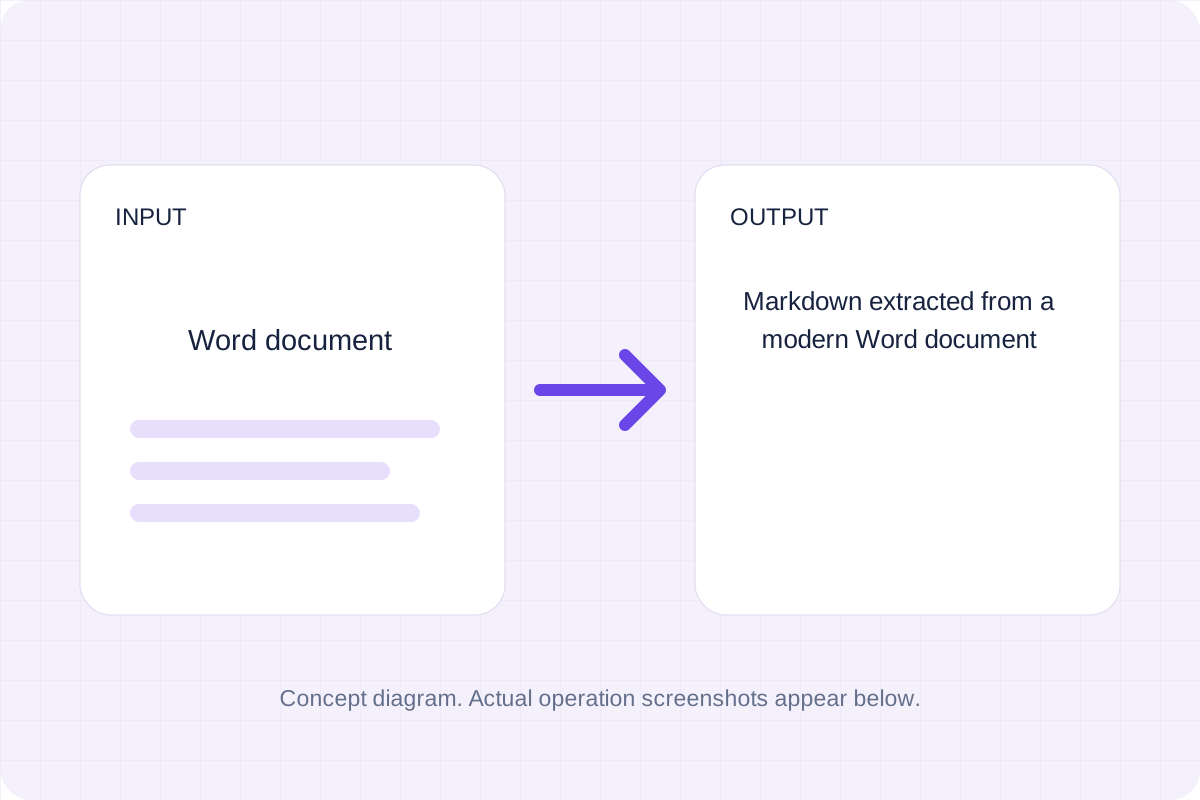
Convert a modern .docx document to Markdown. Keep common text, headings, links and lists while leaving images, page layout and complex formatting for manual editing.
Open tool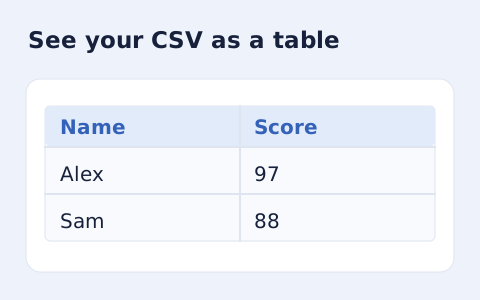
Inspect quoted CSV cells in a readable table without uploading your data.
Open tool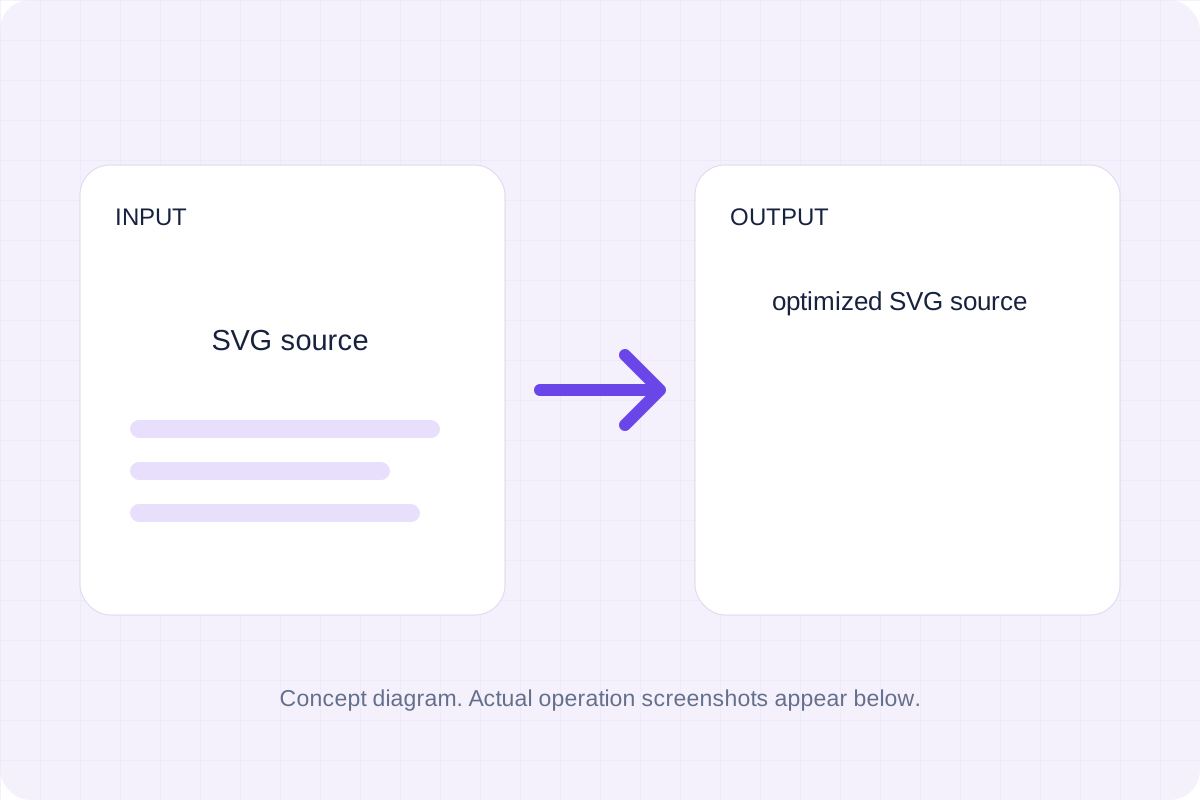
Optimize self-contained SVG source with local SVGO processing. Choose decimal precision, download the smaller markup and compare its appearance with the original.
Open toolReview the supported output and save your result.
Answers about using GIF compressor and understanding its results.
Save a GIF re-encoded with the selected scale and palette. Lossy palette and dimension changes can affect color and edges. Up to 100 frames and 20 million total pixels. A new GIF may be larger than the input; compare the reported sizes. Animation timing and loop count are retained.
No. Processing uses browser APIs and bundled local libraries. The selected file or entered source is not sent to a conversion server. Save the result before leaving.