
Email Header Analyzer
Read unfolded email headers and recorded delivery hops. Inspect authentication claims as pasted text; this page does not independently verify SPF, DKIM or DMARC.
Open toolCheck a bounded email address syntax. ASCII dot-atom local part and DNS-style domain only.
Enter the inputs, then select Check email syntax.
Result will appear here
Check a bounded email address syntax.
ASCII dot-atom local part and DNS-style domain only. Maximum 254 characters. Quoted local parts, international addresses and IP literals are outside scope. No mailbox existence, DNS or deliverability check.
Follow the labelled inputs.
Replace the example with a single address using the supported ASCII syntax.
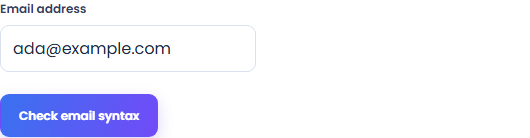
Check the local part and domain. This tool rejects whitespace and does not accept internationalized addresses or display names.
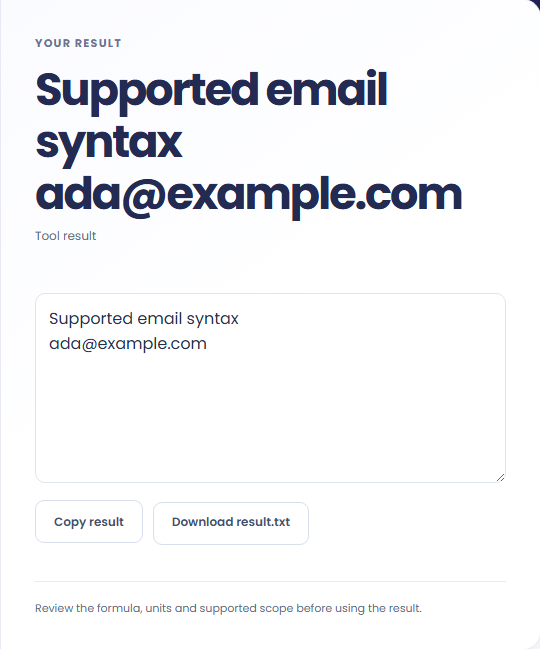
Select Check email syntax. Review the supported syntax verdict for your supplied address, then copy it or download the result text.
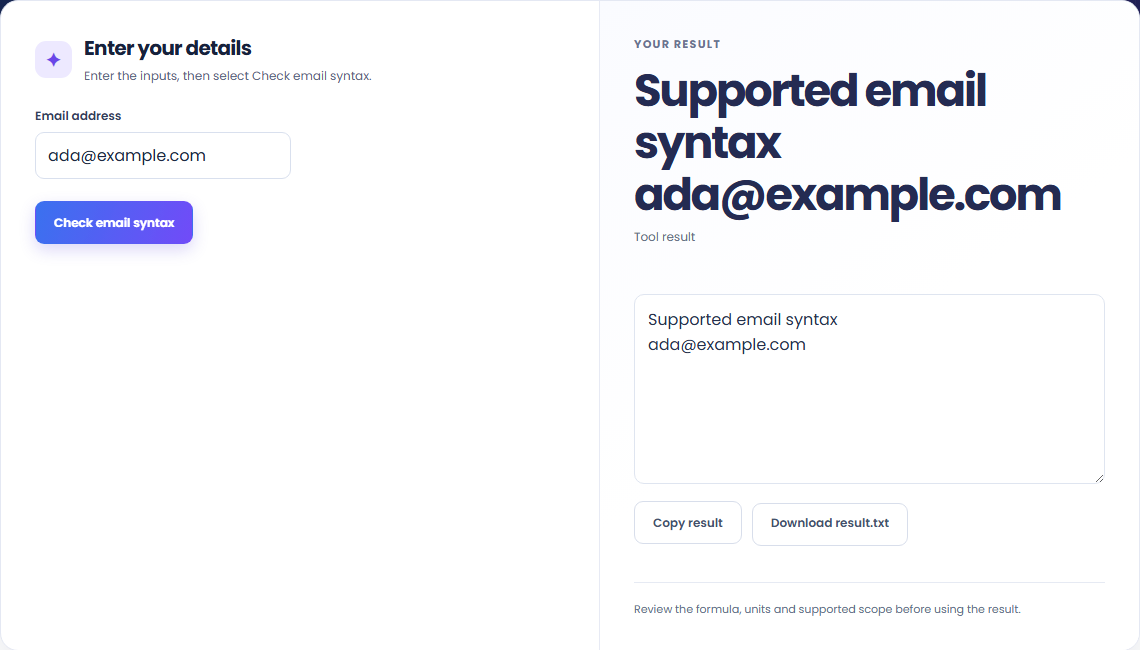
The starting example produces Supported email syntax; ada@example.com. Check a bounded email address syntax.

Check an address copied from a form or document for common syntax mistakes.

Use the verdict to catch a syntax mistake before entering the address elsewhere. It does not confirm that a mailbox exists.

A supported syntax verdict means the address passed the stated format checks. No DNS, mailbox or deliverability lookup is performed.
Check a bounded email address syntax.
ASCII dot-atom local part and DNS-style domain only. Maximum 254 characters. Quoted local parts, international addresses and IP literals are outside scope. No mailbox existence, DNS or deliverability check.

Check the stated scope before you run it.
ASCII dot-atom local part and DNS-style domain only. Maximum 254 characters. Quoted local parts, international addresses and IP literals are outside scope. No mailbox existence, DNS or deliverability check.
The input stays in this browser. Copy result and Download save the same displayed text.

Read unfolded email headers and recorded delivery hops. Inspect authentication claims as pasted text; this page does not independently verify SPF, DKIM or DMARC.
Open tool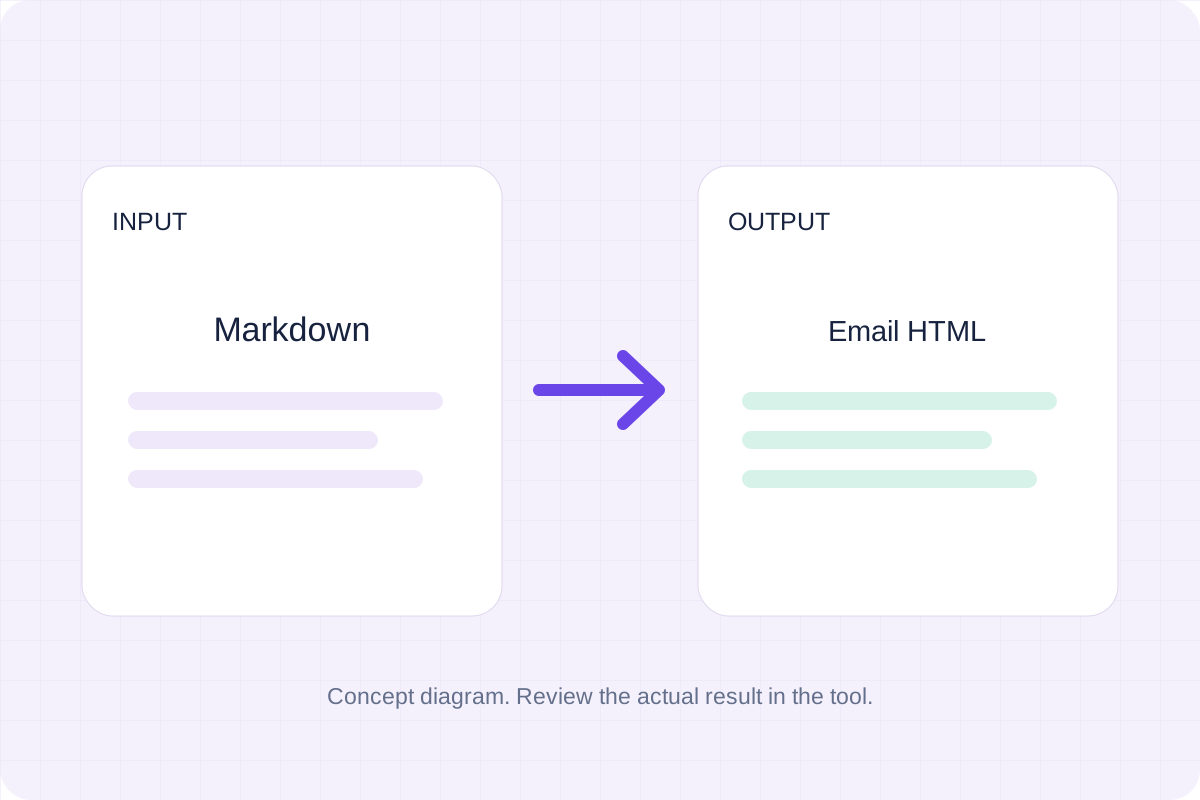
Turn Markdown into a simple HTML email with inline styles. Preview the body and download the HTML for your email workflow.
Open tool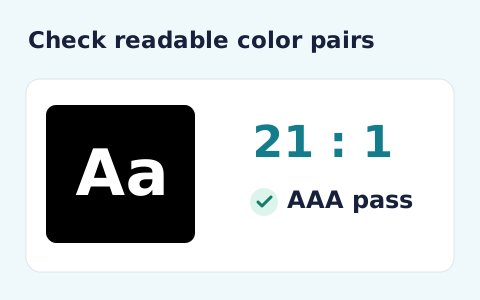
Calculate the WCAG 2 contrast ratio and AA/AAA results for normal and large text.
Open toolChoose another tool for your next calculation, conversion, or text task.
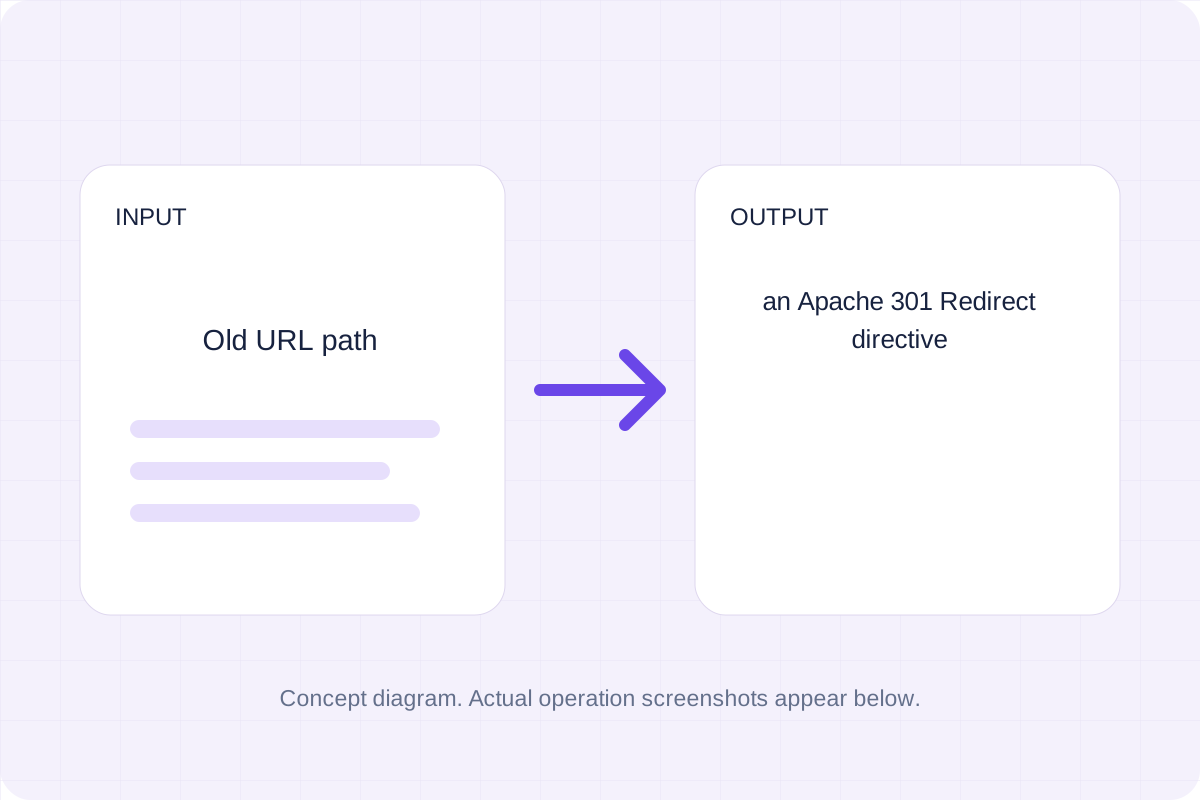
Validate a simple source path and destination, then generate a mod_alias Redirect directive.
Open tool
Match the requested Unicode word sequence case-insensitively and divide occurrences by the number of possible token windows.
Open tool
Escape supplied text and write title, description and canonical HTML elements.
Open tool
Draft three meta descriptions from your own page facts. Local text rules combine the supplied name, phrase and description within a chosen character limit.
Open toolAnswers about using Email Validator and understanding its results.
ASCII dot-atom local part and DNS-style domain only. Maximum 254 characters. Quoted local parts, international addresses and IP literals are outside scope. No mailbox existence, DNS or deliverability check.
Yes. Copy result copies the syntax verdict, and Download saves the same text. Validation runs in your browser without an account.
Check the supported syntax verdict for your supplied address, then copy or download it.