
HTML To Markdown Converter
Sanitize supplied HTML and convert supported elements with the pinned local Turndown library.
Open toolCreate header placeholders, alignment markers and blank rows for the requested table size. A template for you to edit after copying.
Enter the inputs, then select Generate table template.
Result will appear here
Create header placeholders, alignment markers and blank rows for the requested table size.
A template for you to edit after copying. This page does not import CSV, render Markdown or fill cell data.
Start with your own input.
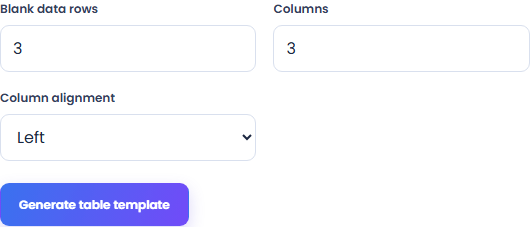
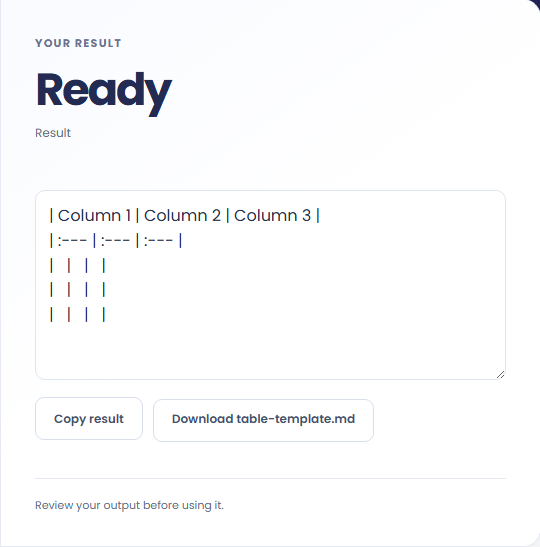
Select Generate table template. Review a blank Markdown table template, then use Copy result or download the result file.
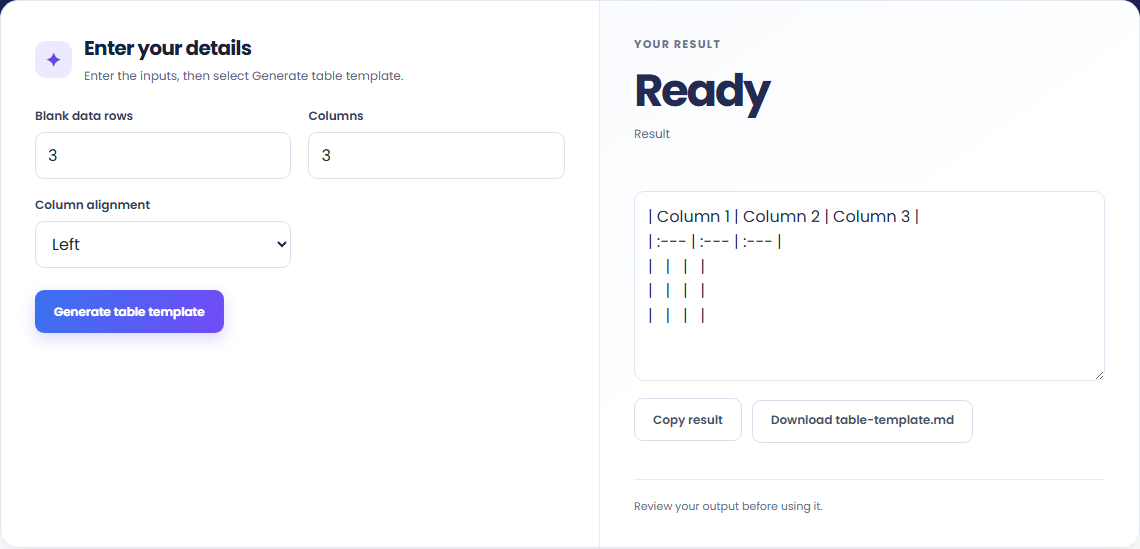
To start a README table, start with blank data rows. Create header placeholders, alignment markers and blank rows for the requested table size.

To create an empty comparison grid, start with blank data rows. A template for you to edit after copying.

To prepare a documentation template, start with blank data rows. Review a blank Markdown table template, then use Copy result or download the result file.

Check what the output means.
A blank Markdown table template. Create header placeholders, alignment markers and blank rows for the requested table size.
A template for you to edit after copying. This page does not import CSV, render Markdown or fill cell data.

Check the format before processing.
A template for you to edit after copying. This page does not import CSV, render Markdown or fill cell data.
Inputs and results are handled in this browser.

Sanitize supplied HTML and convert supported elements with the pinned local Turndown library.
Open tool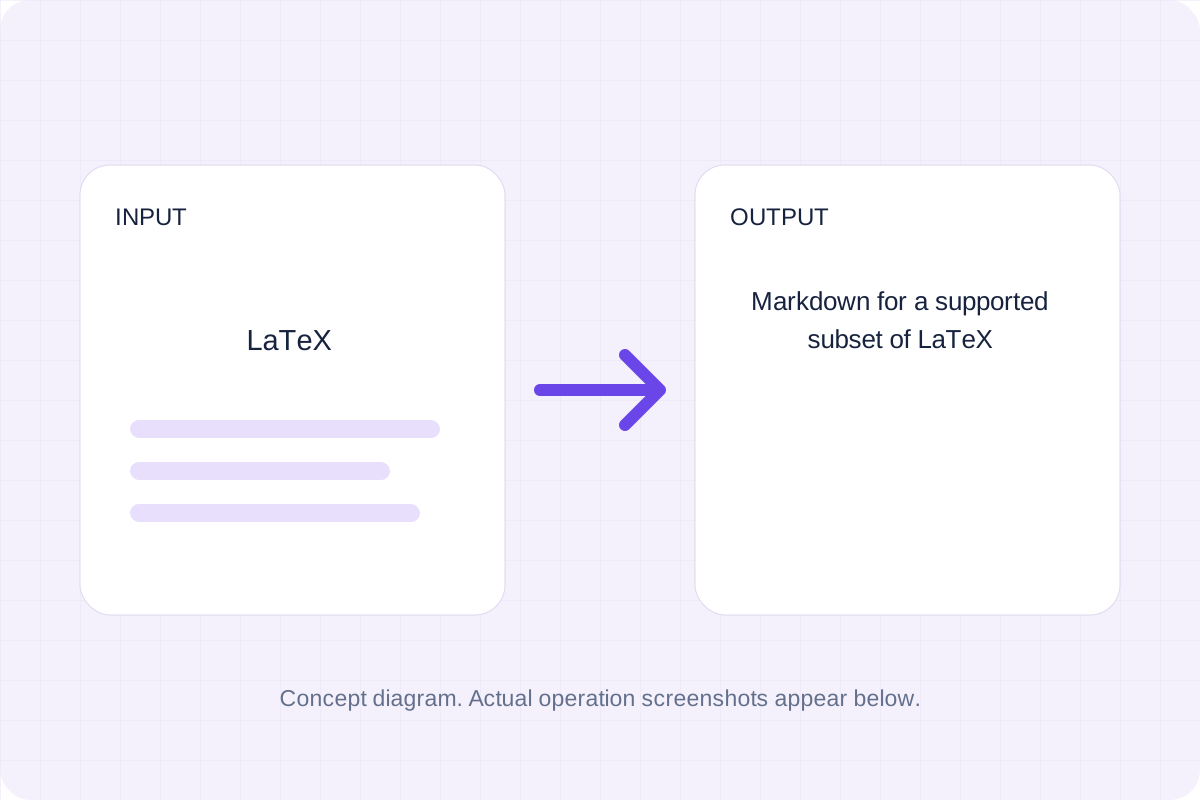
Convert a basic LaTeX source fragment to Markdown. Common headings, emphasis, links and lists are mapped; math and unsupported commands remain as source for review.
Open tool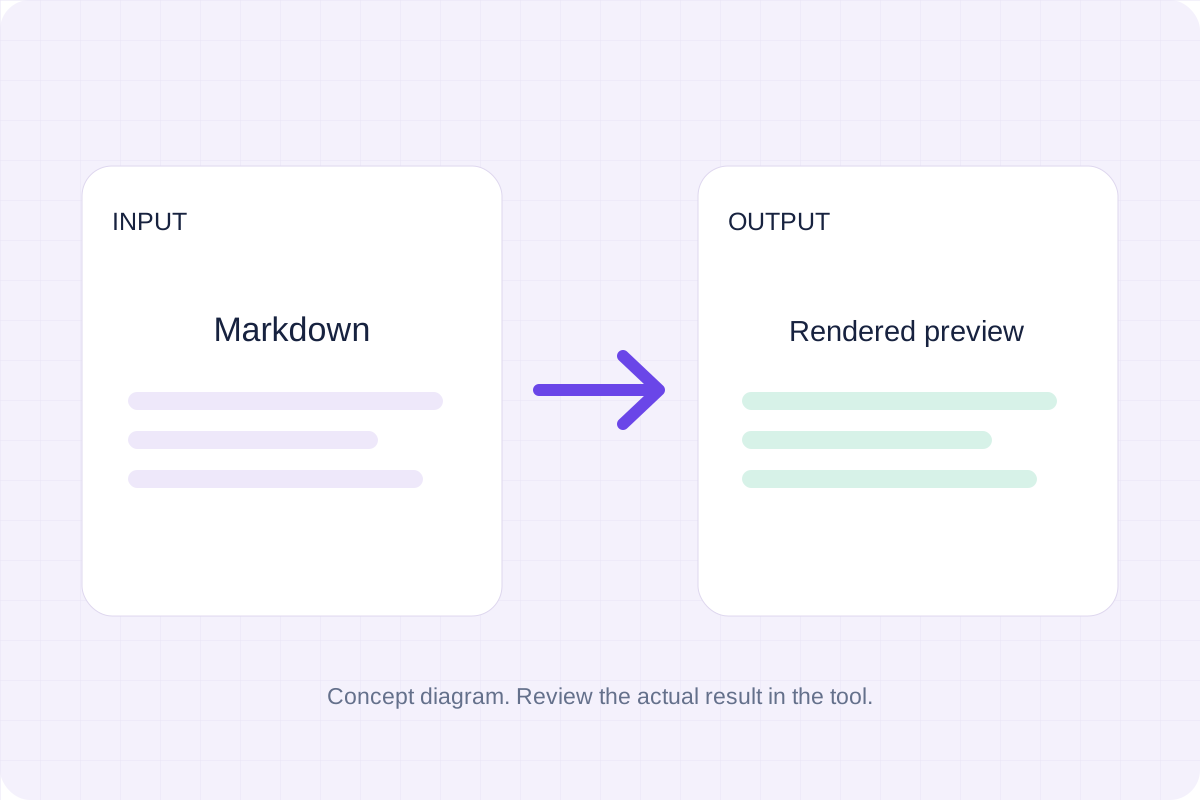
Write Markdown, update the rendered preview and download the Markdown or HTML when it is ready.
Open toolChoose another tool for your next calculation, conversion, or text task.
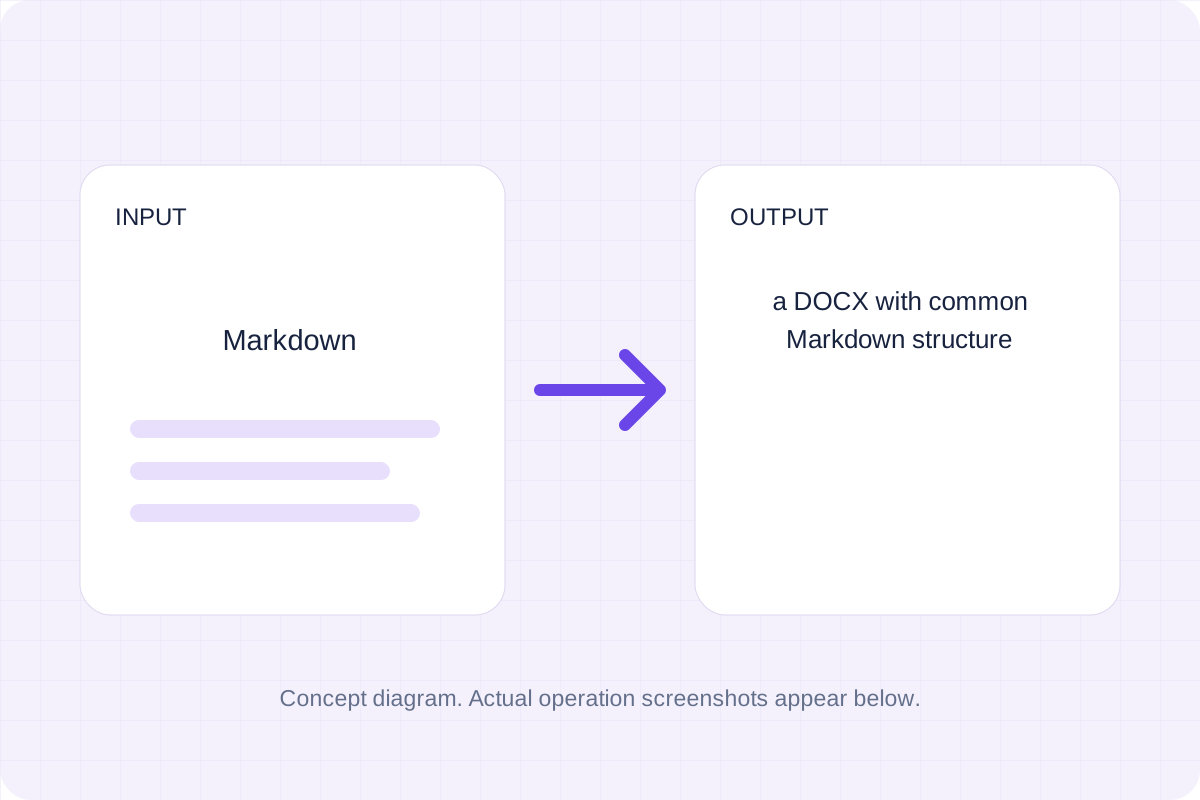
A DOCX with common Markdown structure. Parse Markdown blocks and create Word headings, paragraphs, emphasis, lists and simple tables.
Open tool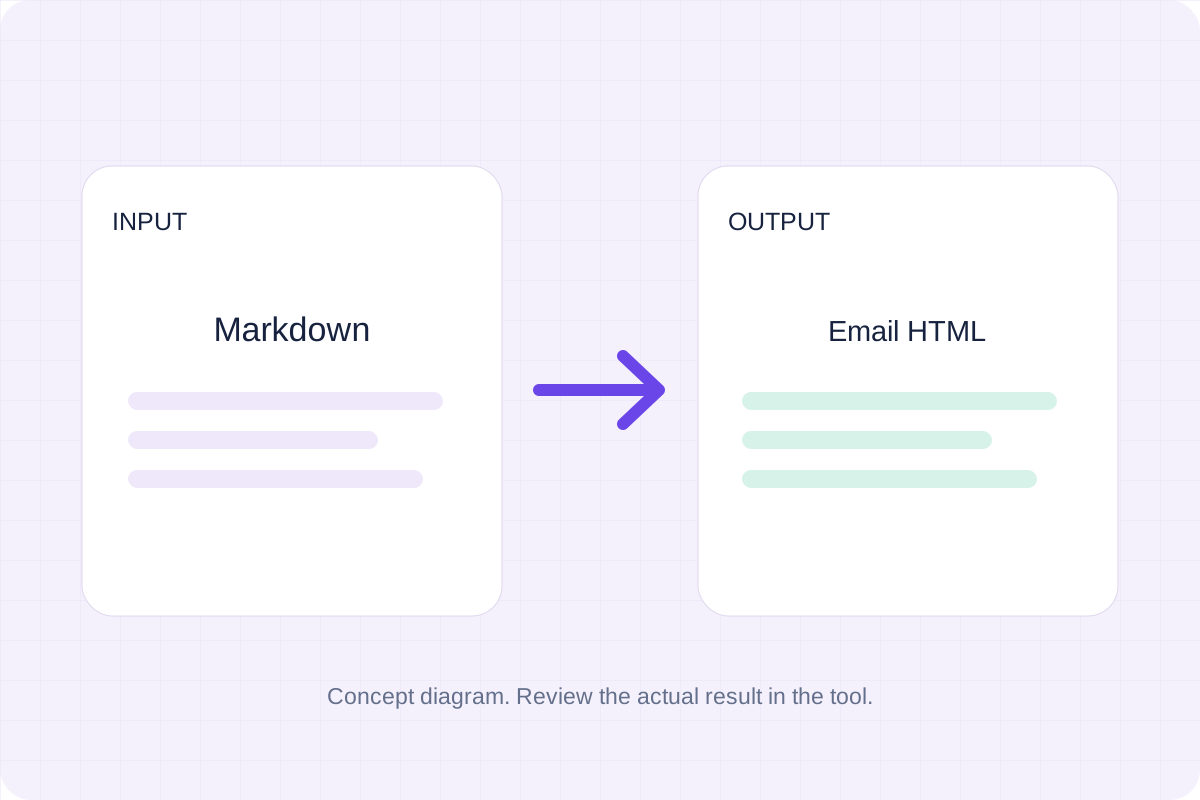
Turn Markdown into a simple HTML email with inline styles. Preview the body and download the HTML for your email workflow.
Open tool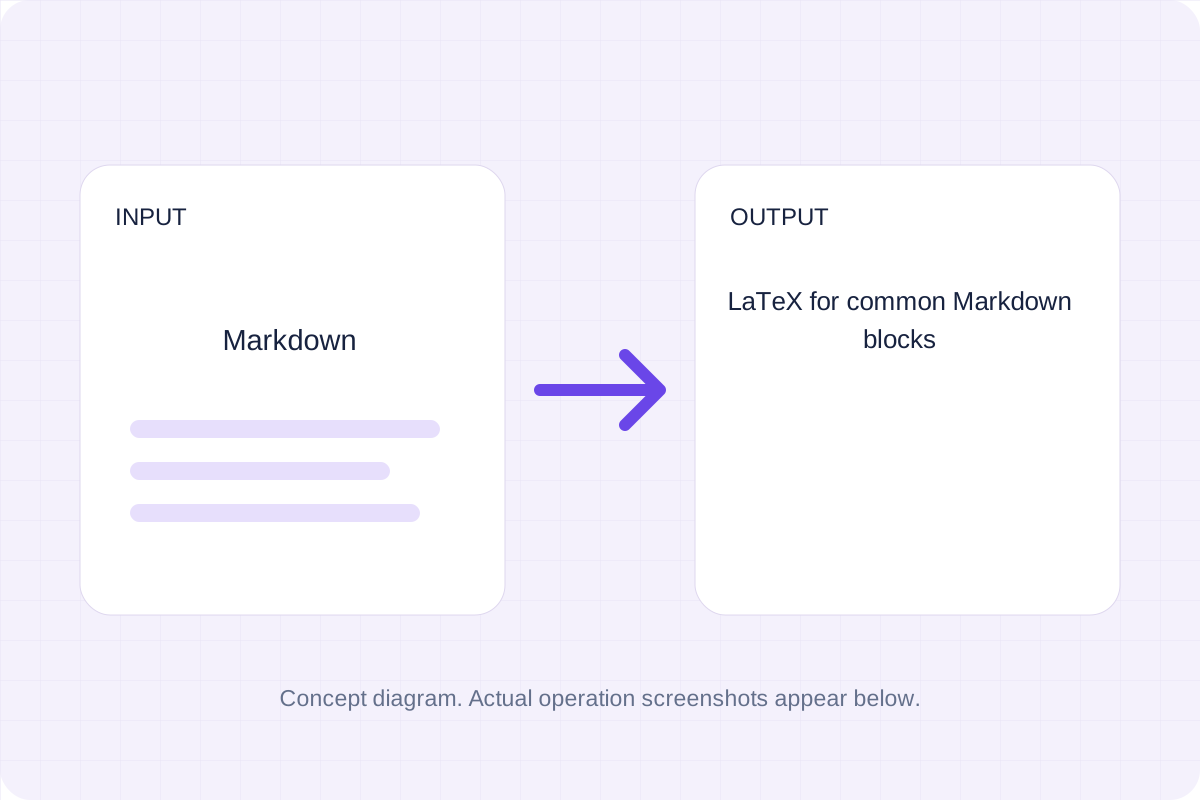
Convert common Markdown headings, lists, links, emphasis and tables to LaTeX source. Download an editable fragment for your TeX project; this page does not compile a PDF.
Open tool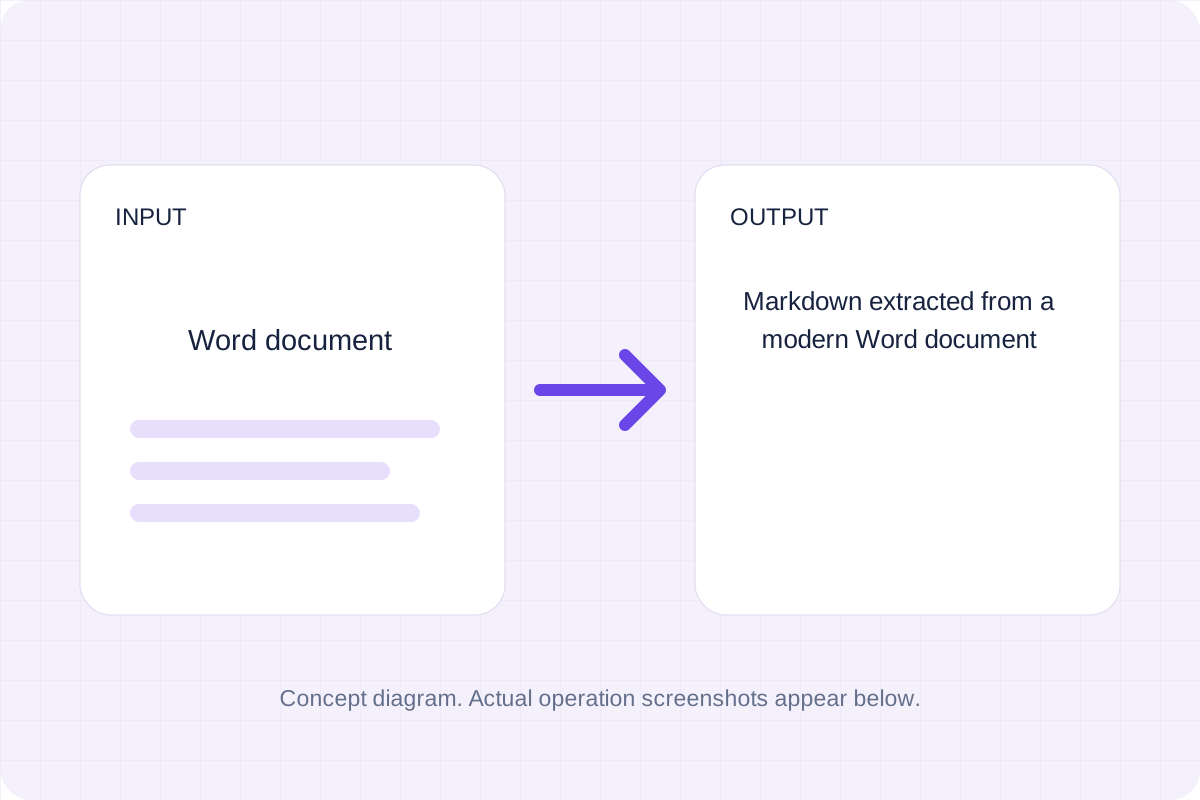
Convert a modern .docx document to Markdown. Keep common text, headings, links and lists while leaving images, page layout and complex formatting for manual editing.
Open toolReview a blank Markdown table template, then use Copy result or download the result file.
Answers about using Markdown Table Generator and understanding its results.
A template for you to edit after copying. This page does not import CSV, render Markdown or fill cell data.
Yes. Download the result file after processing. Text results also have Copy result. Processing uses local browser code; no account is required.