CSV To Markdown Table
Parse CSV and escape pipes, backslashes and line breaks in a Markdown table.
Open toolUse the union of object keys as columns; nested values become JSON text. At most 10,000 records and 100 columns.
Enter the inputs, then select Convert JSON table.
Result will appear here
Use the union of object keys as columns; nested values become JSON text.
At most 10,000 records and 100 columns. Missing fields become blank cells; null stays null. Cell text is escaped for the Markdown table.
Start with your own input.
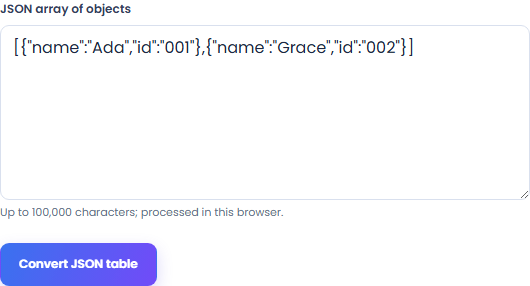
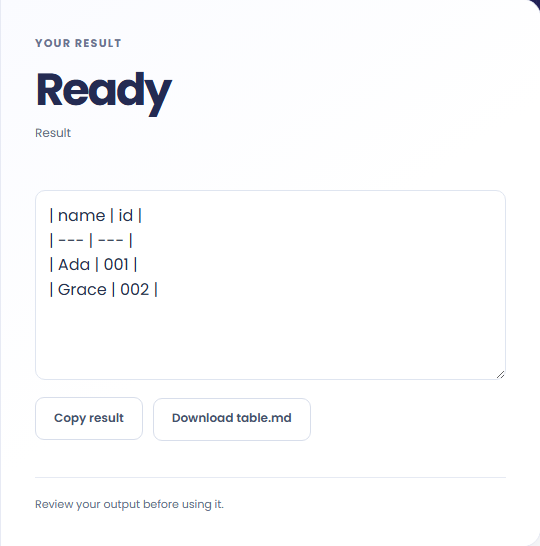
Select Convert JSON table. Review a Markdown table, then use Copy result or download the result file.
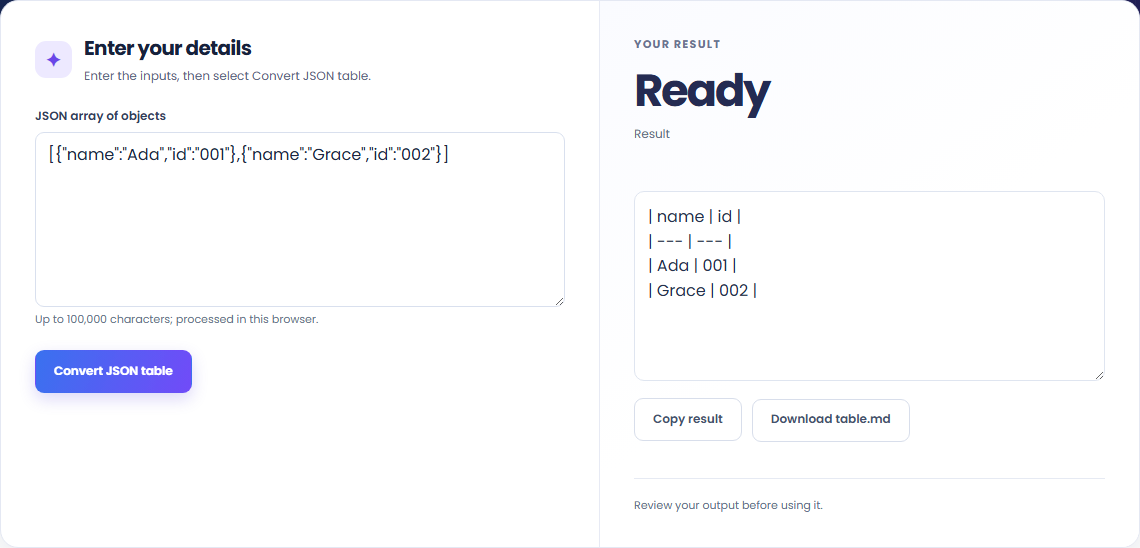
To display a JSON record list, start with json array of objects. Use the union of object keys as columns; nested values become JSON text.

To document structured records, start with json array of objects. At most 10,000 records and 100 columns.

To prepare a tabular fixture, start with json array of objects. Review a Markdown table, then use Copy result or download the result file.

Check what the output means.
A Markdown table. Use the union of object keys as columns; nested values become JSON text.
At most 10,000 records and 100 columns. Missing fields become blank cells; null stays null. Cell text is escaped for the Markdown table.

Check the format before processing.
At most 10,000 records and 100 columns. Missing fields become blank cells; null stays null. Cell text is escaped for the Markdown table.
Inputs and results are handled in this browser.

Choose another tool for your next calculation, conversion, or text task.
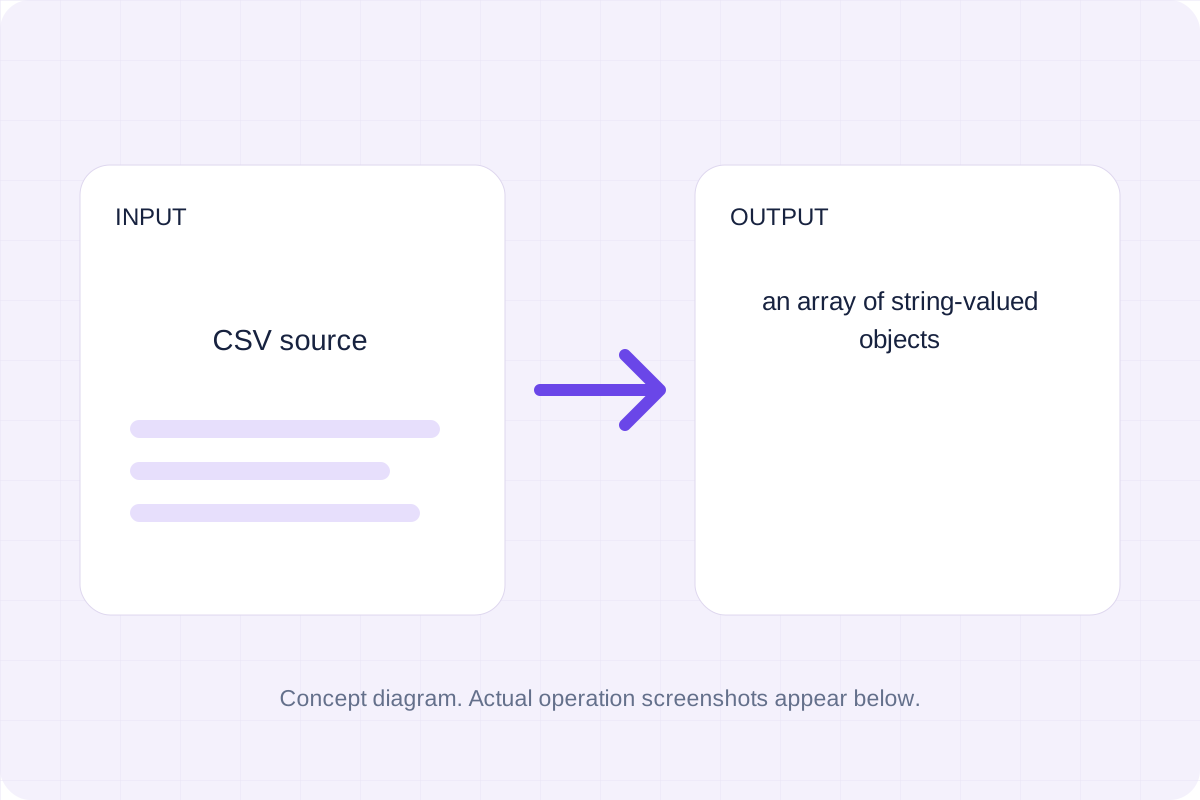
Parse quoted CSV and map unique headers to object keys.
Open tool
Read simple KEY=value or export KEY=value lines; strip matching outer quotes and keep each value as a string.
Open tool
Read an XLSX workbook with the pinned local SheetJS library and convert the selected data.
Open tool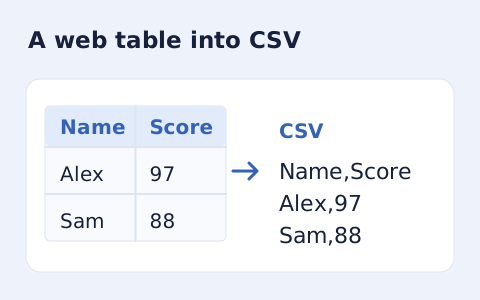
Extract an HTML table into CSV, expanding row and column spans.
Open toolReview a Markdown table, then use Copy result or download the result file.
Answers about using JSON To Markdown Table and understanding its results.
At most 10,000 records and 100 columns. Missing fields become blank cells; null stays null. Cell text is escaped for the Markdown table.
Yes. Download the result file after processing. Text results also have Copy result. Processing uses local browser code; no account is required.