
Volumetric Flow Rate Converter
Convert a quantity using the listed fixed unit factors.
Open toolConvert a quantity using the listed fixed unit factors. Rates are per second.
Enter the inputs, then select Convert units.
Result will appear here
Convert a quantity using the listed fixed unit factors.
Rates are per second. Lowercase b is a bit; uppercase B is a byte. SI prefixes are decimal and MiB is binary. Finite real numbers only. Display uses up to 12 significant digits; binary floating-point arithmetic can introduce rounding.
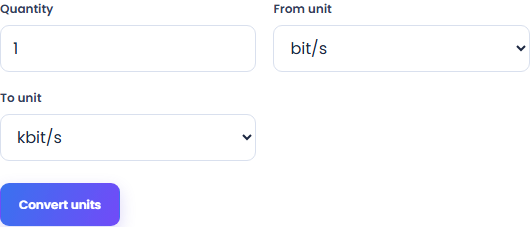
Follow the labelled inputs.
Replace the example with quantity. The field labels specify the expected format and units.
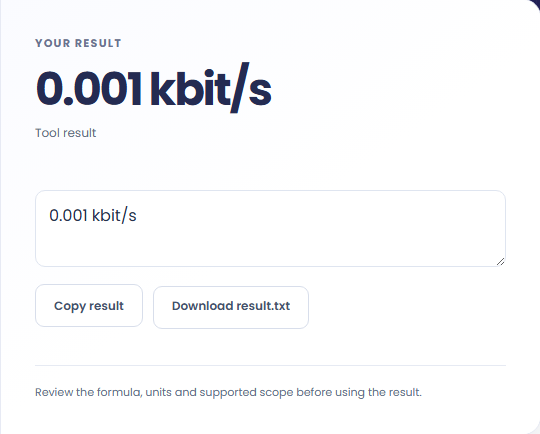
Select Convert units. Review the converted quantity and its destination unit, then copy it or download the result text.
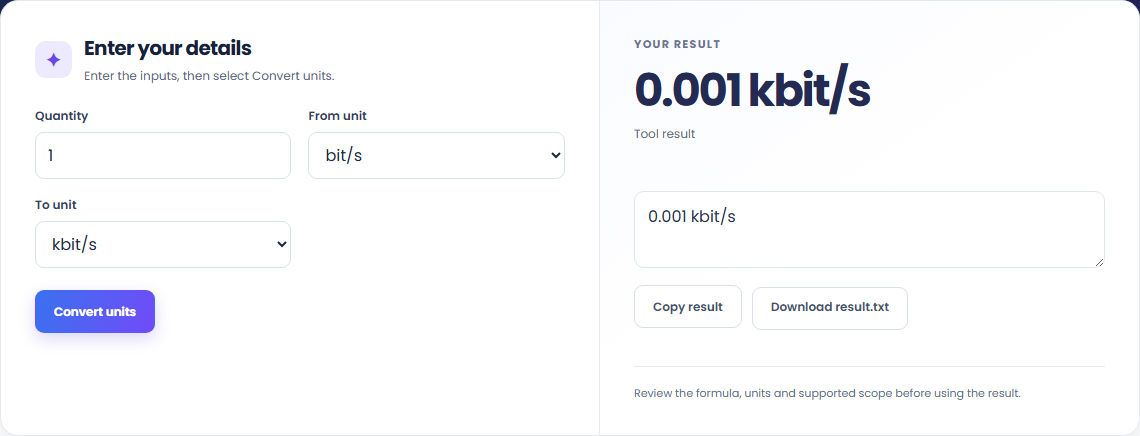
Enter the stated quantity and its source unit. The output retains the destination-unit label, so you can compare it with the original specification.

Convert the readings to the same unit before comparing them. Rates are per second.

Copy the quantity with its unit or download the text. Convert a quantity using the listed fixed unit factors.

Read the units and assumptions with the output.
Convert a quantity using the listed fixed unit factors.
Rates are per second. Lowercase b is a bit; uppercase B is a byte. SI prefixes are decimal and MiB is binary. Finite real numbers only. Display uses up to 12 significant digits; binary floating-point arithmetic can introduce rounding.

Check the stated scope before you run it.
Rates are per second. Lowercase b is a bit; uppercase B is a byte. SI prefixes are decimal and MiB is binary. Finite real numbers only. Display uses up to 12 significant digits; binary floating-point arithmetic can introduce rounding.
The input stays in this browser. Copy result and Download save the same displayed text.

Convert a quantity using the listed fixed unit factors.
Open tool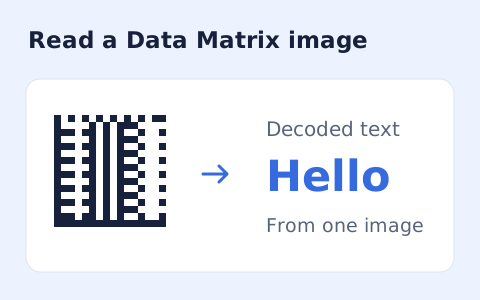
Decode an ECC200 Data Matrix from a clear image locally.
Open tool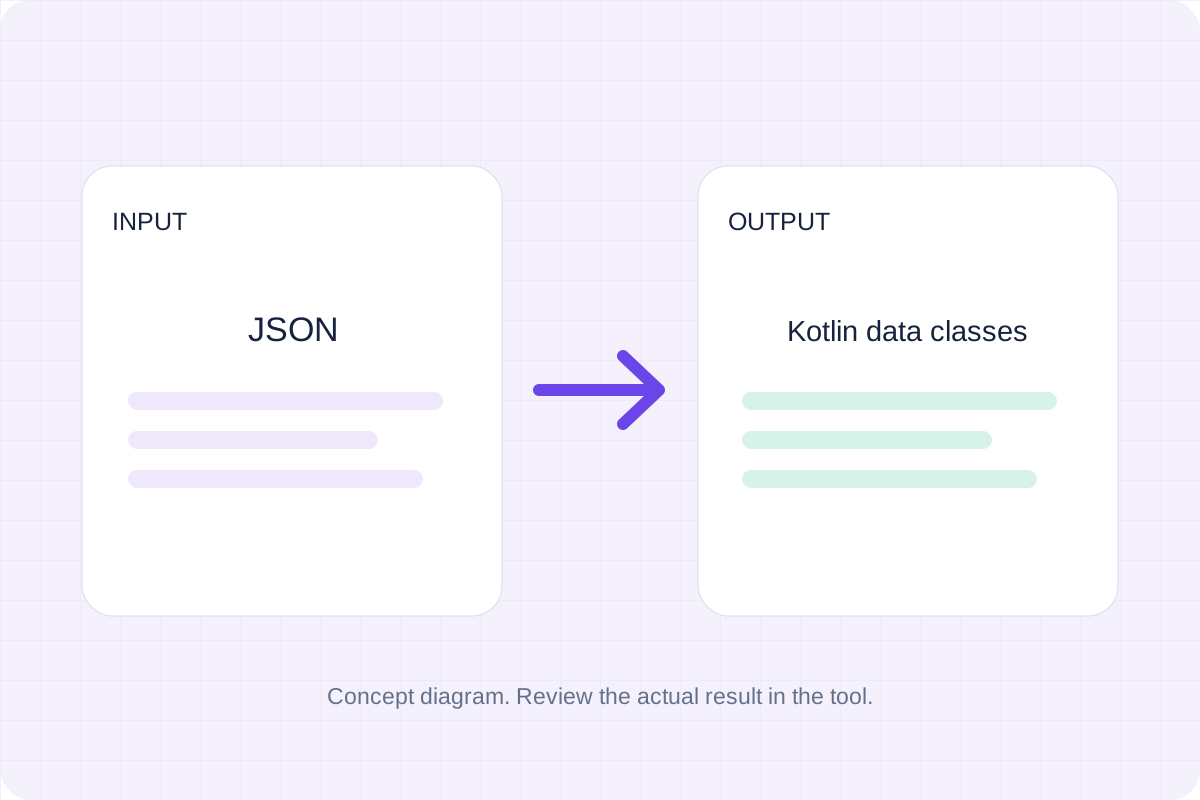
Generate nested Kotlin model definitions from a JSON example. Review the inferred fields, then copy or download the source.
Open toolChoose another tool for your next calculation, conversion, or text task.
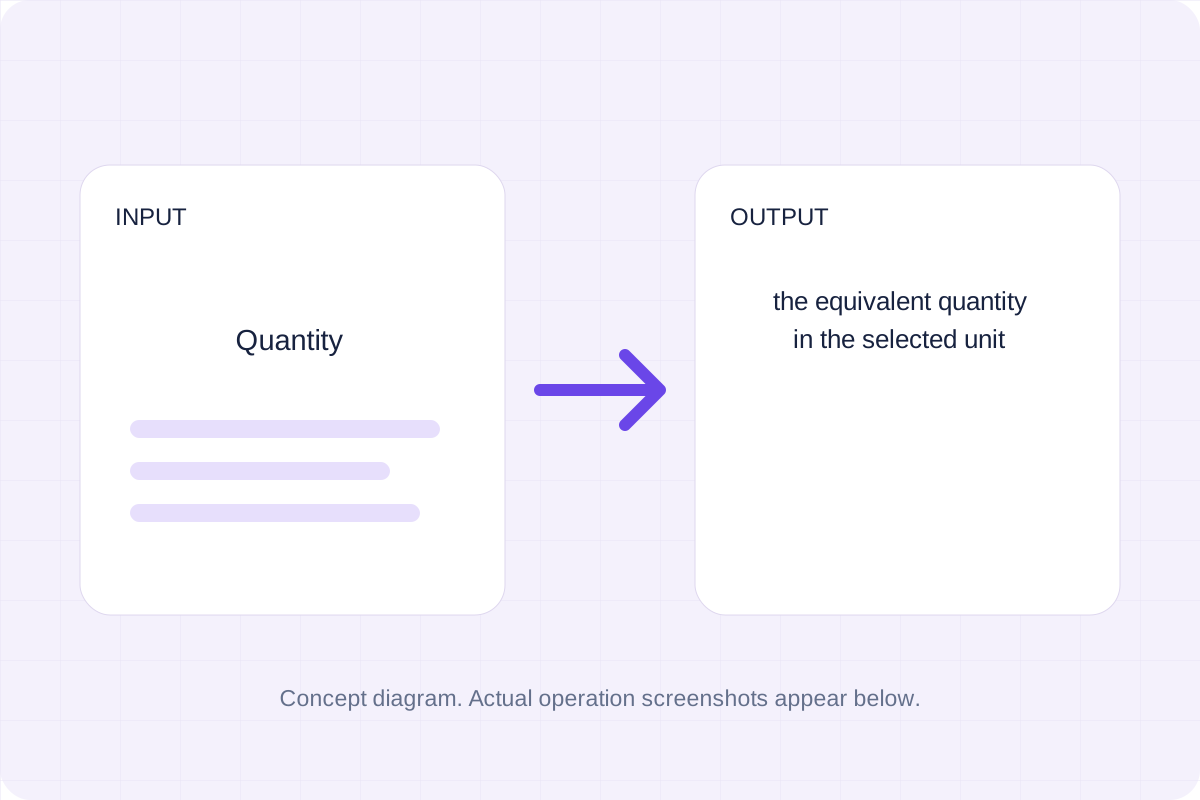
Convert a quantity using the listed fixed unit factors.
Open tool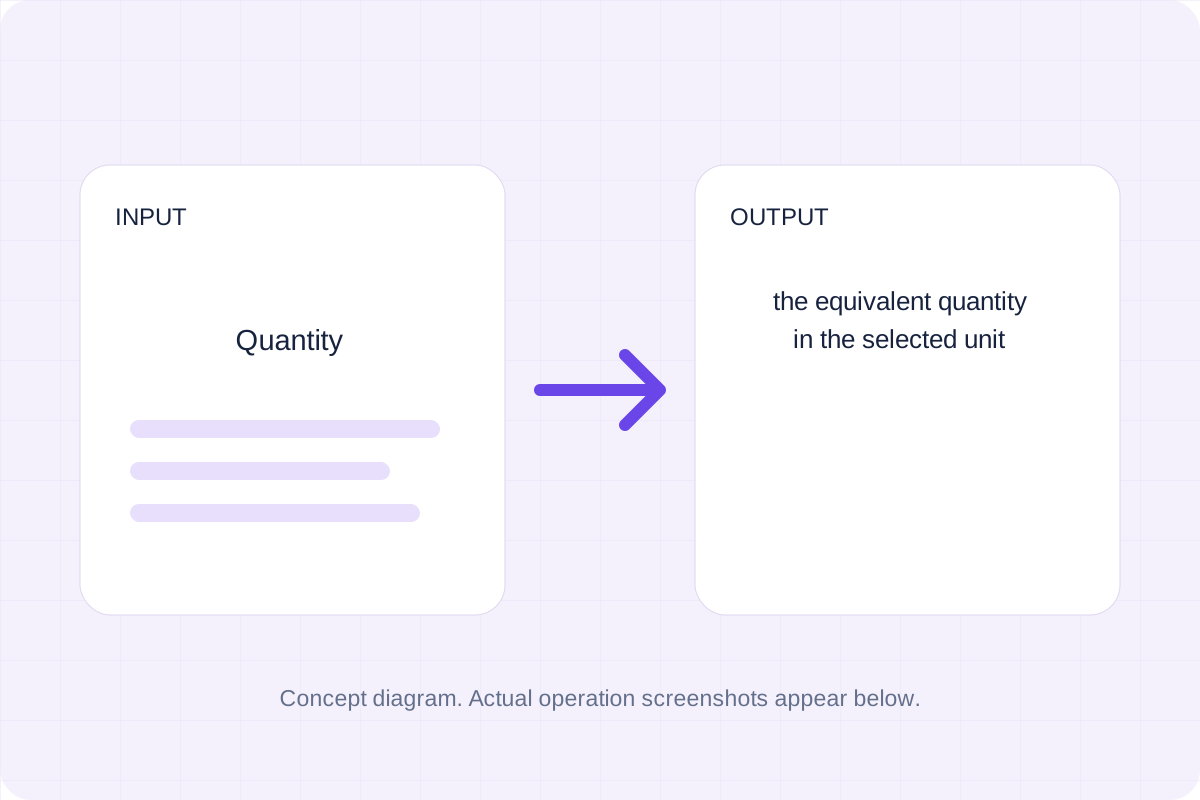
Convert a quantity using the listed fixed unit factors.
Open tool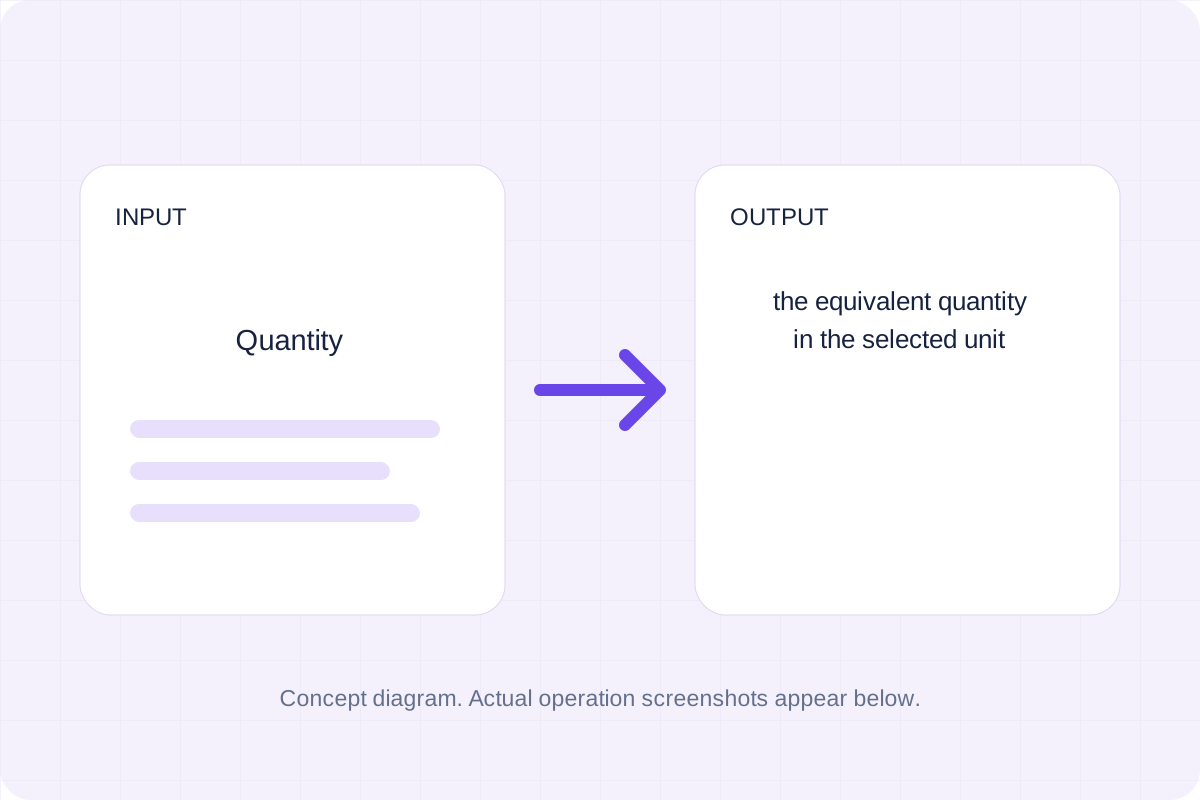
Convert a quantity using the listed fixed unit factors.
Open tool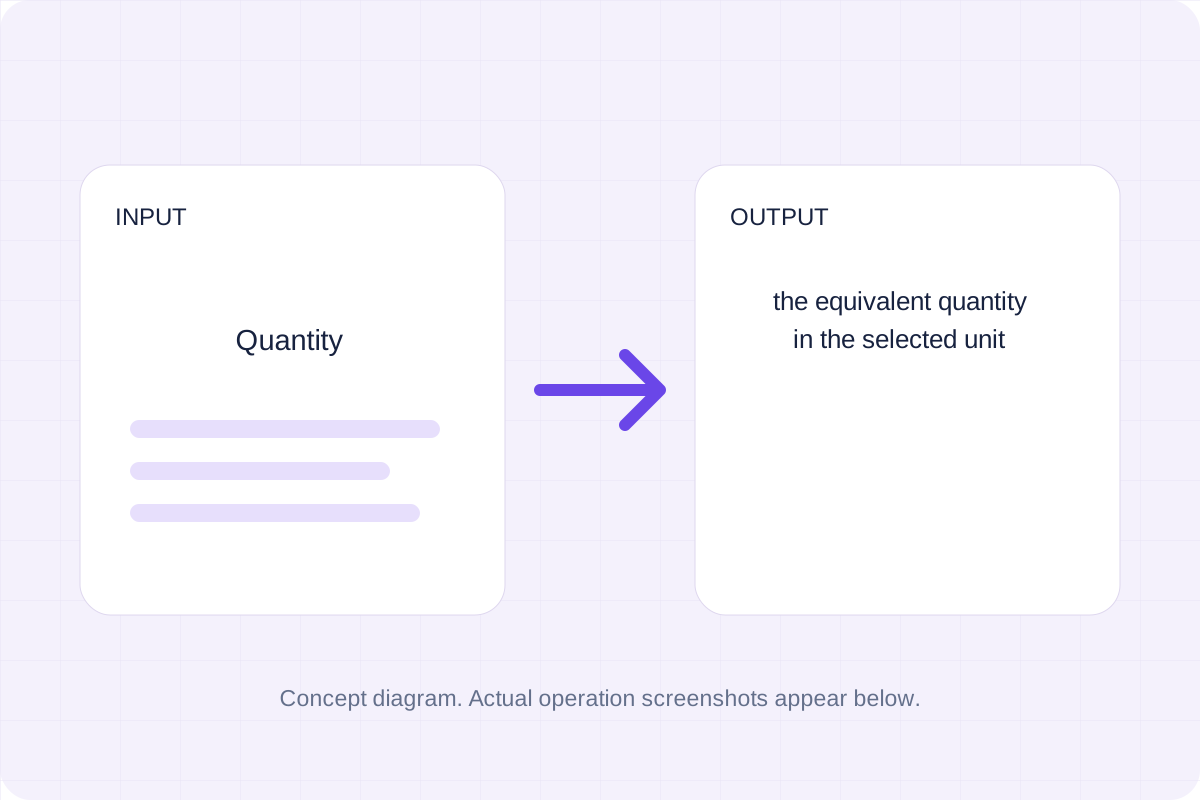
Convert a quantity using the listed fixed unit factors.
Open toolAnswers about using Data Transfer Rate Converter and understanding its results.
Rates are per second. Lowercase b is a bit; uppercase B is a byte. SI prefixes are decimal and MiB is binary. Finite real numbers only. Display uses up to 12 significant digits; binary floating-point arithmetic can introduce rounding.
Yes. Copy result copies the displayed text, and Download saves the same result as a text file. Calculations run in your browser without an account.
Check the converted quantity and its destination unit, then copy or download it.