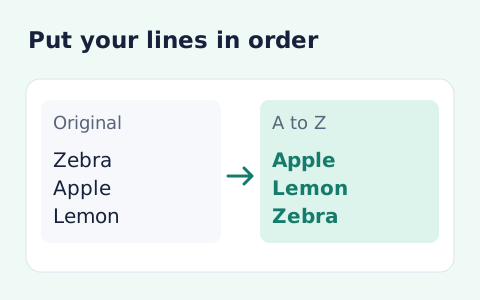
Sort Text Lines
Sort text lines A–Z or Z–A, optionally removing blank and duplicate lines, then copy the result.
Open toolSort complete text lines by Unicode code-point order. Up to 100,000 characters.
Enter the inputs, then select Sort lines.
Result will appear here
Sort complete text lines by Unicode code-point order.
Up to 100,000 characters. Case sensitive, no locale collation or numeric sorting. Line endings normalize to LF.
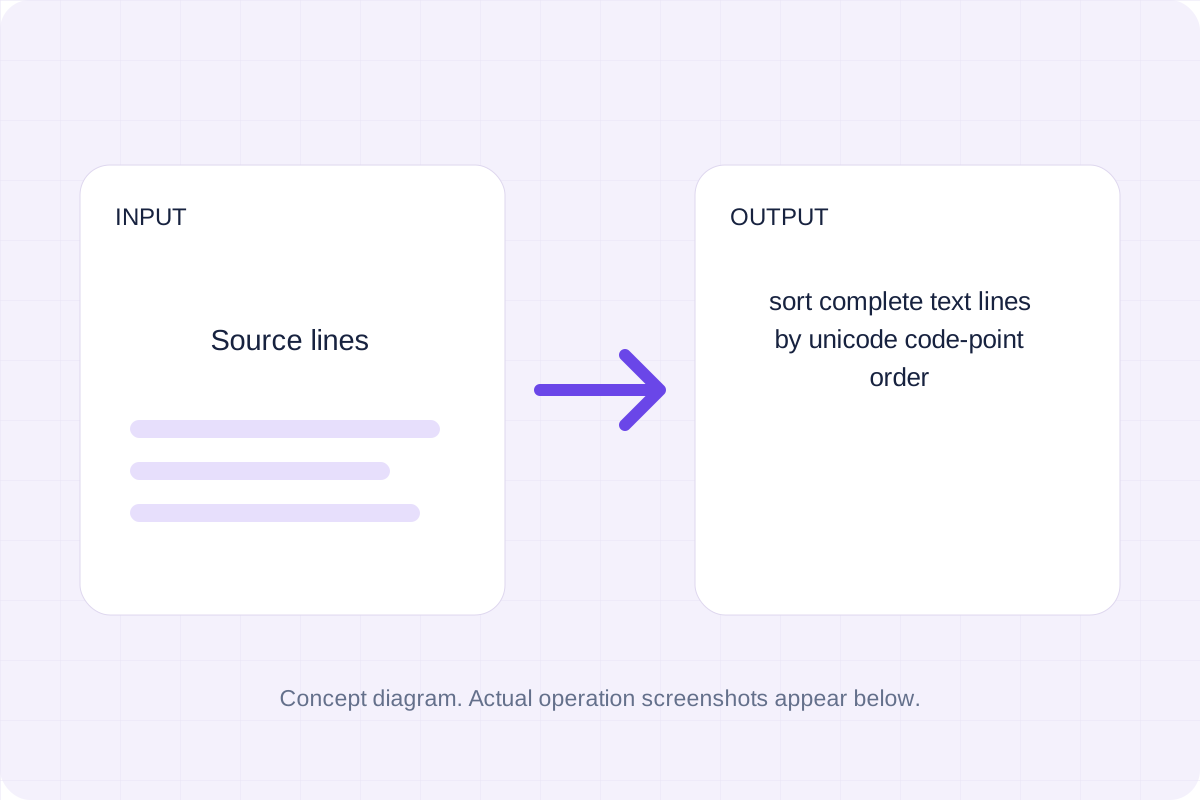
Follow the labelled inputs.
Replace the example with source lines. The field labels specify the expected format and units.
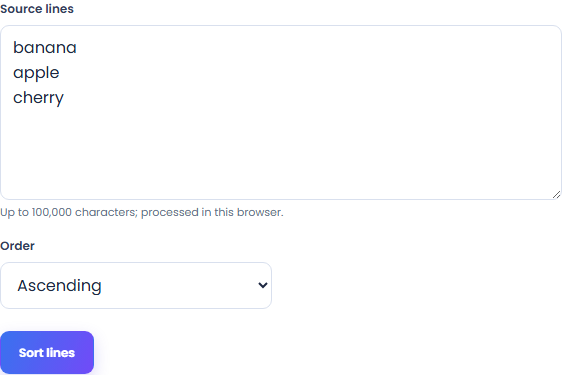
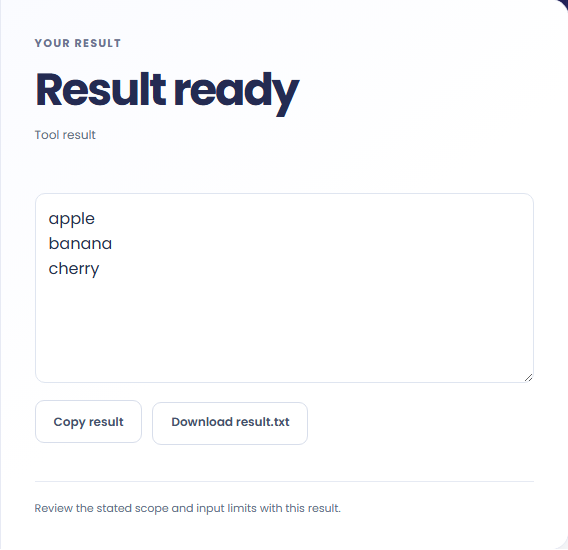
Select Sort lines. Review the displayed text, then copy it or download the result text.
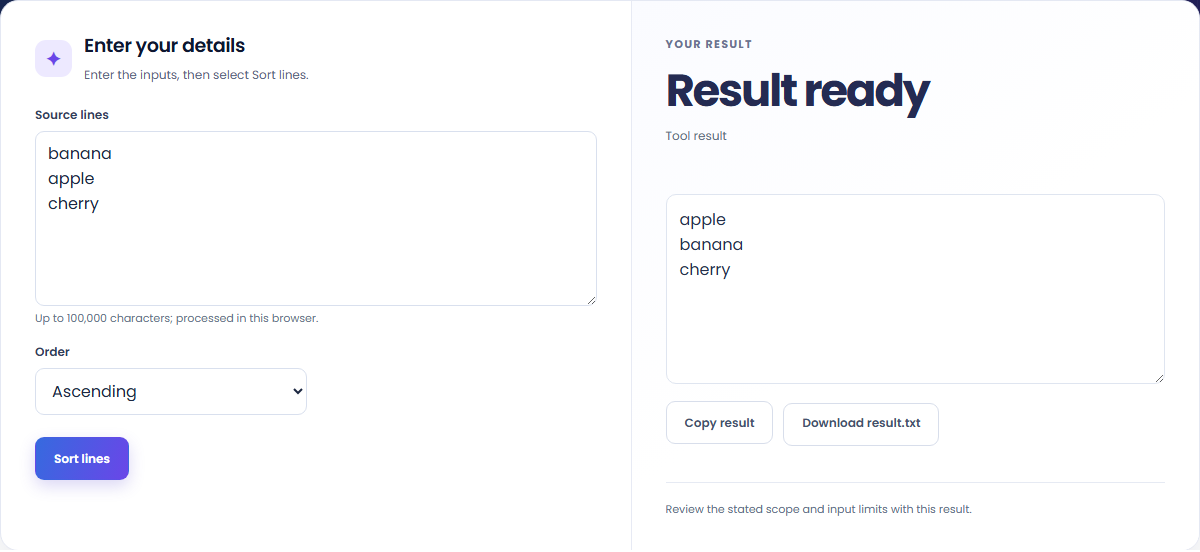
The starting example produces apple; banana; cherry. Sort complete text lines by Unicode code-point order.


Copy the displayed text into your notes. Keep the formula and assumptions with it if someone else needs to reproduce the calculation.

Read the units and assumptions with the output.
Sort complete text lines by Unicode code-point order.
Up to 100,000 characters. Case sensitive, no locale collation or numeric sorting. Line endings normalize to LF.

Check the stated scope before you run it.
Up to 100,000 characters. Case sensitive, no locale collation or numeric sorting. Line endings normalize to LF.
The input stays in this browser. Copy result and Download save the same displayed text.

Choose another tool for your next calculation, conversion, or text task.
Answers about using Sort Lines and understanding its results.
Up to 100,000 characters. Case sensitive, no locale collation or numeric sorting. Line endings normalize to LF.
Copy result copies the displayed text. Download saves the same text as a TXT file. Processing runs in this browser without an account.
Check the displayed text, then copy or download it.