Reverse Text
Reverse Unicode grapheme clusters, or reverse whitespace-separated words.
Open toolReverse the order of whitespace-separated words. Up to 100,000 characters.
Enter the inputs, then select Reverse words.
Result will appear here
Reverse the order of whitespace-separated words.
Up to 100,000 characters. Whitespace collapses to one space; punctuation stays attached to its word.
Follow the labelled inputs.
Replace the example with text. The field labels specify the expected format and units.
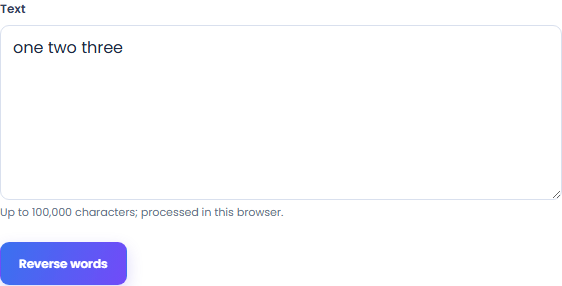
This tool uses one input. Check the supported range before running it. Up to 100,000 characters.
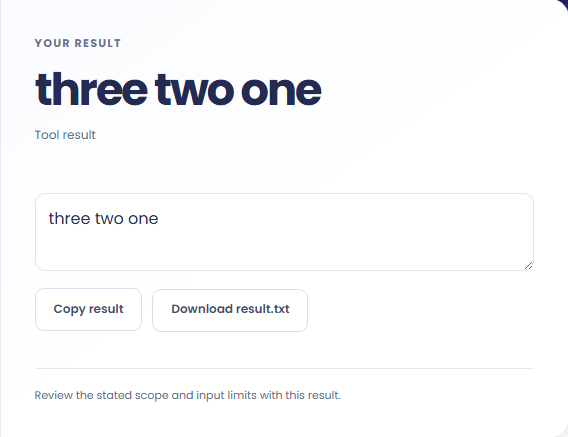
Select Reverse words. Review the displayed text, then copy it or download the result text.
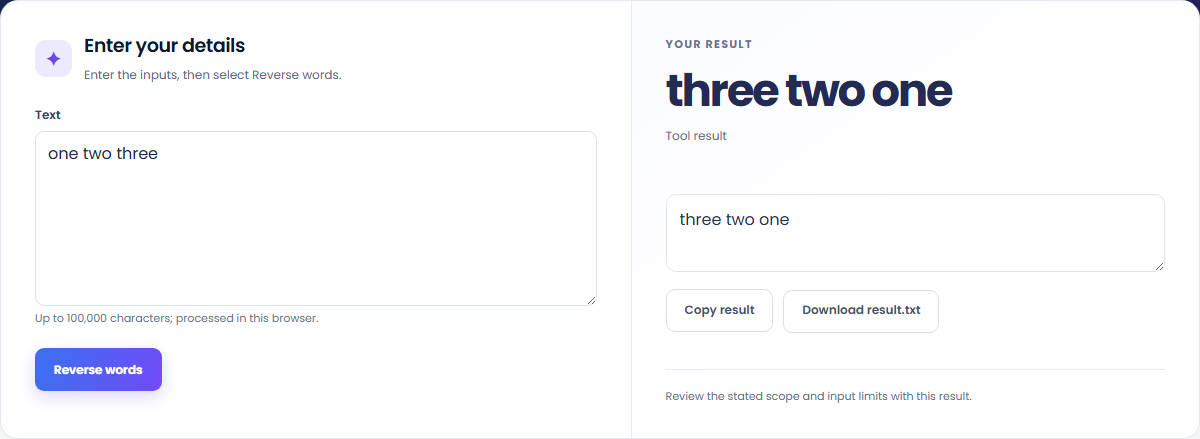
The starting example produces three two one. Reverse the order of whitespace-separated words.


Copy the displayed text into your notes. Keep the formula and assumptions with it if someone else needs to reproduce the calculation.

Read the units and assumptions with the output.
Reverse the order of whitespace-separated words.
Up to 100,000 characters. Whitespace collapses to one space; punctuation stays attached to its word.

Check the stated scope before you run it.
Up to 100,000 characters. Whitespace collapses to one space; punctuation stays attached to its word.
The input stays in this browser. Copy result and Download save the same displayed text.

Choose another tool for your next calculation, conversion, or text task.
Convert ASCII words to PascalCase identifiers.
Open tool
Remove repeated lines while retaining first occurrence order.
Open tool
Generate a lowercase ASCII URL slug from a title.
Open tool
Convert ASCII identifier words to snake_case.
Open toolAnswers about using Reverse Words and understanding its results.
Up to 100,000 characters. Whitespace collapses to one space; punctuation stays attached to its word.
Copy result copies the displayed text. Download saves the same text as a TXT file. Processing runs in this browser without an account.
Check the displayed text, then copy or download it.