
AI Tools Free

Matrix Transpose Calculator

Transpose a 2 × 2 matrix by swapping its off-diagonal entries. Exactly four entries in row order.

Free to useNo sign-upRuns in your browser
Enter your details

Enter the inputs, then select Calculate.

Up to 100,000 characters; processed in this browser.

Your result
Enter your details

Result will appear here

How Matrix Transpose Calculator works

Transpose a 2 × 2 matrix by swapping its off-diagonal entries.

Exactly four entries in row order. Finite real inputs; output uses up to 12 significant digits. Floating-point results may be rounded.
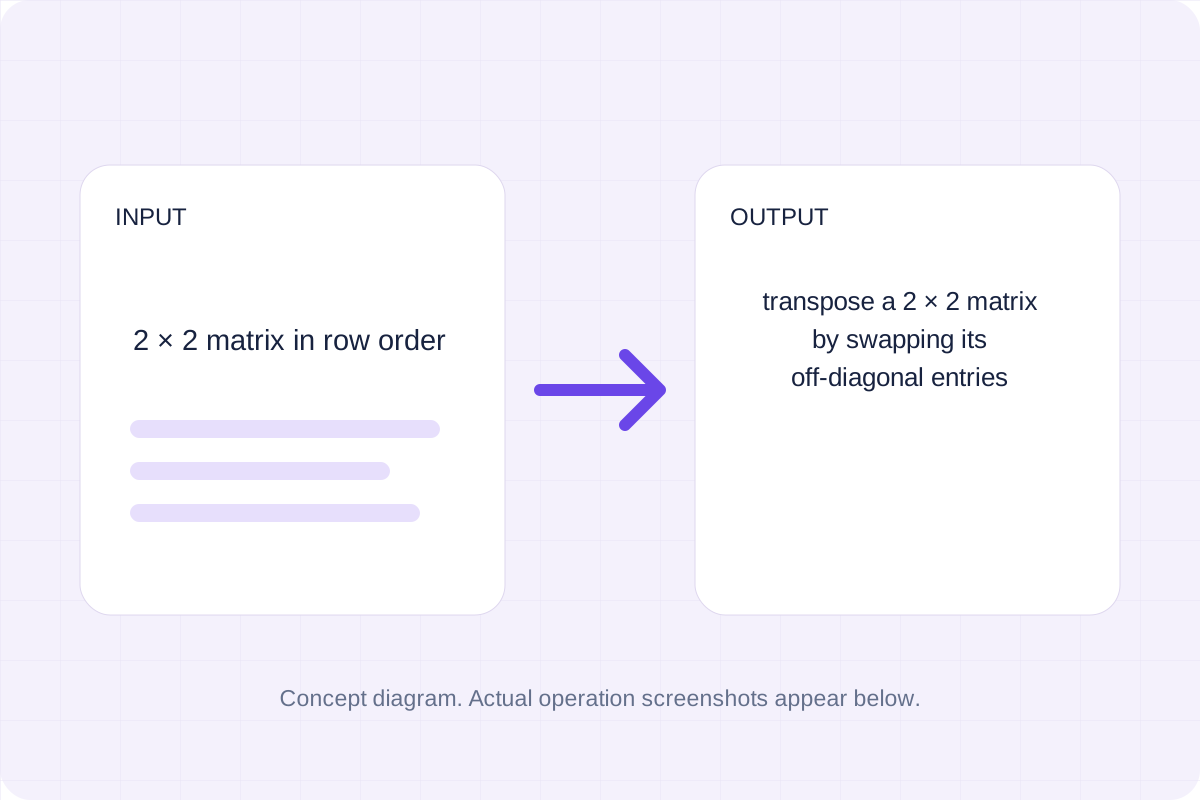
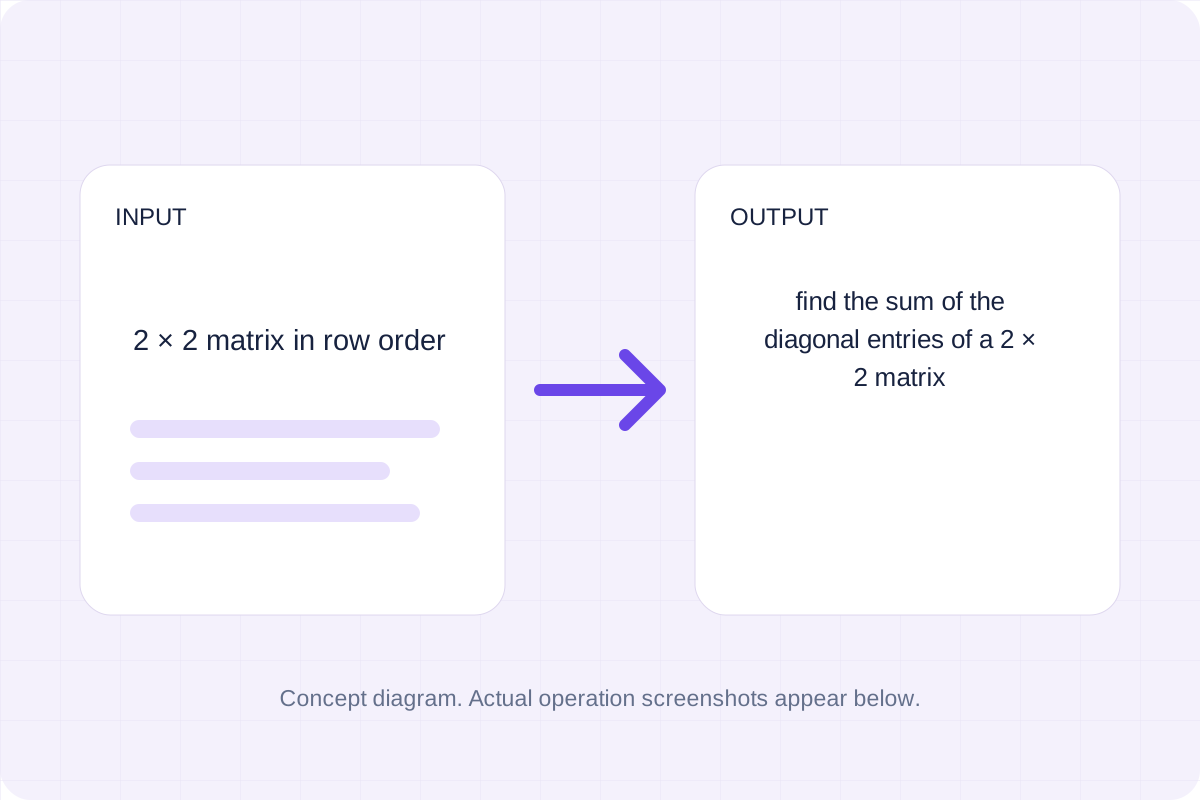
Concept diagram for Matrix Transpose Calculator, showing 2 × 2 matrix in row order input and the supported output.
Concept diagram; the three operation images are actual browser captures.

How to use Matrix Transpose Calculator

Follow the labelled inputs.

Enter 2 × 2 matrix in row order

Replace the example with 2 × 2 matrix in row order. The field labels specify the expected format and units.
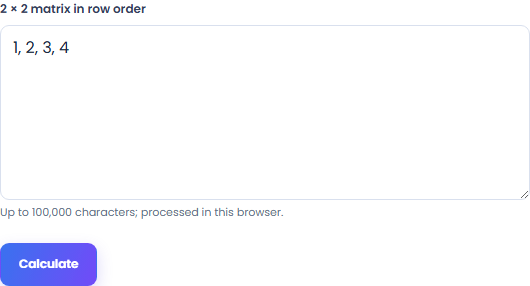
Input and settings
Matrix Transpose Calculator: input and settings in the implemented browser tool
Actual local browser view. Open the image to read it at full size.

Check the remaining inputs

This tool uses one input. Check the supported range before running it. Exactly four entries in row order.

Tool result
Matrix Transpose Calculator: tool result in the implemented browser tool
Actual local browser view. Open the image to read it at full size.

Run, review and save

Select Calculate. Review the transposed matrix, then copy it or download the result text.

Review the details
Matrix Transpose Calculator: review the details in the implemented browser tool
Actual local browser view. Open the image to read it at full size.

Examples and uses for Matrix Transpose Calculator

Check the supplied example

The starting example produces 1 3; 2 4. Transpose a 2 × 2 matrix by swapping its off-diagonal entries.

Abstract input values and a mathematical worksheet.
Start with the values. Concept illustration.

Use your own inputs

Read the labels for 2 × 2 matrix in row order. Exactly four entries in row order.

Two calculation examples shown for comparison.
Compare a second example. Concept illustration.

Record a reviewed result

Copy the transposed matrix into your working file. Exactly four entries in row order.

A calculation and supporting explanation represented conceptually.
Explain the calculation. Concept illustration.

How to read the result

Read the transposed matrix with the input convention.

Transpose a 2 × 2 matrix by swapping its off-diagonal entries.

Exactly four entries in row order. Finite real inputs; output uses up to 12 significant digits. Floating-point results may be rounded.

A mathematical result connected to the values used to calculate it.
Read the result with its inputs. Concept illustration.

Supported input and limits

Check the stated scope before you run it.

Exactly four entries in row order. Finite real inputs; output uses up to 12 significant digits. Floating-point results may be rounded.

The input stays in this browser. Copy result and Download save the same displayed text.

Values and units reviewed before relying on a mathematical result.
Check values and units. Concept illustration.

Matrix Transpose Calculator: common questions

Answers about using Matrix Transpose Calculator and understanding its results.

What assumptions and input limits apply?

Exactly four entries in row order. Finite real inputs; output uses up to 12 significant digits. Floating-point results may be rounded.

How can I save the output?

Use Copy result to copy the displayed text, or Download to save it as a text file. The tool runs in your browser and does not require an account.

Calculate with your input

Check the transposed matrix, then copy or download it.
Calculate