

List Intersection Tool
Find common items shared between two lists (set intersection A n B), calculate Jaccard similarity percentage, and export matches.
Open toolPaste List A and List B into the List Union Tool below to combine both lists into one deduplicated master list (A U B), count removed duplicates, and export in first-seen or alphabetical order.
Enter the inputs, then select Merge & Deduplicate.
Result will appear here
The List Union Tool scans List A and List B sequentially, strips empty lines and outer whitespace, and inserts each unique key into an ordered map while counting internal and cross-list duplicates.
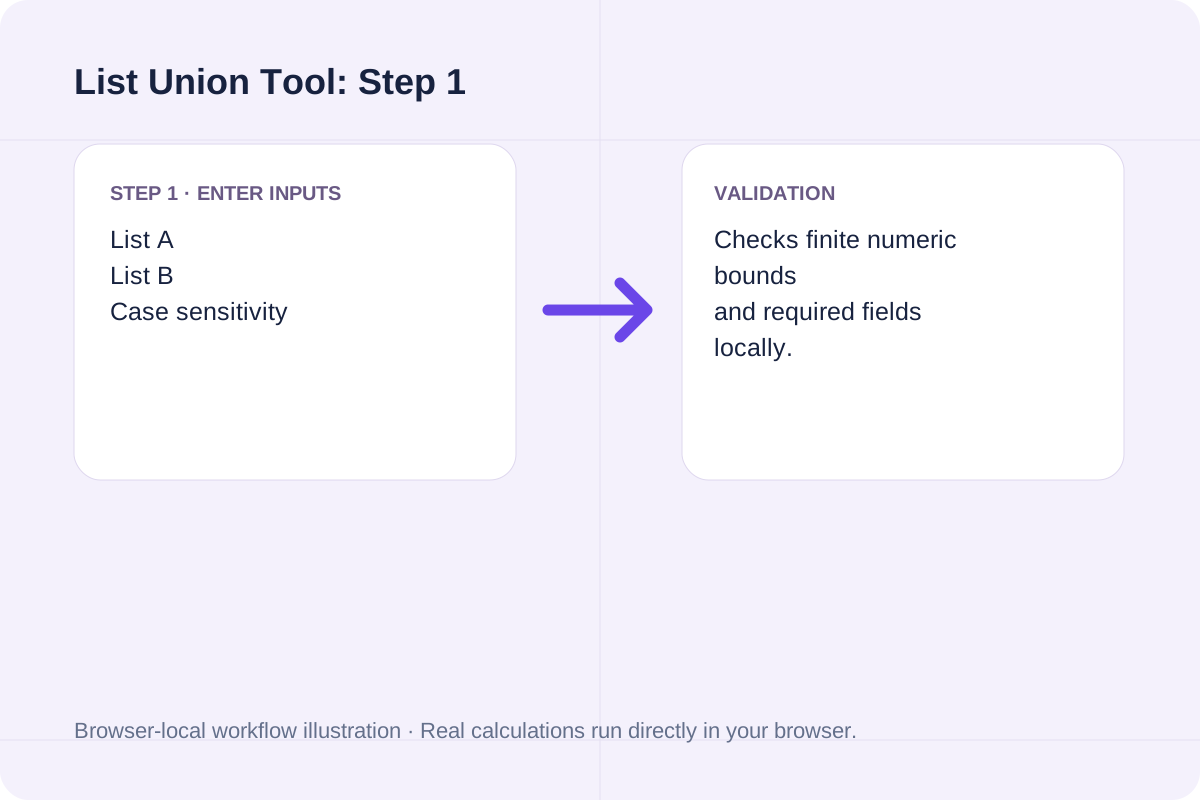
|A U B| = |Unique(A)| + |Unique(B)| - |Unique(A) n Unique(B)|; Removed Duplicates = Raw Lines - |A U B|.
Provenance counters break down the final union into items contributed exclusively by List A, exclusively by List B, and shared by both.
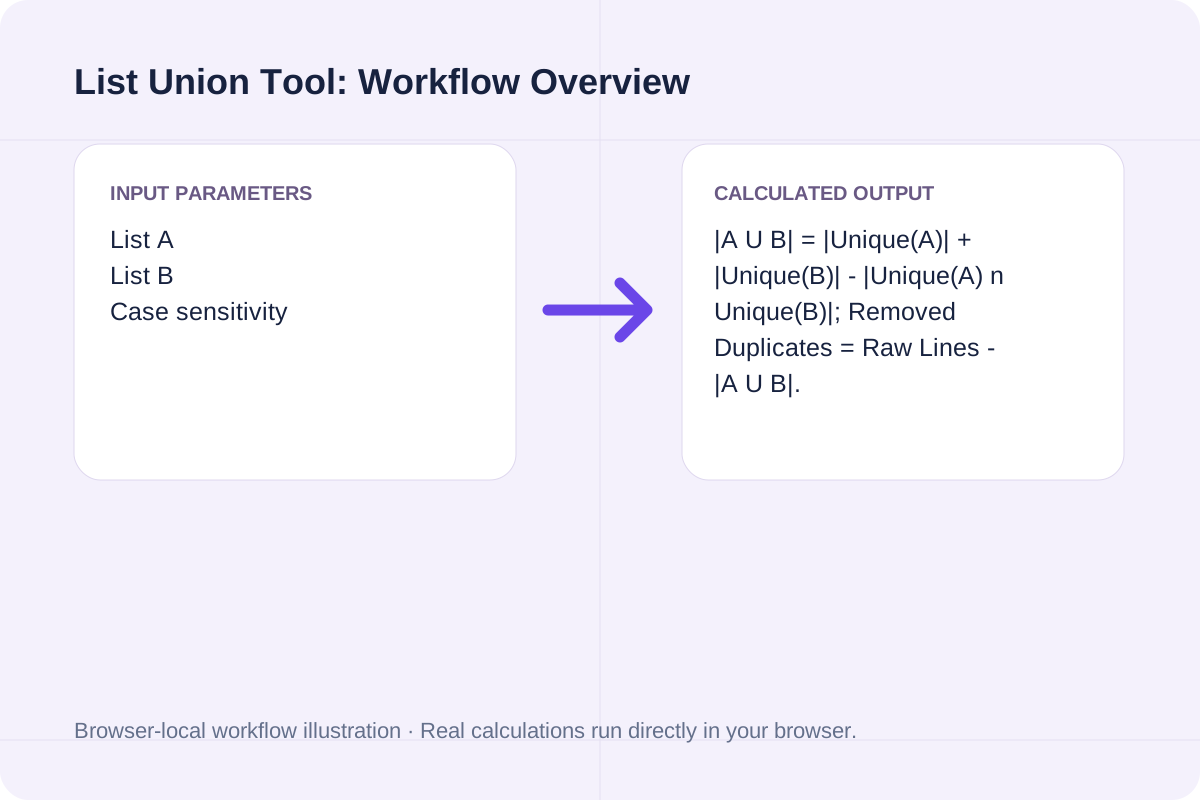
Review the input parameters, allowed value ranges, and worked reference cases for the List Union Tool below before running your calculation.
| Parameter / Scenario | Default / Sample Value | Rule or Allowed Range | Output / Usage Note |
|---|---|---|---|
| Input: List A | alpha beta gamma beta | First list of items to merge. | Required workspace parameter |
| Input: List B | gamma delta epsilon alpha | Second list of items to append and deduplicate. | Required workspace parameter |
| Input: Case sensitivity | sensitive | Options: Case-sensitive (Alpha != alpha), Case-insensitive (keep first-seen casing) | Required workspace parameter |
| Input: Output ordering | first_seen | Options: Preserve first-seen order (List A then List B), Sort A to Z (ascending), Sort Z to A (descending) | Required workspace parameter |
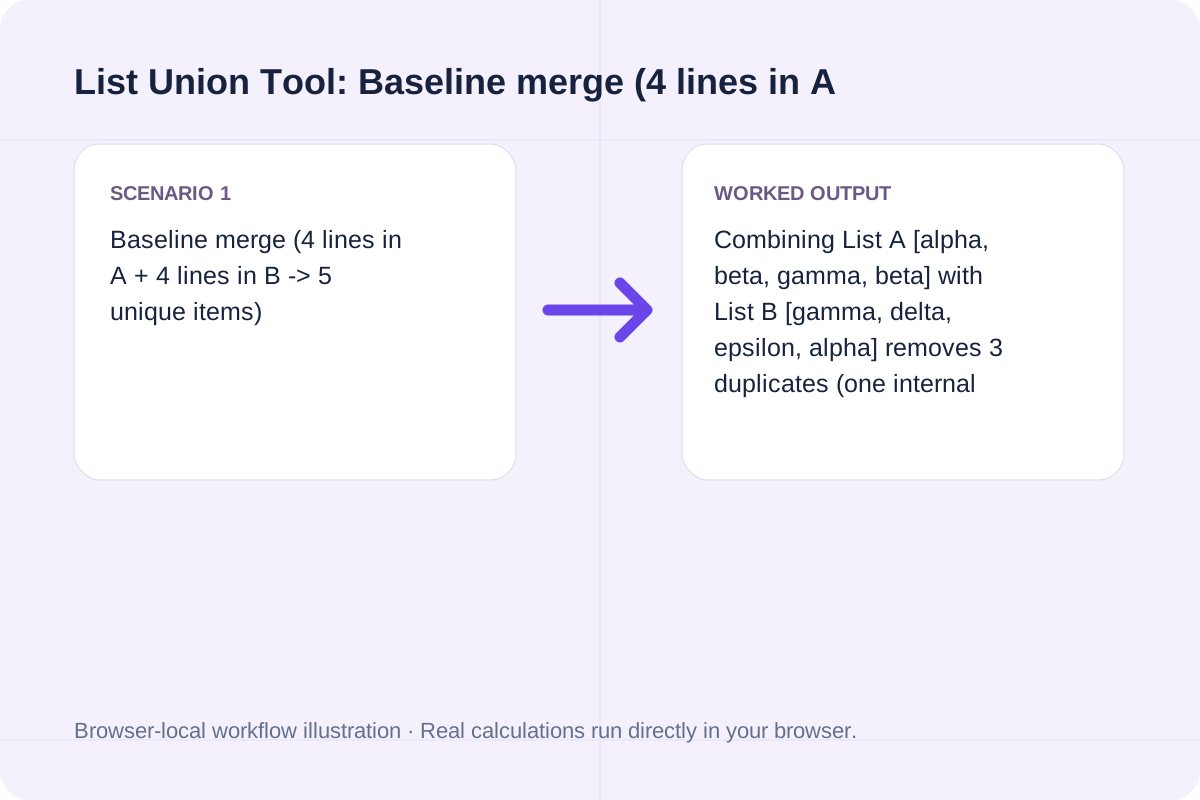
| Worked Case 1: Baseline merge (4 lines in A + 4 lines in B -> 5 unique items) | Preloaded / test values | Union = Unique(A U B); Duplicates Removed = (Raw Count A + Raw Count B) - |A U B| | Combining List A [alpha, beta, gamma, beta] with List B [gamma, delta, epsilon, alpha] removes 3 duplicates (one internal 'beta' and two shared 'alpha'/'gamma' entries), producing [alpha, beta, gamma, delta, epsilon]. |
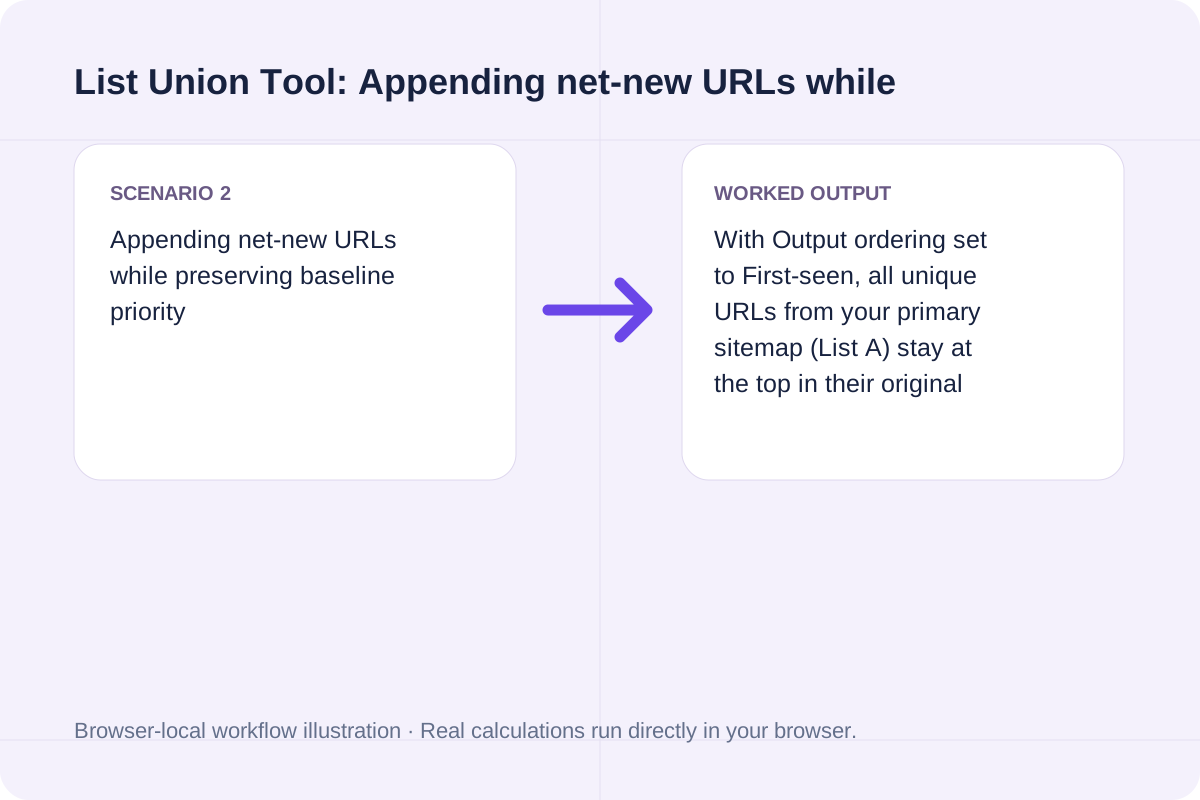
| Worked Case 2: Appending net-new URLs while preserving baseline priority | Preloaded / test values | Union = Unique(A U B); Duplicates Removed = (Raw Count A + Raw Count B) - |A U B| | With Output ordering set to First-seen, all unique URLs from your primary sitemap (List A) stay at the top in their original order, and only net-new URLs from List B are appended at the bottom. |
Combine mailing lists, URLs, hostnames, or product tags without manual spreadsheet deduplication.
Paste your primary list into List A and the secondary list into List B, one entry per line.
Select Case-sensitive or Case-insensitive deduplication and choose First-seen, Ascending (A-Z), or Descending (Z-A) order.
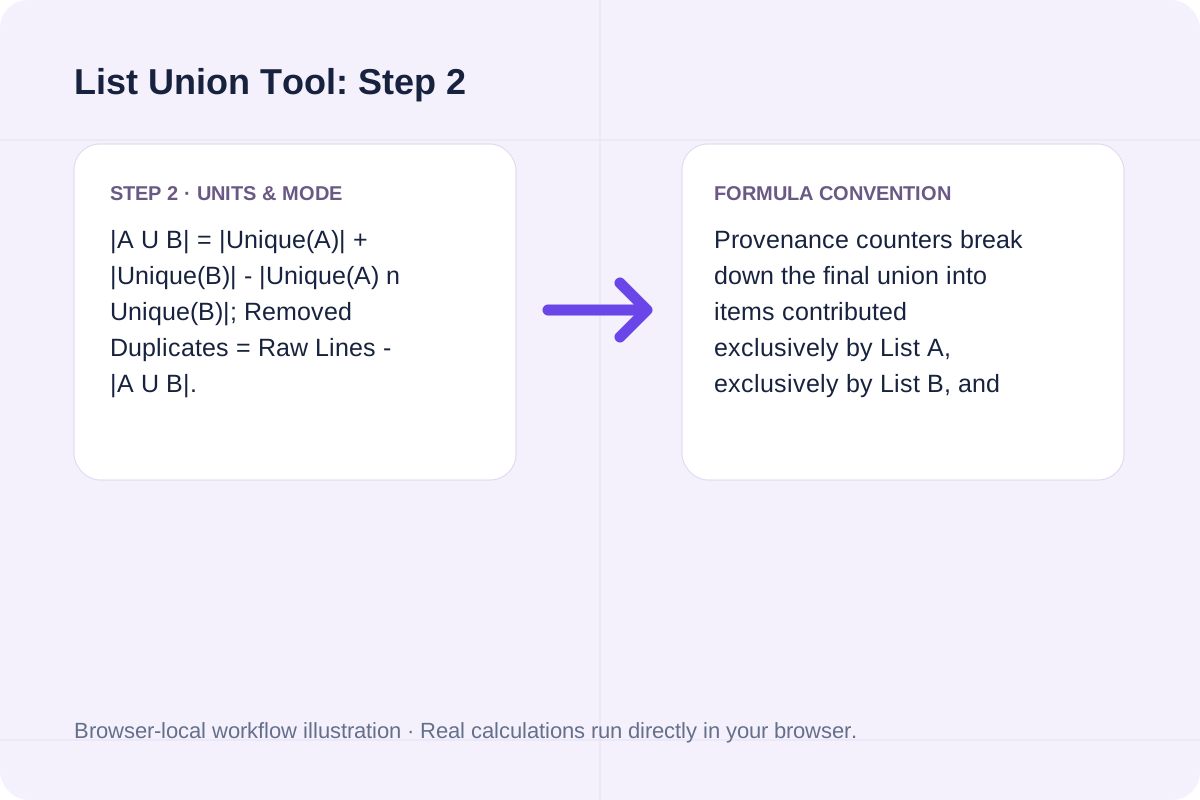
Click Merge & Deduplicate to inspect the total unique count, duplicates removed, and provenance breakdown, then copy or download the merged list.
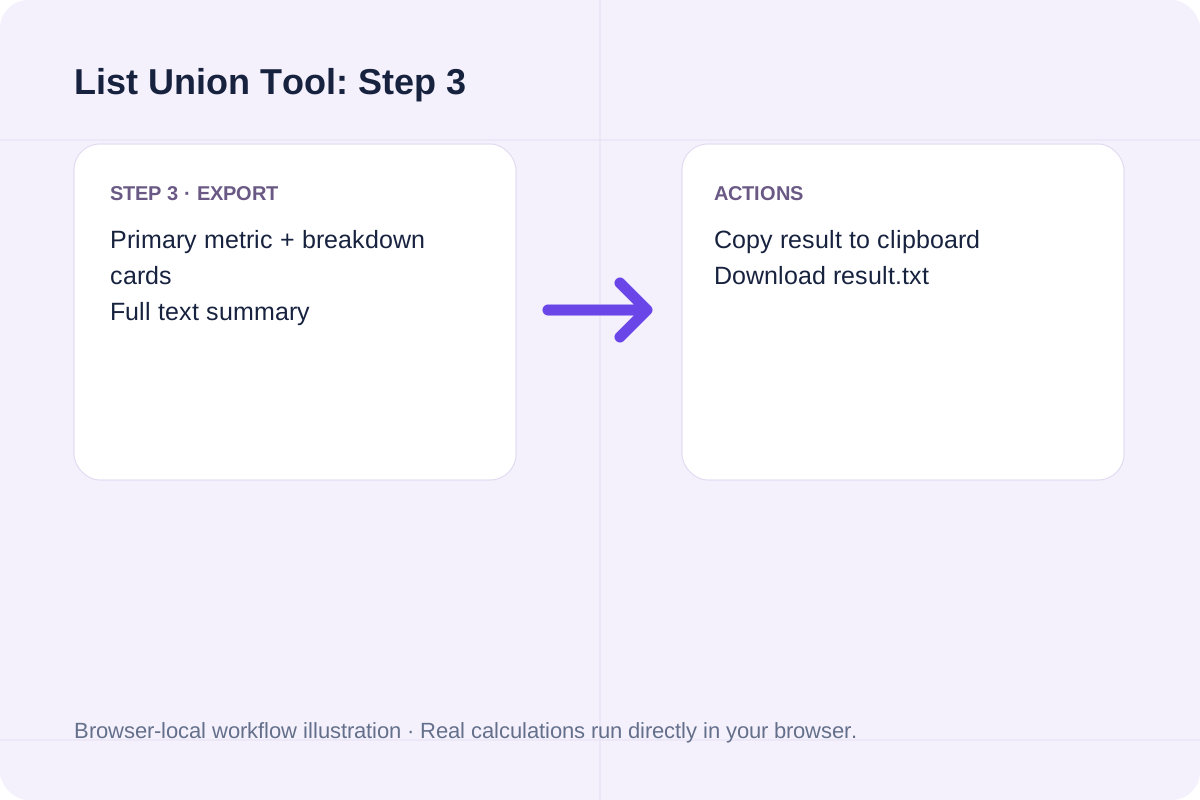
Review how merging and deduplication work on overlapping lists.
Combining List A [alpha, beta, gamma, beta] with List B [gamma, delta, epsilon, alpha] removes 3 duplicates (one internal 'beta' and two shared 'alpha'/'gamma' entries), producing [alpha, beta, gamma, delta, epsilon].
With Output ordering set to First-seen, all unique URLs from your primary sitemap (List A) stay at the top in their original order, and only net-new URLs from List B are appended at the bottom.
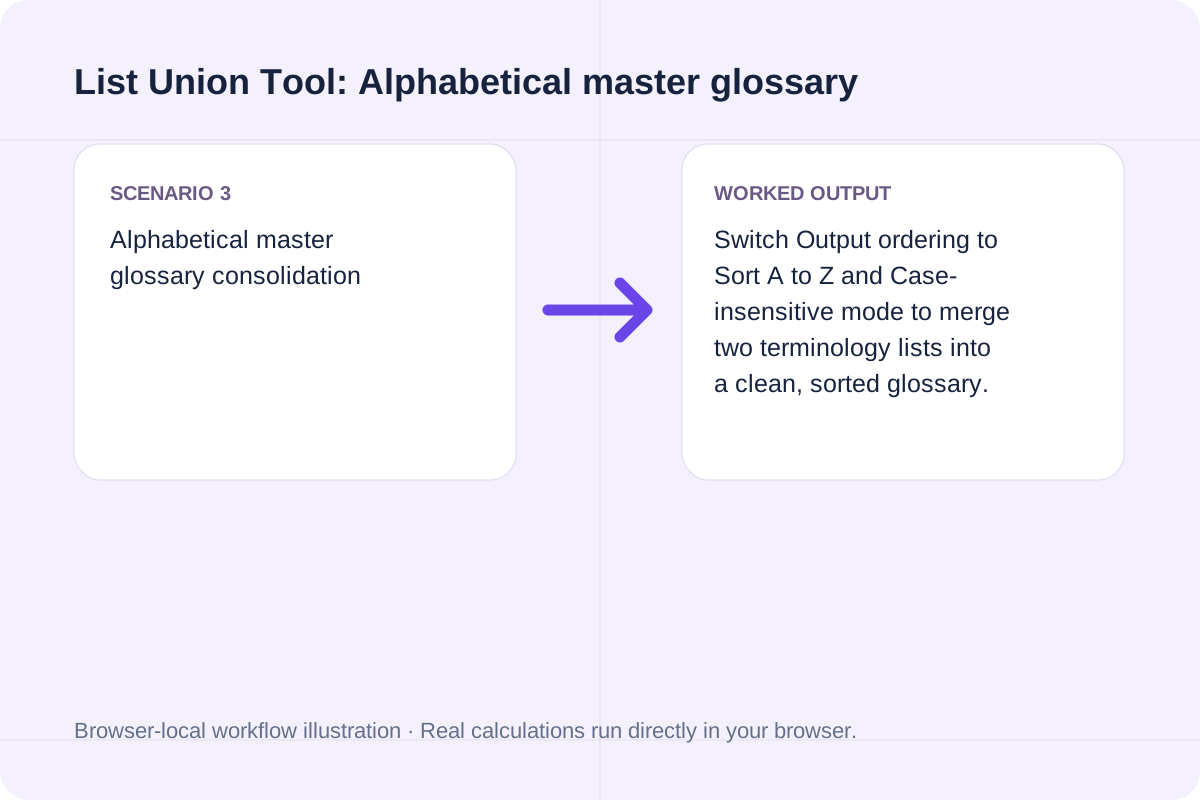
Switch Output ordering to Sort A to Z and Case-insensitive mode to merge two terminology lists into a clean, sorted glossary.
Check the provenance counts to verify how many net-new items List B added to List A.
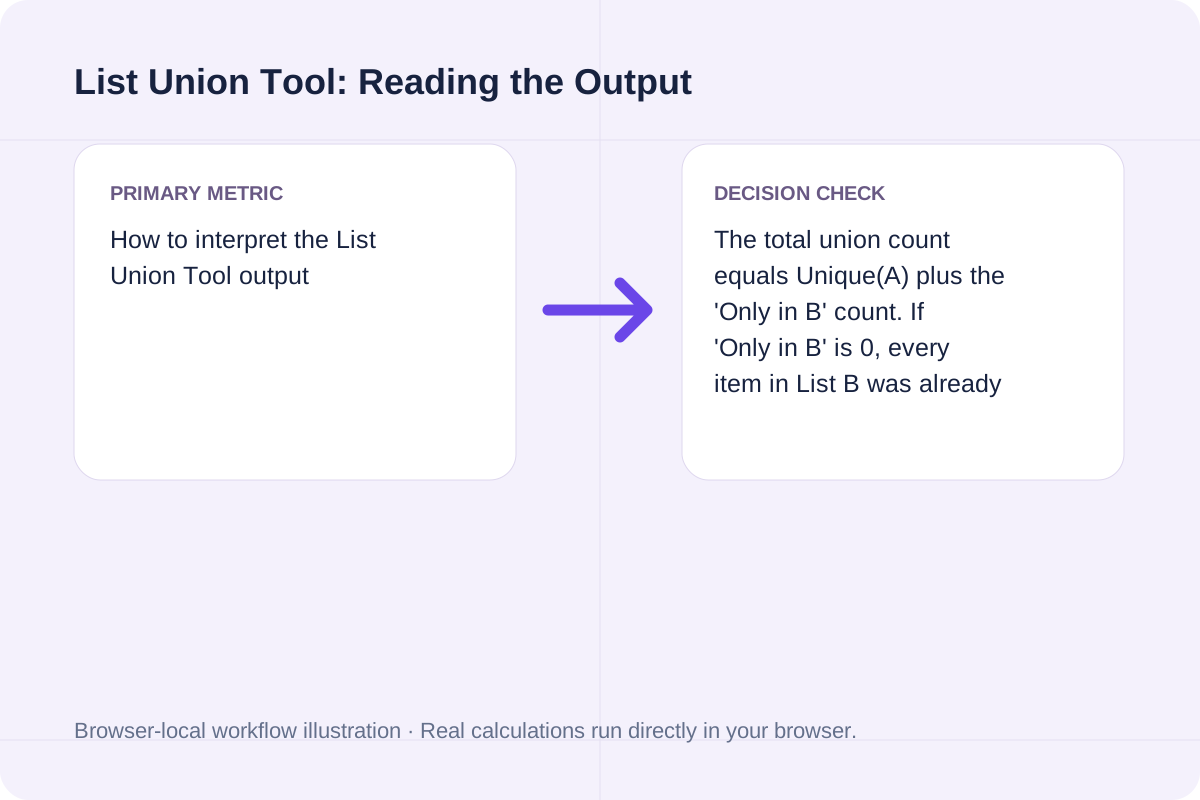
The total union count equals Unique(A) plus the 'Only in B' count. If 'Only in B' is 0, every item in List B was already present in List A. The text output box contains the clean merged items (one per line) followed by a summary header in the downloadable report.
Confirm line breaks and case rules before exporting your merged list.
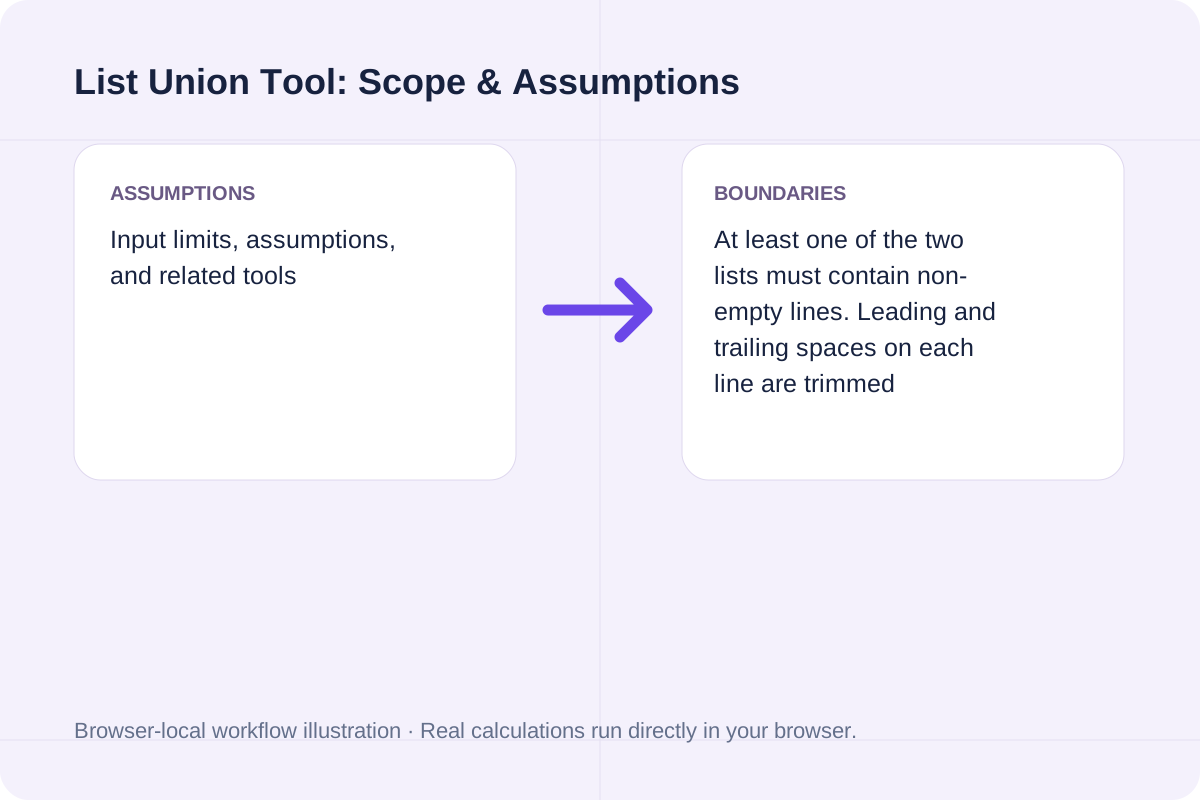
At least one of the two lists must contain non-empty lines. Leading and trailing spaces on each line are trimmed automatically. For isolating only overlapping items or only differences, use the List Intersection Tool or List Difference Tool.
Find common items shared between two lists (set intersection A n B), calculate Jaccard similarity percentage, and export matches.
Open tool
Compare two lists in your browser to find items unique to List A (A minus B), items unique to List B (B minus A), and common items.
Open tool
Select first and last names independently from a small built-in list using browser cryptographic randomness.
Open toolChoose another tool for your next calculation, conversion, or text task.

Shuffle nonempty lines with Fisher–Yates and unbiased browser cryptographic random integers.
Open tool
Repeat a fixed lorem ipsum passage for the requested paragraph count.
Open tool
Remove repeated lines while retaining first occurrence order.
Open tool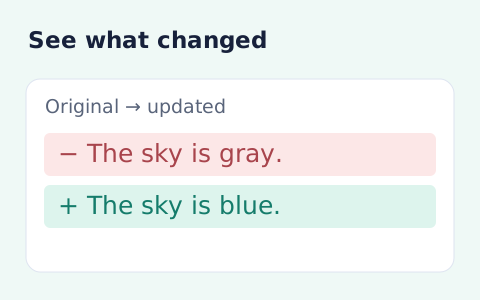
See inserted and removed words or lines between two texts.
Open toolAnswers about using List Union Tool and understanding its results.
It reads all non-empty lines from List A followed by List B, removes any duplicate entries based on your case-sensitivity setting, and outputs the combined set A U B.
Yes. Set union deduplicates both intra-list duplicates (such as 'beta' appearing twice in List A) and cross-list duplicates (items appearing in both List A and List B).
Each unique item in the union is classified as originating from List A only, List B only, or Both lists so you can see how much each source contributed to the merged master list.
Yes. Choose 'Preserve first-seen order (List A then List B)' in Output ordering to keep all unique List A items in their original sequence followed by net-new items from List B.
Choose another tool for your next calculation, conversion, or text task.