

List Difference Tool
Compare two lists in your browser to find items unique to List A (A minus B), items unique to List B (B minus A), and common items.
Open toolPaste List A and List B into the List Intersection Tool below to extract shared items (A n B), measure Jaccard overlap and list coverage percentages, and export the matched list.
Enter the inputs, then select Find Intersection.
Result will appear here
The List Intersection Tool splits both inputs by your chosen delimiter, trims whitespace, normalizes keys by your case rule, and retains only elements present in both sets.
Intersection (A n B) = {x in Unique(A) : x in Unique(B)}; Jaccard Overlap = |A n B| / |A U B|.
In addition to the Jaccard index, the tool calculates coverage of List A (|A n B| / |A|) and coverage of List B (|A n B| / |B|).
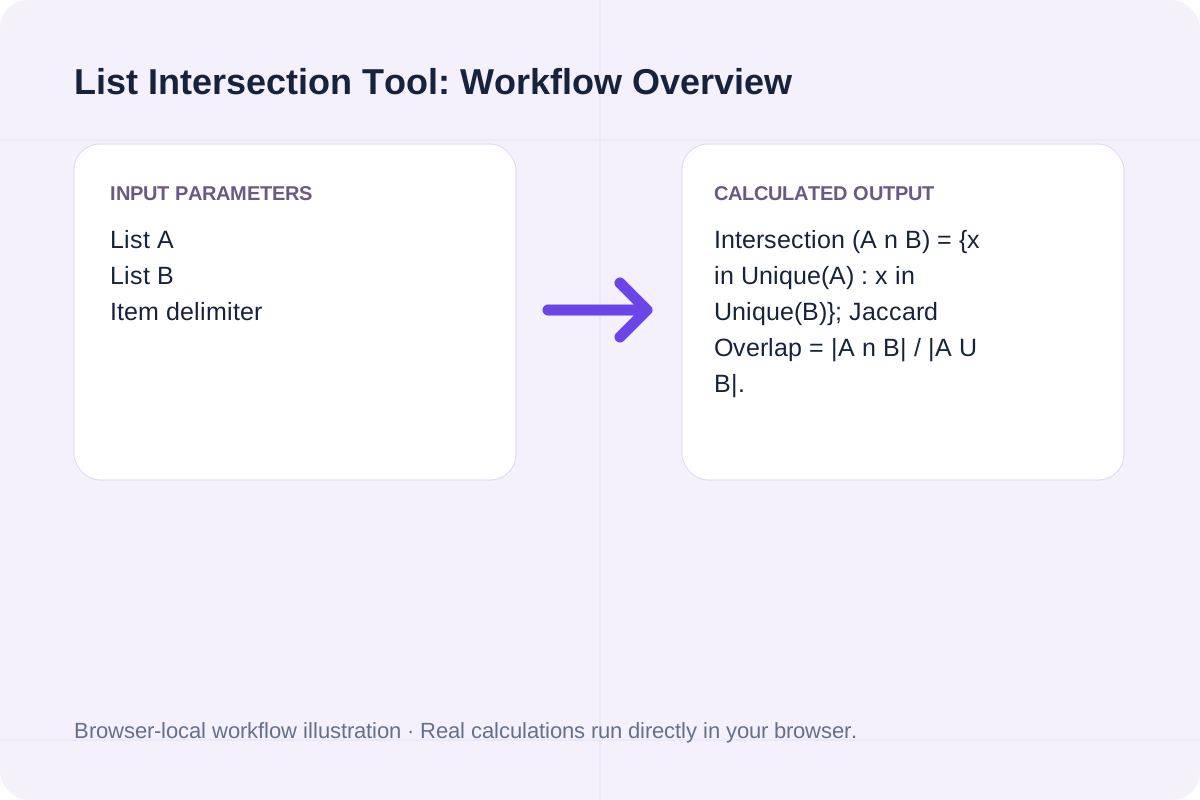
Review the input parameters, allowed value ranges, and worked reference cases for the List Intersection Tool below before running your calculation.
| Parameter / Scenario | Default / Sample Value | Rule or Allowed Range | Output / Usage Note |
|---|---|---|---|
| Input: List A | sku-101 sku-102 sku-104 sku-108 s... | First list of items (newline or comma separated). | Required workspace parameter |
| Input: List B | sku-102 sku-105 sku-108 sku-110 s... | Second list of items to intersect with List A. | Required workspace parameter |
| Input: Item delimiter | newline | Options: One item per line (Newline), Comma or newline separated | Required workspace parameter |
| Input: Case matching | insensitive | Options: Case-insensitive (SKU-102 == sku-102), Case-sensitive (exact character match) | Required workspace parameter |
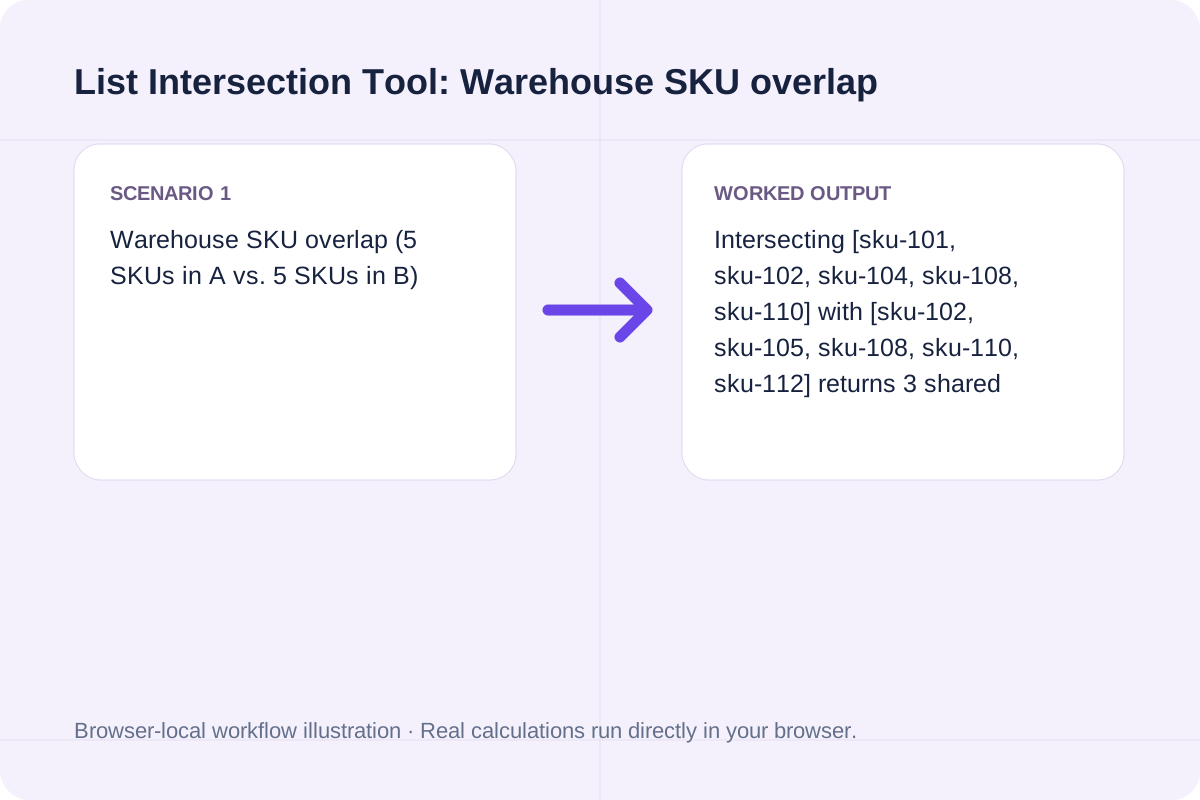
| Worked Case 1: Warehouse SKU overlap (5 SKUs in A vs. 5 SKUs in B) | Preloaded / test values | Intersection = Unique(A) n Unique(B); Jaccard Similarity = |A n B| / |A U B| * 100% | Intersecting [sku-101, sku-102, sku-104, sku-108, sku-110] with [sku-102, sku-105, sku-108, sku-110, sku-112] returns 3 shared SKUs (sku-102, sku-108, sku-110), 60.00% coverage of each list, and 42.86% Jaccard overlap (3 of 7 unique SKUs). |
| Worked Case 2: Competitor keyword overlap audit | Preloaded / test values | Intersection = Unique(A) n Unique(B); Jaccard Similarity = |A n B| / |A U B| * 100% | Paste two domain keyword exports in Case-insensitive mode to isolate shared ranking queries and calculate what percentage of your keyword portfolio overlaps. |
Prepare your two lists of keywords, SKUs, domains, or user IDs and run the intersection check.
Paste your primary list into List A and the comparison list into List B.
Choose Newline or Comma separation and set Case-insensitive or Case-sensitive matching.
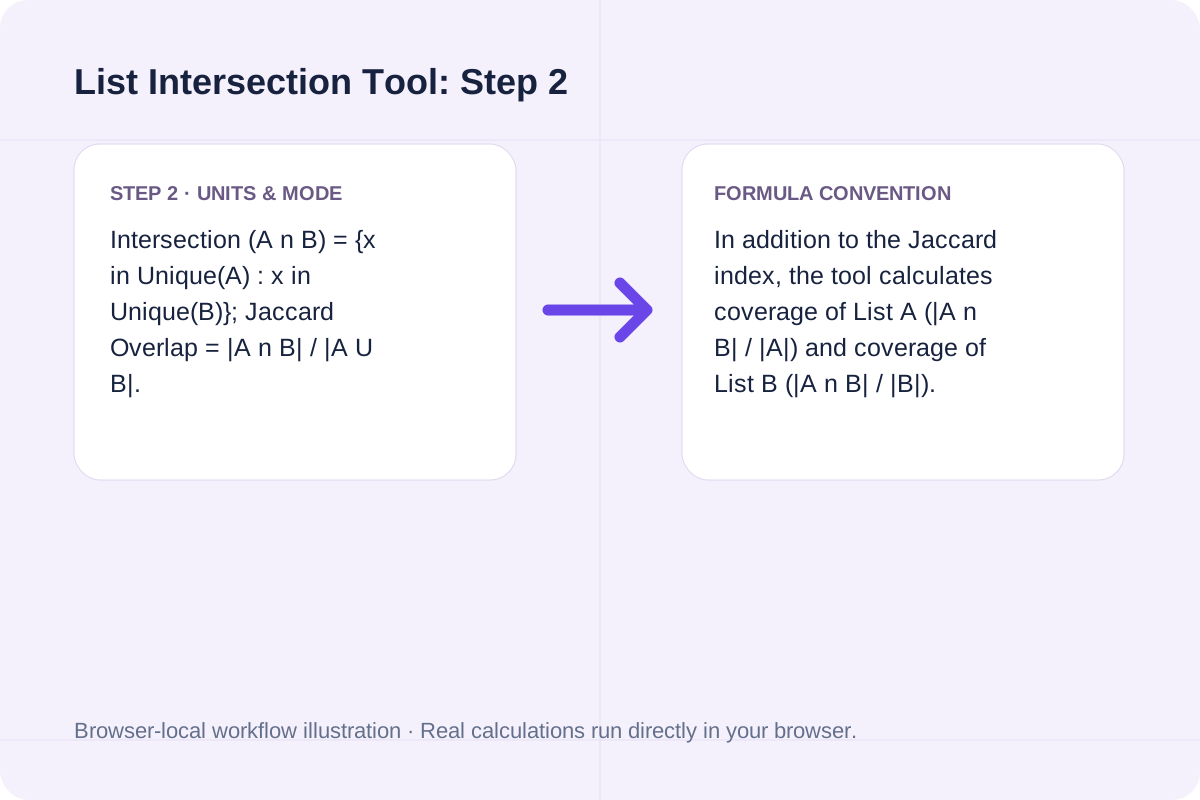
Click Find Intersection to view the shared item count, Jaccard similarity, and clean matched list ready to copy or download.
Explore two practical intersection checks for inventory SKUs and keyword overlap.
Intersecting [sku-101, sku-102, sku-104, sku-108, sku-110] with [sku-102, sku-105, sku-108, sku-110, sku-112] returns 3 shared SKUs (sku-102, sku-108, sku-110), 60.00% coverage of each list, and 42.86% Jaccard overlap (3 of 7 unique SKUs).
Paste two domain keyword exports in Case-insensitive mode to isolate shared ranking queries and calculate what percentage of your keyword portfolio overlaps.
Switch the delimiter to 'Comma or newline separated' to compare comma-delimited tag strings directly without converting commas to line breaks.
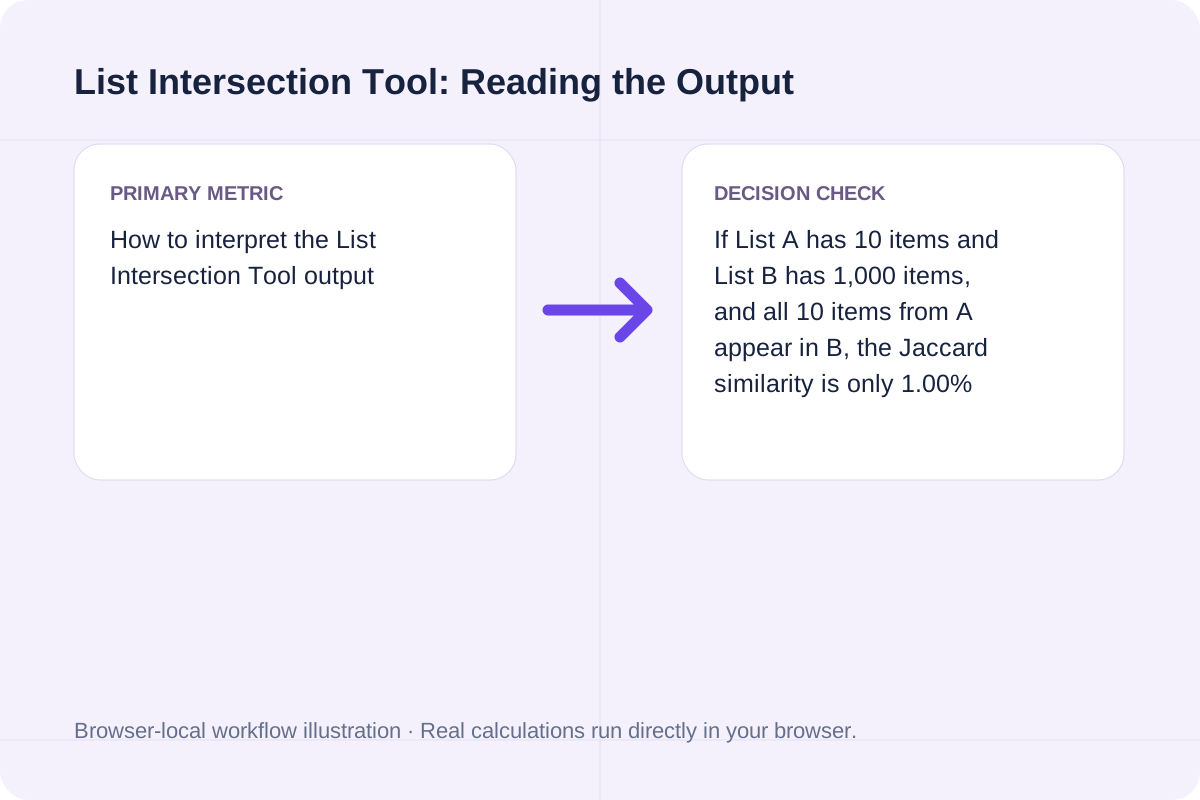
Compare Jaccard overlap against individual list coverage percentages when lists have very different sizes.
If List A has 10 items and List B has 1,000 items, and all 10 items from A appear in B, the Jaccard similarity is only 1.00% (10 / 1,000), whereas List A coverage is 100.00%. Reviewing both metrics shows whether one list is a subset of the other.
Check delimiter and case settings before exporting matched records.
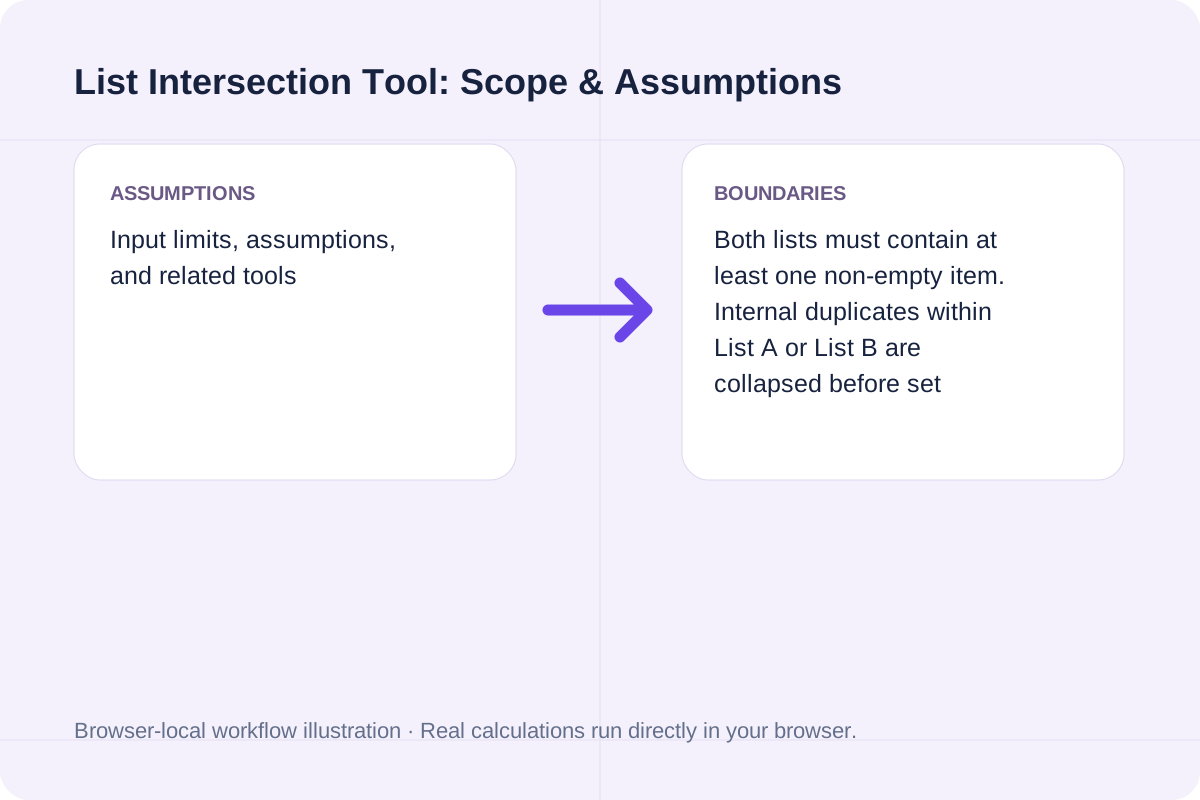
Both lists must contain at least one non-empty item. Internal duplicates within List A or List B are collapsed before set intersection is computed. To see items that did not match, use the List Difference Tool; to combine both lists without duplicates, use the List Union Tool.
Compare two lists in your browser to find items unique to List A (A minus B), items unique to List B (B minus A), and common items.
Open tool
Combine and deduplicate two lists into a single set union (A U B), preserve first-seen or alphabetical order, and track duplicates removed.
Open tool
Search for literal matches, optionally ignoring case; insert the replacement without interpreting regular expressions or dollar syntax.
Open toolChoose another tool for your next calculation, conversion, or text task.

Shuffle nonempty lines with Fisher–Yates and unbiased browser cryptographic random integers.
Open tool
Convert a basic LaTeX source fragment to Markdown. Common headings, emphasis, links and lists are mapped; math and unsupported commands remain as source for review.
Open tool
A DOCX with common Markdown structure. Parse Markdown blocks and create Word headings, paragraphs, emphasis, lists and simple tables.
Open tool
Convert common Markdown headings, lists, links, emphasis and tables to LaTeX source. Download an editable fragment for your TeX project; this page does not compile a PDF.
Open toolAnswers about using List Intersection Tool and understanding its results.
It extracts every unique element that appears in both List A and List B (the mathematical intersection A n B), along with the overlap percentage relative to List A, List B, and the combined union (Jaccard index).
Jaccard similarity divides the number of shared items |A n B| by the total number of unique items across both lists |A U B|. A 100% Jaccard score means the two unique sets are identical.
Yes. Switch Item delimiter to 'Comma or newline separated' to parse inline CSV values, tags, or ID lists without reformatting them first.
Matched items are output in the exact order they first appear in List A.
Choose another tool for your next calculation, conversion, or text task.