

List Intersection Tool
Find common items shared between two lists (set intersection A n B), calculate Jaccard similarity percentage, and export matches.
Open toolPaste List A and List B into the List Difference Tool below to extract items unique to List A (A - B), items unique to List B (B - A), symmetric differences, and overlapping items.
Enter the inputs, then select Compare Lists.
Result will appear here
The List Difference Tool normalizes both line-separated inputs according to your whitespace and case rules, builds hash sets in memory, and partitions every unique entry into Only in A, Only in B, or Shared.
A \ B = {x in A : x not in B}; B \ A = {x in B : x not in A}; Symmetric Diff = (A \ B) U (B \ A).
Preserves the original line order from each source list so exported diffs are easy to trace back to your spreadsheet or log file.
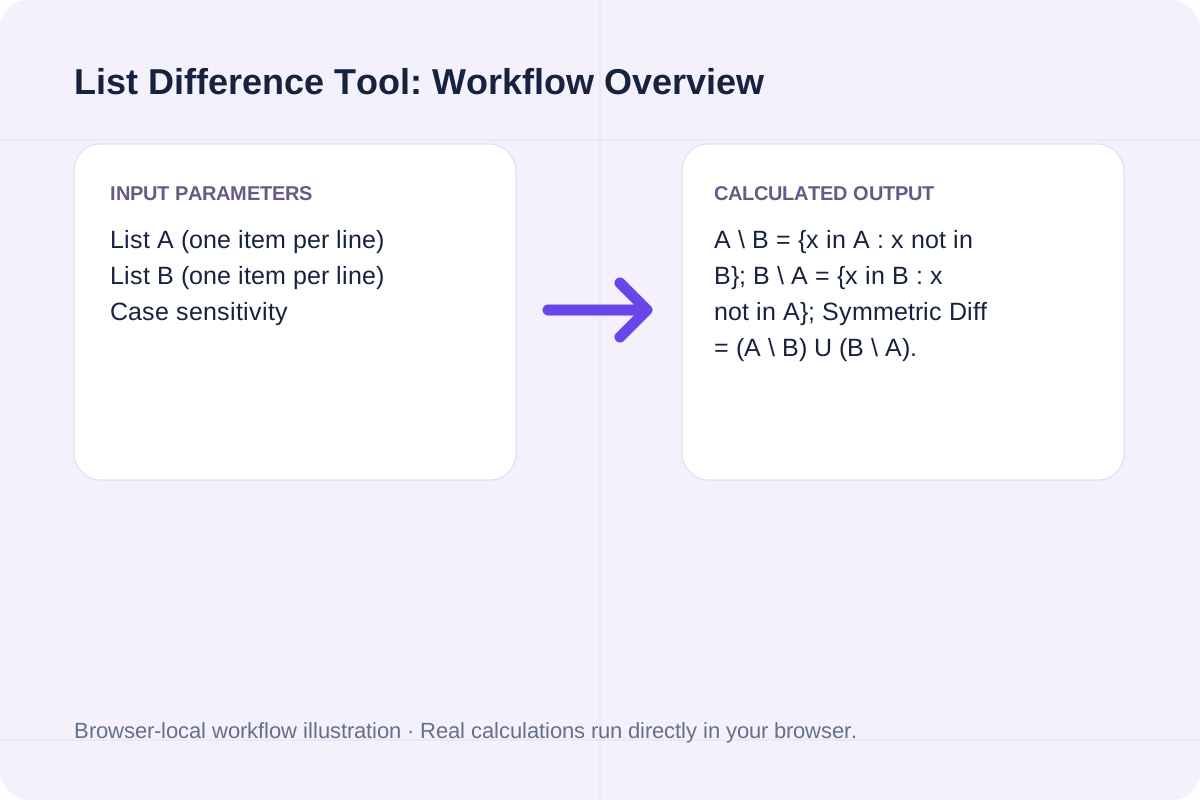
Review the input parameters, allowed value ranges, and worked reference cases for the List Difference Tool below before running your calculation.
| Parameter / Scenario | Default / Sample Value | Rule or Allowed Range | Output / Usage Note |
|---|---|---|---|
| Input: List A (one item per line) | apple banana cherry date fig | First set of lines or identifiers. | Required workspace parameter |
| Input: List B (one item per line) | banana date grape kiwi | Second set of lines or identifiers to compare against List A. | Required workspace parameter |
| Input: Case sensitivity | sensitive | Options: Case-sensitive (Apple != apple), Case-insensitive (Apple == apple) | Required workspace parameter |
| Input: Whitespace handling | yes | Options: Trim leading/trailing spaces & ignore blank lines, Keep exact whitespace on non-empty lines | Required workspace parameter |
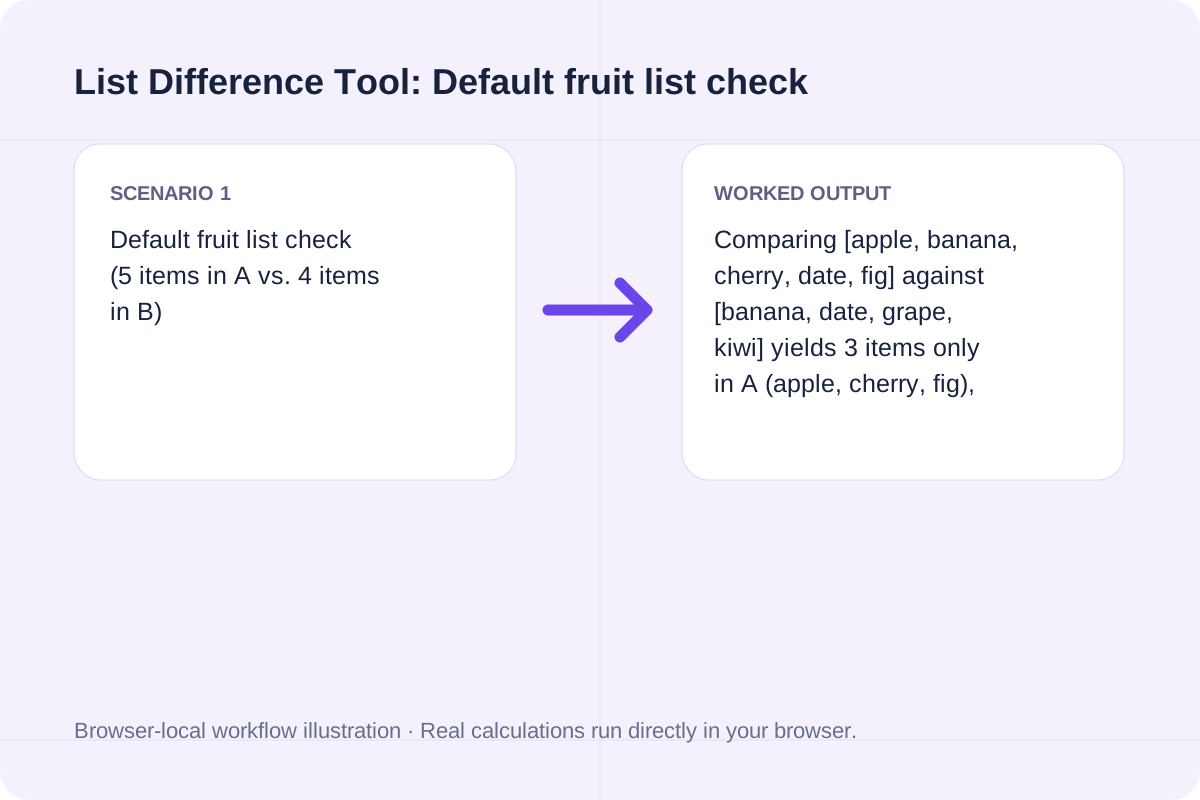
| Worked Case 1: Default fruit list check (5 items in A vs. 4 items in B) | Preloaded / test values | Only in A = Unique(A) \ Unique(B); Only in B = Unique(B) \ Unique(A); Symmetric Difference = (A \ B) U (B \ A) | Comparing [apple, banana, cherry, date, fig] against [banana, date, grape, kiwi] yields 3 items only in A (apple, cherry, fig), 2 items only in B (grape, kiwi), and 2 shared items (banana, date). |
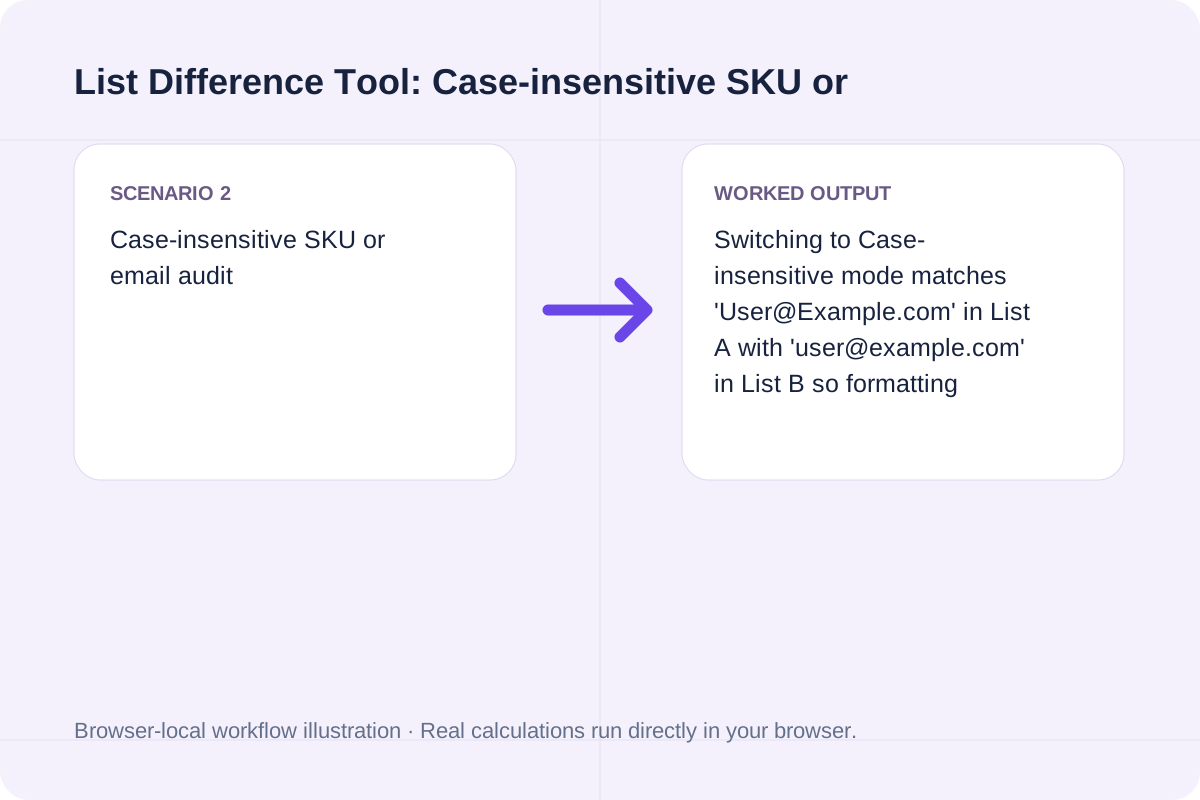
| Worked Case 2: Case-insensitive SKU or email audit | Preloaded / test values | Only in A = Unique(A) \ Unique(B); Only in B = Unique(B) \ Unique(A); Symmetric Difference = (A \ B) U (B \ A) | Switching to Case-insensitive mode matches 'User@Example.com' in List A with 'user@example.com' in List B so formatting differences do not trigger false missing-item alerts. |
Paste two column exports, SKU lists, email lists, or config keys to audit what was added or removed.
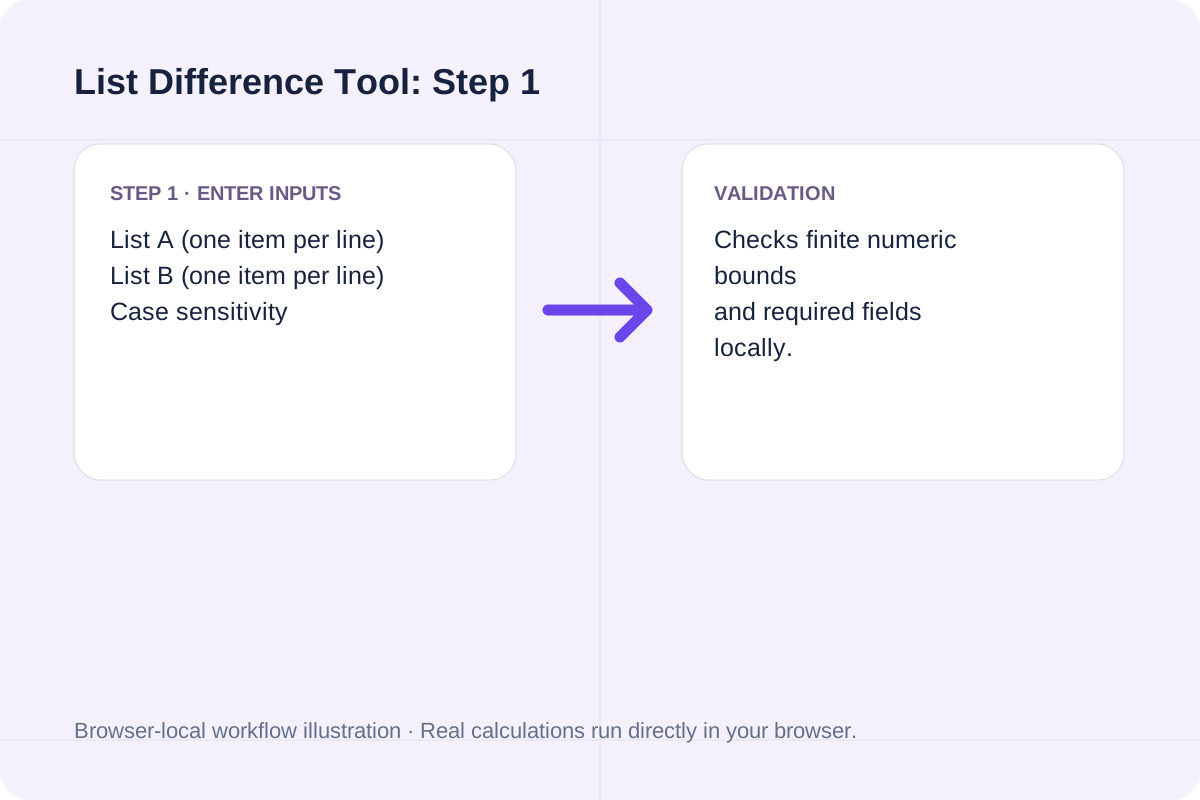
Select Case-sensitive or Case-insensitive matching and decide whether to trim leading and trailing spaces.
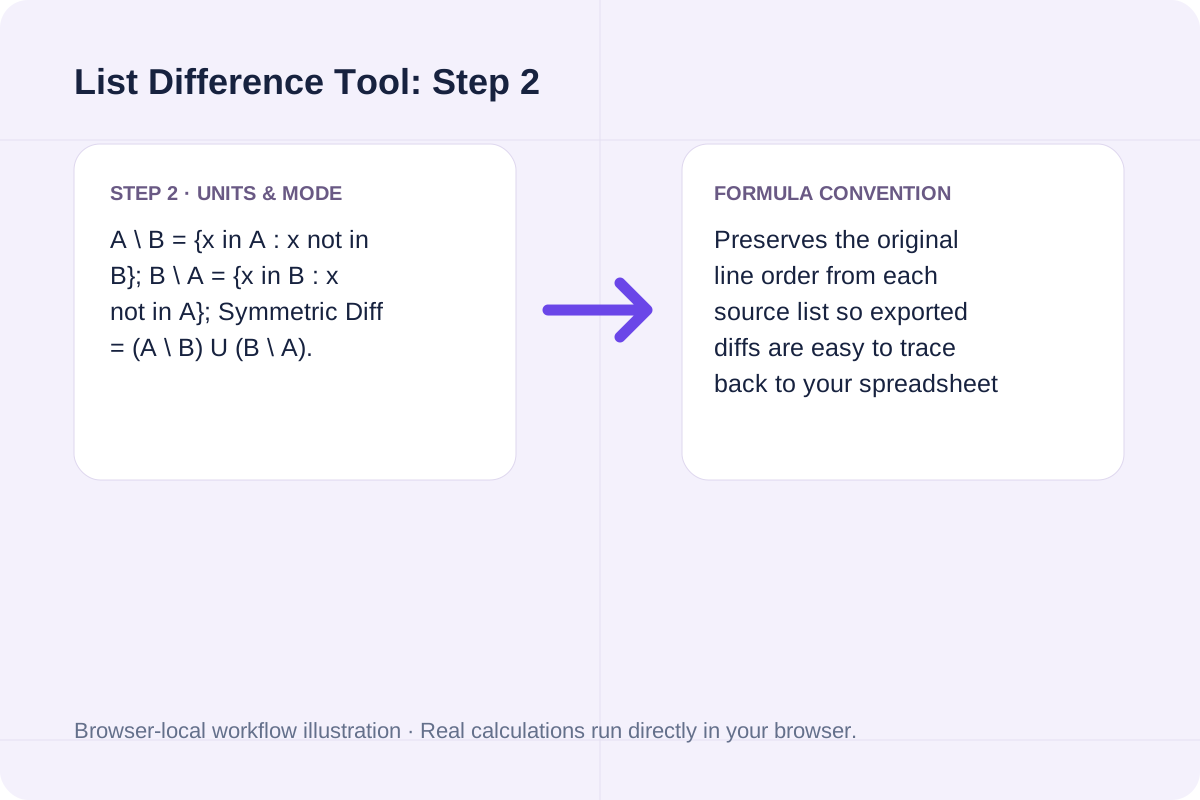
Click Compare Lists to view counts for A - B, B - A, and shared items, then copy or download the partitioned report.
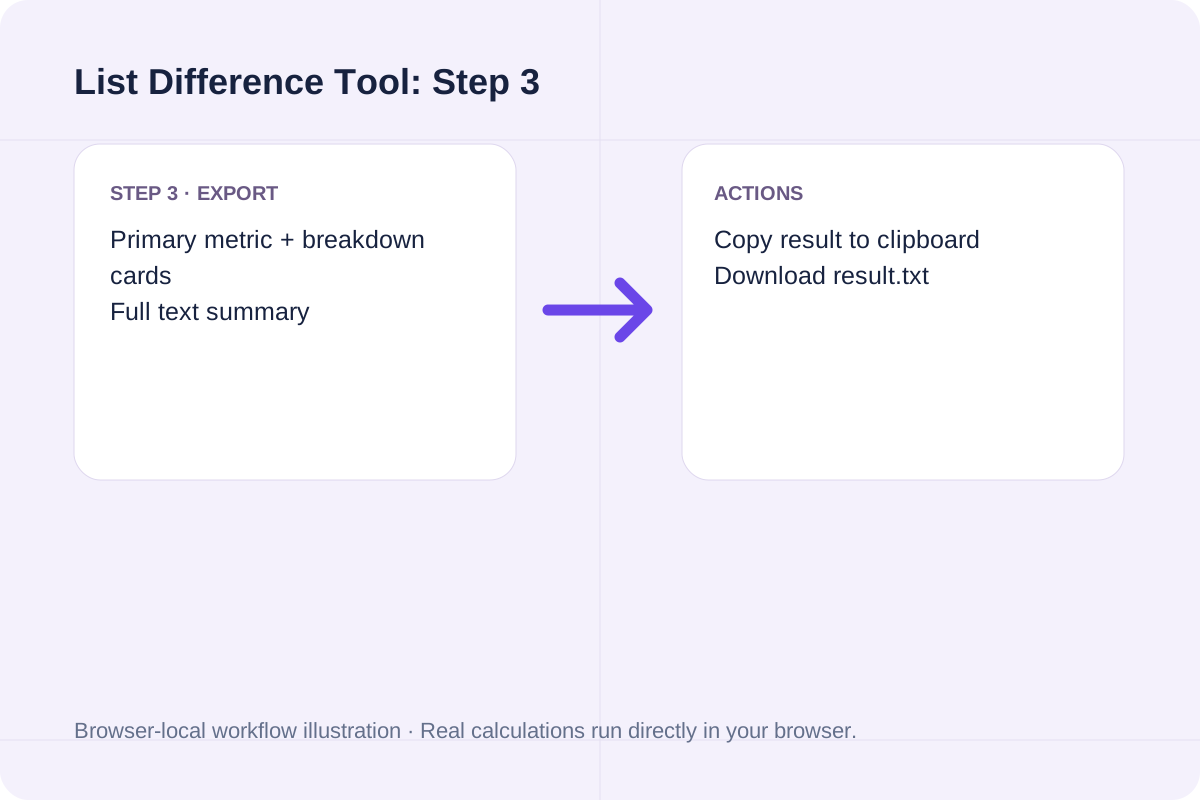
See how set difference comparisons isolate missing records across two lists.
Comparing [apple, banana, cherry, date, fig] against [banana, date, grape, kiwi] yields 3 items only in A (apple, cherry, fig), 2 items only in B (grape, kiwi), and 2 shared items (banana, date).
Switching to Case-insensitive mode matches 'User@Example.com' in List A with 'user@example.com' in List B so formatting differences do not trigger false missing-item alerts.
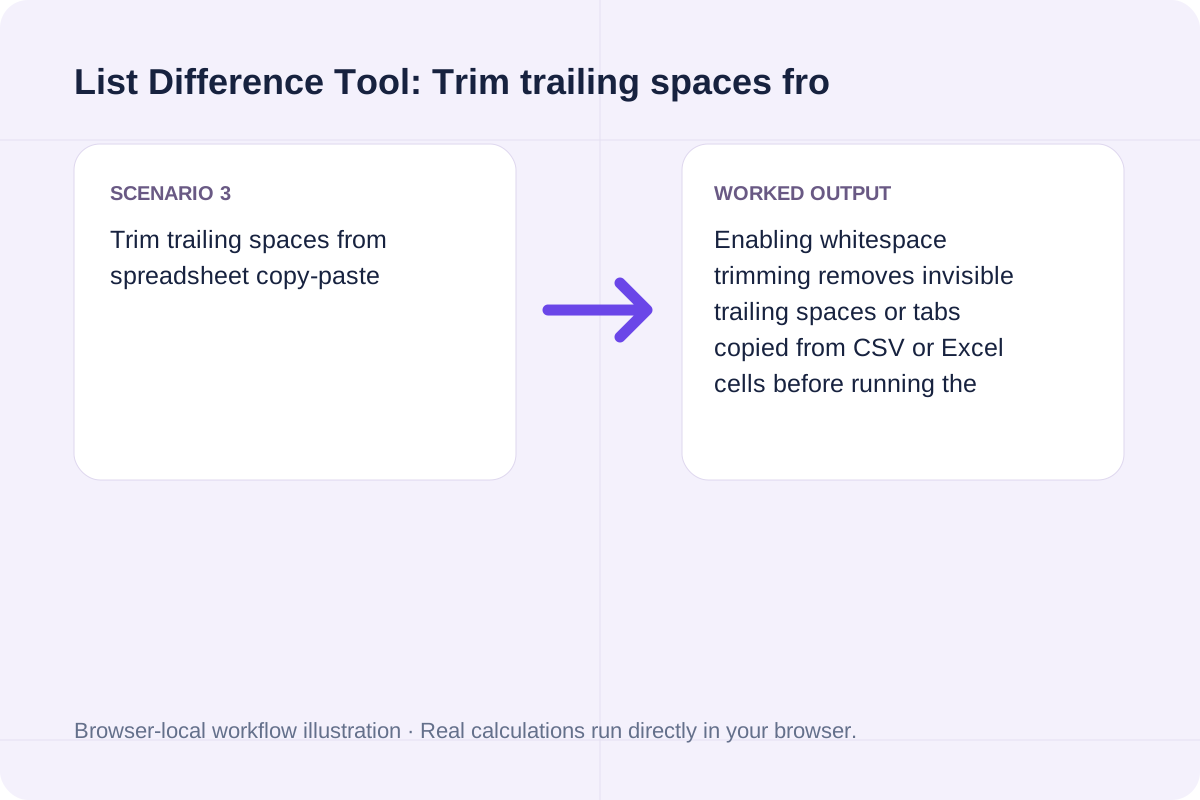
Enabling whitespace trimming removes invisible trailing spaces or tabs copied from CSV or Excel cells before running the comparison.
Use the four summary counts and partitioned text output to verify migrations, inventory syncs, or access lists.
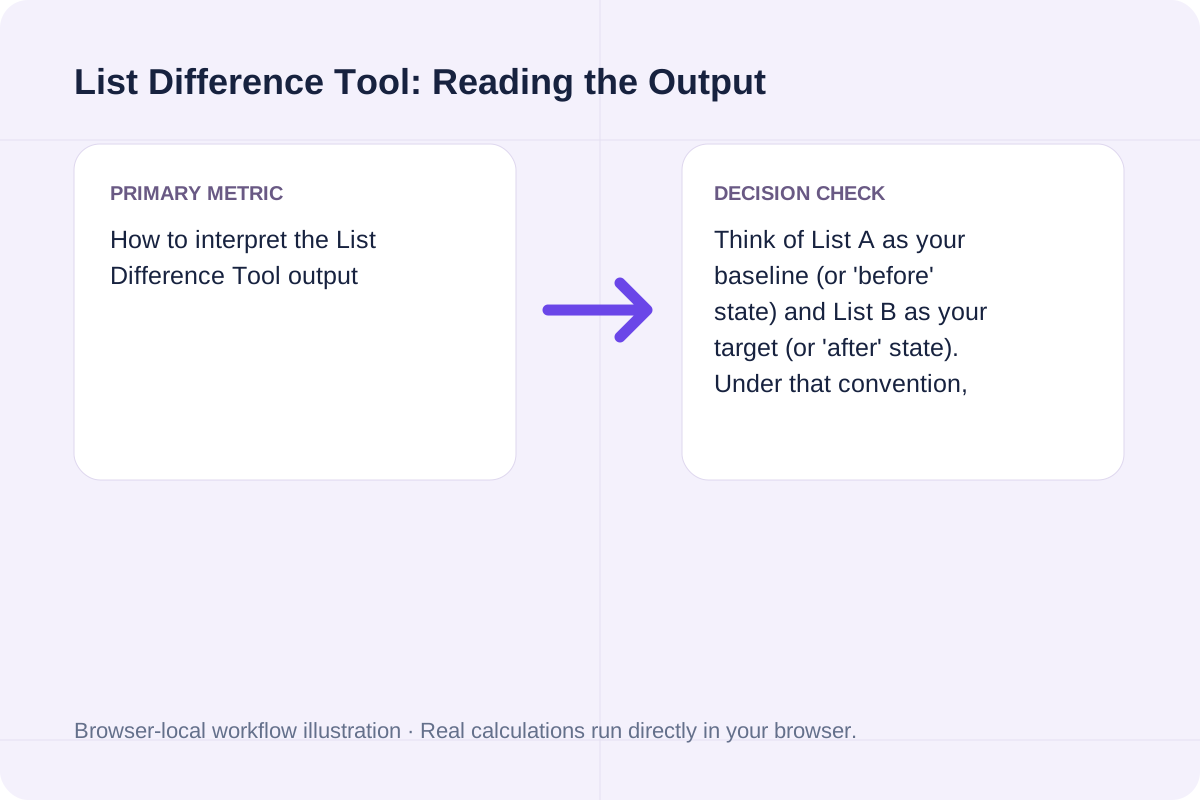
Think of List A as your baseline (or 'before' state) and List B as your target (or 'after' state). Under that convention, Only in A (A - B) represents removed or missing items, Only in B (B - A) represents newly added items, and Shared (A n B) represents unchanged items.
Verify line delimiters and internal duplicates before importing the diff into another system.
This tool splits input on newline characters (LF or CRLF) and treats each non-empty line as one atomic string. If you only need overlapping items or want to merge two lists into one deduplicated master list, use the List Intersection Tool or List Union Tool.
Find common items shared between two lists (set intersection A n B), calculate Jaccard similarity percentage, and export matches.
Open tool
Combine and deduplicate two lists into a single set union (A U B), preserve first-seen or alphabetical order, and track duplicates removed.
Open tool
Select first and last names independently from a small built-in list using browser cryptographic randomness.
Open toolChoose another tool for your next calculation, conversion, or text task.

Convert a basic LaTeX source fragment to Markdown. Common headings, emphasis, links and lists are mapped; math and unsupported commands remain as source for review.
Open tool
Shuffle nonempty lines with Fisher–Yates and unbiased browser cryptographic random integers.
Open tool
A DOCX with common Markdown structure. Parse Markdown blocks and create Word headings, paragraphs, emphasis, lists and simple tables.
Open tool
Convert common Markdown headings, lists, links, emphasis and tables to LaTeX source. Download an editable fragment for your TeX project; this page does not compile a PDF.
Open toolAnswers about using List Difference Tool and understanding its results.
A minus B (A \ B) contains every unique item present in List A that does not appear anywhere in List B. Conversely, B minus A (B \ A) contains items present in List B that are missing from List A.
It deduplicates each input list while preserving the order of first appearance, then computes set differences across the unique sets and reports how many internal duplicates were present.
In case-insensitive mode, items are matched using lowercase keys, while the output preserves the original casing of the first occurrence in that list.
No. All list parsing and set operations run locally in your browser via JavaScript, and you can copy or download the full comparison report as a text file.
Choose another tool for your next calculation, conversion, or text task.