
DOCX to HTML converter
Sanitized structural HTML from a Word document. Read DOCX with Mammoth and sanitize its text, headings, lists, links and basic tables.
Open toolSanitize HTML in an inert fragment, then collect visible text with block and line-break boundaries. Scripts, styles, templates and embedded media are removed.
Enter the inputs, then select Extract plain text.
Result will appear here
Sanitize HTML in an inert fragment, then collect visible text with block and line-break boundaries.
Scripts, styles, templates and embedded media are removed. Entities decode to characters. No URL is fetched and no original page layout is reproduced.
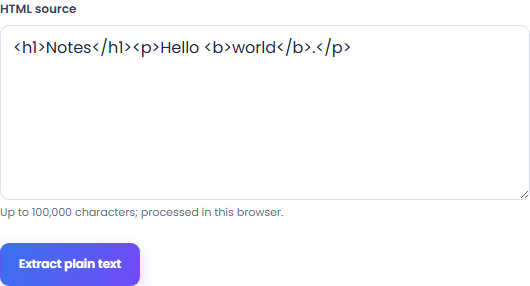
Start with your own input.
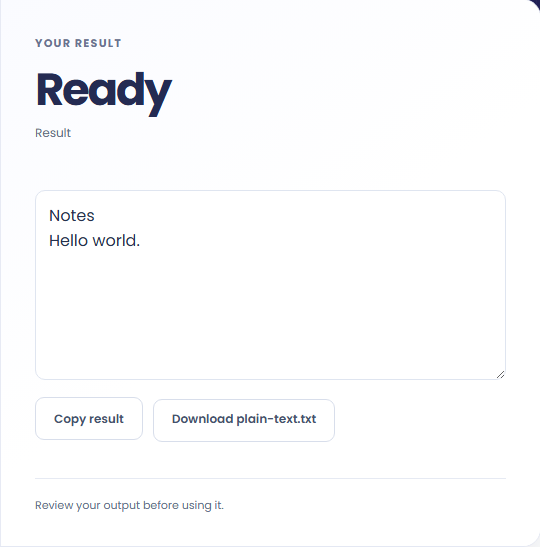
Select Extract plain text. Review plain text from supplied HTML, then use Copy result or download the result file.
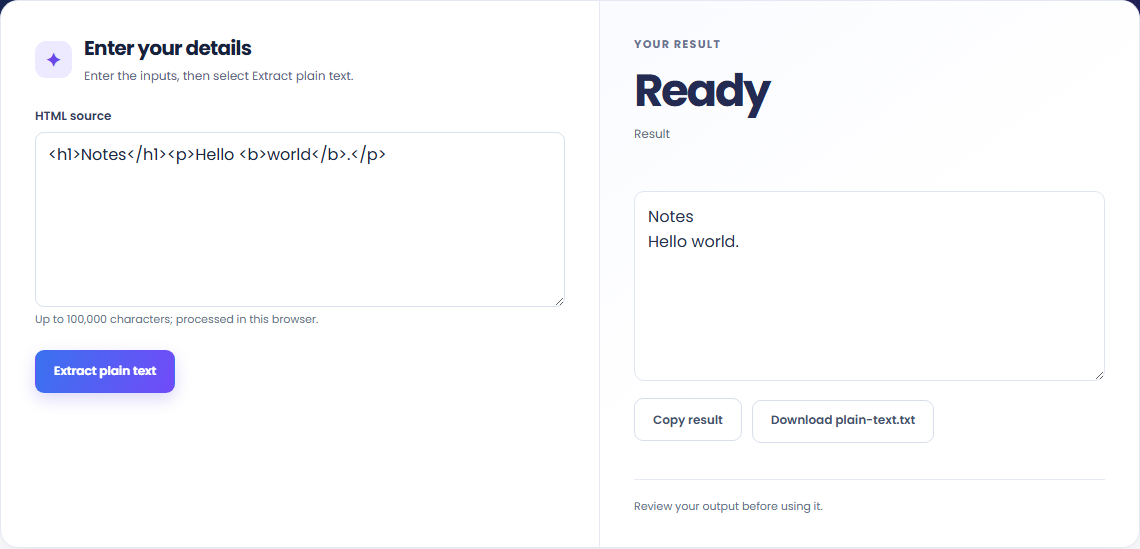
To extract text from copied markup, start with html source. Sanitize HTML in an inert fragment, then collect visible text with block and line-break boundaries.

To read an HTML excerpt, start with html source. Scripts, styles, templates and embedded media are removed.

To prepare a plain-text note, start with html source. Review plain text from supplied HTML, then use Copy result or download the result file.

Check what the output means.
Plain text from supplied HTML. Sanitize HTML in an inert fragment, then collect visible text with block and line-break boundaries.
Scripts, styles, templates and embedded media are removed. Entities decode to characters. No URL is fetched and no original page layout is reproduced.

Check the format before processing.
Scripts, styles, templates and embedded media are removed. Entities decode to characters. No URL is fetched and no original page layout is reproduced.
Inputs and results are handled in this browser.

Sanitized structural HTML from a Word document. Read DOCX with Mammoth and sanitize its text, headings, lists, links and basic tables.
Open tool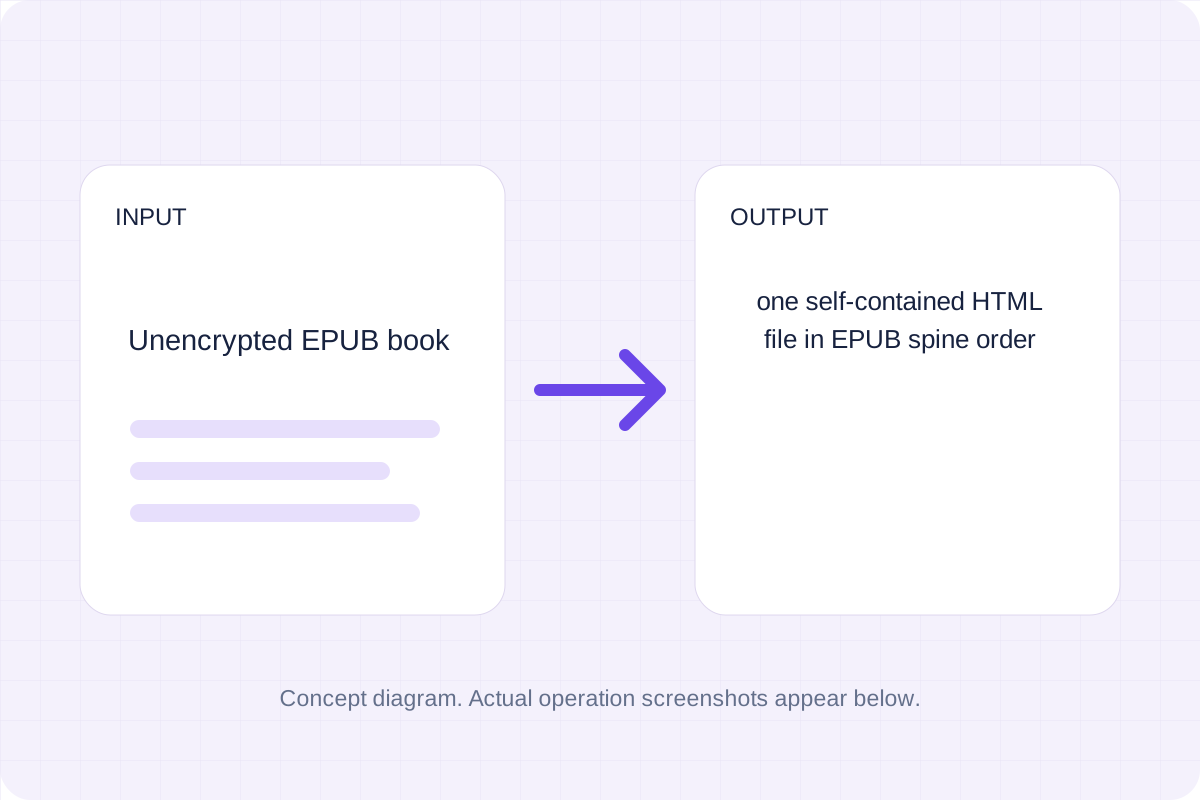
One self-contained HTML file in EPUB spine order. Read an unencrypted EPUB package, sanitize chapter markup and join its reading-order content.
Open tool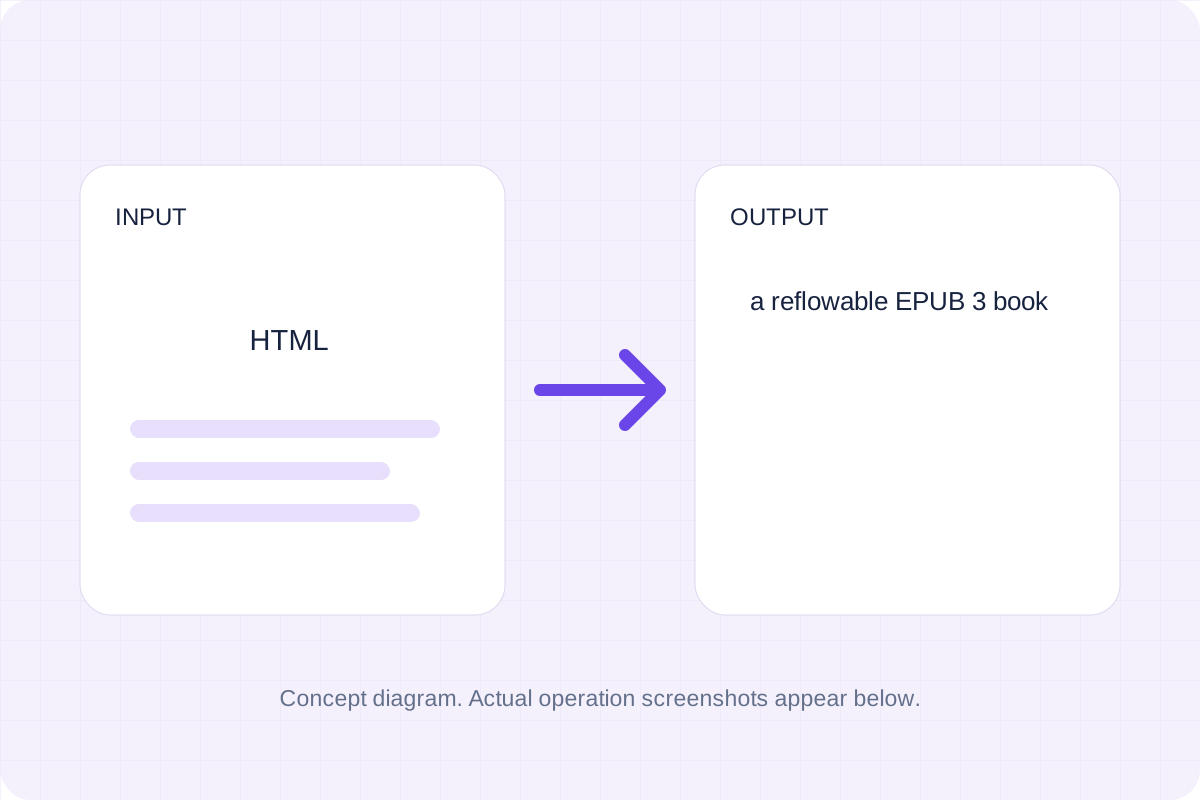
A reflowable EPUB 3 book. Sanitize supported HTML blocks and build a ZIP with an OPF package, navigation and XHTML chapter.
Open toolChoose another tool for your next calculation, conversion, or text task.
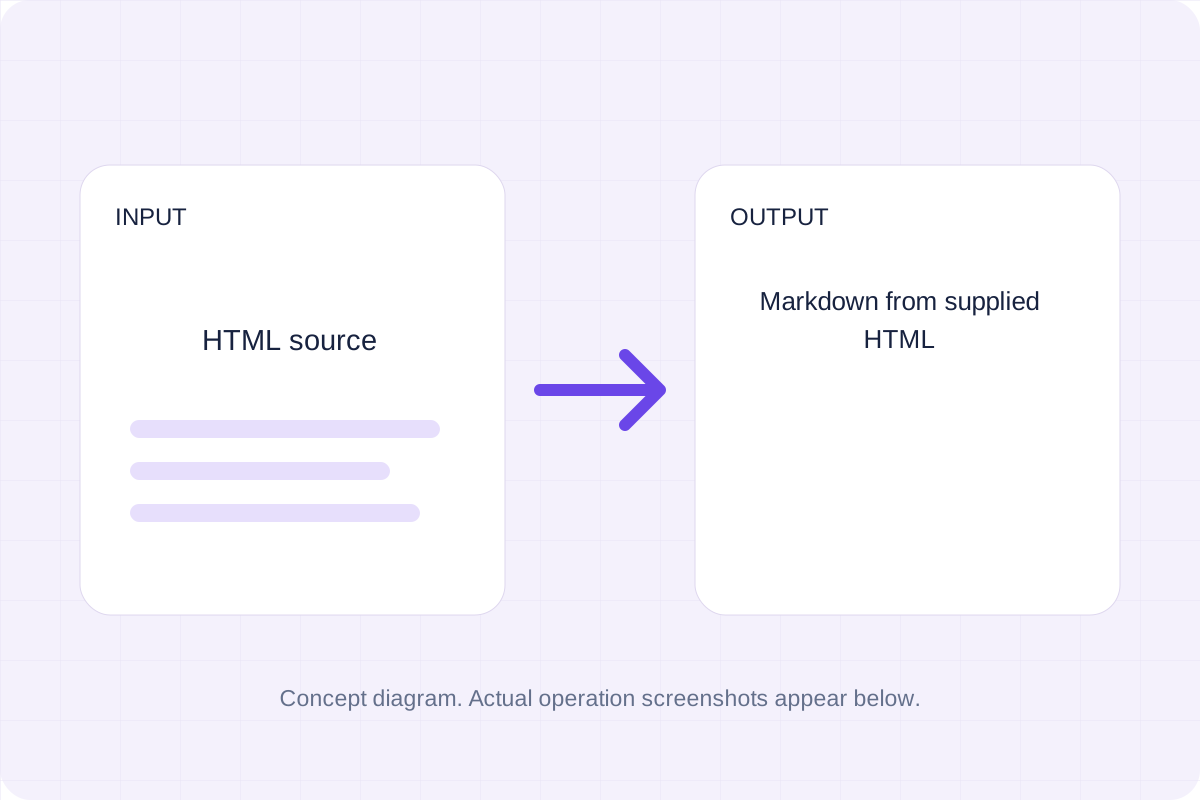
Sanitize supplied HTML and convert supported elements with the pinned local Turndown library.
Open tool
Turn Markdown into a simple HTML email with inline styles. Preview the body and download the HTML for your email workflow.
Open tool
HTML sections with extracted text from each PDF page. Use PDF.js to read text items by page and write escaped HTML paragraphs.
Open tool
A basic APA-style website or book reference. Format the author, date, title, publisher or site and URL supplied in the form.
Open toolReview plain text from supplied HTML, then use Copy result or download the result file.
Answers about using HTML To Plain Text Converter and understanding its results.
Scripts, styles, templates and embedded media are removed. Entities decode to characters. No URL is fetched and no original page layout is reproduced.
Yes. Download the result file after processing. Text results also have Copy result. Processing uses local browser code; no account is required.