
Base32 Encoder Decoder
Encode UTF-8 text or hex bytes as RFC 4648 Base32, or decode canonical Base32 into hex, text and a byte file.
Open toolPaste UTF-8 text or a URL-safe token into the Base64 URL Encoder Decoder below to convert between plain text and RFC 4648 Section 5 Base64URL with configurable '=' padding.
Enter the inputs, then select Run Base64URL.
Result will appear here
The Base64 URL Encoder Decoder converts your input string into a UTF-8 byte array, encodes 24-bit groups into 6-bit symbols using the URL-safe alphabet (A-Z, a-z, 0-9, '-', '_'), and either strips or preserves '=' padding.
Index 62: '+' -> '-'; Index 63: '/' -> '_'; Unpadded length = ceil(UTF8_bytes * 4 / 3).
Side-by-side cards show both the Base64URL string and the standard Base64 equivalent so you can spot exactly which characters were substituted.
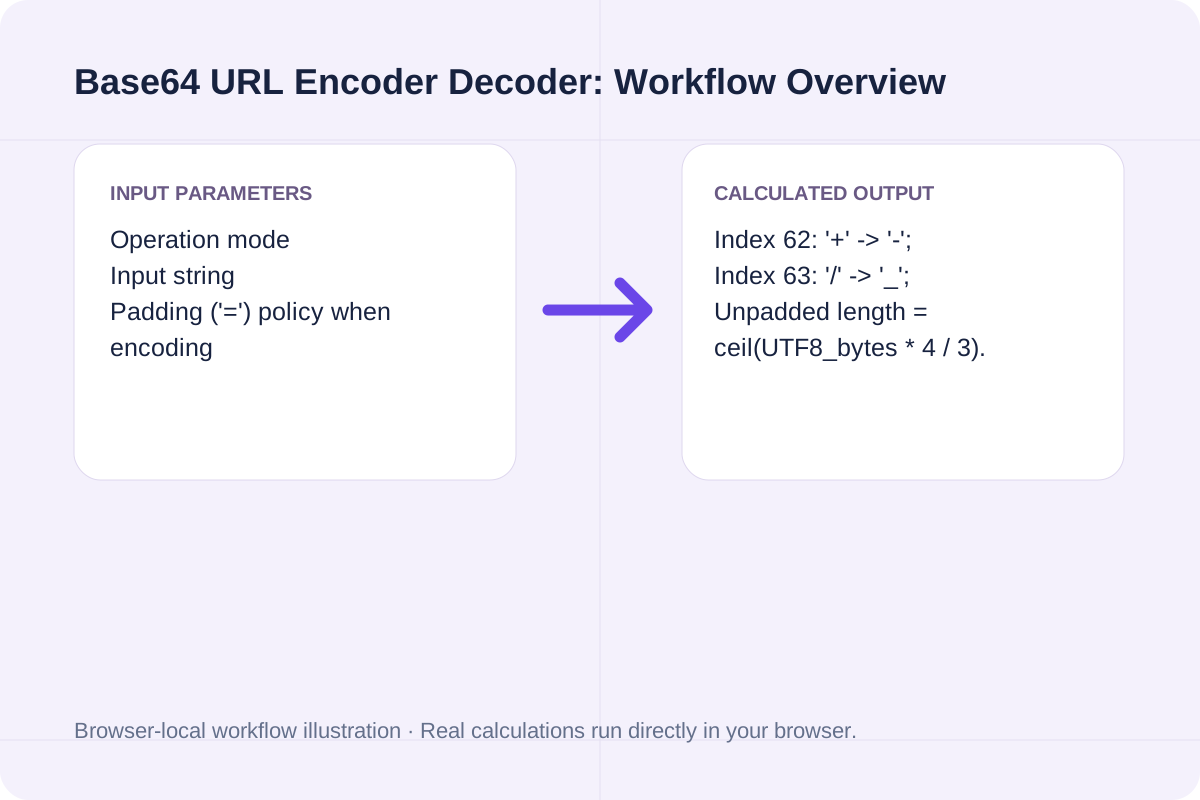
Review the input parameters, allowed value ranges, and worked reference cases for the Base64 URL Encoder Decoder below before running your calculation.
| Parameter / Scenario | Default / Sample Value | Rule or Allowed Range | Output / Usage Note |
|---|---|---|---|
| Input: Operation mode | encode | Options: Encode UTF-8 text -> Base64URL, Decode Base64URL -> UTF-8 text | Required workspace parameter |
| Input: Input string | https://aitoolsfree.net/tools/?q=... | Input text or Base64URL payload. | Required workspace parameter |
| Input: Padding ('=') policy when encoding | unpadded | Options: Omit '=' padding (RFC 7515 JWT / URL-safe default), Keep '=' padding (4-character block alignment) | Required workspace parameter |
| Worked Case 1: Encoding a URL with query parameters (46 UTF-8 bytes) | Preloaded / test values | Base64URL(bytes) = StandardBase64(UTF8(text)).replace('+', '-').replace('/', '_').rstrip('=') | Encoding 'https://aitoolsfree.net/tools/?q=a+b&mode=full' yields 62 unpadded Base64URL characters ('aHR0cHM6Ly9haXRvb2xzZnJlZS5uZXQvdG9vbHMvP3E9YStiJm1vZGU9ZnVsbA') vs. 64 padded characters ending in '=='. |
| Worked Case 2: Decoding an unpadded JWT payload segment | Preloaded / test values | Base64URL(bytes) = StandardBase64(UTF8(text)).replace('+', '-').replace('/', '_').rstrip('=') | Switching to Decode mode and pasting 'eyJzdWIiOiIxMjM0NTY3ODkwIiwibmFtZSI6IkpvaG4gRG9lIn0' restores the missing '=' padding and outputs '{"sub":"1234567890","name":"John Doe"}'. |
Encode URL parameters, OAuth state strings, or decode JWT header/payload segments locally.
Pick 'Encode UTF-8 text -> Base64URL' or 'Decode Base64URL -> UTF-8 text'.
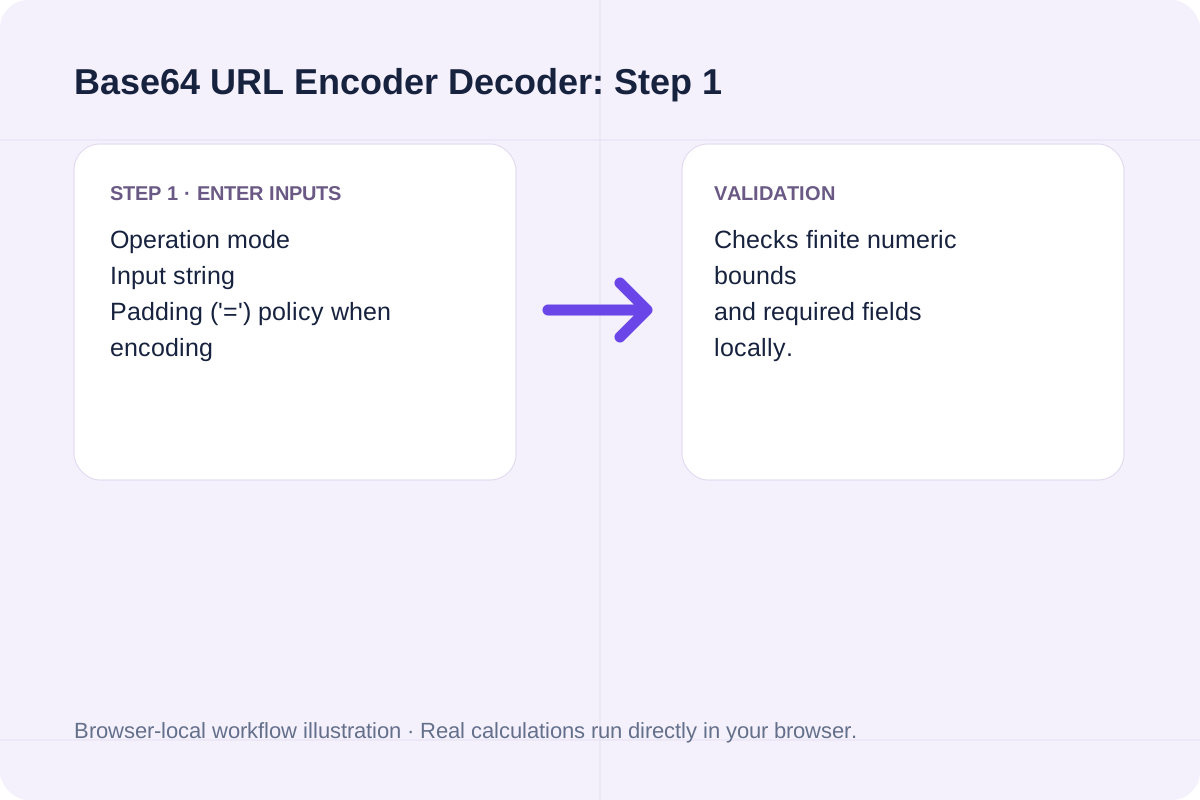
Paste the raw text, JSON object, or URL-safe Base64 token into the input box.
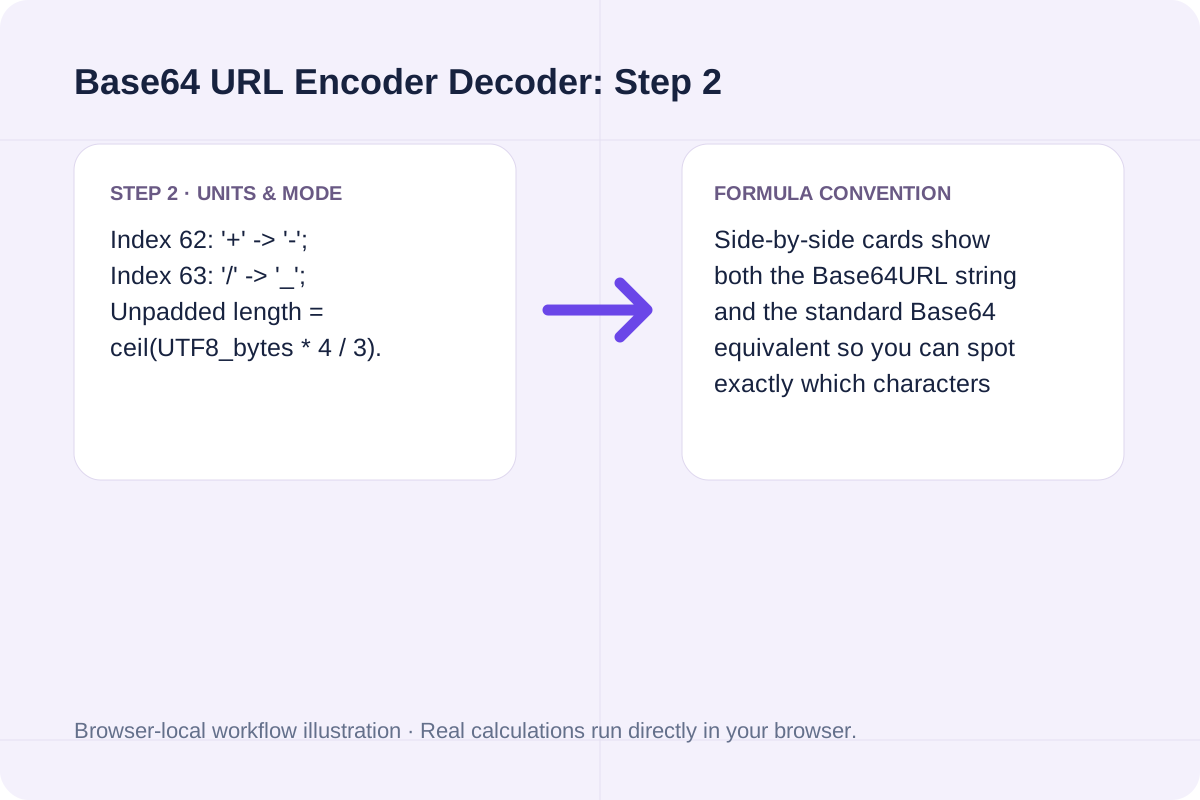
Select Omit '=' padding (standard for JWTs and URLs) or Keep '=' padding, then click Run Base64URL.
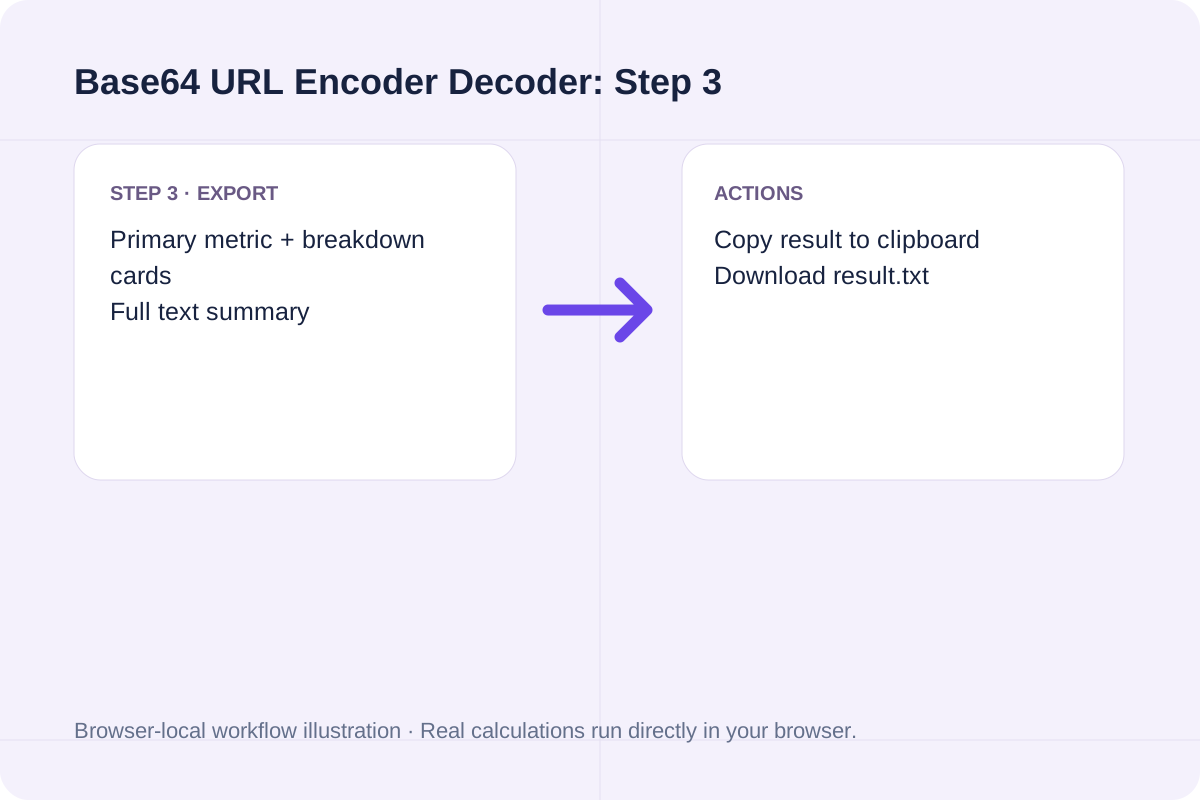
See how URL query strings and JWT payloads convert cleanly without percent-encoding issues.
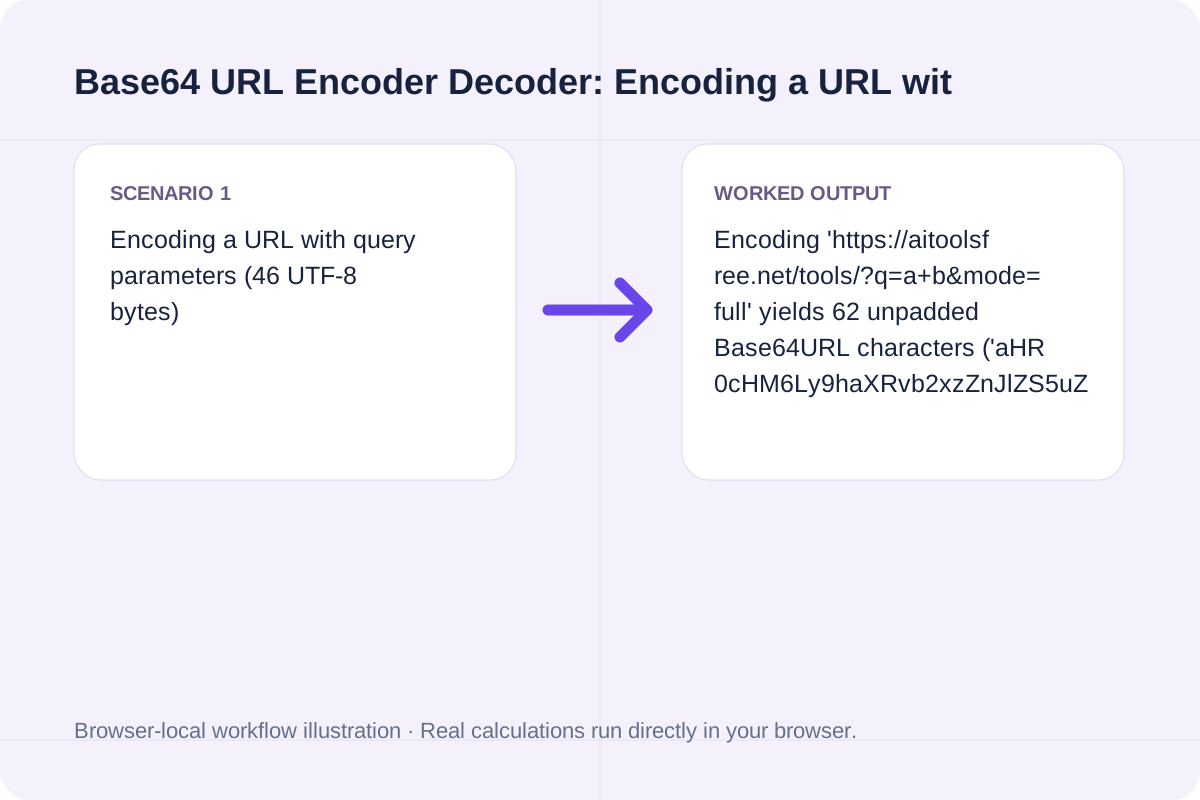
Encoding 'https://aitoolsfree.net/tools/?q=a+b&mode=full' yields 62 unpadded Base64URL characters ('aHR0cHM6Ly9haXRvb2xzZnJlZS5uZXQvdG9vbHMvP3E9YStiJm1vZGU9ZnVsbA') vs. 64 padded characters ending in '=='.
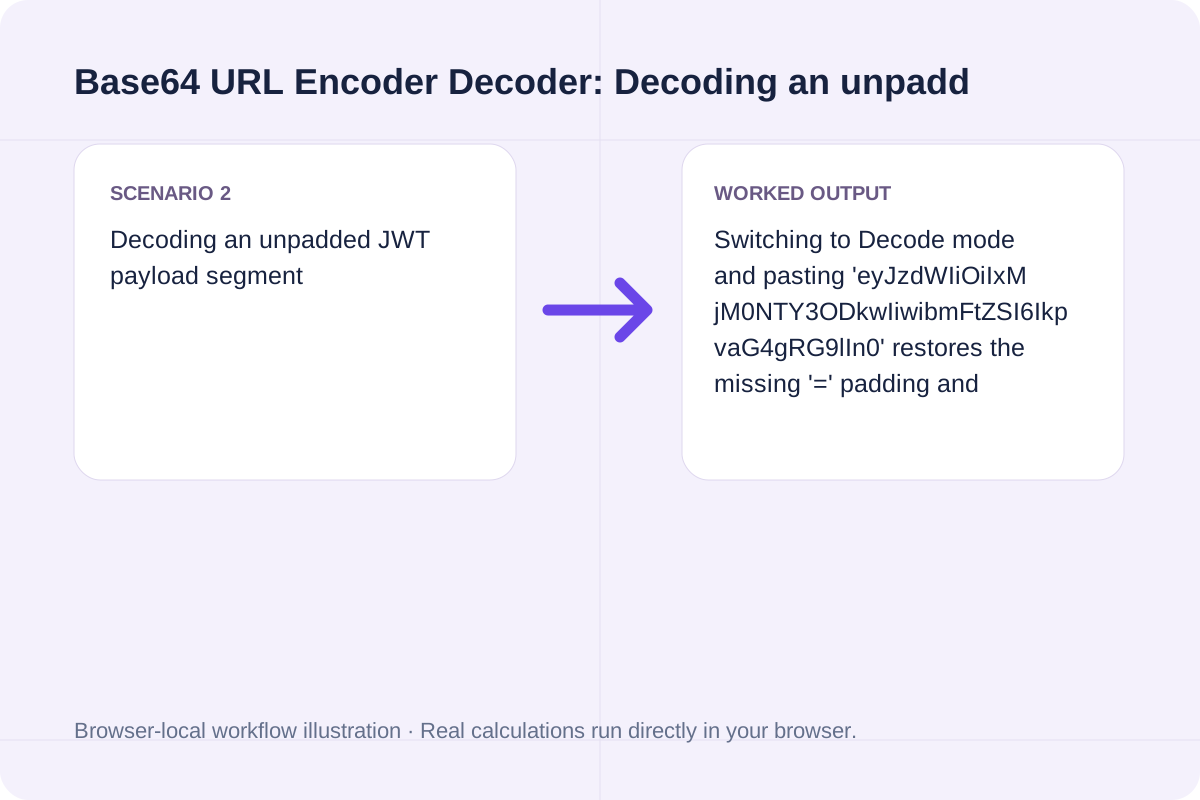
Switching to Decode mode and pasting 'eyJzdWIiOiIxMjM0NTY3ODkwIiwibmFtZSI6IkpvaG4gRG9lIn0' restores the missing '=' padding and outputs '{"sub":"1234567890","name":"John Doe"}'.
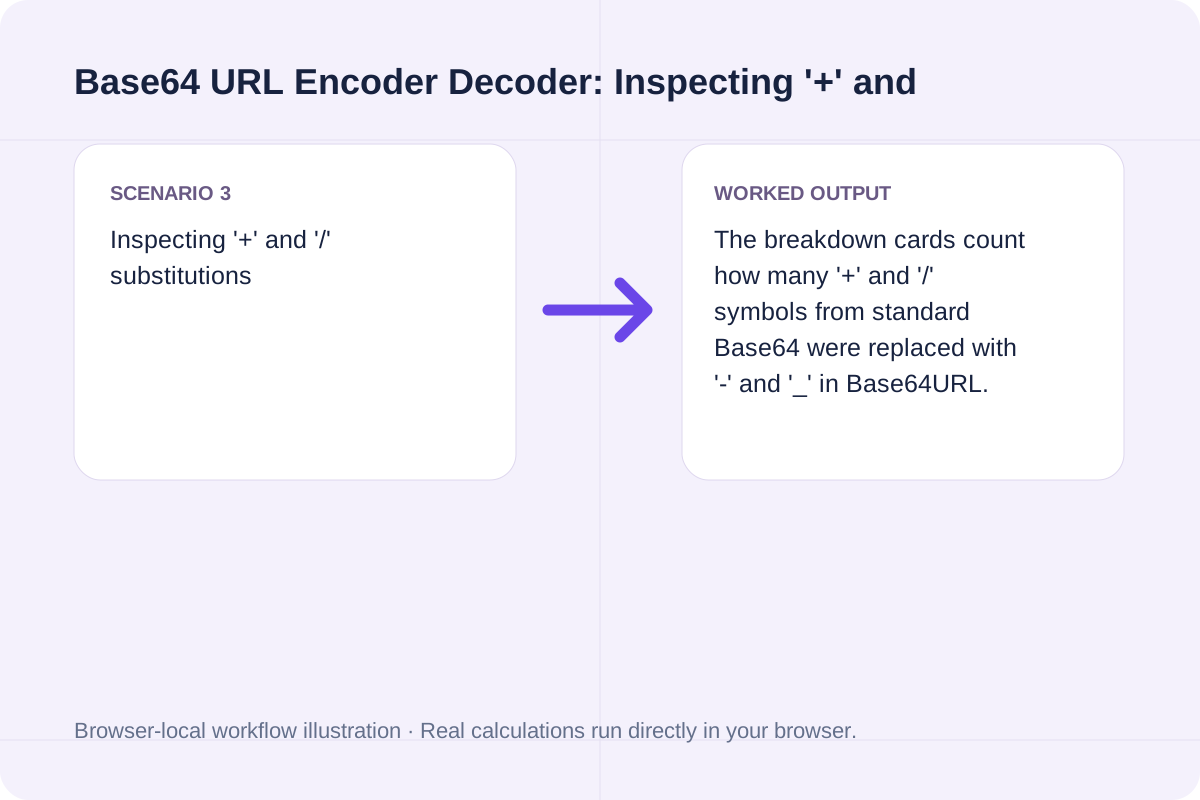
The breakdown cards count how many '+' and '/' symbols from standard Base64 were replaced with '-' and '_' in Base64URL.
Compare the unpadded Base64URL output, padded Base64URL output, and standard Base64 output.
The main result displays the converted string. Breakdown cards report UTF-8 byte length, output character length, padding characters stripped/restored, and URL-safe symbol replacements ('-' and '_').
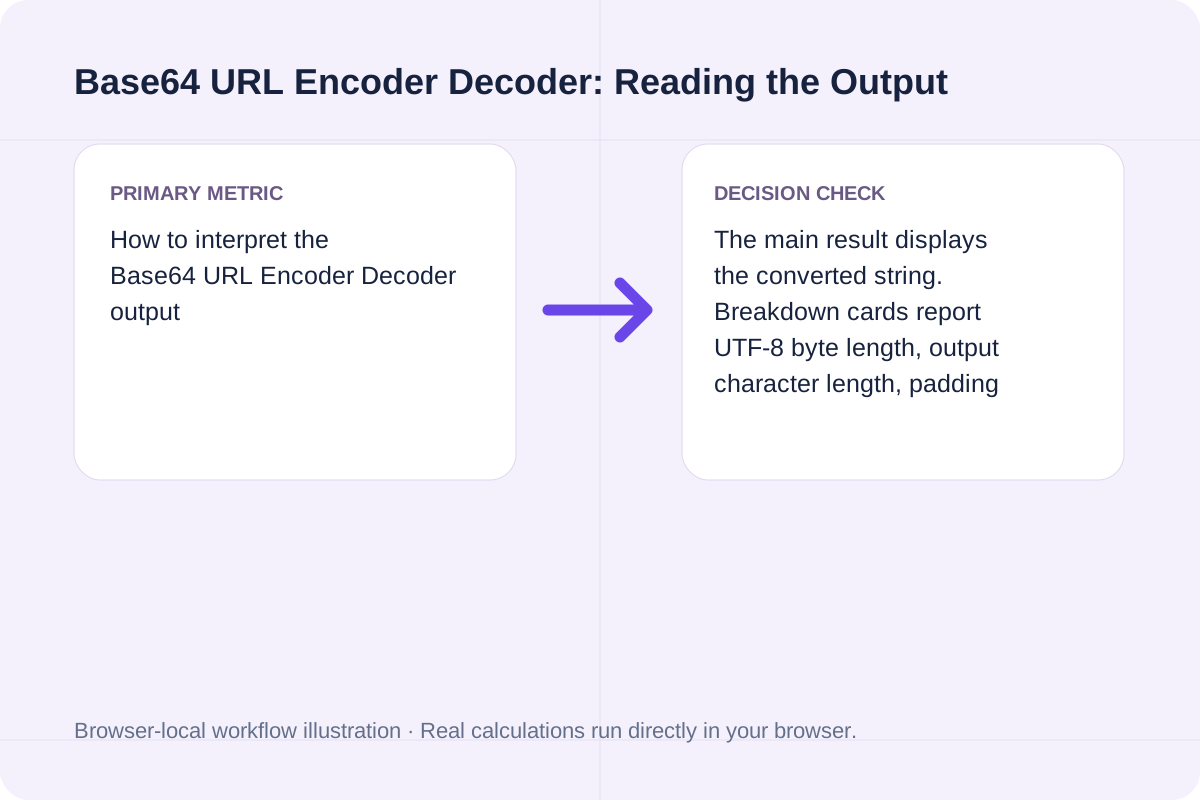
Verify character validity and encryption vs. encoding boundaries.
Base64URL is an encoding scheme, not encryption; anyone can decode a Base64URL string without a key. In Decode mode, inputs with length % 4 == 1 or characters outside [A-Za-z0-9-_+/=] are rejected with a validation error.
Encode UTF-8 text or hex bytes as RFC 4648 Base32, or decode canonical Base32 into hex, text and a byte file.
Open tool
Encode bytes as Base58 or decode Base58 with the Bitcoin alphabet or your own explicit 58-character alphabet.
Open tool
Convert hex, decimal, or binary byte arrays to UTF-8 strings with strict validation, or encode text into hex, decimal, and JSON byte arrays.
Open toolChoose another tool for your next calculation, conversion, or text task.
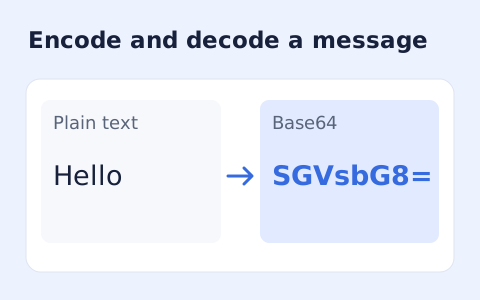
Encode Unicode text to Base64 or decode UTF-8 Base64 text.
Open tool
Group binary digits into eight-bit bytes and decode them as strict UTF-8.
Open tool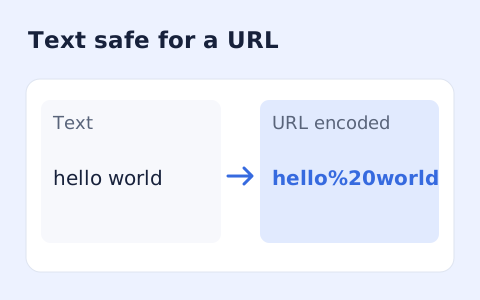
Encode or decode a URL component or a complete URI.
Open tool
Parse and format source with a pinned local Prettier browser bundle.
Open toolAnswers about using Base64 URL Encoder Decoder and understanding its results.
Standard Base64 (RFC 4648 Section 4) uses '+' at index 62, '/' at index 63, and '=' for padding, all of which have special meanings in URLs and filenames. Base64URL (Section 5) replaces '+' with '-' (hyphen) and '/' with '_' (underscore), and typically omits trailing '=' padding.
RFC 7515 (JSON Web Signature) specifies unpadded Base64URL so tokens can be passed safely inside HTTP query parameters, Authorization headers, and URL paths without percent-encoding.
Unlike window.btoa() alone, which throws an error on non-Latin1 characters, this tool encodes text to UTF-8 bytes via TextEncoder before applying the Base64URL alphabet, and decodes via TextDecoder('utf-8').
Yes. In Decode mode, the parser automatically calculates the modulo-4 remainder (length % 4) and restores the required '=' padding before decoding.
Choose another tool for your next calculation, conversion, or text task.