
JSON To YAML Converter
Parse strict JSON and serialize YAML with quoted strings and no executable tags.
Open toolParse one YAML document with the local library and emit indented JSON. Unique string keys and JSON-compatible values only.
Enter the inputs, then select Convert YAML to JSON.
Result will appear here
Parse one YAML document with the local library and emit indented JSON.
Unique string keys and JSON-compatible values only. Aliases, merges, tags, duplicate keys and unsafe integers are rejected; comments are not retained.
Start with your own input.
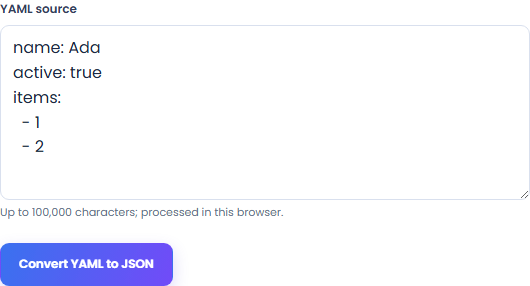
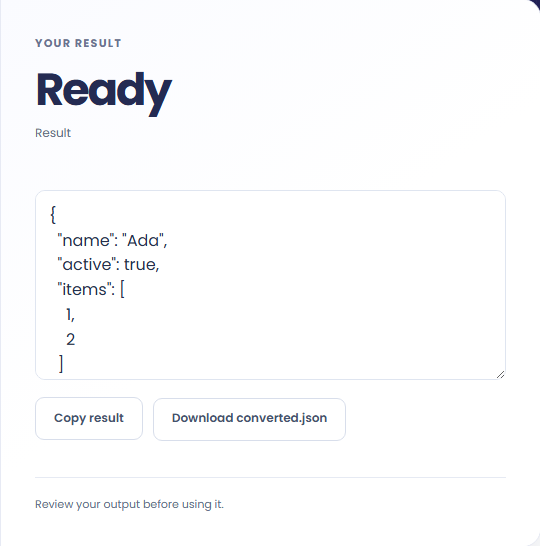
Select Convert YAML to JSON. Review JSON-compatible values from one YAML document, then use Copy result or download the result file.
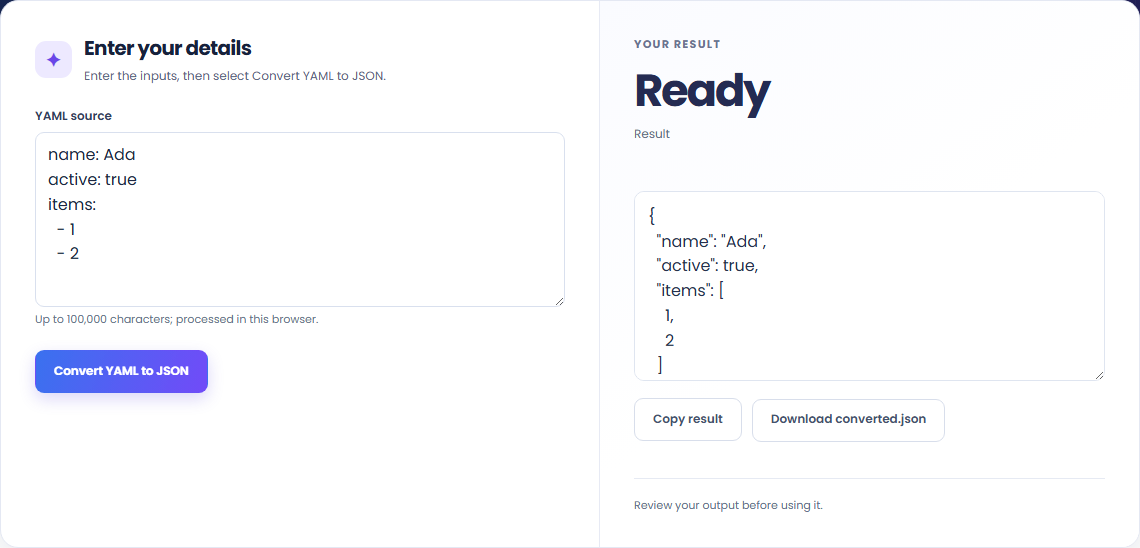
To prepare a JSON configuration, start with yaml source. Parse one YAML document with the local library and emit indented JSON.

To inspect YAML scalar types, start with yaml source. Unique string keys and JSON-compatible values only.

To move simple YAML data into JSON, start with yaml source. Review JSON-compatible values from one YAML document, then use Copy result or download the result file.

Check what the output means.
JSON-compatible values from one YAML document. Parse one YAML document with the local library and emit indented JSON.
Unique string keys and JSON-compatible values only. Aliases, merges, tags, duplicate keys and unsafe integers are rejected; comments are not retained.

Check the format before processing.
Unique string keys and JSON-compatible values only. Aliases, merges, tags, duplicate keys and unsafe integers are rejected; comments are not retained.
Inputs and results are handled in this browser.

Parse strict JSON and serialize YAML with quoted strings and no executable tags.
Open tool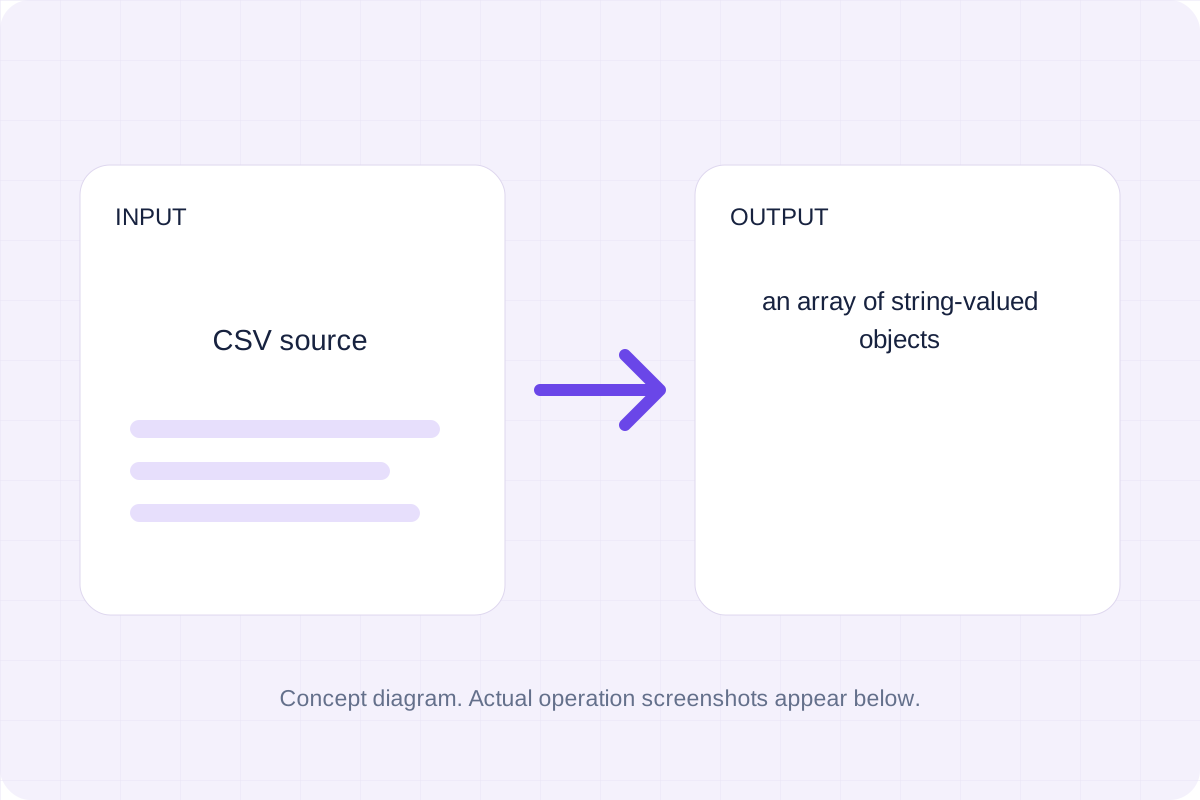
Parse quoted CSV and map unique headers to object keys.
Open tool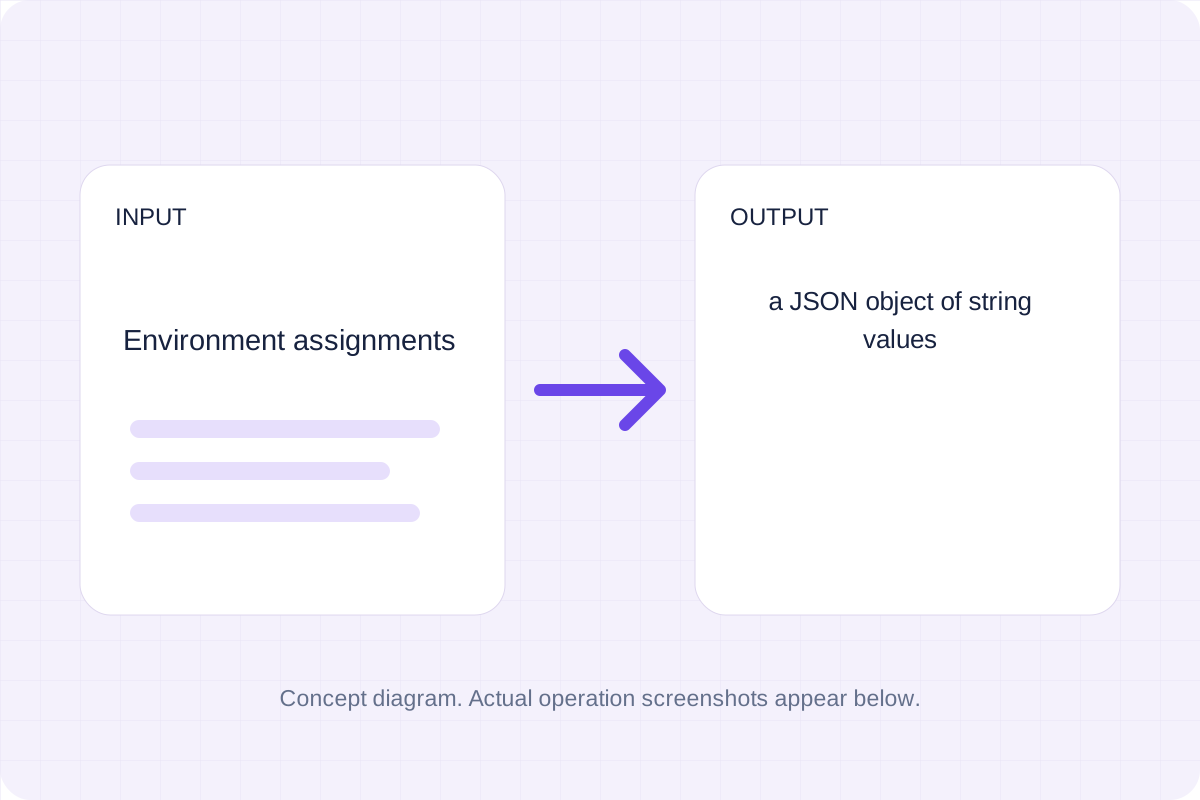
Read simple KEY=value or export KEY=value lines; strip matching outer quotes and keep each value as a string.
Open toolChoose another tool for your next calculation, conversion, or text task.
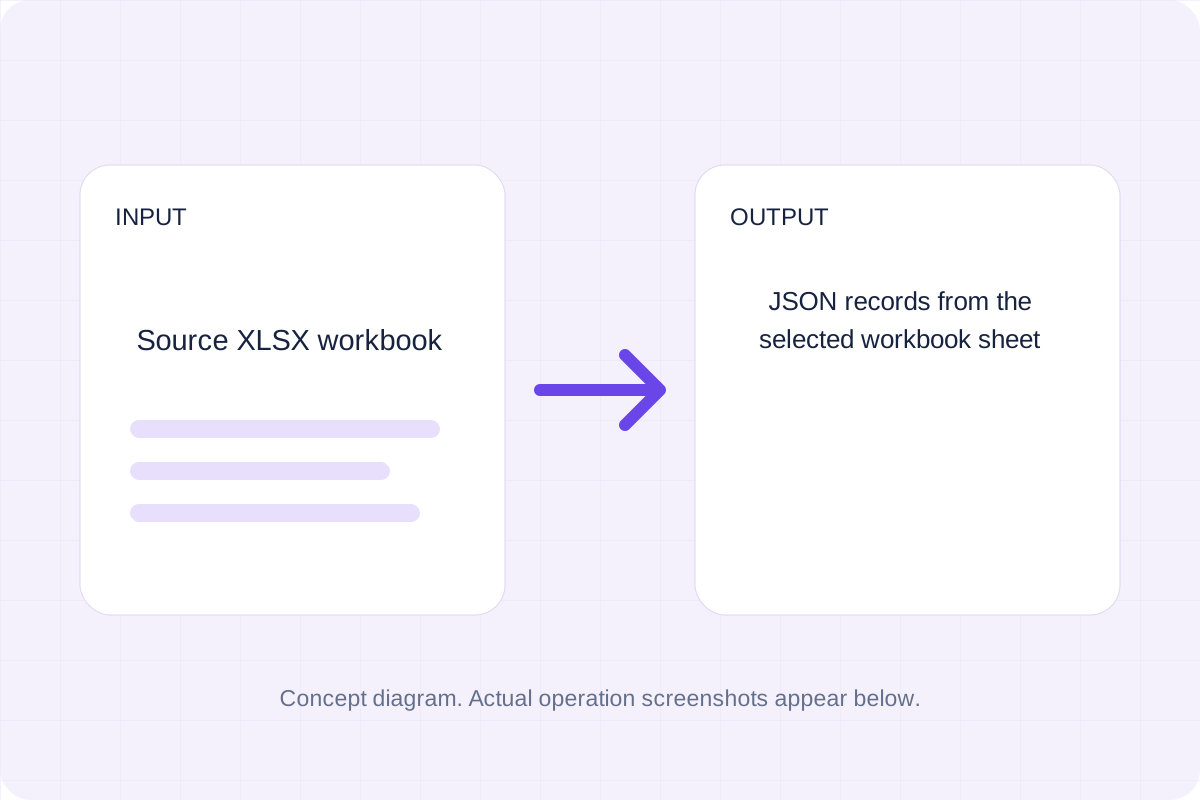
Read an XLSX workbook with the pinned local SheetJS library and convert the selected data.
Open tool
Parse strict JSON and serialize it with the chosen indentation.
Open tool
Parse strict JSON and serialize compact JSON without indentation.
Open tool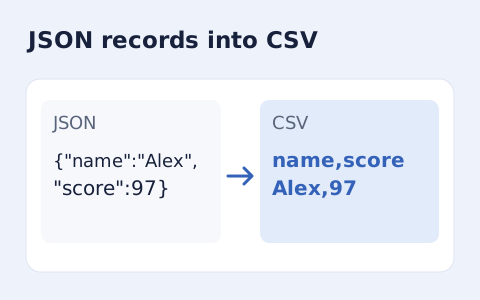
Convert an array of JSON objects into CSV with a union of column names.
Open toolAnswers about using YAML To JSON Converter and understanding its results.
Unique string keys and JSON-compatible values only. Aliases, merges, tags, duplicate keys and unsafe integers are rejected; comments are not retained.
Yes. Download the result file after processing. Text results also have Copy result. Processing uses local browser code; no account is required.
Review JSON-compatible values from one YAML document, then use Copy result or download the result file.