Trapezoid Area Calculator
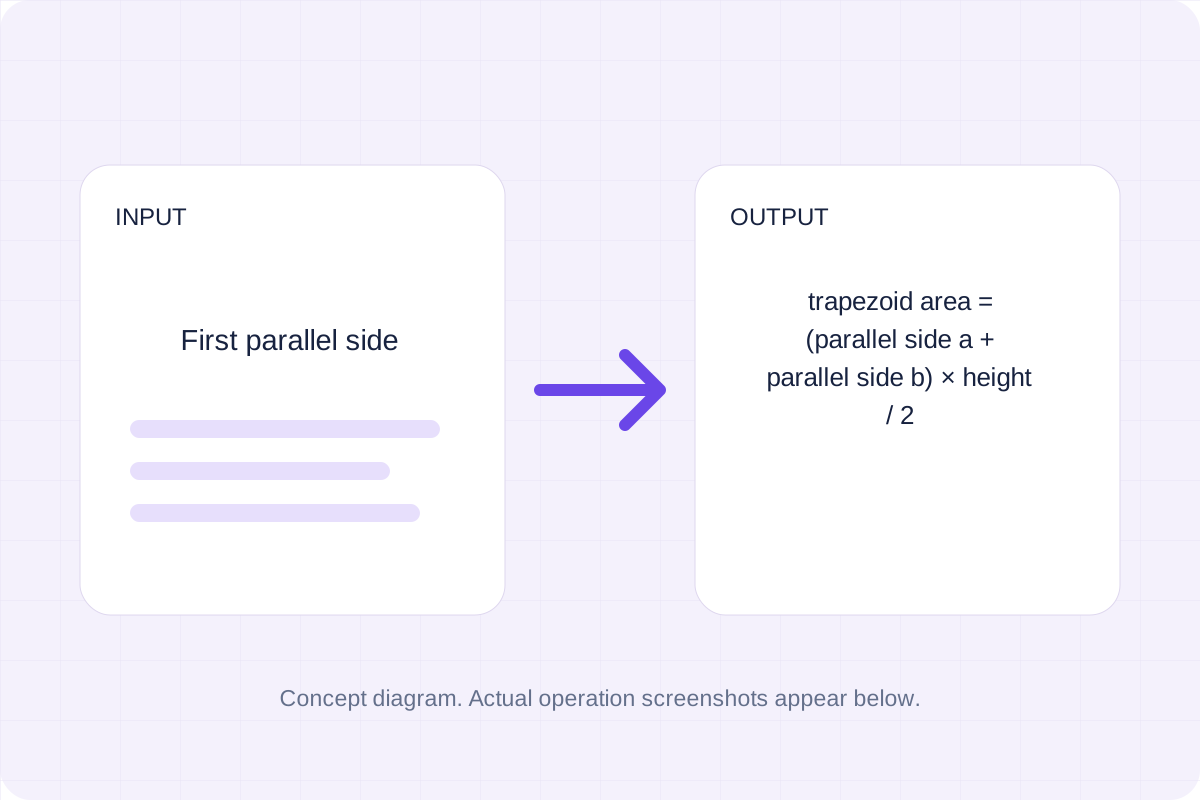
Trapezoid area = (parallel side a + parallel side b) × height / 2.
Open toolFind the trapezoid midsegment as the average of the parallel base lengths. Use the same length unit throughout.
Enter the inputs, then select Calculate.
Result will appear here
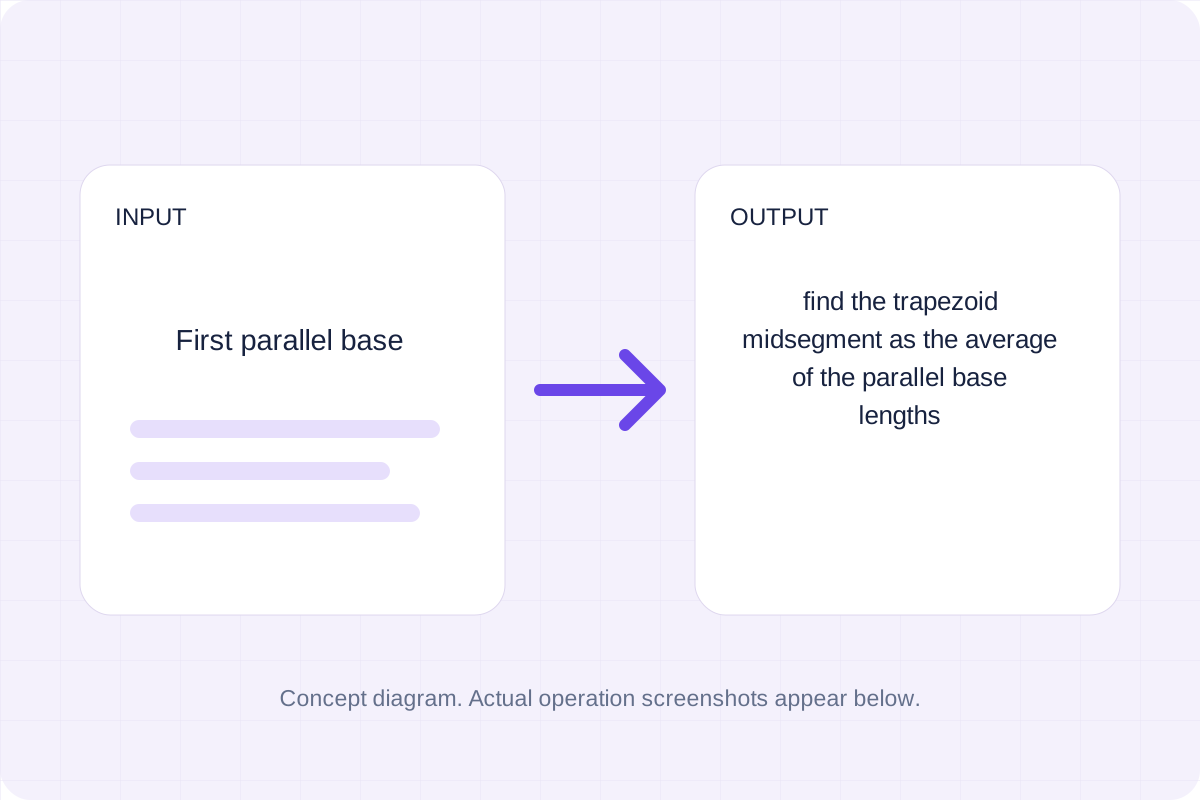
Find the trapezoid midsegment as the average of the parallel base lengths.
Use the same length unit throughout. Areas use squared units and volumes use cubed units. Segment joins the midpoints of the nonparallel sides. Inputs and results use floating-point numbers and may be rounded. Results show up to 12 significant digits.
Follow the labelled inputs.
Replace the example with first parallel base. The field labels specify the expected format and units.
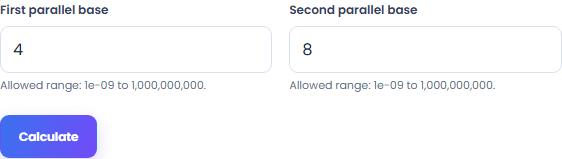

Select Calculate. Review the calculated result, then copy it or download the result text.
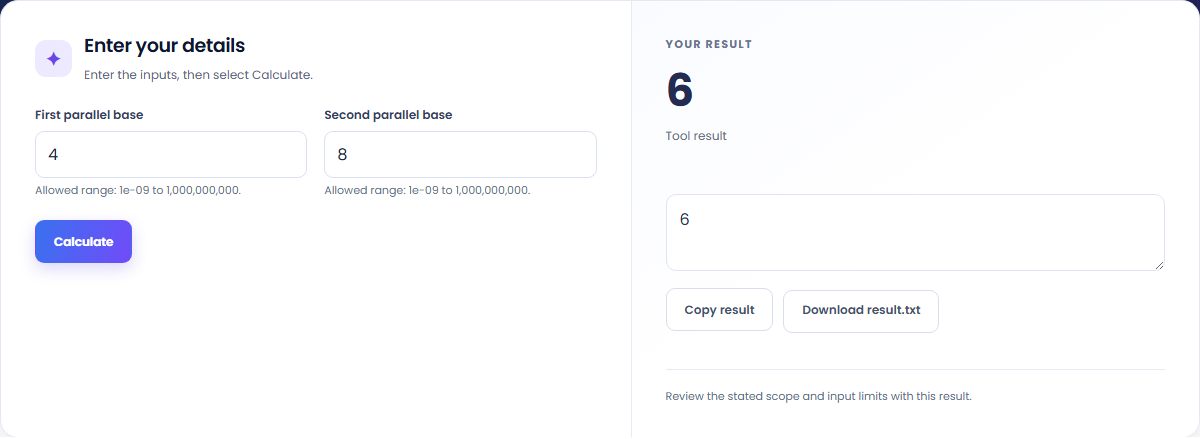
The starting example produces 6. Find the trapezoid midsegment as the average of the parallel base lengths.

Read the labels for first parallel base and second parallel base. Use the same length unit throughout.

Copy the calculated result into your notes. Keep the formula and assumptions with it if someone else needs to reproduce the calculation.

Read the units and assumptions with the output.
Find the trapezoid midsegment as the average of the parallel base lengths.
Use the same length unit throughout. Areas use squared units and volumes use cubed units. Segment joins the midpoints of the nonparallel sides. Inputs and results use floating-point numbers and may be rounded. Results show up to 12 significant digits.

Check the stated scope before you run it.
Use the same length unit throughout. Areas use squared units and volumes use cubed units. Segment joins the midpoints of the nonparallel sides. Inputs and results use floating-point numbers and may be rounded. Results show up to 12 significant digits.
The input stays in this browser. Copy result and Download save the same displayed text.

Choose another tool for your next calculation, conversion, or text task.
Axial angular momentum = moment of inertia × angular velocity.
Open tool
Convert areal density between listed units.
Open tool
Find ideal capacitive reactance magnitude as 1/(2πfC).
Open tool
Find circle chord length as 2r sin(θ/2).
Open toolAnswers about using Trapezoid Midsegment Calculator and understanding its results.
Use the same length unit throughout. Areas use squared units and volumes use cubed units. Segment joins the midpoints of the nonparallel sides. Inputs and results use floating-point numbers and may be rounded. Results show up to 12 significant digits.
Copy result copies the displayed text. Download saves the same text as a TXT file. Processing runs in this browser without an account.
Check the calculated result, then copy or download it.