

Bakers Percentage Calculator
Calculate baker percentages and rescale all ingredients to a target flour mass.
Open toolEnter your daily sleep and weekly hours for work, commuting, chores, and exercise in the Time Budget Calculator below to audit your 168-hour week and see your true remaining free time.
Enter the inputs, then select Calculate Time Budget.
Result will appear here
The Time Budget Calculator converts your daily sleep target into weekly hours, sums all five commitment buckets against the fixed 168-hour weekly ceiling, and computes each category's share of both total time and waking time.
Committed = (7 * Sleep_day) + Work + Commute + Chores + Exercise; Discretionary Free Time = 168 - Committed.
Dividing remaining weekly free hours by 7 gives your average daily discretionary time; dividing by 115.5 (at 7.5h sleep) shows what percentage of your waking life is unscheduled.
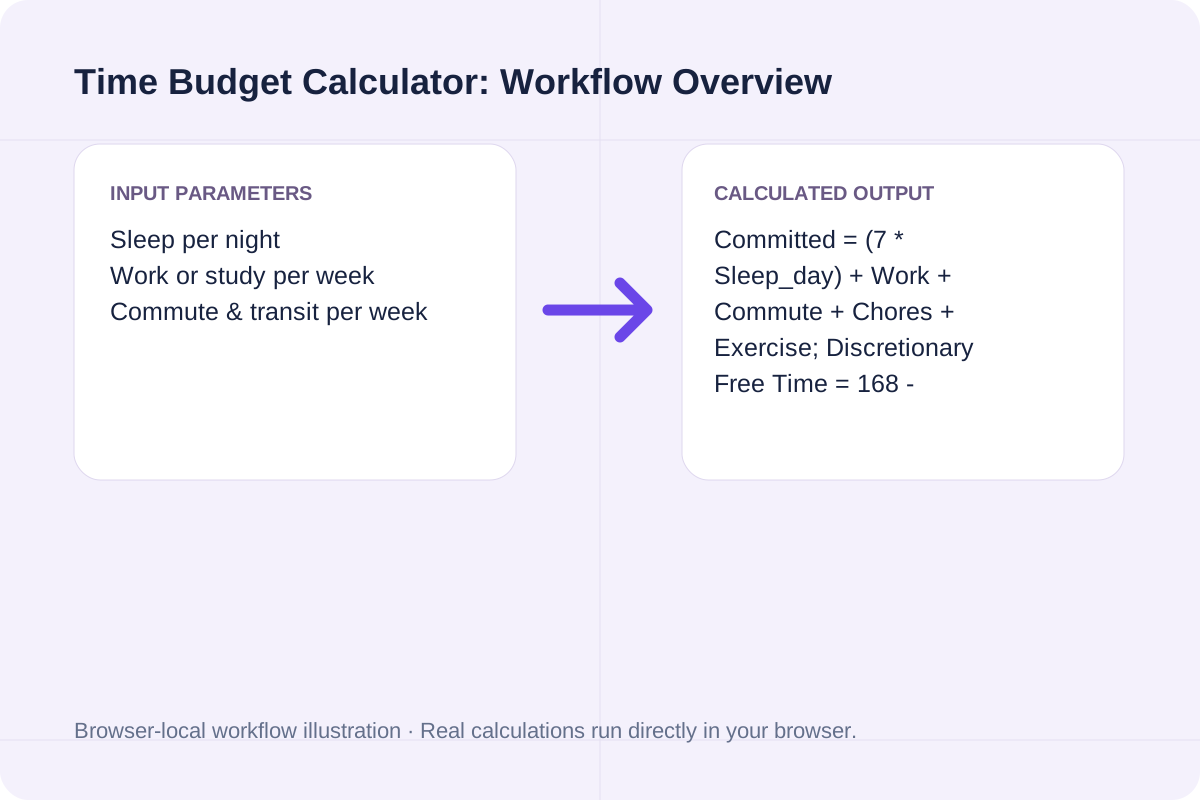
Review the input parameters, allowed value ranges, and worked reference cases for the Time Budget Calculator below before running your calculation.
| Parameter / Scenario | Default / Sample Value | Rule or Allowed Range | Output / Usage Note |
|---|---|---|---|
| Input: Sleep per night | 7.5 | Range: 0 to 24 | Required workspace parameter |
| Input: Work or study per week | 40 | Range: 0 to 168 | Required workspace parameter |
| Input: Commute & transit per week | 5 | Range: 0 to 100 | Required workspace parameter |
| Input: Meals, errands & household chores | 10 | Range: 0 to 120 | Required workspace parameter |
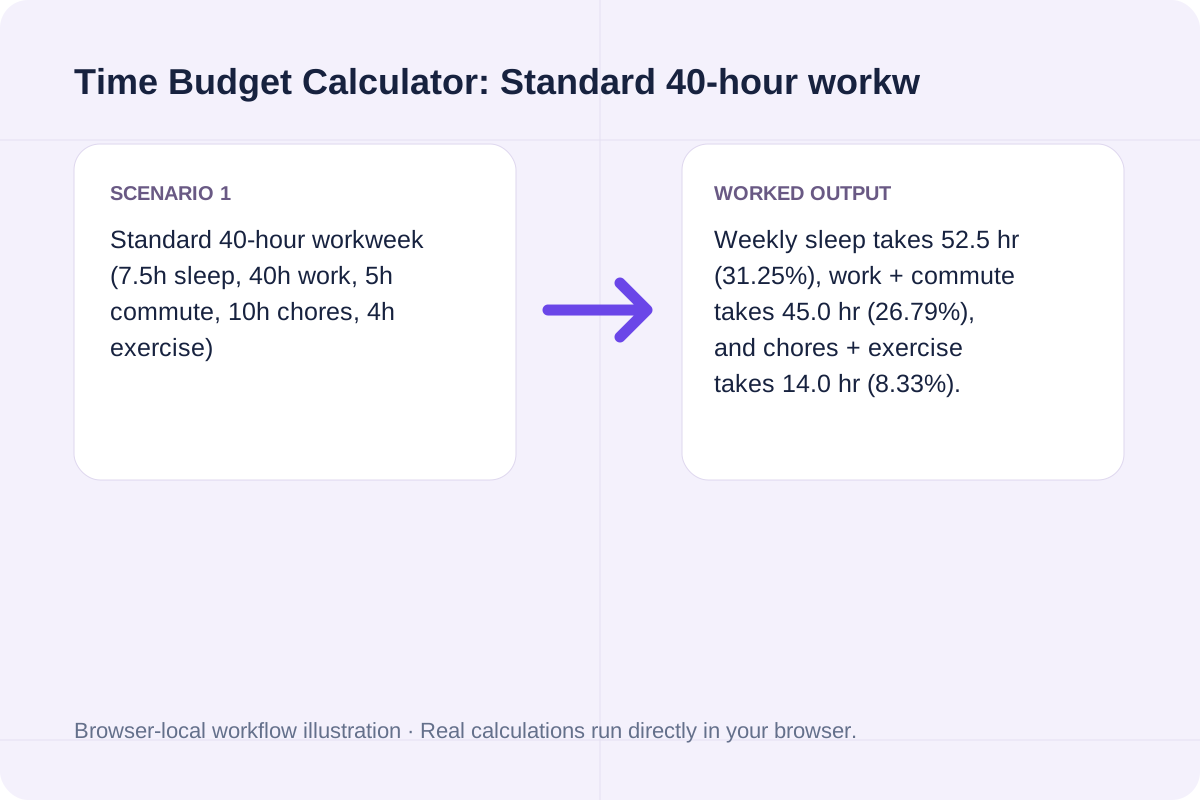
| Worked Case 1: Standard 40-hour workweek (7.5h sleep, 40h work, 5h commute, 10h chores, 4h exercise) | Preloaded / test values | Weekly Sleep = Sleep/Day * 7; Committed Hours = Weekly Sleep + Work + Commute + Chores + Exercise; Remaining Free Time = 168 - Committed Hours | Weekly sleep takes 52.5 hr (31.25%), work + commute takes 45.0 hr (26.79%), and chores + exercise takes 14.0 hr (8.33%). Total committed time is 111.5 hr (66.37%), leaving 56.5 hr/wk (8.07 hr/day) of free time. |
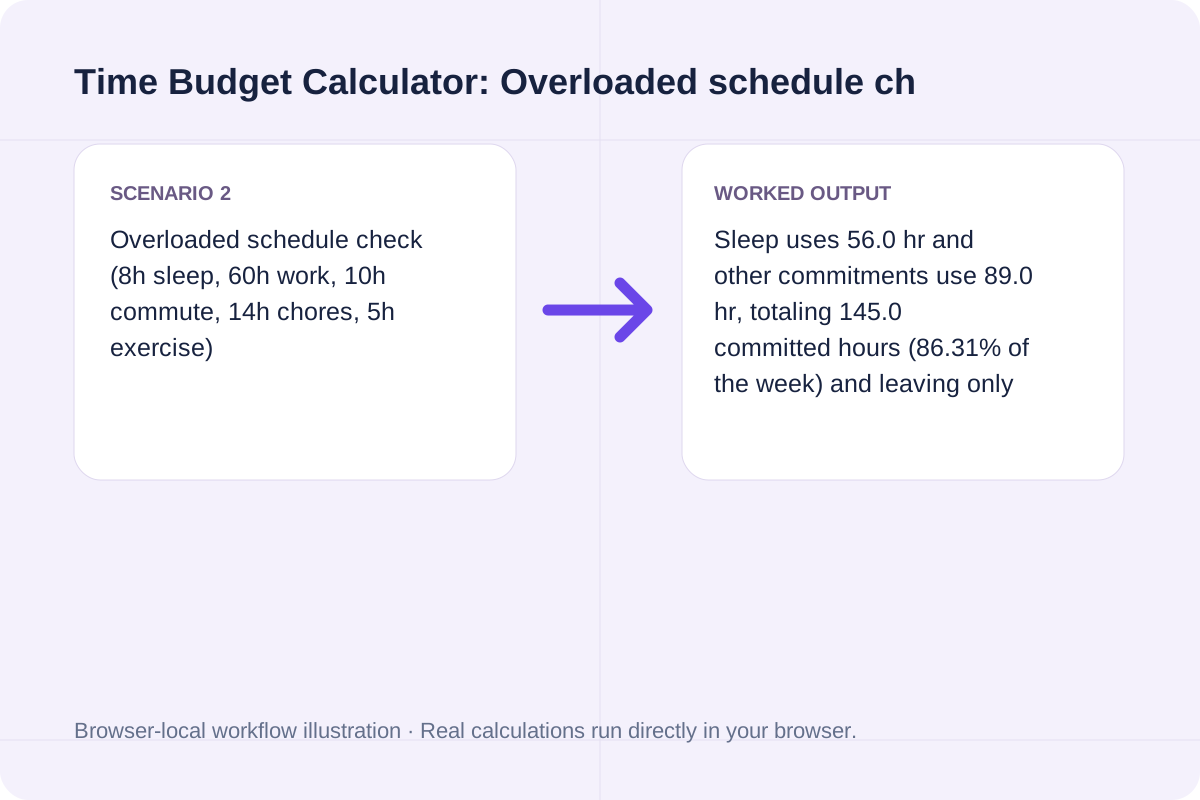
| Worked Case 2: Overloaded schedule check (8h sleep, 60h work, 10h commute, 14h chores, 5h exercise) | Preloaded / test values | Weekly Sleep = Sleep/Day * 7; Committed Hours = Weekly Sleep + Work + Commute + Chores + Exercise; Remaining Free Time = 168 - Committed Hours | Sleep uses 56.0 hr and other commitments use 89.0 hr, totaling 145.0 committed hours (86.31% of the week) and leaving only 23.0 hr/wk (3.29 hr/day) of discretionary buffer. |
Estimate your realistic weekly hours for each core activity before committing to a new project or class.
Enter your average hours of sleep per night (including weekend sleep-ins averaged across 7 days).
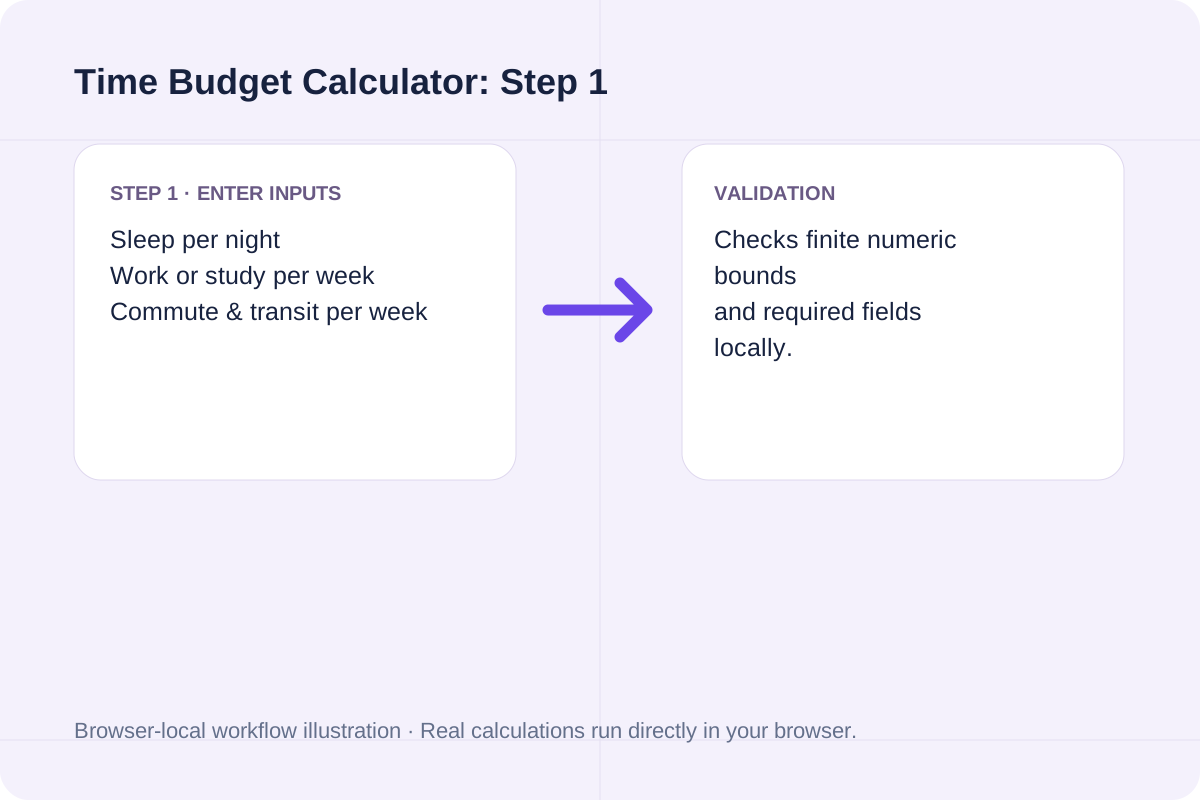
Fill in weekly hours for work/study, commuting, cooking/chores/hygiene, and exercise.
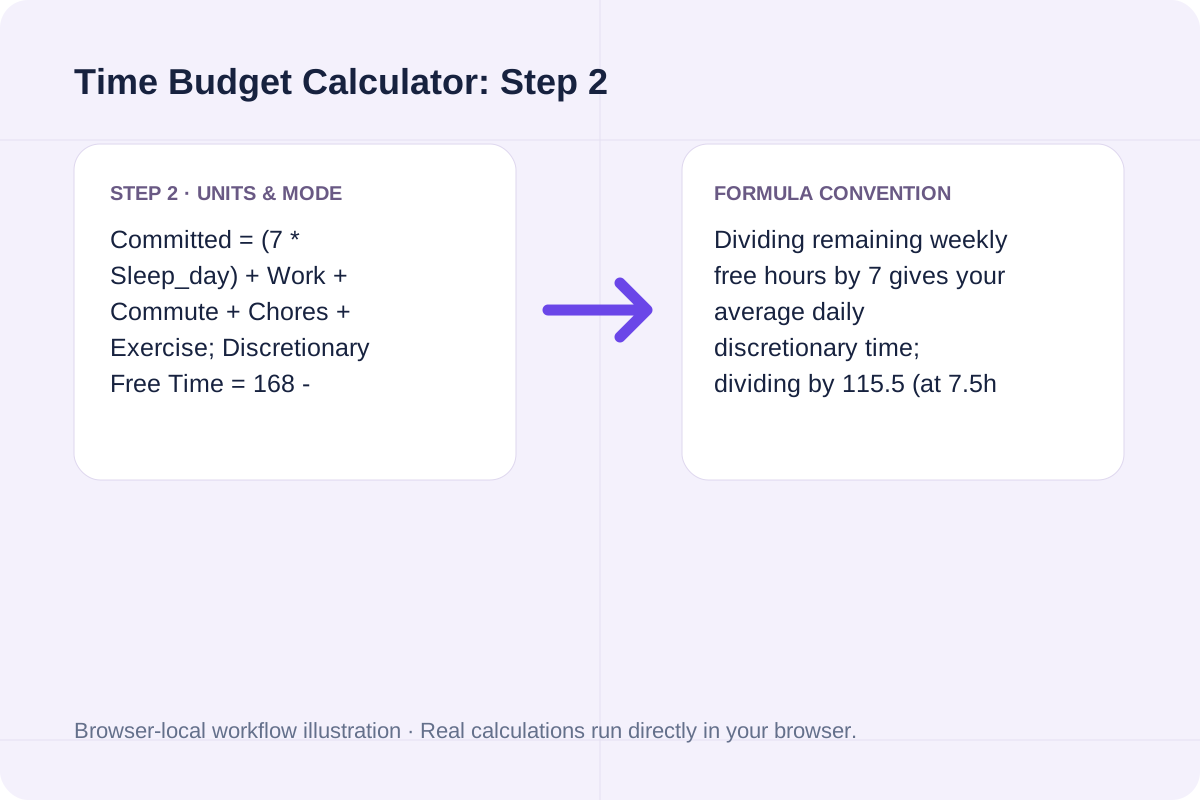
Click Calculate Time Budget to see remaining weekly and daily free hours, waking hour utilization, and a full 168-hour breakdown.
Compare a standard 40-hour workweek against an intensive work-plus-side-project schedule.
Weekly sleep takes 52.5 hr (31.25%), work + commute takes 45.0 hr (26.79%), and chores + exercise takes 14.0 hr (8.33%). Total committed time is 111.5 hr (66.37%), leaving 56.5 hr/wk (8.07 hr/day) of free time.
Sleep uses 56.0 hr and other commitments use 89.0 hr, totaling 145.0 committed hours (86.31% of the week) and leaving only 23.0 hr/wk (3.29 hr/day) of discretionary buffer.
A 1-hour gym session often takes 1.5 hours door-to-door with changing and travel; log the full block so your free-time estimate stays realistic.
Look at both the share of 168 total hours and the share of waking hours.
A 40-hour job looks like 23.81% of a 168-hour week, but once you subtract 52.5 hours of sleep and 5 hours of commuting, work + commute consumes 38.96% of your 115.5 waking hours. Seeing both ratios helps prevent over-scheduling evenings and weekends.
Check for uncounted screen time or irregular shift work when auditing your week.
Daily sleep must be between 0 and 24 hours, and each weekly input must be non-negative. The calculator averages totals across 7 days; if your weekdays are heavily front-loaded, most of your calculated free hours will sit on Saturday and Sunday.
Calculate baker percentages and rescale all ingredients to a target flour mass.
Open tool
Calculate extraction yield and a first-order uncertainty budget from measured dose, beverage mass and TDS.
Open tool
Calculate daily, 30-day monthly, and 365-day annual horse feed expenses across hay and grain rations, including hay waste allowance.
Open toolChoose another tool for your next calculation, conversion, or text task.

Estimate time-lapse frame count and playback duration from a fixed capture window.
Open tool
Compute each level of repeated lag differencing and preserve the original retained observation indices.
Open tool
Calculate OEE from planned time, downtime, total output, rejected output and ideal cycle time.
Open tool
Calculate equivalent laps and uniform per-lap target time.
Open toolAnswers about using Time Budget Calculator and understanding its results.
There are 24 hours in a day and 7 days in a week (24 * 7 = 168 hours). Budgeting across all 168 hours captures both weekday obligations and weekend recovery time.
Waking hours equal 168 minus your weekly sleep hours (7 * Sleep per night). At 7.5 hours of sleep per night (52.5 hr/wk), you have 115.5 waking hours per week.
The calculator flags an over-allocated schedule and displays the exact negative balance (deficit in hours per week and per day) so you can trim commitments.
Include them in 'Meals, errands & household chores'. Most adults spend 10 to 15 hours per week on meal prep, eating, showering, and basic errands.
Choose another tool for your next calculation, conversion, or text task.