


HSL To RGB Converter
Convert hue, saturation and lightness through the standard HSL chroma and sector equations.
Open toolConvert opaque RGB channels into CSS hsl() notation. Whole RGB channels 0–255.
Enter the inputs, then select Convert.
Result will appear here
Convert opaque RGB channels into CSS hsl() notation.
Whole RGB channels 0–255. Hue zero is used for greys; saturation and lightness are percentages, without alpha.
Follow the labelled inputs.
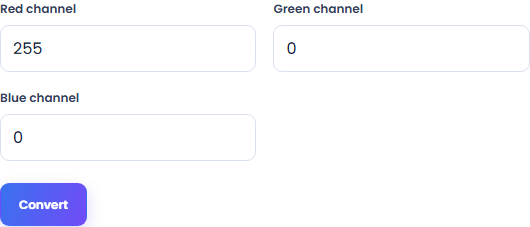
Replace the example with red channel. The field labels specify the expected format and units.
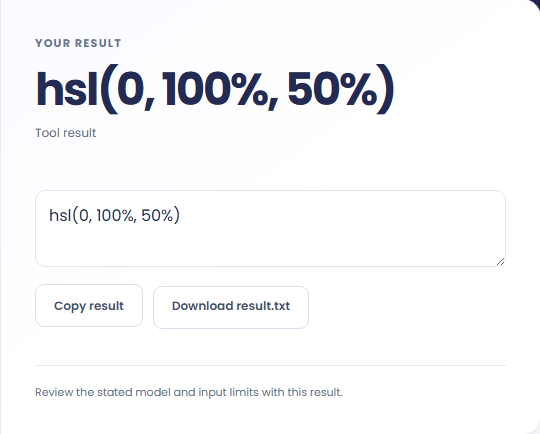
Select Convert. Review the CSS hsl() value, then copy it or download the result text.
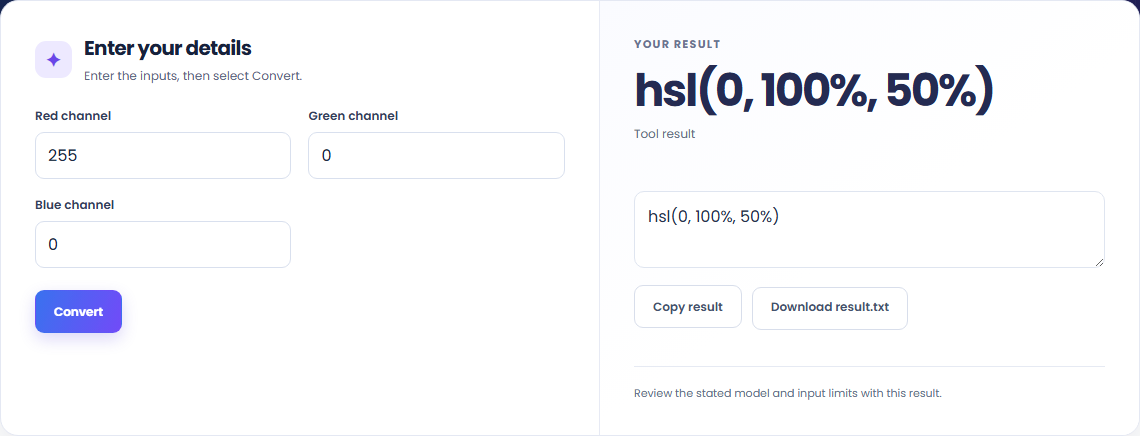
The starting example produces hsl(0, 100%, 50%). Convert opaque RGB channels into CSS hsl() notation.

Read the labels for red channel and green channel, blue channel. Whole RGB channels 0–255.

Copy the CSS hsl() value into your working file. Whole RGB channels 0–255.

Read the CSS hsl() value with the input convention.
Check the stated scope before you run it.
Convert hue, saturation and lightness through the standard HSL chroma and sector equations.
Open tool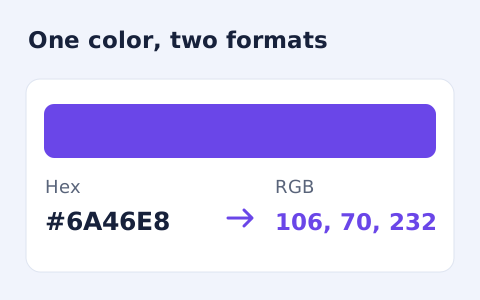
Convert #RGB or #RRGGBB colours into CSS rgb() values and individual red, green, and blue channels.
Open tool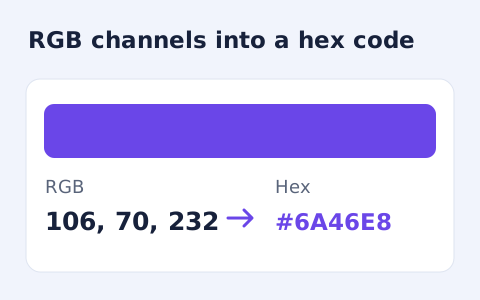
Convert RGB channel numbers into a six-digit hexadecimal CSS colour and preview it.
Open toolChoose another tool for your next calculation, conversion, or text task.
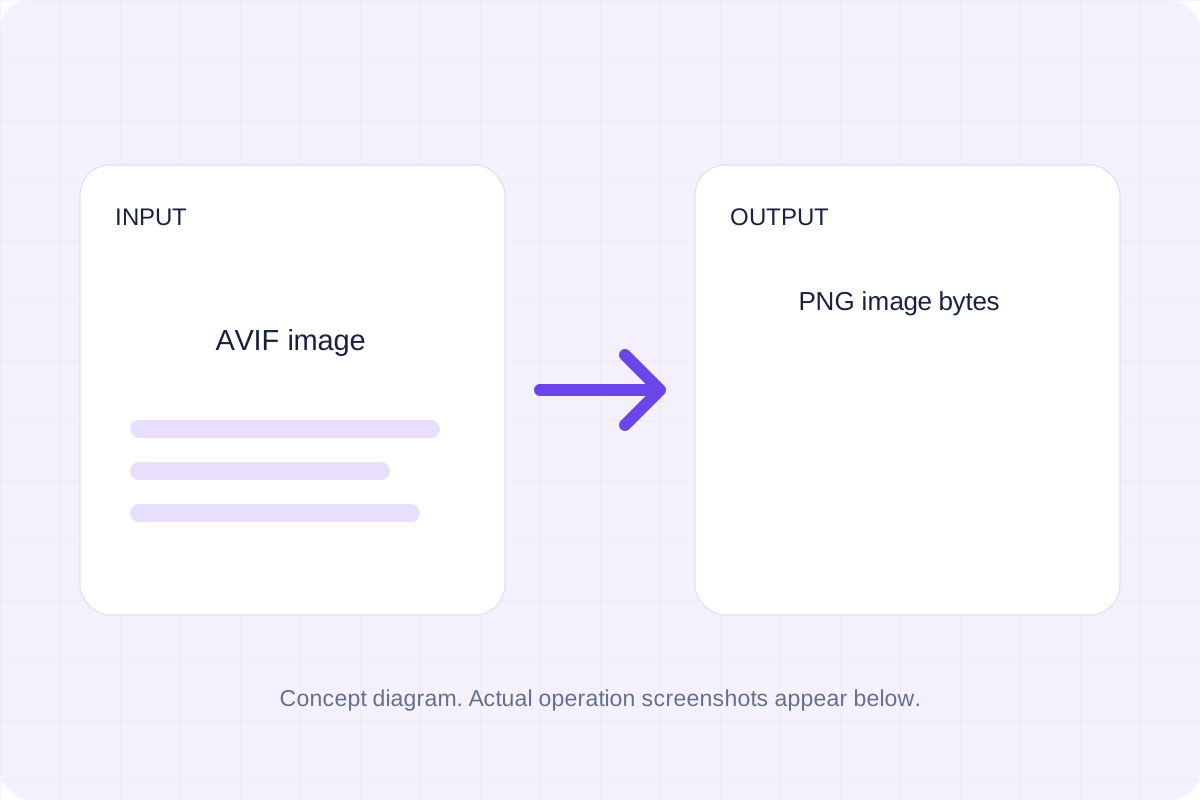
Decode the selected AVIF image and encode a PNG file at the same pixel dimensions.
Open tool
Draw a single line of supplied text onto the bitmap using a browser sans-serif font.
Open tool
Draw one text watermark at the lower-right corner with the supplied opacity.
Open tool
Decode the selected BMP image and encode a JPEG file at the same pixel dimensions.
Open toolAnswers about using RGB To HSL Converter and understanding its results.
Whole RGB channels 0–255. Hue zero is used for greys; saturation and lightness are percentages, without alpha.
Use Copy result to copy the displayed text, or Download to save it as a text file. The tool runs in your browser and does not require an account.
Check the CSS hsl() value, then copy or download it.