

DOCX to ODT converter
An OpenDocument text file with extracted Word structure. Convert supported DOCX blocks to a ZIP with OpenDocument content and manifest XML.
Open toolPort Quarto (`.qmd`) notebooks and technical articles to GitHub, Hugo, Astro, or Obsidian in one click: convert `::: {.callout-*}` divs into GFM alerts, normalize ```` ```{python} ```` executable fences into standard ```` ```python ```` blocks, strip `#|` hash-pipe options, and prune Quarto-only YAML frontmatter.
Enter the inputs, then select Convert Quarto to Markdown.
Result will appear here
A state-aware line parser handles frontmatter, nested fenced divs, and code blocks without corrupting code indentation.
Syntax Transformations: 1) ```{lang ...} -> ```lang; 2) #| key: val -> stripped or commented; 3) ::: {.callout-type title="..."} ... ::: -> > [!TYPE] blockquote or !!! admonition; 4) Heading {#sec-id .unnumbered} -> clean Markdown heading; 5) YAML frontmatter pruning of format/execute/jupyter/engine blocks.
Performs deterministic source-to-source syntax conversion from `.qmd` to `.md` without executing Python, R, or Julia code cells.
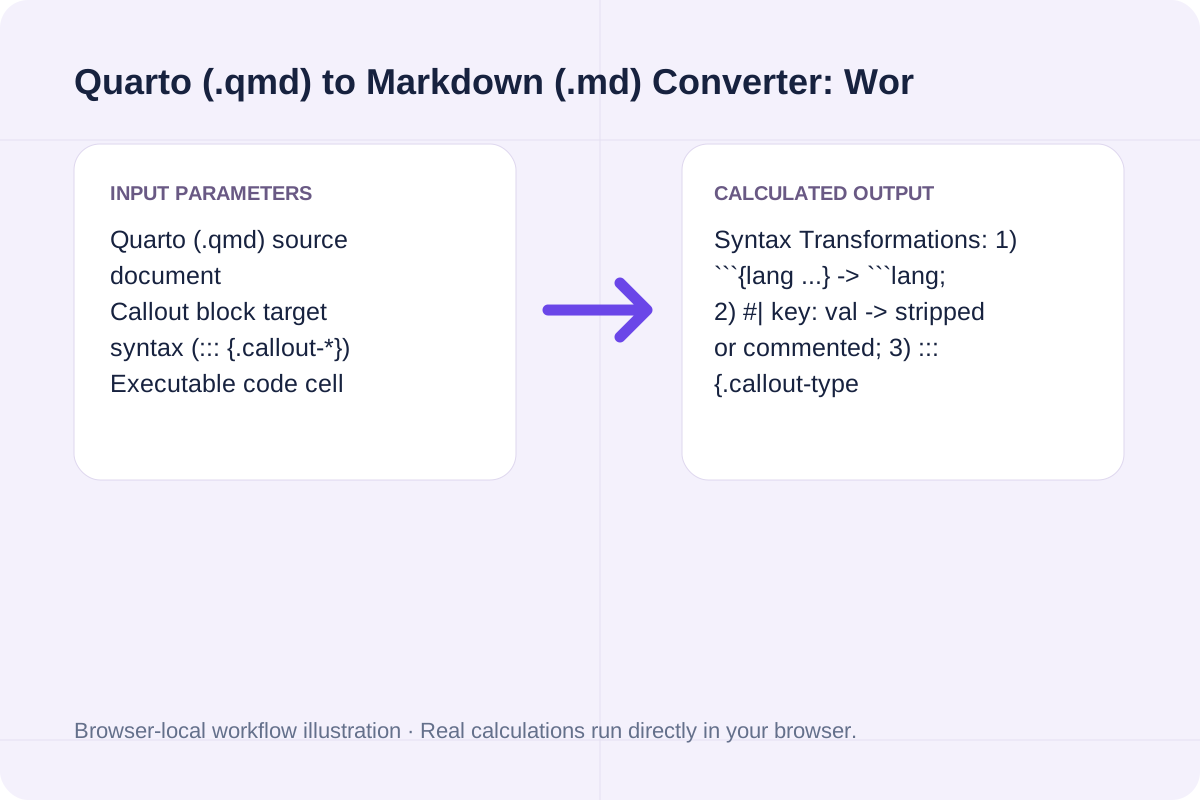
Exact syntax rewrites applied when converting `.qmd` source files into portable CommonMark / GFM.
| Quarto (.qmd) Construct | Original .qmd Syntax | Converted Standard Markdown (.md) | Configurable Options |
|---|---|---|---|
| **Callout Blocks (`::: {.callout-*}`)** | `::: {.callout-note title="Source"}` ... `:::` | `> [!NOTE] Source` + `> ...` | GFM Alert (`> [!NOTE]`), Blockquote, or MkDocs `!!! note` |
| **Executable Code Fences** | ```` ```{python} ```` or ```` ```{r, eval=FALSE} ```` | ```` ```python ```` or ```` ```r ```` | Unwraps `{lang ...}` so GitHub/Shiki/Prism highlights code |
| **Hash-Pipe Cell Options (`#|`)** | `#| label: fig-trend` / `#| echo: false` | Removed (or `# [cell-option] label: fig-trend`) | Strip `#|` lines, convert to `#` comment, or keep |
| **Heading Cross-Ref IDs (`{#sec-*}`)** | `## Executive Overview {#sec-overview}` | `## Executive Overview` | Strips trailing Pandoc `{#id .class}` attribute blocks |
| **YAML Frontmatter Pruning** | `format: html:...` / `execute: echo: false` | Retains `title`, `author`, `date`, `description`, `tags` | Clean Quarto keys, keep full YAML, or strip YAML |
Enter the values for your scenario, verify the units, and run the calculation.
Start by entering the required fields in the Quarto (.qmd) to Markdown (.md) Converter form above.
Match each value to the unit or format shown next to the input box before running the calculation.
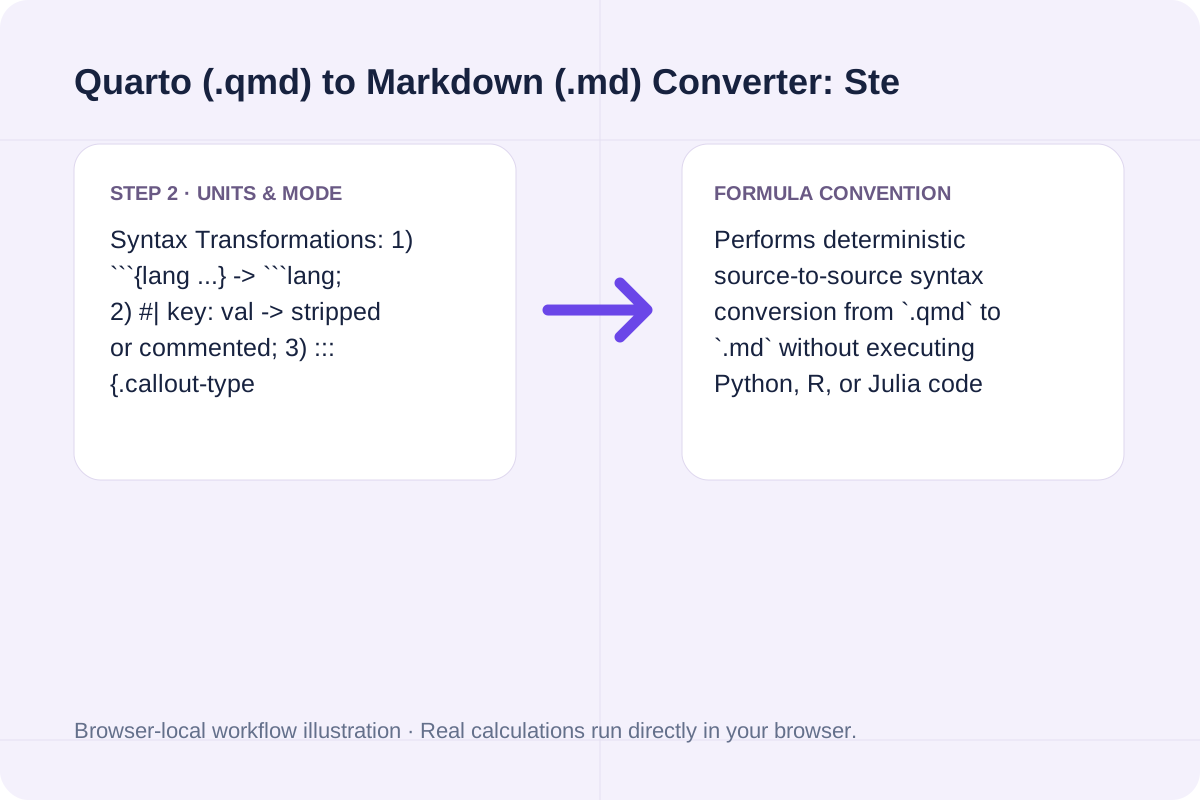
Select Convert Quarto to Markdown, inspect the primary metric and breakdown cards, then use Copy result or Download result.txt.
Compare baseline and alternative runs for Quarto (.qmd) to Markdown (.md) Converter before exporting the result.
Convert Quarto (.qmd) files into standard Markdown (.md) in your browser. Transform ::: {.callout-*} blocks into GFM alerts, normalize {python}/{r} code fences, and clean #| cell options.
Syntax Transformations: 1) ```{lang ...} -> ```lang; 2) #| key: val -> stripped or commented; 3) ::: {.callout-type title="..."} ... ::: -> > [!TYPE] blockquote or !!! admonition; 4) Heading {#sec-id .unnumbered} -> clean Markdown heading; 5) YAML frontmatter pruning of format/execute/jupyter/engine blocks.
Performs deterministic source-to-source syntax conversion from `.qmd` to `.md` without executing Python, R, or Julia code cells.
Review the calculated output alongside your entered parameters and unit conventions.
Performs deterministic source-to-source syntax conversion from `.qmd` to `.md` without executing Python, R, or Julia code cells.
Verify these three items if your `.qmd` uses dynamic code outputs.
Syntax Transformations: 1) ```{lang ...} -> ```lang; 2) #| key: val -> stripped or commented; 3) ::: {.callout-type title="..."} ... ::: -> > [!TYPE] blockquote or !!! admonition; 4) Heading {#sec-id .unnumbered} -> clean Markdown heading; 5) YAML frontmatter pruning of format/execute/jupyter/engine blocks. Performs deterministic source-to-source syntax conversion from `.qmd` to `.md` without executing Python, R, or Julia code cells.
An OpenDocument text file with extracted Word structure. Convert supported DOCX blocks to a ZIP with OpenDocument content and manifest XML.
Open tool
Sanitize supplied HTML and convert supported elements with the pinned local Turndown library.
Open tool
Convert a basic LaTeX source fragment to Markdown. Common headings, emphasis, links and lists are mapped; math and unsupported commands remain as source for review.
Open toolChoose another tool for your next calculation, conversion, or text task.
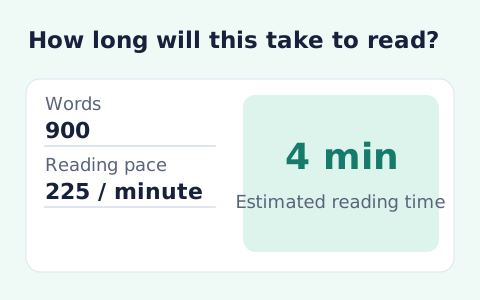
Estimate how long a passage will take to read.
Open tool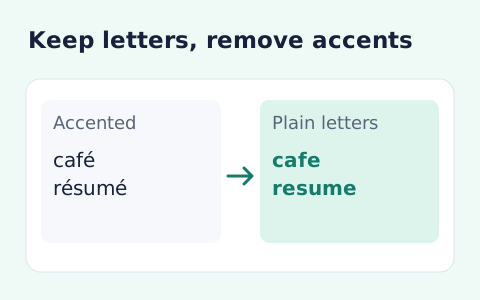
Strip combining accent marks from pasted text.
Open tool
A DOCX with common Markdown structure. Parse Markdown blocks and create Word headings, paragraphs, emphasis, lists and simple tables.
Open tool
Convert common Markdown headings, lists, links, emphasis and tables to LaTeX source. Download an editable fragment for your TeX project; this page does not compile a PDF.
Open toolAnswers about using Quarto (.qmd) to Markdown (.md) Converter and understanding its results.
Quarto and RMarkdown wrap executable language tags in curly braces (` ```{python} ` or ` ```{r, echo=FALSE} `) to trigger Knitr or Jupyter execution. Standard CommonMark and GitHub-Flavored Markdown expect a bare language identifier (` ```python ` or ` ```r `) after the opening backticks; leaving the curly braces breaks syntax highlighting in most Markdown parsers.
Quarto supports five callout types: `note`, `tip`, `warning`, `caution`, and `important`. In GFM Alert mode, the converter maps them directly to GitHub's native alert blockquotes (`> [!NOTE]`, `> [!TIP]`, `> [!WARNING]`, `> [!CAUTION]`, `> [!IMPORTANT]`), preserving any custom `title="..."` attribute on the opening line and prefixing every inner line with `> `.
Quarto uses `#| label: fig-1` and `#| echo: false` at the top of executable code blocks to configure figure captions and visibility. When migrating to a static Markdown blog or README, those `#|` lines are visual clutter. Setting `Executable code cell options` to `Strip #| cell YAML lines` removes them cleanly while keeping all actual code and regular comments intact.
Yes. Quarto headings often carry cross-reference IDs and classes such as `## Methods {#sec-methods .unnumbered}`. The converter strips trailing `{#...}` attribute blocks from headings and converts remaining fenced divs (`::: {.panel-tabset}`) into clean Markdown sections.
Choose another tool for your next calculation, conversion, or text task.