
JPG To PNG Converter
Decode the selected JPEG image and encode a PNG file at the same pixel dimensions.
Open toolDecode the selected PNG image and encode a JPEG file at the same pixel dimensions. One image only.
Enter the inputs, then select Convert image.
Result will appear here
Decode the selected PNG image and encode a JPEG file at the same pixel dimensions.
One image only. Transparency is flattened onto the chosen background. Metadata is not copied.
Start with your own input.
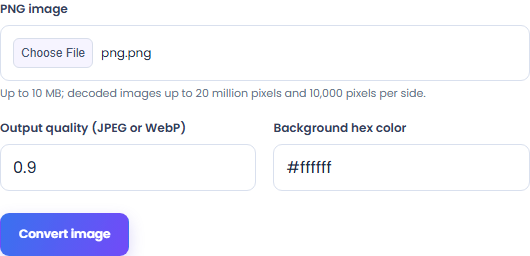
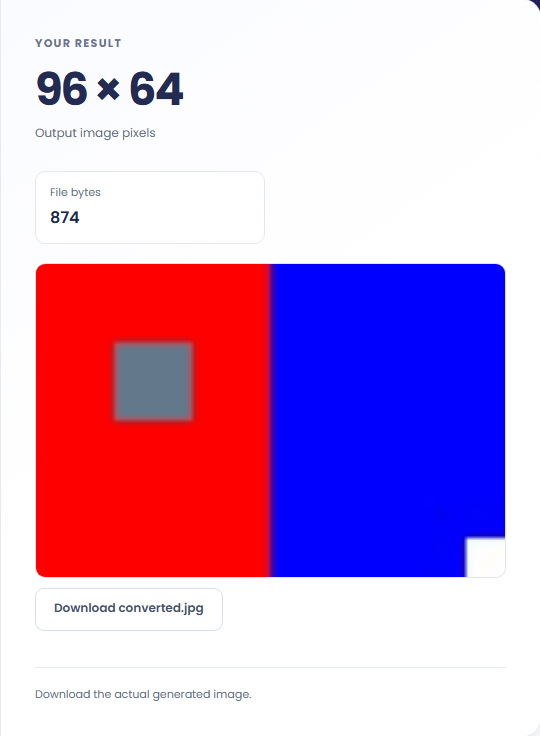
Select Convert image. Review JPEG image bytes, then download the result file.
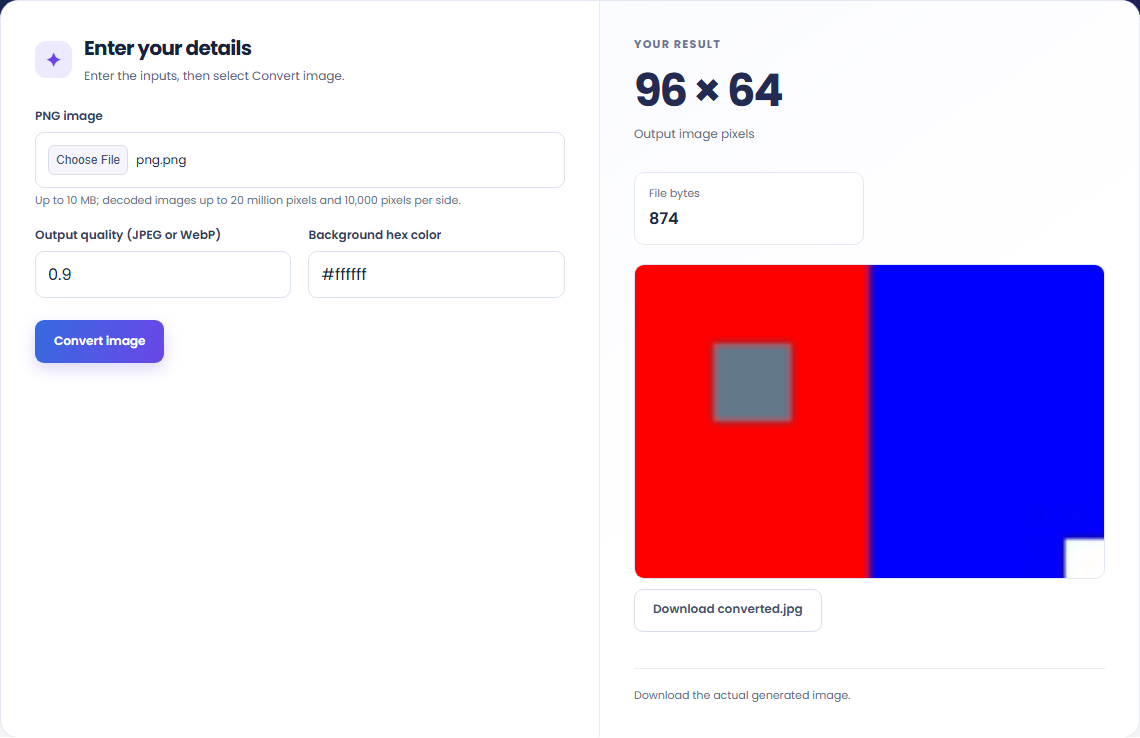
To convert a single image locally, start with png image. Decode the selected PNG image and encode a JPEG file at the same pixel dimensions.

To prepare an image for a document, start with png image. One image only.

To change the stored image format, start with png image. Review JPEG image bytes, then download the result file.

Check what the output means.
JPEG image bytes. Decode the selected PNG image and encode a JPEG file at the same pixel dimensions.
One image only. Transparency is flattened onto the chosen background. Metadata is not copied.

Check the format before processing.
One image only. Transparency is flattened onto the chosen background. Metadata is not copied.
Inputs and results are handled in this browser.

Decode the selected JPEG image and encode a PNG file at the same pixel dimensions.
Open tool
Decode the selected AVIF image and encode a PNG file at the same pixel dimensions.
Open tool
Decode the selected BMP image and encode a JPEG file at the same pixel dimensions.
Open toolChoose another tool for your next calculation, conversion, or text task.
Extract the largest supported image from a Windows ICO file. Decode PNG or 24/32-bit bitmap entries and save the selected pixels as PNG.
Open tool
Decode the selected JPEG image and encode a WebP file at the same pixel dimensions.
Open tool
Create a Windows icon with six sizes from a local PNG. Non-square images are centered without stretching, with transparency retained where supported.
Open tool
Decode the selected PNG image and encode a WebP file at the same pixel dimensions.
Open toolAnswers about using PNG To JPG Converter and understanding its results.
One image only. Transparency is flattened onto the chosen background. Metadata is not copied.
Yes. Download the result file after processing. Text results also have Copy result. Processing uses local browser code; no account is required.
Review JPEG image bytes, then download the result file.