
JSON To Query String Converter
Convert a JSON object of strings or string arrays into a URL query string.
Open toolExtract one JSON value using a simple dot-separated object or array path. Up to 100,000 source characters and 100 path segments.
Enter the inputs, then select Extract value.
Result will appear here
Extract one JSON value using a simple dot-separated object or array path.
Up to 100,000 source characters and 100 path segments. Exact own keys; no wildcards, filters, escaping or JSONPath expressions. A missing segment is rejected. JSON supports 100 nesting levels and 50,000 nodes; numeric values follow JavaScript precision and must be finite.
Follow the labelled inputs.
Replace the example with json source. The field labels specify the expected format and units.
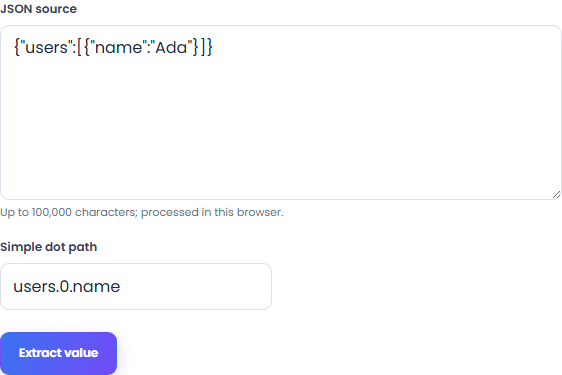
Set simple dot path. Up to 100,000 source characters and 100 path segments.
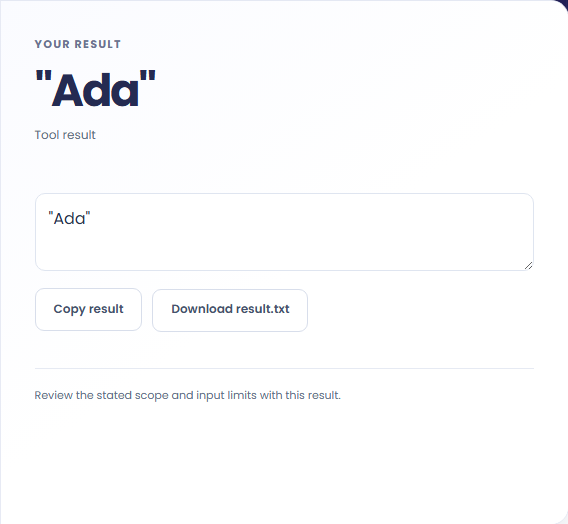
Select Extract value. Review the displayed text, then copy it or download the result text.
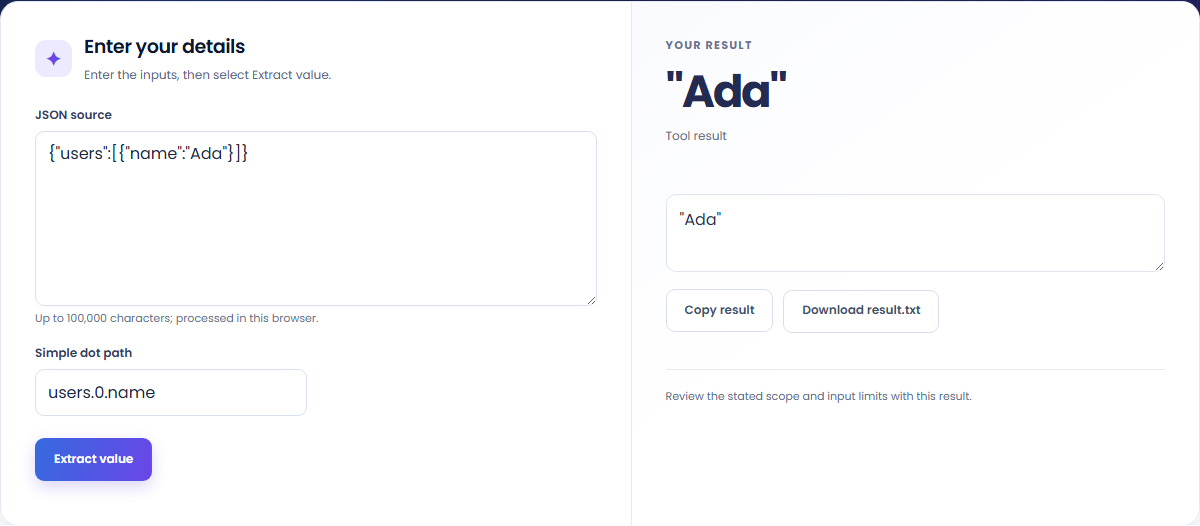
The starting example produces "Ada". Extract one JSON value using a simple dot-separated object or array path.

Read the labels for json source and simple dot path. Up to 100,000 source characters and 100 path segments.

Copy the displayed text into your notes. Keep the formula and assumptions with it if someone else needs to reproduce the calculation.

Read the units and assumptions with the output.
Extract one JSON value using a simple dot-separated object or array path.
Up to 100,000 source characters and 100 path segments. Exact own keys; no wildcards, filters, escaping or JSONPath expressions. A missing segment is rejected. JSON supports 100 nesting levels and 50,000 nodes; numeric values follow JavaScript precision and must be finite.

Check the stated scope before you run it.
Up to 100,000 source characters and 100 path segments. Exact own keys; no wildcards, filters, escaping or JSONPath expressions. A missing segment is rejected. JSON supports 100 nesting levels and 50,000 nodes; numeric values follow JavaScript precision and must be finite.
The input stays in this browser. Copy result and Download save the same displayed text.

Convert a JSON object of strings or string arrays into a URL query string.
Open tool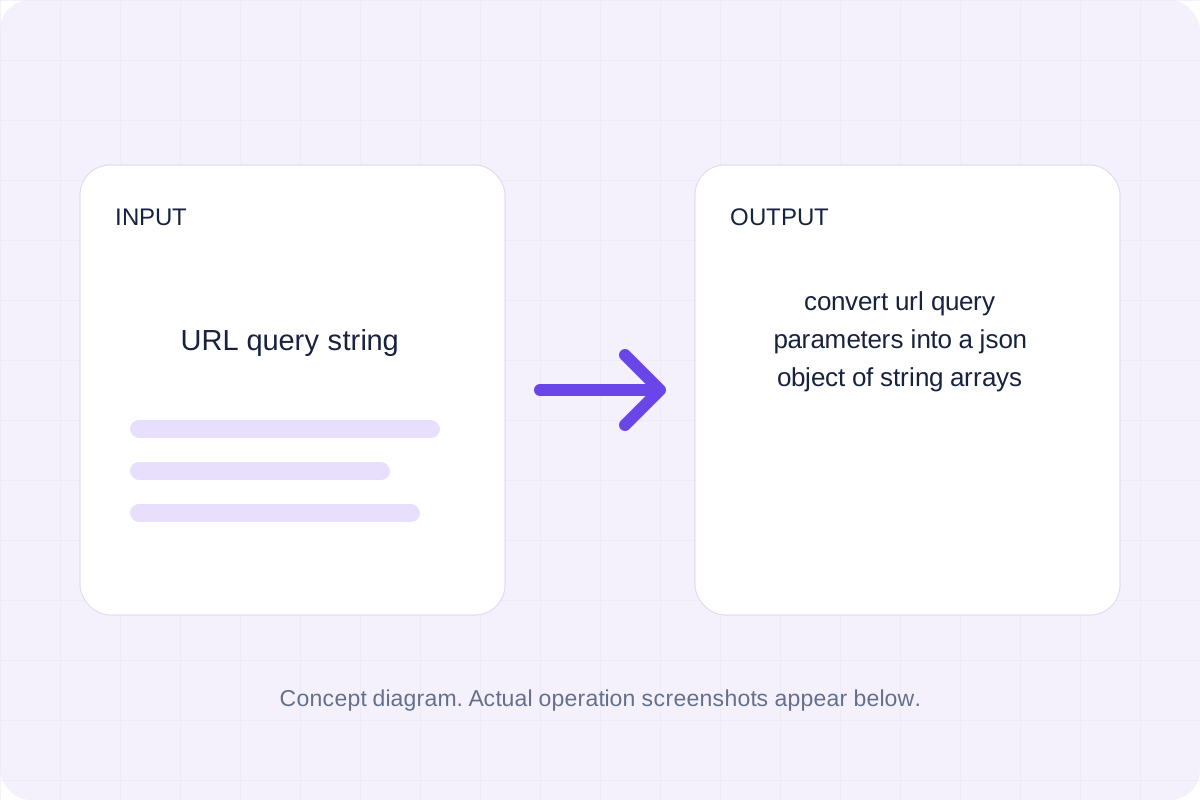
Convert URL query parameters into a JSON object of string arrays.
Open tool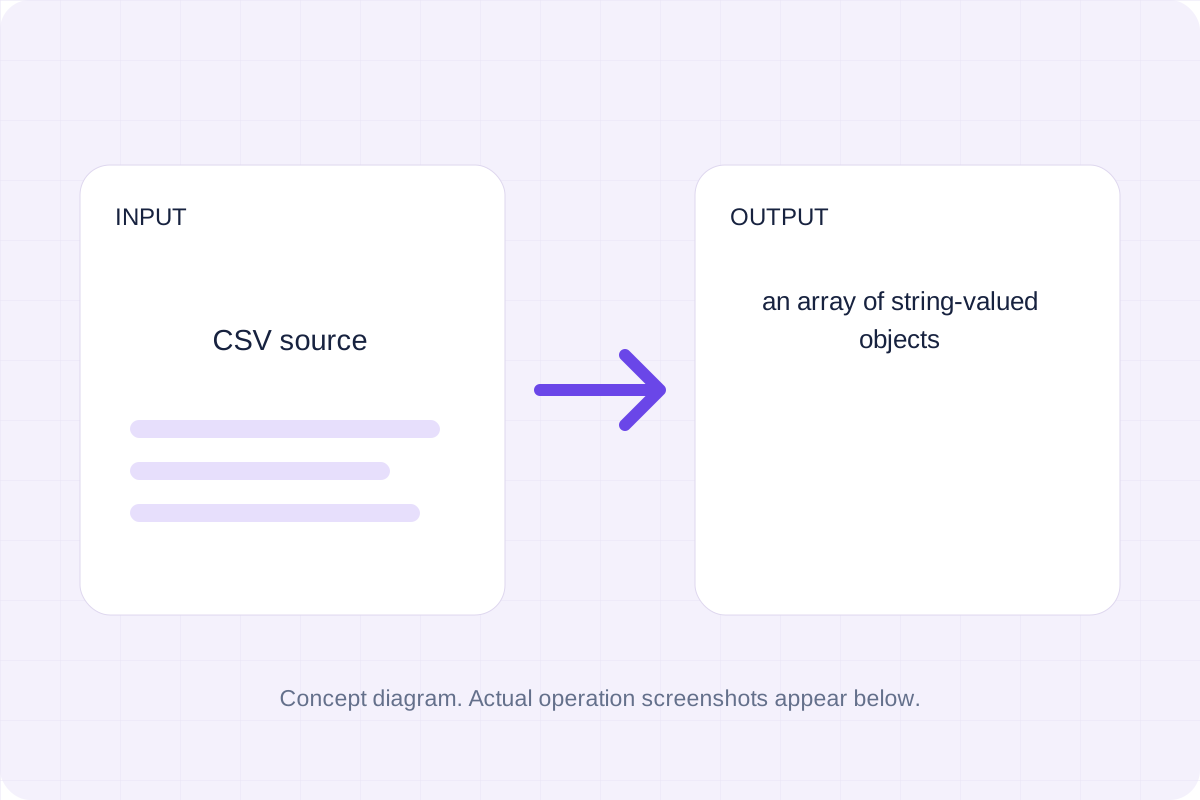
Parse quoted CSV and map unique headers to object keys.
Open toolChoose another tool for your next calculation, conversion, or text task.
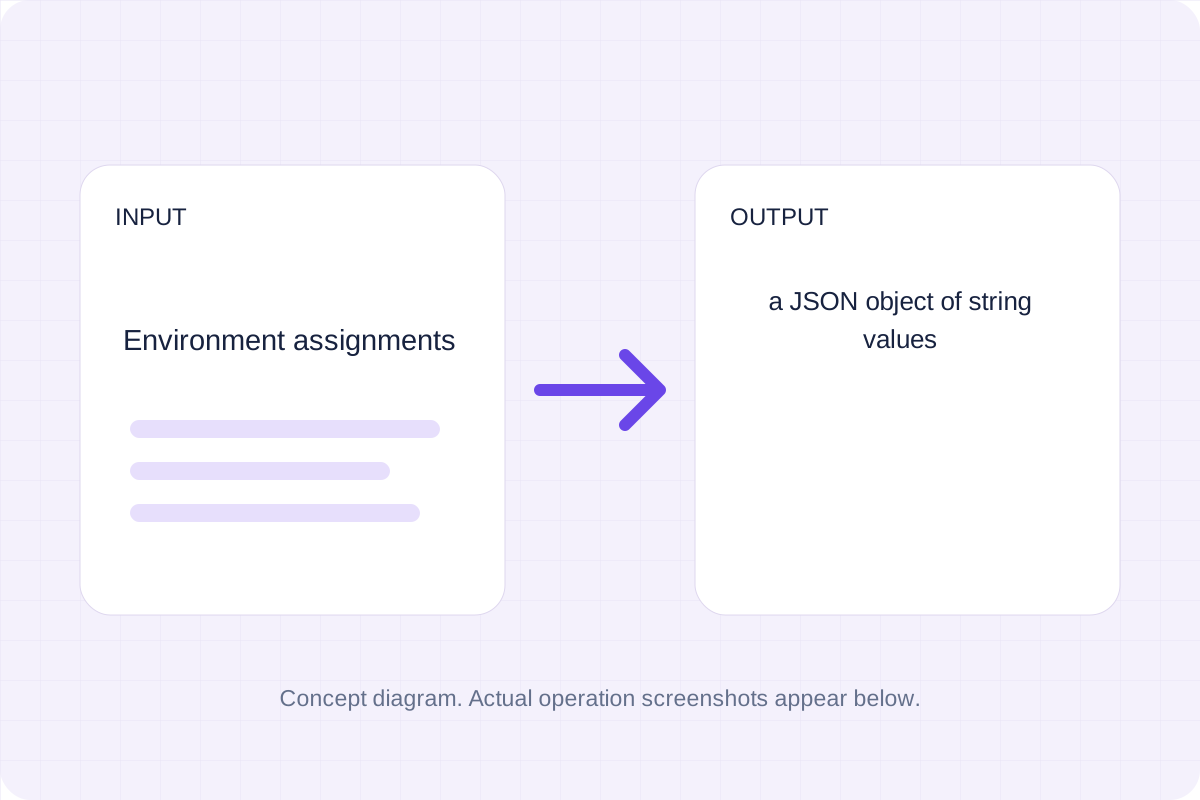
Read simple KEY=value or export KEY=value lines; strip matching outer quotes and keep each value as a string.
Open tool
Read an XLSX workbook with the pinned local SheetJS library and convert the selected data.
Open tool
Parse strict JSON and serialize it with the chosen indentation.
Open tool
Parse strict JSON and serialize compact JSON without indentation.
Open toolAnswers about using JSON Path Extractor and understanding its results.
Up to 100,000 source characters and 100 path segments. Exact own keys; no wildcards, filters, escaping or JSONPath expressions. A missing segment is rejected. JSON supports 100 nesting levels and 50,000 nodes; numeric values follow JavaScript precision and must be finite.
Copy result copies the displayed text. Download saves the same text as a TXT file. Processing runs in this browser without an account.
Check the displayed text, then copy or download it.