Absorbed Radiation Dose Converter
Convert absorbed radiation dose between the listed units.
Open toolCalculate the probability-weighted expected value. Use 1–1,000 comma- or whitespace-separated numbers, each with magnitude at most 1 billion.
Enter the inputs, then select Calculate.
Result will appear here
Calculate the probability-weighted expected value.
Use 1–1,000 comma- or whitespace-separated numbers, each with magnitude at most 1 billion. Finite real inputs; output uses up to 12 significant digits. Floating-point results may be rounded. Probabilities must be between zero and one and sum to one within 10⁻⁹. No automatic normalization.
Follow the labelled inputs.
Replace the example with outcomes. The field labels specify the expected format and units.
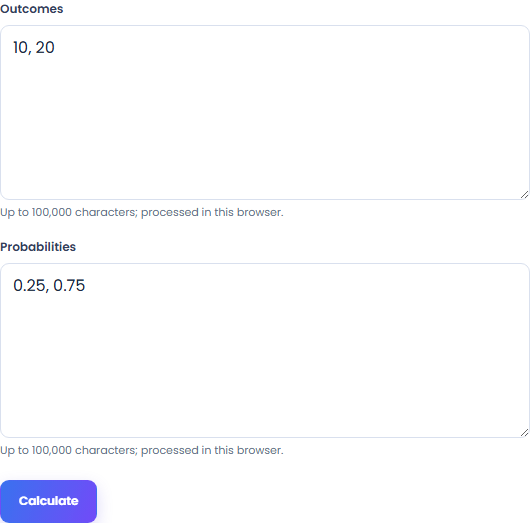
Set probabilities. Use 1–1,000 comma- or whitespace-separated numbers, each with magnitude at most 1 billion.
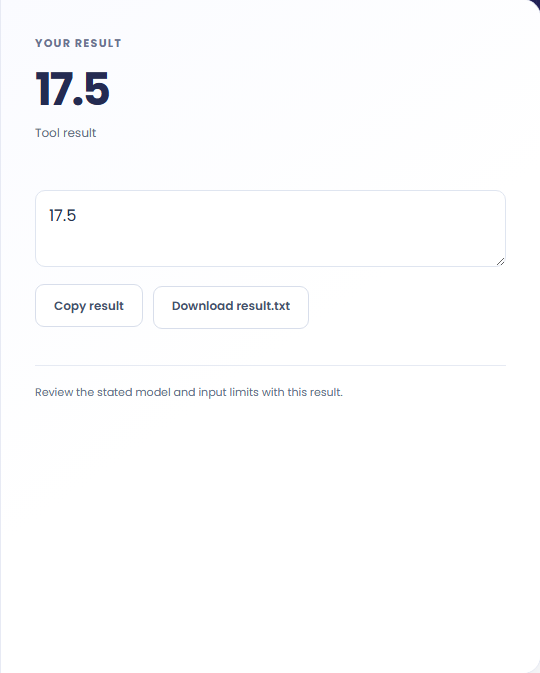
Select Calculate. Review the calculated result, then copy it or download the result text.
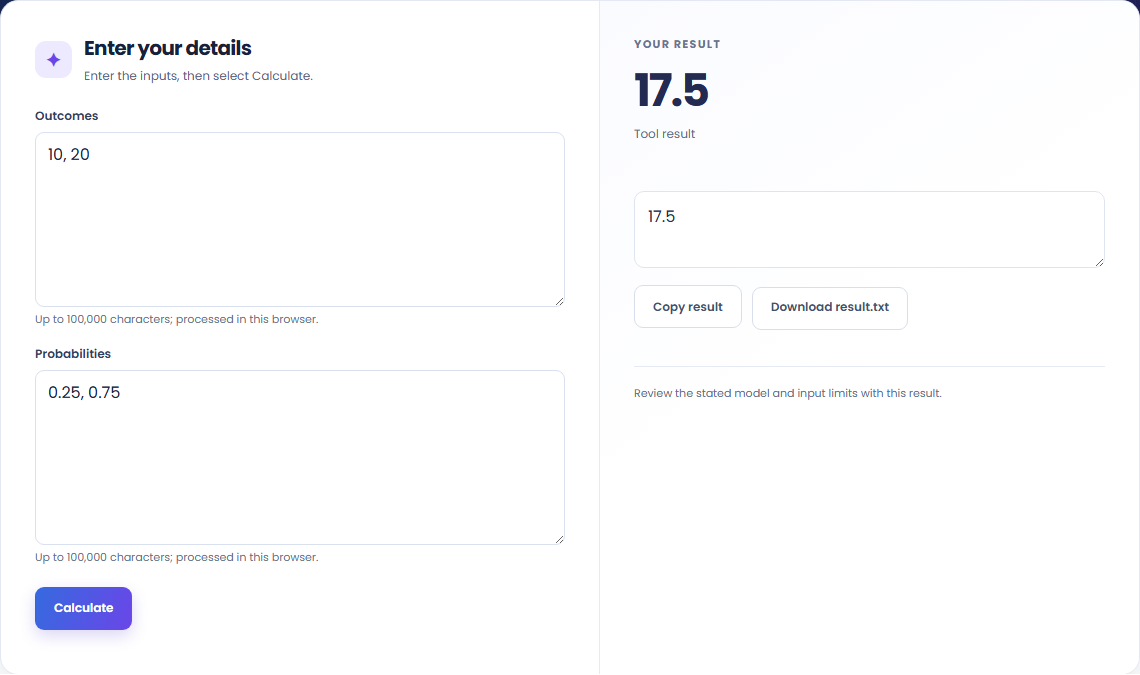
The starting example produces 17.5. Calculate the probability-weighted expected value.

Read the labels for outcomes and probabilities. Use 1–1,000 comma- or whitespace-separated numbers, each with magnitude at most 1 billion.

Copy the calculated result into your notes. Keep the formula and assumptions with it if someone else needs to reproduce the calculation.

Read the units and assumptions with the output.
Calculate the probability-weighted expected value.
Use 1–1,000 comma- or whitespace-separated numbers, each with magnitude at most 1 billion. Finite real inputs; output uses up to 12 significant digits. Floating-point results may be rounded. Probabilities must be between zero and one and sum to one within 10⁻⁹. No automatic normalization.

Check the stated scope before you run it.
Use 1–1,000 comma- or whitespace-separated numbers, each with magnitude at most 1 billion. Finite real inputs; output uses up to 12 significant digits. Floating-point results may be rounded. Probabilities must be between zero and one and sum to one within 10⁻⁹. No automatic normalization.
The input stays in this browser. Copy result and Download save the same displayed text.

Choose another tool for your next calculation, conversion, or text task.
Average angular velocity = angular displacement / time.
Open tool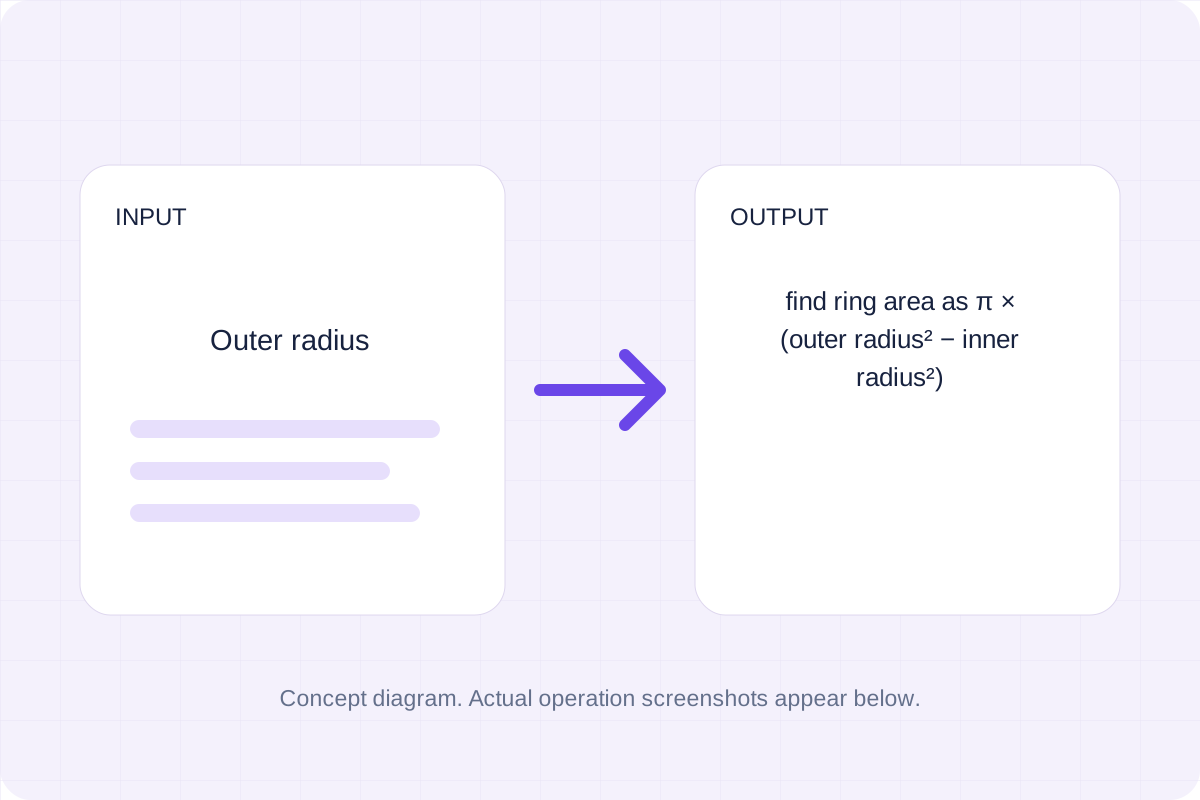
Find ring area as π × (outer radius² − inner radius²).
Open tool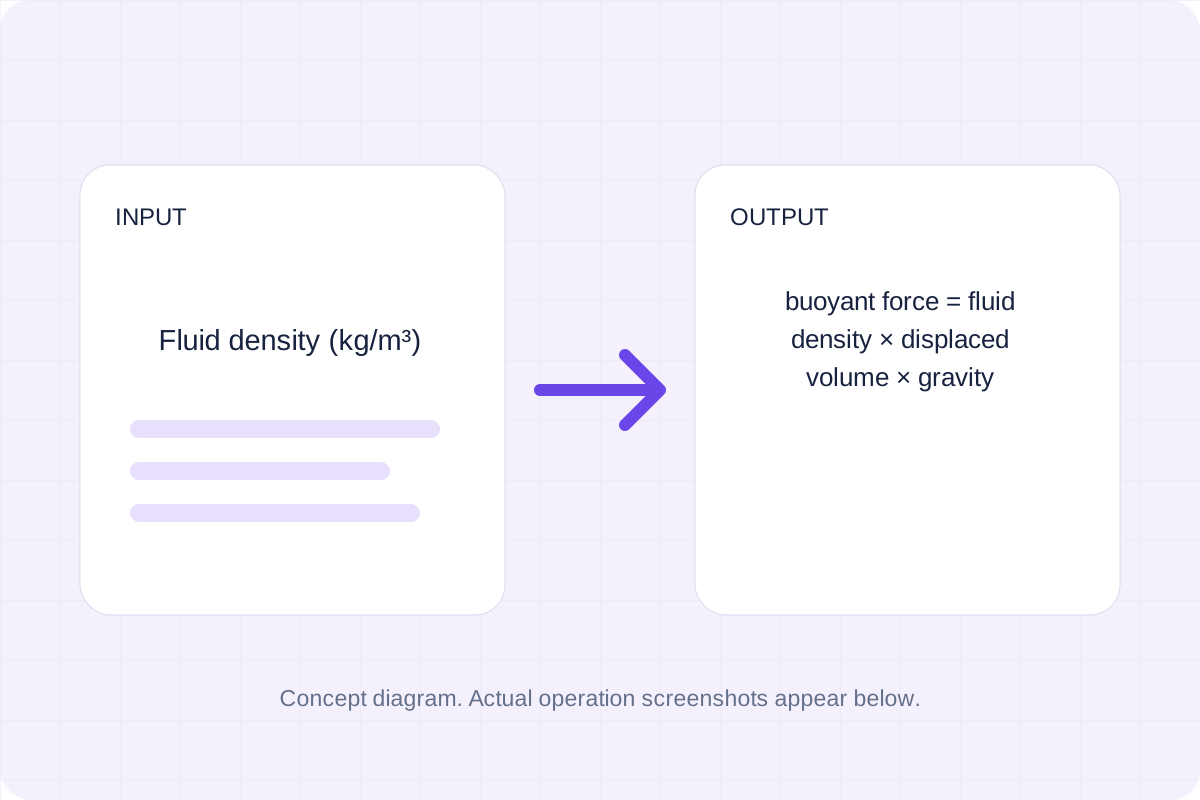
Buoyant force = fluid density × displaced volume × gravity.
Open tool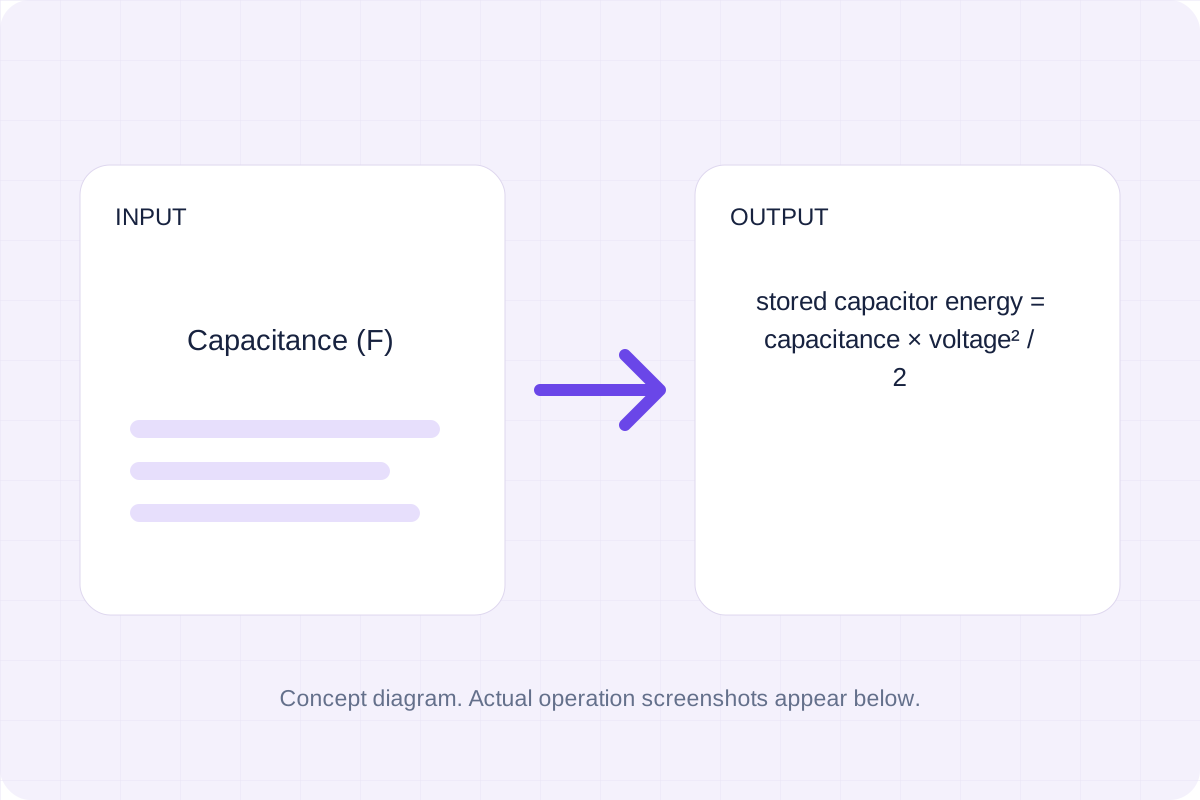
Stored capacitor energy = capacitance × voltage² / 2.
Open toolAnswers about using Expected Value Calculator and understanding its results.
Use 1–1,000 comma- or whitespace-separated numbers, each with magnitude at most 1 billion. Finite real inputs; output uses up to 12 significant digits. Floating-point results may be rounded. Probabilities must be between zero and one and sum to one within 10⁻⁹. No automatic normalization.
Use Copy result to copy the displayed text, or Download to save it as a text file. The tool runs in your browser and does not require an account.
Check the calculated result, then copy or download it.