
Bohr Model Calculator
Calculate an ideal hydrogen-like energy change and photon wavelength between two Bohr levels.
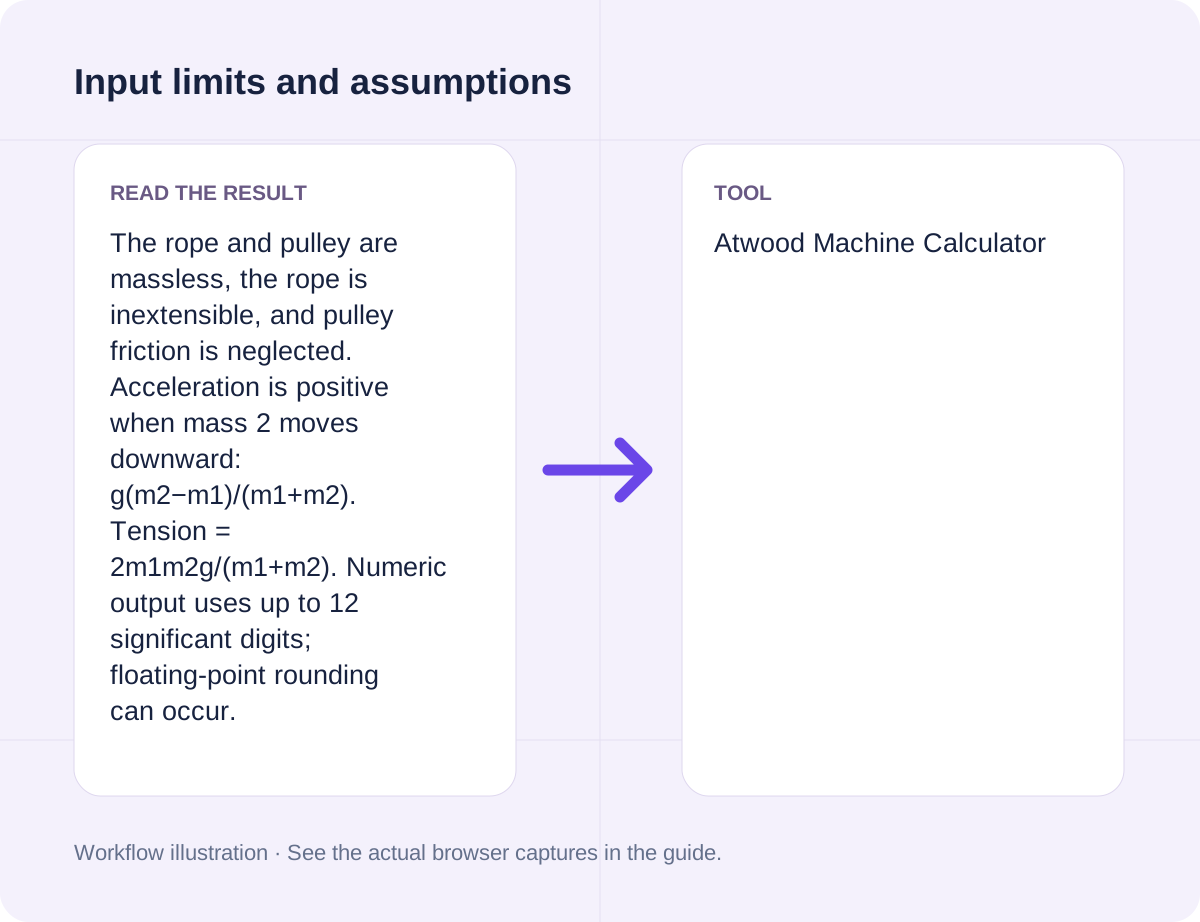
Open toolCalculate acceleration and rope tension for an ideal Atwood machine. Provide Mass 1 (kg), Mass 2 (kg), Gravitational acceleration (m/s²) to compute results directly in your browser. The rope and pulley are massless, the rope is inextensible, and pulley friction is neglected. Acceleration is positive when mass 2 moves downward: g(m2−m1)/(m1+m2). Tension = 2m1m2g/(m1+m2). Numeric output uses up to 12 significant digits; floating-point rounding can occur. Common search workflows supported include "atwood machine calculator".
Enter the inputs, then select Calculate.
Result will appear here
The Atwood Machine Calculator evaluates Mass 1 (kg), Mass 2 (kg), Gravitational acceleration (m/s²) in client-side JavaScript using the deterministic rule below and updates the output panel immediately without uploading data to a server.
Calculate acceleration and rope tension for an ideal Atwood machine.
The rope and pulley are massless, the rope is inextensible, and pulley friction is neglected. Acceleration is positive when mass 2 moves downward: g(m2−m1)/(m1+m2). Tension = 2m1m2g/(m1+m2). Numeric output uses up to 12 significant digits; floating-point rounding can occur.
Review the input parameters, allowed value ranges, and worked reference cases for the Atwood Machine Calculator below before running your calculation.
| Parameter / Scenario | Default / Sample Value | Rule or Allowed Range | Output / Usage Note |
|---|---|---|---|
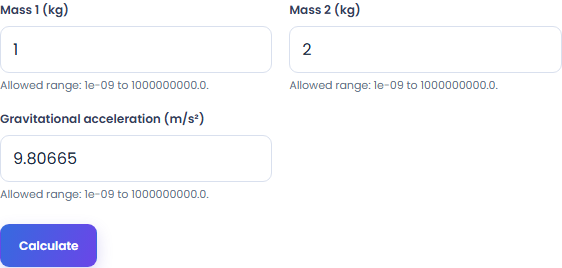
| Input: Mass 1 (kg) | 1 | Range: 1e-09 to 1000000000.0 | Required workspace parameter |
| Input: Mass 2 (kg) | 2 | Range: 1e-09 to 1000000000.0 | Required workspace parameter |
| Input: Gravitational acceleration (m/s²) | 9.80665 | Range: 1e-09 to 1000000000.0 | Required workspace parameter |
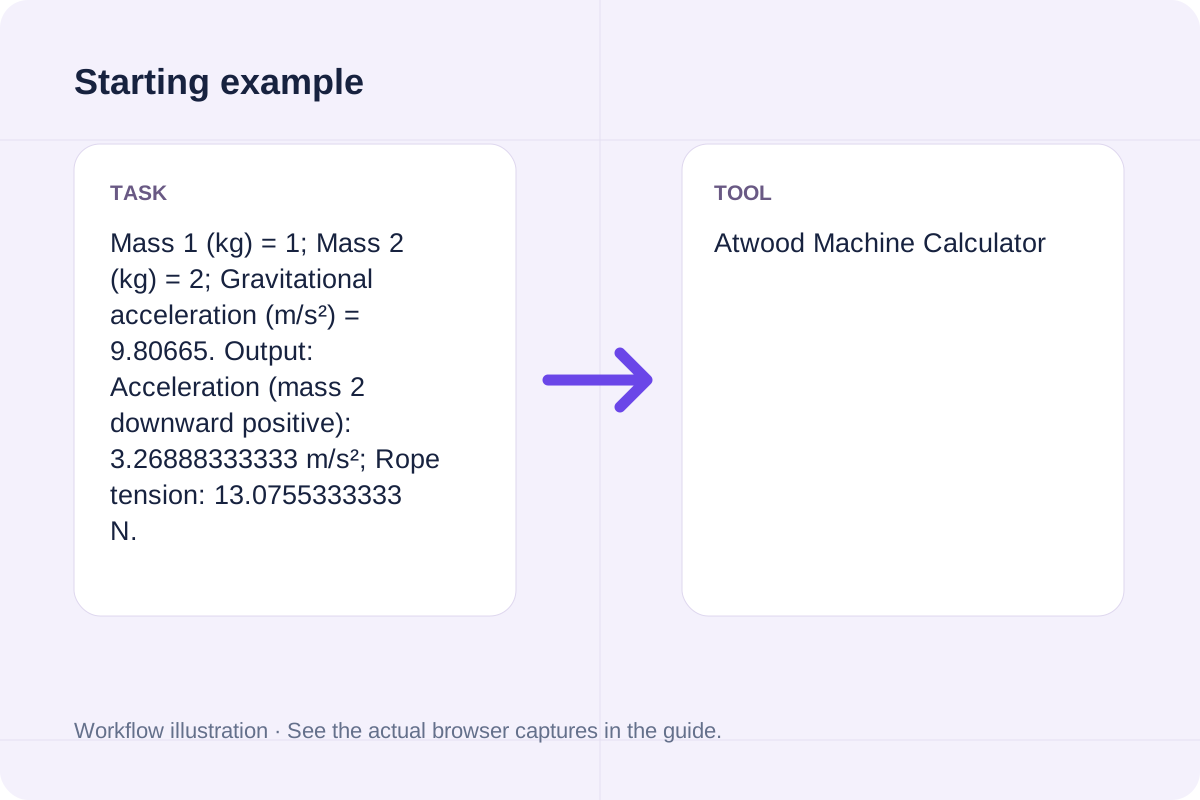
| Worked Case 1: Baseline run (Mass 1 (kg) = 1) | Preloaded / test values | Calculate acceleration and rope tension for an ideal Atwood machine | Mass 1 (kg) = 1; Mass 2 (kg) = 2; Gravitational acceleration (m/s²) = 9.80665. Output: Acceleration (mass 2 downward positive): 3.26888333333 m/s²; Rope tension: 13.0755333333 N. |
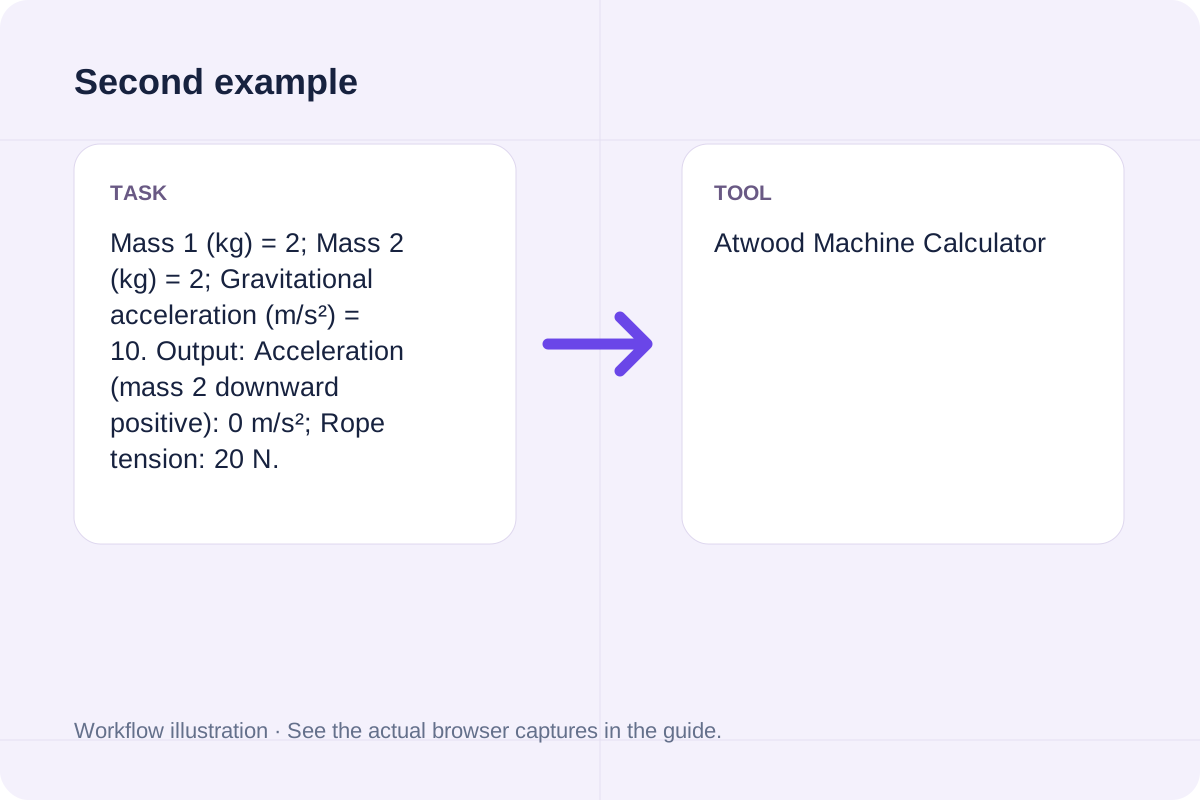
| Worked Case 2: Comparison scenario (atwood machine calculate tension) | Preloaded / test values | Calculate acceleration and rope tension for an ideal Atwood machine | Mass 1 (kg) = 2; Mass 2 (kg) = 2; Gravitational acceleration (m/s²) = 10. Output: Acceleration (mass 2 downward positive): 0 m/s²; Rope tension: 20 N. |
Follow these three steps to configure Mass 1 (kg), Mass 2 (kg), Gravitational acceleration (m/s²), verify unit and boundary rules, and export your Atwood Machine Calculator output.
The rope and pulley are massless, the rope is inextensible, and pulley friction is neglected. Acceleration is positive when mass 2 moves downward: g(m2−m1)/(m1+m2). Tension = 2m1m2g/(m1+m2). Numeric output uses up to 12 significant digits; floating-point rounding can occur.
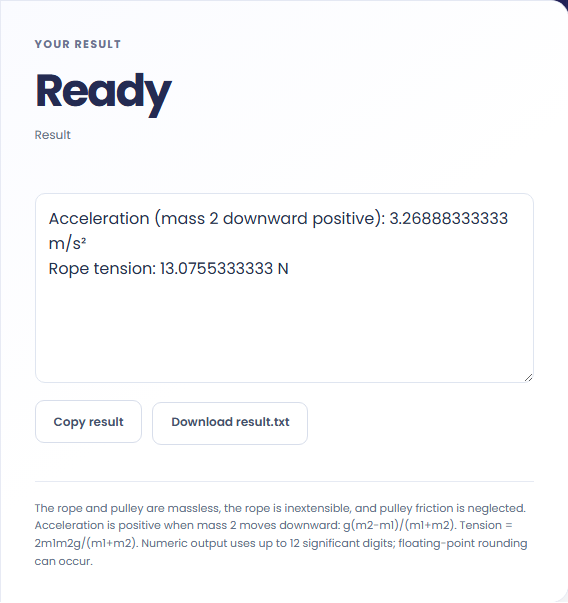
Select Calculate, check the labelled result, then use Copy result or Download result.txt.

These concrete scenarios illustrate how the Atwood Machine Calculator processes baseline inputs, comparison checks, and boundary constraints.
Mass 1 (kg) = 1; Mass 2 (kg) = 2; Gravitational acceleration (m/s²) = 9.80665. Output: Acceleration (mass 2 downward positive): 3.26888333333 m/s²; Rope tension: 13.0755333333 N.
Mass 1 (kg) = 2; Mass 2 (kg) = 2; Gravitational acceleration (m/s²) = 10. Output: Acceleration (mass 2 downward positive): 0 m/s²; Rope tension: 20 N.
When solving for 'atwood machine calculator', verify that Mass 1 (kg), Mass 2 (kg), Gravitational acceleration (m/s²) use consistent units and stay within the documented scope: The rope and pulley are massless, the rope is inextensible, and pulley friction is neglected. Acceleration is positive when mass 2 moves downward: g(m2−m1)/(m1+m2). Tension = 2m1m2g/(m1+m2). Numeric output uses up to 12 significant digits; floating-point rounding can occur.
The output panel reports the exact result derived from Mass 1 (kg), Mass 2 (kg), Gravitational acceleration (m/s²) alongside any unit or formatting notes.
Every calculation follows the rule: Calculate acceleration and rope tension for an ideal Atwood machine. Because JavaScript uses IEEE 754 double-precision floating-point arithmetic, numeric outputs display up to 12 significant digits where applicable.
Always cross-check the displayed result against the scope note (The rope and pulley are massless, the rope is inextensible, and pulley friction is neglected. Acceleration is positive when mass 2 moves downward: g(m2−m1)/(m1+m2). Tension = 2m1m2g/(m1+m2). Numeric output uses up to 12 significant digits; floating-point rounding can occur) before applying the value to production specifications, financial models, or lab records.
Review these boundary constraints and validation rules before relying on the Atwood Machine Calculator output.
Operational scope: The rope and pulley are massless, the rope is inextensible, and pulley friction is neglected. Acceleration is positive when mass 2 moves downward: g(m2−m1)/(m1+m2). Tension = 2m1m2g/(m1+m2). Numeric output uses up to 12 significant digits; floating-point rounding can occur. Inputs that violate minimum/maximum bounds or required format rules are rejected with a clear diagnostic prompt.
Need an adjacent calculation in Everyday Math? Use the related tools linked below to chain your workflow without leaving your browser.
Calculate an ideal hydrogen-like energy change and photon wavelength between two Bohr levels.
Open tool
Calculate ideal Compton wavelength shift for scattering from a free electron at rest.
Open tool
Calculate ideal LED-series limiting resistance and resistor power dissipation.
Open toolChoose another tool for your next calculation, conversion, or text task.
Estimate buffer duration and theoretical round-trip audio latency from supplied parameters.
Open tool
Add the finite numbers and divide by their count; also report minimum, maximum and median.
Open tool
Calculate OEE from planned time, downtime, total output, rejected output and ideal cycle time.
Open tool
Calculate an ideal Keplerian period from semimajor axis and total two-body mass.
Open toolAnswers about using Atwood Machine Calculator and understanding its results.
The Atwood Machine Calculator applies the rule: Calculate acceleration and rope tension for an ideal Atwood machine. Enter Mass 1 (kg), Mass 2 (kg), Gravitational acceleration (m/s²) into the workspace and the tool computes the exact output in your browser.
Yes. Provide Mass 1 (kg), Mass 2 (kg), Gravitational acceleration (m/s²) using the documented units and format shown in the quick reference table above. Preloaded default values let you test the workflow immediately.
The rope and pulley are massless, the rope is inextensible, and pulley friction is neglected. Acceleration is positive when mass 2 moves downward: g(m2−m1)/(m1+m2). Tension = 2m1m2g/(m1+m2). Numeric output uses up to 12 significant digits; floating-point rounding can occur. Confirm that your inputs fall within the allowed ranges before exporting the result.
Yes. All calculations for the Atwood Machine Calculator execute 100% locally in your browser's JavaScript runtime. No inputs or results are uploaded to any external server.
Choose another tool for your next calculation, conversion, or text task.